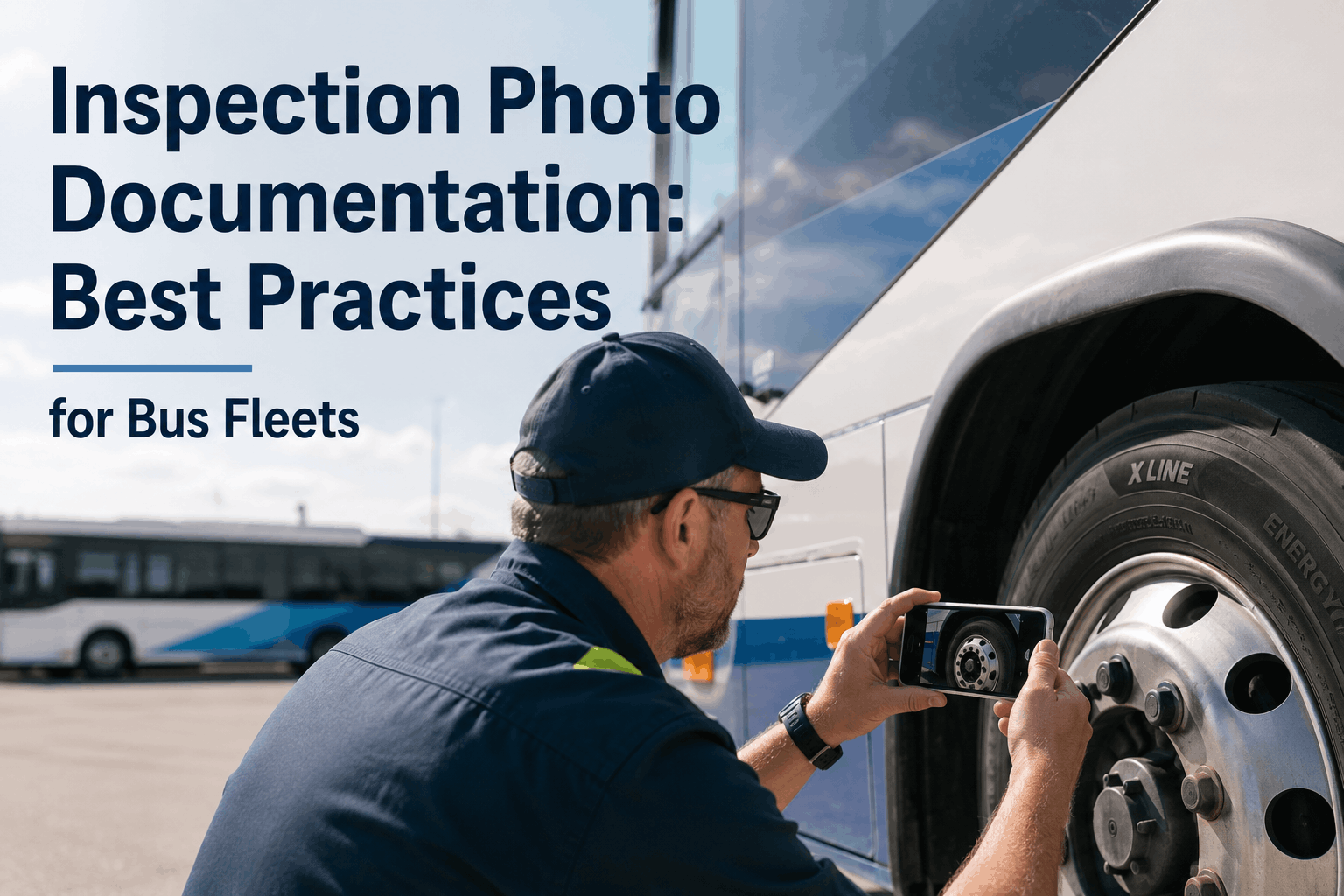
During a 2025 warranty audit for a 94-bus transit fleet in Florida, the maintenance director submitted 2,300 paper inspection records. Only 12 contained any photo evidence. The manufacturer denied $187,000 in powertrain warranty claims because the fleet could not prove the defects existed before the warranty cutoff. No photos meant no proof—and $187,000 in repairs came out of the fleet's operating budget. The same fleet now uses Bus CMMS to attach photos to every inspection line item. When a mechanic flags "oil leak — rear main seal" and attaches three photos showing fresh oil tracking from the bell housing, the manufacturer approves the claim within 72 hours. Photo documentation transforms subjective defect notes into objective evidence that works for warranty claims, audit defense, and internal root-cause analysis. Schedule a photo-inspection workflow demo.
Why Photo Documentation Changes Everything
Paper inspection logs rely on handwritten descriptions like "leak," "crack," or "noise." Those words are subjective. One mechanic's "minor seep" is another mechanic's "active leak." An FMCSA auditor or warranty adjuster cannot verify what the mechanic actually saw. Photo documentation eliminates interpretation. A single image shows the exact location, severity, and context of a defect. When that photo includes a timestamp and GPS coordinates, it becomes legally defensible evidence. Bus CMMS captures photos directly inside each inspection checklist. Mechanics take photos of defects, the system automatically stamps them with date, time, vehicle ID, and inspector name, then stores them with the inspection record. No separate photo management. No lost files. Just structured visual evidence attached to the exact asset and inspection item where the defect was found. Start a free trial of photo-enabled digital inspections.
What to Photograph: The Complete Inspection Photo Checklist
Not every inspection line item needs a photo. But specific defect categories should always trigger photo capture. The table below shows what to photograph, why, and how many angles to capture:
Photo Quality Standards That Hold Up in Audits
A blurry, dark, or misaligned photo is worse than no photo—it suggests the inspector did not care enough to capture usable evidence. FMCSA auditors and warranty adjusters both expect minimum quality standards. Follow these rules for every inspection photo:
How Bus CMMS Streamlines Photo Documentation
The gap between knowing you need photos and actually capturing, organizing, and retrieving them is where most fleets fail. Bus CMMS closes that gap with native mobile photo capture inside every inspection form. Mechanics open the inspection checklist on a tablet or phone. When they mark a defect, the system prompts them to attach photos. The app uses the device camera—no switching apps, no saving to camera roll, no manual file naming. The system automatically stamps each photo with the vehicle ID, inspection type, date, time, and inspector name. Photos are stored directly in the cloud and linked to the asset record. When you need to prove a defect existed on a specific date, you export the full inspection report with embedded, timestamped images. No searching through shared drives. No mismatched file names. No missing evidence. See the photo-inspection workflow in action.
Photo Tagging and Organization Best Practices
Raw photos without organization are almost useless during an audit or warranty review. You need a system that tags images by asset, defect type, date, and inspector. Bus CMMS automatically applies these tags when the photo is captured. Manual systems require someone to rename files, move them to folders, and maintain a separate index—work that rarely happens consistently. The result is thousands of untagged photos in a shared drive that no one can search. Digital inspection platforms solve this by making photo organization automatic. Each photo inherits the metadata of the inspection: vehicle ID, odometer reading, inspection type (pre-trip, post-trip, annual), inspector name, and the specific checklist item that triggered the photo. Search for "VIN 12345 brake photos from March 2026" and you get exactly those images in seconds. That level of organization turns photo documentation from a burden into an asset.
Warranty Claims: How Photos Become Dollars
Component manufacturers have tightened warranty requirements across the bus industry. Engine, transmission, and HVAC warranties now routinely require pre-failure photo documentation. If you cannot prove a defect existed and was reported before the warranty expiration date, the claim is denied. Bus CMMS customers report average warranty recovery increases of $42,000 annually after implementing photo-enabled inspections. The workflow is simple: mechanic finds defect, takes timestamped photos within the inspection app, inspection record triggers a work order, work order links to warranty claim, and the claim includes the original inspection photos. The manufacturer sees the defect date, the repair date, and the photo evidence in one package. Claims that used to take 60-90 days now clear in 2-3 weeks. Denials that used to run 40% are now under 10%. Book a warranty-focused demo.
Frequently Asked Questions: Inspection Photo Documentation
How many photos should we take per inspection defect?
Minimum 2 photos per defect: one wide shot showing component location, one close-up showing the defect detail. For structural cracks or fluid leaks, take 3 photos including a measurement reference.
What metadata must be preserved on inspection photos for FMCSA audits?
Timestamp, GPS coordinates (if collected), vehicle VIN or unit number, inspector name, and inspection date must be permanently attached to each photo file or the parent inspection record.
Does Bus CMMS automatically stamp photos with timestamps and vehicle IDs?
Yes. When a mechanic takes a photo inside a Bus CMMS inspection checklist, the system automatically embeds the vehicle ID, inspection type, date, time, and inspector name as metadata and stores it with the inspection record.
How long should we keep inspection photos for warranty purposes?
Retain photos for the full warranty period plus one additional year. For major components with 5-year warranties, retain photos for 6 years from the inspection date.
What photo resolution is required for DOT audit acceptance?
Minimum 2 megapixels (1600x1200). Lower resolution photos may be rejected as insufficient evidence. Modern smartphone cameras exceed this requirement automatically.
Can auditors request original unedited inspection photos?
Yes. FMCSA auditors can request original, unedited image files with complete metadata. Never crop, resize, or alter inspection photos after capture. Bus CMMS stores original files.
How do photo inspections improve preventive maintenance programs?
Photos reveal developing issues before they become failures. A photo of minor surface rust today prevents a structural failure next year. Photos also help track repair quality over time.
What is the ROI of switching from paper to photo-enabled digital inspections?
Fleets using Bus CMMS report average warranty recovery increase of $42,000 annually, audit preparation time reduced by 70%, and mechanic productivity improved by 45 minutes per day.
Inspection photo documentation is no longer optional for professional bus fleets. Warranty manufacturers require it. FMCSA auditors expect it. And your internal root-cause analysis depends on it. The cost of not having photos is measured in denied claims, audit findings, and repeated failures that could have been prevented. Bus CMMS makes photo documentation automatic, organized, and searchable. Mechanics spend less time on paperwork and more time on repairs. Managers stop searching for lost files and start analyzing trends. And when the auditor asks for proof of a defect from 14 months ago, you export the inspection report with photos in 30 seconds. Schedule your photo-inspection workflow demo today.