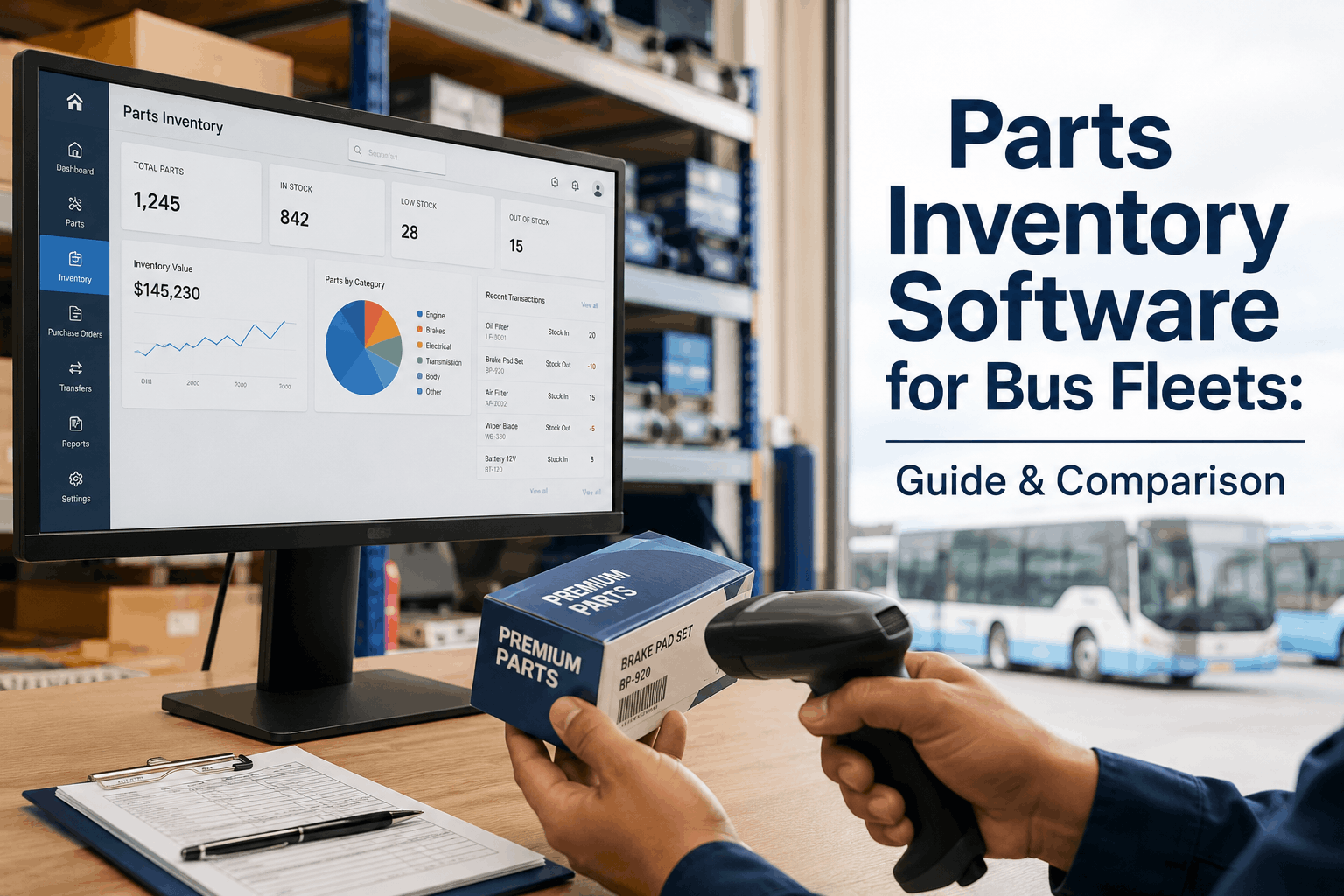
Parts Inventory Software for Bus Fleets: Guide & Comparison


blogparts-inventory-software-bus-fleets-guide

A 150-bus transit fleet in Ohio was spending $380,000 annually on parts inventory. The problem: they didn't know where most of it was. Brake pads buried in unlabeled bins. Air filters ordered last week when 50 were already on the shelf. Oil filters that hadn't moved in 18 months. The maintenance director estimated 22% of their inventory was dead stock — parts that would never be used. That's $83,000 in cash sitting on shelves, collecting dust. Meanwhile, the fleet was still ordering parts weekly, paying rush shipping fees because common items weren't where mechanics could find them. Parts inventory software solves this. It tracks every part, sets reorder points, automates purchase orders, and tells you what's actually moving. This guide covers how parts inventory software works for bus fleets, what features matter, and how to choose the right platform.

Inventory Management 2026
22%
of Parts Inventory Is Dead Stock
Average bus fleet has 22% of parts that never get used — cash tied up in slow-moving inventory.
30%
Lower inventory carrying costs
50%
Fewer emergency parts orders
$83k
Typical dead stock per 100 buses

What Is Parts Inventory Software for Bus Fleets?

Parts inventory software is a digital system that tracks every part in your shop from receiving to installation. For bus fleets, it manages brake pads, air filters, oil filters, tires, belts, hoses, bulbs, wiper blades, coolant, DEF, and thousands of other components. The software records: part number, description, quantity on hand, location (bin, shelf, rack), reorder point, vendor information, cost per unit, and usage history. When a mechanic removes parts for a work order, the software deducts from inventory. When stock falls below reorder point, the software generates a purchase order. Parts inventory software integrates with work orders and preventive maintenance — when a PM is scheduled, the required parts are reserved and ready. Without inventory software, fleets face three problems: stockouts (can't complete repairs), overstock (cash tied up), and shrinkage (parts lost or stolen).

1
Prevent Stockouts
Never run out of critical parts. Set reorder points for every part. When inventory drops below threshold, automatic purchase orders are created. Mechanics always have the parts they need for scheduled PMs and emergency repairs.
BusCMMS: Auto-reorder at configurable minimum levels
2
Reduce Overstock
Identify slow-moving parts. If an oil filter hasn't moved in 12 months, stop ordering it. Parts inventory software provides usage reports showing exactly what moves and what doesn't. Reduce inventory carrying costs by 20-35%.
BusCMMS: Usage reports identify dead stock
3
Track Inventory Value
Know exactly how much inventory value is on your shelves. Parts inventory software calculates total inventory value, tracks receiving costs, and reports on shrinkage (lost or stolen parts). Budget accurately for parts purchases.
BusCMMS: Real-time inventory valuation

BusCMMS includes complete parts inventory management alongside work orders and preventive maintenance. Book a demo to see inventory management in action.

Core Features Your Parts Inventory Software Must Have

Not all inventory systems are built for bus fleets. These features are non-negotiable for maintenance operations.

Barcode Scanning
Scan barcodes to receive parts, issue parts to work orders, and cycle count inventory. Eliminates manual data entry errors. Reduces receiving time by 75%.
Auto-Reorder Points
Set minimum and maximum quantities per part. When stock drops below minimum, system generates purchase order or alert. Prevents stockouts without overstocking.
Work Order Integration
Parts automatically deducted from inventory when a work order is completed. Parts reserved for scheduled PMs. Tracks parts usage by bus, by mechanic, over time.
Vendor Management
Store preferred vendors, part numbers, and pricing. Generate purchase orders to correct vendors automatically. Track vendor performance (lead time, fill rate).

BusCMMS includes all four core features plus bus-specific part categories. Sign up free to start managing parts inventory.

How Parts Inventory Software Saves Money

The financial case for parts inventory software is clear. Calculate your potential savings using these metrics.

Inventory Software ROI Calculator — 100-Bus Fleet
Cost AreaWithout SoftwareWith SoftwareAnnual Savings
Inventory carrying cost$80,000$56,000$24,000
Emergency parts orders (rush shipping)$15,000$5,000$10,000
Dead stock write-offs$25,000$5,000$20,000
Over-ordering duplicate parts$12,000$2,000$10,000
Mechanic time searching for parts$18,000$4,000$14,000
Total Annual Savings$78,000
Source: Fleet data from 200+ bus fleets using inventory management software. Typical payback period: 3-6 months.
What Fleets Using BusCMMS Report
"We had $180,000 in parts inventory spread across three storage rooms. No one knew what we had. Mechanics ordered parts they thought were out of stock, but we already had them somewhere else. Parts inventory software with barcode scanning cut our inventory value by 35% — $63,000 freed up. And we stopped paying for rush shipping on parts we already owned. The software paid for itself in four months." — Fleet Maintenance Manager, 85-bus school district, North Carolina

Barcode Scanning: The Game-Changer

Barcode scanning transforms parts inventory management from tedious to effortless. Here's how it works and why it matters.

Receiving
Receiving New Parts
Scan each part's barcode as it arrives. The system automatically adds the quantity to inventory, records the vendor, and updates part cost. No manual data entry. Receiving time: 10 seconds per box instead of 3 minutes. Error rate: near zero.
Issuing
Issuing Parts to Work Orders
Mechanic scans barcode when removing parts from shelf. System deducts from inventory and adds to the work order. Tracks parts cost per work order, per bus, per mechanic. No more lost parts.
Cycle Count
Cycle Counting Inventory
Count a small section of inventory weekly by scanning barcodes. System compares physical count to recorded count and flags discrepancies. No more annual inventory shutdowns.

BusCMMS includes mobile barcode scanning for iOS and Android devices. Book a demo to see barcode scanning in action.

Setting Reorder Points: The Science of Stock Levels

Reorder points are the heart of inventory optimization. Too low = stockouts. Too high = overstock. Calculate the optimal reorder point using this formula.

Reorder Point Formula & Example
FactorExample ValueCalculation
Average daily usage2 units per dayTracked automatically by software over 12 months
Vendor lead time (days)5 daysFrom order placement to delivery
Safety stock (days)3 daysBuffer for demand spikes or delivery delays
Reorder point16 units(2 × 5) + (2 × 3) = 10 + 6 = 16 units
When inventory drops to 16 units, system automatically triggers purchase order for the reorder quantity (typically 2-4 weeks of supply).

BusCMMS calculates optimal reorder points automatically based on your usage history. Sign up free to set up auto-reorder rules.

Parts Categories Every Bus Fleet Must Track

Bus fleets manage thousands of parts. These are the categories where inventory software delivers the highest ROI.

High-Volume Consumables
Oil filters, air filters, fuel filters, coolant, DEF, wiper blades, bulbs. High turnover. Stockouts stop PMs. Auto-reorder essential.
Brake Components
Brake pads, shoes, rotors, drums, calipers, air chambers, slack adjusters. High cost, high volume. Track usage by bus and axle.
Tires
Tires, tubes, valve stems. Track by position on bus, tread depth, installation date, removal reason. High value inventory.
Belts & Hoses
Serpentine belts, radiator hoses, heater hoses. Failure causes roadside breakdowns. Keep minimum stock of common sizes.

BusCMMS includes pre-configured categories for all bus-specific parts. Book a demo to see parts categorization.

Stop Stockouts. Stop Overstock. Start Saving.
Parts inventory software with barcode scanning, auto-reorder, work order integration, and usage analytics. Free 14-day trial.

Frequently Asked Questions

What is parts inventory software for bus fleets?

Parts inventory software tracks every part in your shop from receiving to installation, with barcode scanning, auto-reorder points, work order integration, and usage analytics optimized for bus fleet maintenance.

How much can parts inventory software save my fleet?

Typical annual savings for a 100-bus fleet: $78,000 from reduced carrying costs, fewer emergency orders, less dead stock, less over-ordering, and less mechanic time searching for parts.

Does parts inventory software work with barcode scanning?

Yes. Modern parts inventory software includes mobile barcode scanning for receiving parts, issuing to work orders, and cycle counting. Eliminates manual data entry errors.

How do reorder points work in inventory software?

The software calculates reorder point based on average daily usage, vendor lead time, and safety stock. When stock drops below reorder point, it automatically generates a purchase order or alert.

Can BusCMMS track parts used on specific buses?

Yes. When a mechanic completes a work order, parts are deducted from inventory and attached to that bus record. Complete parts usage history per bus is always available.

What is the ROI timeline for parts inventory software?

Most fleets achieve payback in 3-6 months through reduced carrying costs, fewer emergency orders, elimination of duplicate purchases, and recovered mechanic time.

Every Part. Every Bin. Every Dollar.
Complete parts inventory management integrated with work orders and PM schedules. Barcode scanning. Auto-reorder. Usage analytics. Free 14-day trial.


Share This Story, Choose Your Platform!