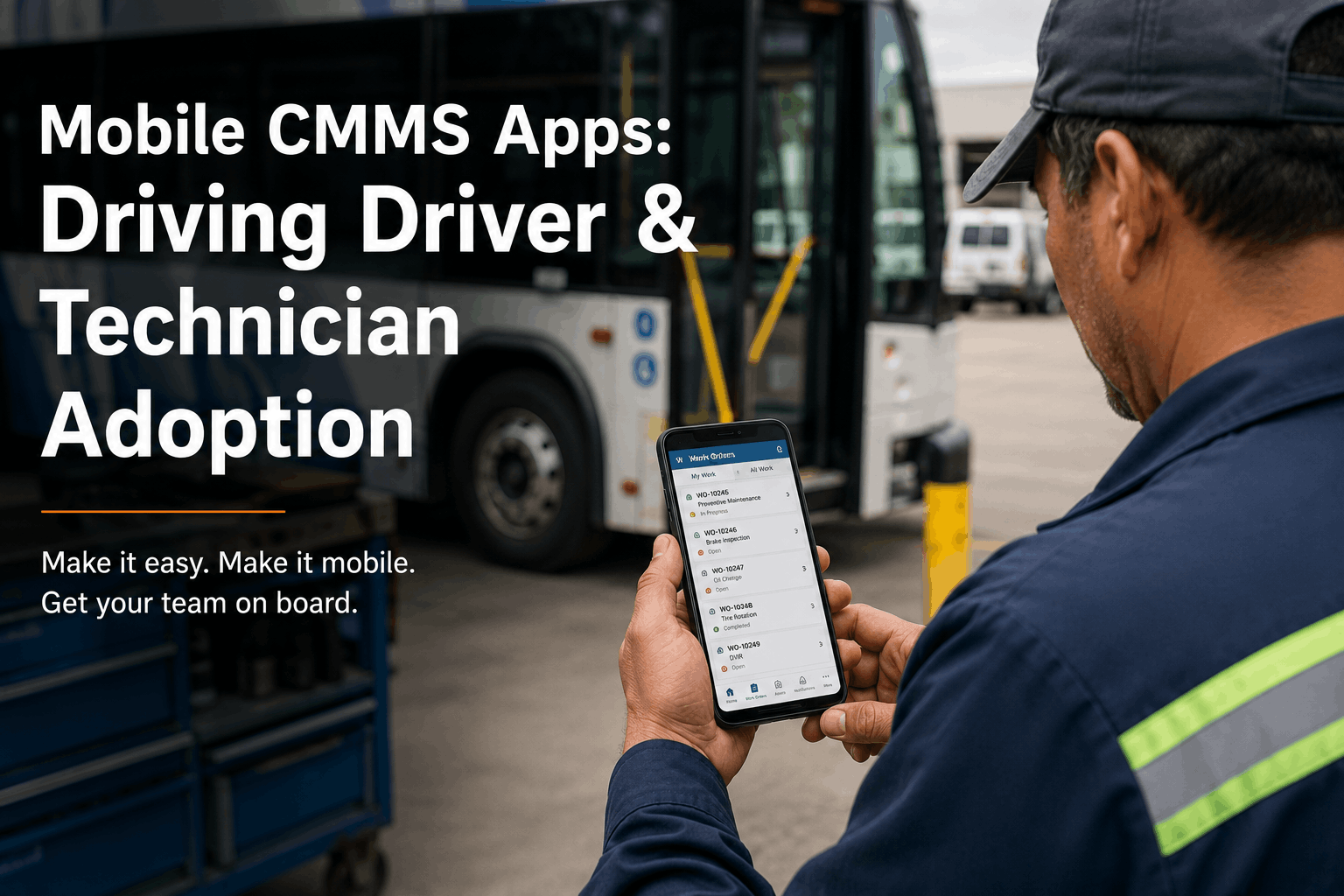
Mobile CMMS Apps: Driving Driver & Technician Adoption
A 68-bus fleet implemented a desktop-first CMMS in 2023. Within three months, adoption collapsed. Drivers never used it — they still filled paper pre-trip forms. Technicians used it sporadically in the shop but avoided it for roadside work. By month four, the fleet was maintaining two parallel systems: the "official" CMMS for management and paper records for actual work. The system had failed not because it was bad software, but because it didn't match how work actually happens. Work happens on a bus, not at a desk. Technicians need to document defects where they stand, not hours later at a computer. Drivers need to submit pre-trip reports in two minutes, not five. Mobile-first CMMS changes the equation. Adoption skyrockets. Data quality improves. And the system stays current because people enter information when they're doing the work.
Mobile Adoption 2026
Mobile CMMS Apps: Driving Driver & Technician Adoption
Software only works if people use it. Mobile-first CMMS apps eliminate paper holdouts and keep data current in real time.
User adoption rate (mobile-first)70–85% in month 1
User adoption rate (desktop-first)20–35% by month 3
Data entry delay (mobile)Same day or real-time
Data entry delay (desktop)3–7 days or never
Paper parallel systems (mobile)Eliminated within 2 months
Paper parallel systems (desktop)Still running after 6+ months
Mobile adoption is 3–4x faster. Data entry lag drops from days to minutes.
01Why Desktop-First CMMS Fails for Field Operations
Desktop CMMS was designed for back-office mechanics in a centralized shop. A technician completes a brake job, walks inside, sits at a computer, and enters the work performed. Reasonable for stationary work. Impossible for field operations. A technician performing roadside diagnostics on a stalled bus can't walk to an office — the bus is 40 miles away. A driver doing a pre-trip inspection at 5 AM in a parking lot can't fill out a five-screen digital form before the first route departs — drivers need a 90-second system. When CMMS doesn't fit the reality of work, people create alternatives. Paper forms reappear. Handwritten notes get transcribed days later (if ever). Technicians remember complex repairs inaccurately. Data accuracy collapses. Managers conclude the CMMS has failed when really it was never designed for the work being done.
Desktop-First CMMS Problems
No mobile accessTechnicians can't enter data on the road. Data entry is deferred or skipped.
Complex workflows5+ screens to enter simple work order. Takes 15–20 minutes vs. 2 on mobile.
Offline doesn't workNo connectivity at work sites. Cloud-only CMMS becomes inaccessible.
Paper still winsTechnicians use paper backup because it's faster. CMMS becomes redundant.
Desktop CMMS design assumes work happens at a desk. It doesn't, for most of your technicians.
Mobile-First CMMS Advantages
Works on phoneNative app. Data entered at the bus, not hours later at a desk.
Fast data entry90 seconds for pre-trip. 5–10 minutes for defect report. Fits work rhythm.
Works offlineEnters data locally when offline. Syncs when connection returns.
Eliminates paperNo paper alternative needed. Mobile is faster and better than paper.
Mobile is designed for work that happens where buses are, not where computers are.
Pre-trip vehicle inspection reports (pre-trip DVIR or walk-around) are the adoption bellwether. If drivers are submitting digital pre-trips regularly, adoption is working. If they're doing paper forms, it isn't. Desktop CMMS pre-trip forms often require 5–10 minutes and 15+ screen taps. A driver doing a pre-trip at 5:15 AM before a 5:30 AM departure isn't going to spend 10 minutes on digital forms. They'll use paper or skip the inspection. Mobile-first apps reduce a pre-trip to 90 seconds: open app, scan QR code (or tap bus number), tap defect categories, submit. Photos are optional but instant — point phone at a problem, snap, include photo. The speed difference drives adoption. Fleets with mobile pre-trip see 70–85% driver compliance. Desktop-first fleets see 20–30%.
Pre-Trip Inspection Completion Rate — Mobile vs. Desktop
Desktop form (first week)
65% compliance
Desktop form (month 2)
28% compliance
Mobile app (first week)
78% compliance
Mobile app (month 2)
82% compliance
Mobile app (month 6)
87% compliance sustained
Mobile adoption actually increases over time. Desktop adoption crashes by month 2.
03Technician Adoption: Mobile Diagnostics and Work Logging
Technician adoption is different from driver adoption but equally critical. Technicians need to: pull assigned work orders, see parts inventory, log labor hours, capture diagnostic findings, and request approvals for additional work. Desktop CMMS makes this possible but laborious — technicians may spend 10 minutes per work order on data entry across multiple screens. Mobile-first apps condense this: swipe to accept work order, see parts on hand, tap to log hours, photograph damage or findings, request approval with photo. Roadside diagnostics particularly benefit — a technician stranded with a breakdown bus can document everything, send it to the dispatcher, and get approval for expensive repairs in real time rather than returning to the shop to find a manager. Technician adoption also improves data quality because technicians log findings immediately, not from notes written hours earlier.
Desktop Technician Workflow
Receive verbal work assignment
Work on bus without documentation
Return to shop at end of shift
Manually enter hours, parts, findings (inaccurate, delayed)
Roadside? Call dispatcher for details, repeat at shop later
Result: Data 6+ hours late, often inaccurate, approval delays increase
Mobile Technician Workflow
Pull work orders from phone
Log hours and parts in real time on the bus
Photo documentation of issues instantly
Request approvals with context — manager responds immediately
Roadside? Complete entire work order from the road
"Before mobile, our technicians would do roadside work and have no way to log it. They'd write notes on paper — usually illegible — and try to recreate it in CMMS days later. With the mobile app, they photograph the problem, log hours right there, and send photos to the dispatcher. Same repair, now we have complete documentation. Warranty claims go through now; they used to get rejected because we had no proof of what was done."
— Director of Maintenance, 92-bus transit authority, Georgia
04Offline Capability: The Often-Forgotten Requirement
Most mobile CMMS apps fail at one critical point: they require internet connectivity. A technician working on a bus in an underground parking structure or a rural depot loses connectivity. They can't enter data. The app becomes useless. Fleets then revert to paper backup. True mobile-first CMMS apps work offline — they cache work orders locally, accept data entry when disconnected, and sync when connectivity returns. This is technically harder to build but operationally essential. Any CMMS claiming "mobile" that doesn't support offline is only partially mobile. It forces technicians to find WiFi or cellular, which creates workarounds and eventually returns teams to paper systems.
If a mobile CMMS requires internet at all times, it's not truly mobile. Test offline capability before buying — try entering a work order in a basement or rural area with no signal.
Cloud-Only Mobile (Common)
Connectivity lossApp stops working. No local caching. Data entry blocked.
WorkaroundTechnicians revert to paper. Dual systems resume.
Underground / ruralBus repair areas often lack cellular or WiFi. App fails regularly.
Data loss riskEntered data lost if app crashes during sync.
Offline-First Mobile (Superior)
Works offlineAll data entered locally on phone. No internet required.
Auto-syncWhen connectivity returns, data syncs automatically to server.
No paper neededWorks in underground, rural, or high-interference areas. Paper backup eliminated.
Data safetyData persists locally even if app crashes. Nothing lost on failed sync.
Mobile CMMS adoption isn't automatic. Rolling out a mobile app without strategy leads to a few early adopters and lots of people still using paper. The fleets that achieve fast, sustained adoption follow a clear playbook.
Mobile CMMS Adoption — 90-Day Rollout
Week 1
Install app on pilot group (10–15% of drivers and techs)
Week 2–3
One-on-one training: 15 min per person on phone. Easy wins only.
Week 4
Measure pilot adoption. Celebrate usage. Share 2–3 "quick win" stories.
Week 5–8
Rollout to 40% of workforce. Repeat training. Support early blockers.
Week 9–12
Full fleet rollout. Retire paper forms (don't just supplement with mobile).
Ongoing
Monthly usage reporting. Celebrate top users. Support laggards.
Retirement of paper forms is critical. Keeping paper as a backup ensures mobile never becomes primary.
Fleet Expert Review
CMMS adoption fails when software doesn't match work. Desktop-first CMMS assumes all work happens at a desk. Mobile-first CMMS assumes work happens where buses are — on the road, in the lot, at weird hours. The difference in adoption is dramatic: 70–85% for mobile-first, 20–30% for desktop-first. The secondary factor is offline capability. If your mobile app requires internet at all times, you've created a system that works in a downtown depot but fails in rural areas and underground garages. True mobile-first CMMS is offline-capable, works in 90 seconds for drivers and 5 minutes for technicians, and eliminates the need for paper backups. BusCMMS is mobile-first with native iOS and Android apps, full offline capability, and sub-90-second data entry for drivers.
The Bottom Line
Software only works if people use it. Desktop-first CMMS adoption collapses after month two because it doesn't match how field work happens. Mobile-first adoption accelerates after month two because the app fits work rhythms — 90-second pre-trips, real-time technician logging, offline-capable work on remote buses. Fleets that switch to mobile CMMS see 70–85% driver compliance, elimination of paper systems within 90 days, and real-time data entry that's never possible with desktop systems. The key is choosing a mobile-first platform from the start, not a desktop CMMS with a mobile app added as an afterthought. BusCMMS was built mobile-first, with offline capability, fast data entry workflows, and adoption training built in.
BusCMMS mobile app works offline, completes pre-trips in 90 seconds, and eliminates paper within 90 days. See adoption rates 3–4x higher than desktop. Free 14-day trial.
Does a mobile-first CMMS still have desktop access?
Yes. Mobile-first means the mobile app is the primary interface and is fully capable. Desktop access is typically for management, reporting, and administrative functions. The key is that mobile is first-class, not an afterthought.
How long does it take drivers to learn a mobile CMMS?
Well-designed mobile apps take 15–20 minutes of hands-on training for drivers to become comfortable. Pre-trip entry should take under 2 minutes once trained. If training takes longer than 30 minutes, the app design is too complex.
Can mobile CMMS really work without internet?
Yes, with proper offline architecture. Data is stored locally on the phone, and syncs when connectivity returns. Not all mobile apps have this — many require internet at all times. Verify offline capability before buying.
What happens to paper forms once we go mobile?
They need to be retired, not supplemented. If you keep paper as a backup, drivers will use paper because it's familiar. Retirement of paper forms (usually 60–90 days into rollout) is the forcing function that creates adoption.
How do I measure mobile CMMS adoption?
Track: daily active users, data entry frequency per driver/tech, time from work completion to data entry, and abandonment of paper forms. Reports should be visible to management weekly so adoption challenges surface quickly.
Does BusCMMS have native iOS and Android apps?
Yes. Native apps for both iOS and Android with offline capability. Apps work on any smartphone or tablet. Designed for field use — drivers and technicians don't need anything else.
Paper Is Dead. Mobile Is Fast. Here's Proof.
Mobile-first adoption reaches 85% by month 2. Desktop-first crashes to 28%. See the difference. Free 14-day trial with full mobile app access.