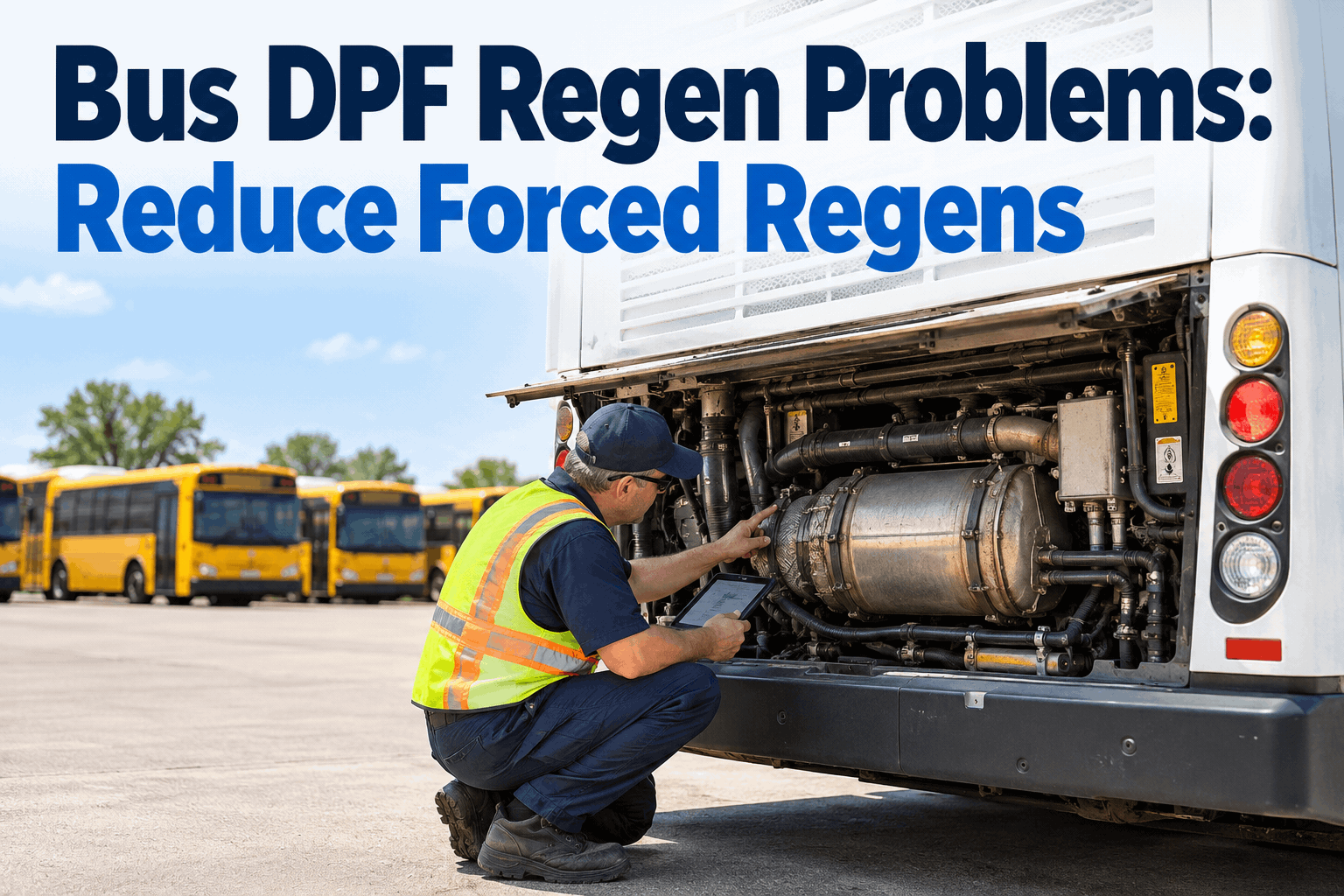
Your Blue Bird Vision limps into the shop stuck in 3rd gear with the Check Engine light on and a P0752 code cached in the TCM. Same code, same series 3000 transmission, but the answer to "is it a shift solenoid or the shift schedule?" depends on whether the code is active right now, pending from last week, or historical from months ago. Generic OBD-II scanners pull the code number and stop. Allison DOC shows all three states -- and the difference decides the repair. If you diagnose Allison automatics weekly across school buses, transit coaches, and shuttle fleets, book a 20-minute demo to see how BusCMMS logs every Allison code with its state and severity, per VIN, so the pattern behind the code becomes obvious.
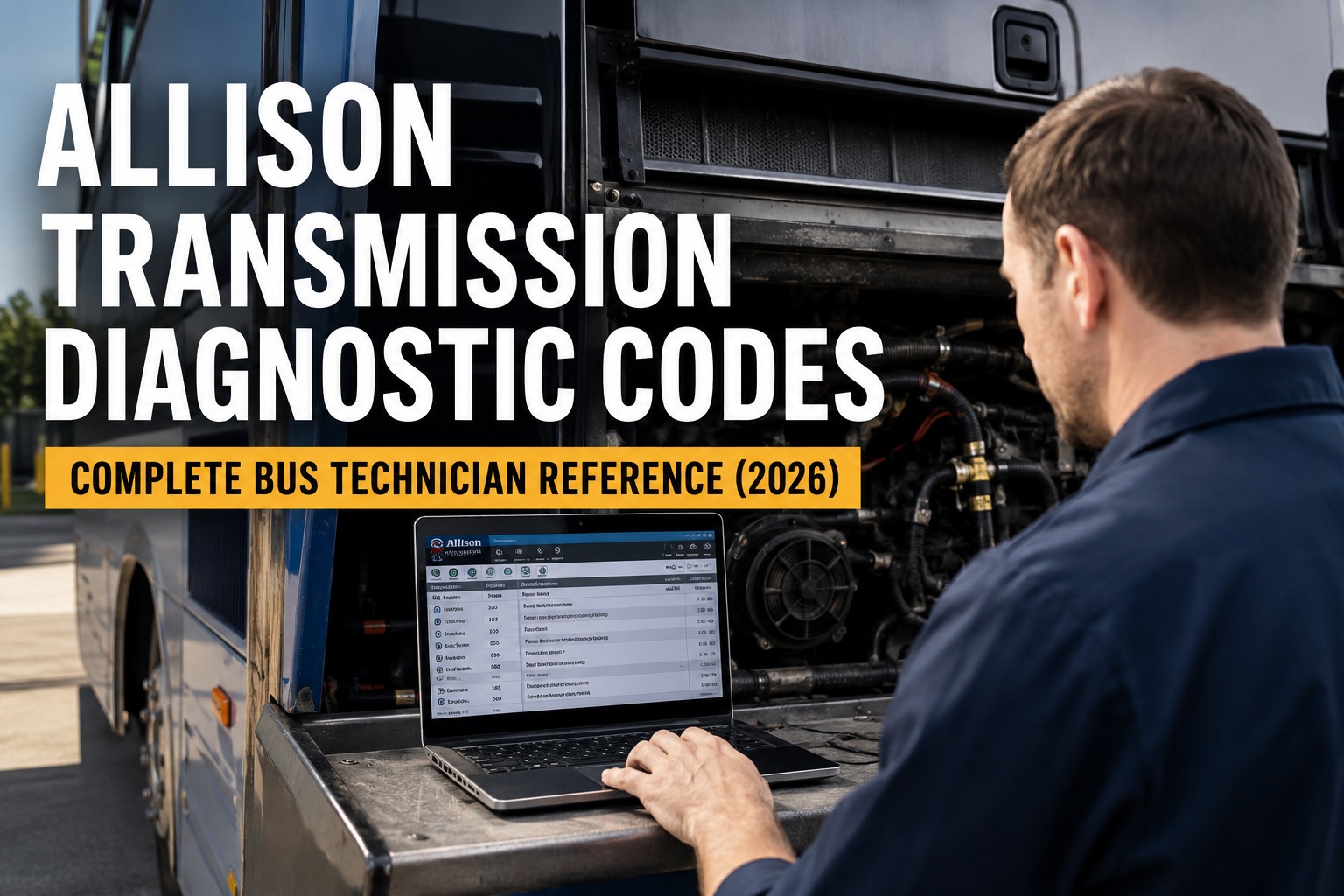
Allison Transmission Diagnostic Codes: Complete Bus Technician Reference (2026)
Every P07xx code, TCM state, DOC software version, and reduced-mode escalation a bus fleet mechanic needs to diagnose Allison automatics in the shop
The Three-State Rule: Every Allison code exists in one of three states -- active, pending, or historical. Generic OBD-II scanners see only the active state. You miss the intermittent codes that strand a bus a week later, and you close tickets on cleared symptoms while the wiring problem stays hidden. Miss the state, miss the fix.
Every Allison Code Lives in One of Three States -- Read All Three
Techs who read only the active code miss the pending intermittent that returns three days later. The complete picture requires seeing all three layers of the TCM fault log.
Fault Condition Present Now
The condition is happening right now -- solenoid stuck, sensor reading out of range, or clutch slipping this instant. Highest priority. Diagnose before releasing the bus back to route.
Triggered But Not Currently Active
Sometimes called inactive or stored. Fault triggered at least once but is not active right now. These are the intermittent gremlins -- a chafed wire that shorts on rough roads, a temp sensor drifting near threshold.
Seen Before, Not Recurring
Fault the TCM has recorded, but which has not recurred within its threshold window. Clearing historical codes without investigating them is how you miss a wiring issue about to strand a bus.
The TCM enters reduced or default operating mode for most active High-severity codes -- limiting shift range, disabling the retarder, or holding a specific gear. Continued driving is possible for many codes but almost always at the cost of clutch wear or long-term component damage. Book a demo to see how BusCMMS surfaces active codes with severity in real time so techs prioritize the right buses first.
The 10 Allison Codes You Will See Most in a Bus Fleet
These ten codes cover the majority of Allison Insite sessions on 3000 and 4000 Series transmissions in school bus, transit, and coach service. Bookmark this deck.
TCM MIL Request
Generic: TCM has an active code that triggered the check engine light. Always pull the specific sub-code from Allison DOC -- P0700 alone is not the diagnosis.
Fluid Temp Sensor Range
Reading outside expected window. Check sensor connector at the transmission harness -- corrosion at the C1 connector is the top failure on aging buses.
Turbine Speed Sensor Circuit
Open or short in the turbine speed sensor circuit. Transmission drops to a fixed default range. Verify sensor gap and harness continuity before condemning the sensor.
Turbine Speed Sensor Performance
Sensor reading erratic or out of range under load. Often a failing sensor or metal debris on the reluctor wheel. Live data on DOC shows the exact drift pattern.
Output Shaft Speed Sensor
Bus goes into limp mode -- fixed range, no shifting. Check the output speed sensor and its harness first. Failure often traces to the sensor gap being too wide.
Incorrect Gear Ratio
Turbine and output speed do not match commanded gear. Clutch slip, solenoid failure, or shift schedule fault. Do not release the bus -- damage progresses fast.
TCC Stuck Off
Torque converter clutch is not locking up when commanded. Check TCC solenoid, harness, and line pressure via DOC live data before pulling the transmission.
TCC Stuck On
Torque converter clutch not releasing. Bus stalls at stops. Solenoid or valve body issue. Reduced mode limits shifting until repair completes.
Shift Solenoid A Stuck On
Solenoid held on when commanded off -- transmission holds a gear. Verify with DOC solenoid actuation test before replacing.
Transmission Component Slipping
Clutch, band, or torque converter slipping under load. Almost always fluid, filter, or clutch wear -- check the prognostic clutch life data on DOC first.
The pattern most techs miss on their first Allison-heavy fleet: speed sensor and solenoid codes rarely fire alone. A P0715 or P0716 often precedes a P0730 by a few days as the TCM tries to shift with bad turbine data. Reading pending codes catches the sensor before the ratio fault progresses to clutch damage. Book a demo to see how BusCMMS auto-groups related Allison codes into single diagnostic events with the root code flagged.
Allison DOC -- Five Versions, One Job: Reading Every Layer of the Fault Log
The current DOC lineup covers every Allison controller from CEC1 through 6th Generation. Picking the right version matters -- and the wrong one leaves half your fleet unreadable.
- DOC Classic
4th Gen, WTEC3, WTEC2, CEC3, CEC2, CEC (legacy)
Older transit and school bus fleets running pre-2010 controllers. Full read/clear plus prognostic access on 4th Gen.
- DOC Premium
5th and 6th Gen TCMs (1000/2000, 3000/4000, TC10)
The standard shop tool. Read all three code states, live sensor data, guided diagnostics, solenoid actuation, calibration parameters.
- DOC Premium + Flash
5th and 6th Gen TCMs (flash-capable)
Premium plus the ability to reflash the TCM with current Allison calibration. Required for calibration updates that fix known shift-schedule bugs.
- DOC Fleets
5th and 6th Gen TCMs (latest feature set)
Newest features -- fleet-oriented reporting, batch data pulls, expanded prognostic dashboards for multi-bus operations.
- DOC Premium (H 40/50 EP + eGen Flex)
Allison hybrid electric systems (J1939)
For fleets running Allison hybrid propulsion. Reads TCM plus hybrid inverter and high-voltage system faults on the same session.
Generic OBD-II scanners will pull the P07xx code number and a canned description, but they cannot show pending or historical states, cannot run solenoid actuation, and cannot access the prognostic clutch-life, filter-life, and fluid-life data that Allison ships on MY09+ controllers. For fleet-wide Allison diagnostics, DOC Premium is functionally the minimum -- and DOC Fleets is the version to pair with a bus CMMS for batch fleet reporting. Book a demo to see how BusCMMS ingests every DOC session into per-VIN records automatically.
The Four Steps Between Reading the Code and Closing the Work Order
A P0715 with an active state and High severity looks the same in DOC as a P0715 that shows only as a stored code. What you do next is very different.
- 01
Read All Three States With DOC
Pull active, pending, and historical codes together. Note the severity level and whether the TCM is in reduced/default operating mode. Capture freeze-frame data -- speed, temperature, and gear at time of trigger.
- 02
Interpret Severity and Reduced Mode
High severity + reduced mode = do not release the bus. Medium severity + no reduced mode = safe to route but schedule shop time within the week. Low severity historicals often clear on inspection unless a pattern shows across sister buses.
- 03
Repair the Root Cause
Sensor codes cascade to ratio codes cascade to clutch codes. Trace to the earliest active code and repair that first. Solenoid actuation tests, live pressure data, and prognostic clutch-life numbers narrow the root cause.
- 04
Clear, Drive Cycle, Verify
Clear codes with DOC. Run the appropriate drive cycle -- for shift-solenoid codes this includes shifting through all ranges under load. Confirm no active or pending codes return before closing the work order.
The number one Allison misdiagnosis is closing tickets on cleared codes without verifying they stay cleared. A pending P0716 that quietly reappears 48 hours later is the tech's warning that the sensor is drifting -- ignore it and it becomes a P0730 with active clutch damage. Fleet-wide code history catches the reappearance pattern that a single scan-tool session cannot. Book a demo to see how BusCMMS logs cleared codes and flags reappearances within 50 hours.
Fleet-Wide Allison Diagnostics With BusCMMS
Allison DOC diagnoses one transmission at a time. BusCMMS diagnoses your Allison fleet -- correlating codes across VINs, tracking cleared/reappeared history, and surfacing patterns no single session can see.
Per-VIN Code History
Every DOC session logged with code, state, severity, and freeze-frame data. Six-month history reveals patterns invisible in isolation.
Three-State Tracking
Active, pending, and historical codes captured on every read. Pending codes flagged separately so intermittent faults do not slip through.
Cascade Grouping
When speed sensor codes cascade to ratio faults, BusCMMS groups them into one diagnostic event with the root code highlighted.
Reduced Mode Alerts
Reduced or default operating mode activation flagged immediately. Techs know before drivers report, before clutch wear compounds.
Prognostic Life Tracking
Clutch, filter, and fluid life data from MY09+ Allison controllers logged over time. Schedule PM before prognostics flag critical.
DOC-Ready Work Orders
Fault-triggered work orders arrive pre-filled with code, likely cause, and first-step DOC routine to run at the bench.
Whether you run twelve Blue Bird Vision buses with 3000 Series transmissions on rural district routes or forty motorcoaches with 4000 Series in intercity service, the diagnostic gap is not the DOC laptop -- it is whether every fault your Allison fleet generates ends up on a dashboard, tied to a work order, with the fleet-wide correlation intact. Sign up free and load your first Allison fleet's code history in under an hour.
What is Allison DOC and which version do I need?
Allison DOC is the OEM diagnostic software for every Allison automatic transmission. The current 2026 lineup includes: DOC Classic (for 4th Gen, WTEC3, WTEC2, CEC3, CEC2, CEC legacy controllers), DOC Premium (5th and 6th Gen TCMs on 1000/2000, 3000/4000, and TC10 Product Families), DOC Premium + Flash (Premium plus TCM reflash capability), DOC Fleets (latest features for multi-bus reporting), and DOC Premium H 40/50 EP + eGen Flex (Allison hybrid electric systems via J1939). For a bus fleet running any modern Allison, DOC Premium is the functional minimum, and DOC Fleets pairs best with a bus CMMS for batch fleet reporting.
What is the difference between active, pending, and historical Allison codes?
Every Allison Diagnostic Trouble Code is stored in one of three states in the TCM. Active means the fault condition is present right now -- the sensor is out of range or the solenoid is stuck at this moment. Pending (sometimes called inactive or stored, depending on generation) means the fault triggered at least once but is not active at this moment -- the intermittent gremlin category. Historical means the TCM has seen this fault before but it has not recurred within its threshold window. Generic OBD-II scanners typically only surface active codes, missing pending intermittents entirely. Allison DOC shows all three layers.
Can I clear Allison codes with a generic OBD-II scanner?
Basic OBD-II scanners can pull and clear P0700-series generic transmission codes. What they usually cannot do: show pending or historical codes, run solenoid actuation tests, access the prognostic clutch-life or fluid-life data that Allison ships on MY09+ transmissions, or reflash the TCM. On current-generation TCMs, clearing codes with a generic scanner does not clear the event data that Allison dealer diagnostics can still access -- so what looks like a fresh log to your OBD-II tool may still show a cascade of pending issues to a DOC-equipped tech. For anything beyond a single active code, Allison DOC is the tool that reads everything.
What does it mean when the transmission enters reduced operating mode?
Reduced or default operating mode is Allison's protection response to a fault the TCM considers serious enough to limit further operation. Depending on the code, this may mean holding a specific gear, disabling the retarder, capping shift range, or dropping to a limp-home fixed gear. The bus can typically still be driven, but shifting and torque are limited. The mode clears automatically once the underlying fault is repaired and codes are cleared. Continuing to operate a bus in reduced mode without diagnosis usually accelerates clutch wear or damages the component the TCM was trying to protect.
What is the P0700 code on an Allison transmission?
P0700 is a generic OBD-II code meaning "TCM has requested Malfunction Indicator Lamp illumination" -- essentially the TCM is telling the vehicle's engine control module that it has an active code worth turning the check engine light on for. P0700 by itself is not the diagnosis; it is the pointer that says "look inside the TCM for the specific transmission code." Always pull the specific sub-code with Allison DOC (or an aftermarket alternative like JPRO or Jaltest CV) rather than trying to diagnose from the generic P0700 alone.