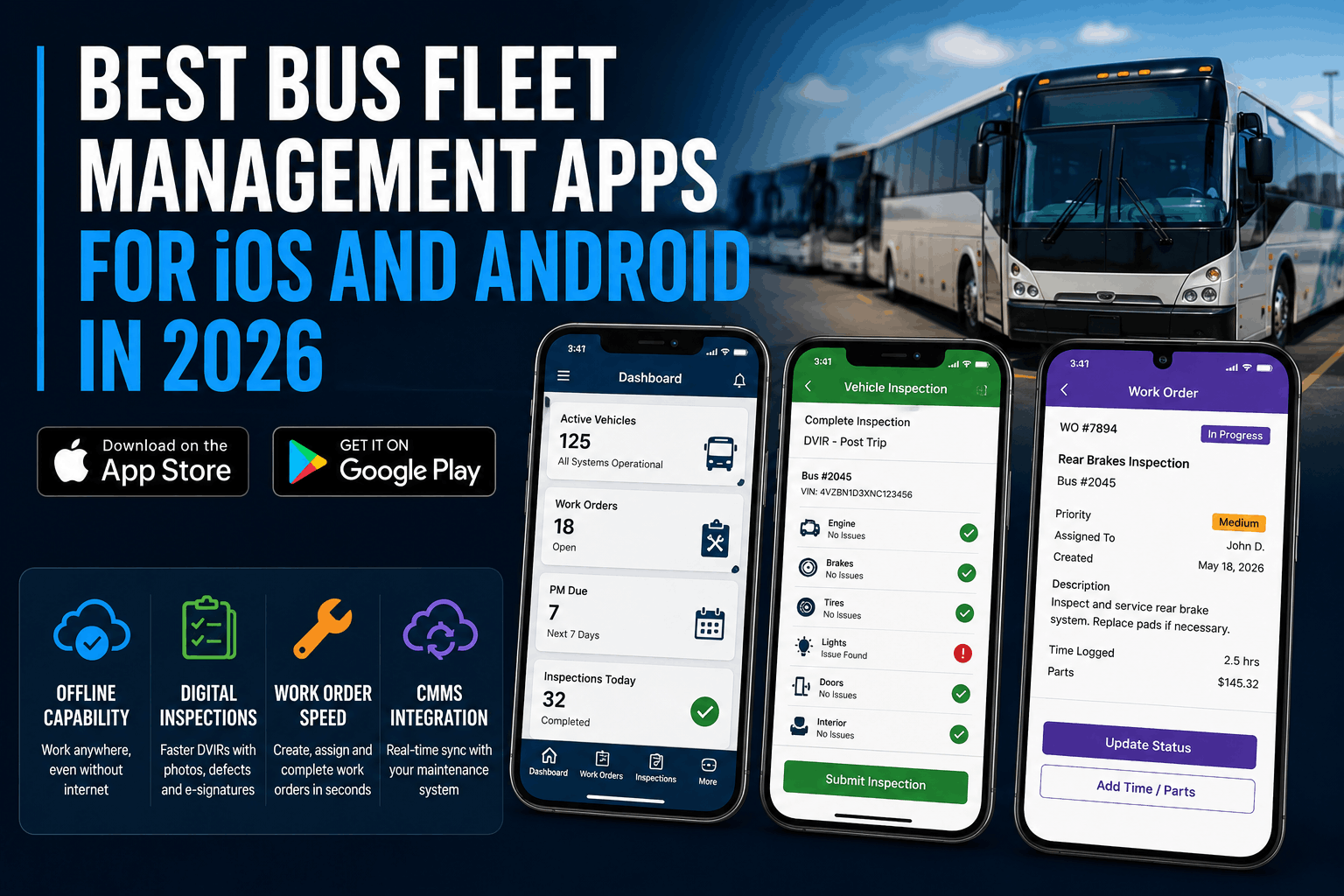
A fleet manager at a 42-bus school district in Ohio tested a mobile app with her mechanics. During a low-signal area maintenance check, the app stopped responding. Mechanics couldn't submit inspection defects or pull up work orders. The app required internet connectivity that simply didn't exist in the maintenance facility basement. The vendor said: "Just use your desktop to document everything." But mechanics work in the field — on buses, under vehicles, in garages with spotty WiFi. Forcing them back to a desktop after each repair destroys productivity and guarantees inspection defects get skipped. In 2026, mobile-first fleet management is not a feature — it's a requirement. This guide ranks the best bus fleet management apps for iOS and Android, with specific focus on offline capability, inspection workflow speed, work order completion time, and CMMS integration that actually works in the field.
Ranked by offline capability, inspection workflow speed, work order completion, CMMS integration, and real-world field performance. Includes feature breakdown, pricing, and which app wins for different fleet sizes and operational needs.
Most fleet apps are designed in the dispatch office and adapted for mobile. Field-ready apps are designed for mechanics and drivers working in low-signal areas with one hand on a wrench. The difference determines whether teams adopt the app or abandon it after two weeks.
Step 1 — Load Real Fleet Data: Don't test with vendor demo data. Import one of your actual buses with its real maintenance history, current work orders, and spare parts inventory. If the app can't handle your data, it won't handle your fleet.
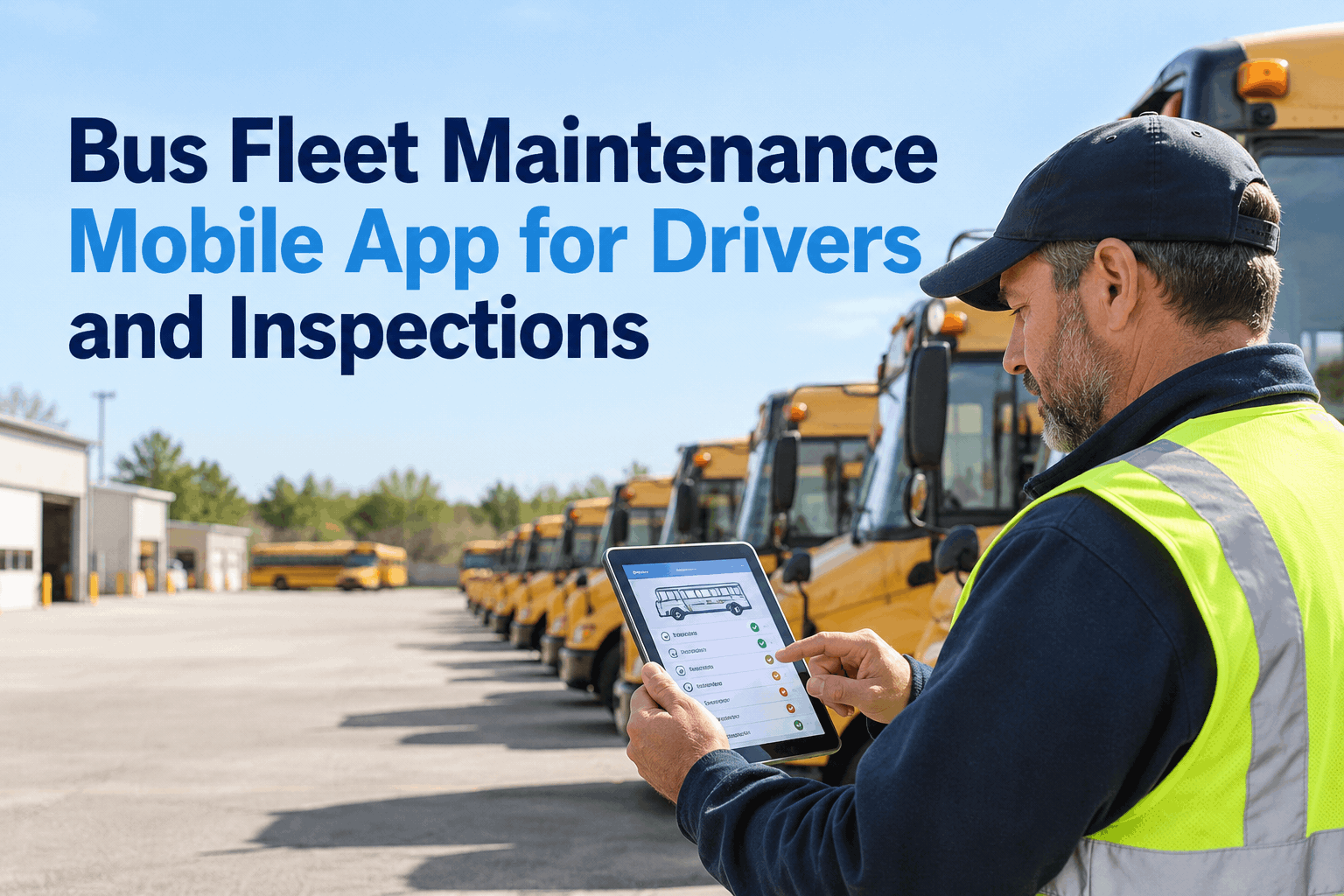
Step 2 — Simulate a Real Defect-to-Repair Workflow: Have a driver use the app to flag a defect on that bus during a pre-trip inspection. Does the app capture the defect, photo, and severity? Does a work order auto-generate? Does the assigned technician get notified within seconds? Does the technician close the work order from the app? Does repair certification flow back to the driver? This end-to-end flow determines your operational speed.
Step 3 — Test Offline Mode in a Low-Signal Area: Take a test device to your maintenance facility or a spot with weak WiFi. Complete a full inspection offline. Does the app work? Can you submit the inspection? Does it sync when connectivity returns? Apps that fail this test will fail in your real environment.
What percentage of mobile fleet workflows should work offline?
How long should a pre-trip inspection take on mobile vs. paper?
Do mechanics really use apps that require desktop for work order closeout?
What is FMCSA's position on electronic DVIRs in 2026?
How much battery does continuous GPS usage drain from a phone?
Should we prioritize iOS or Android for fleet apps?
How do we get team adoption of a new mobile app?
The Ohio fleet manager's test revealed why mobile apps fail: apps built in offices for office workflows don't survive contact with real field conditions. Offline mode, fast workflows, auto-generation, battery efficiency — these aren't nice-to-have features. They're survival requirements. Choose mobile apps that were designed for field reality, not adapted for it.