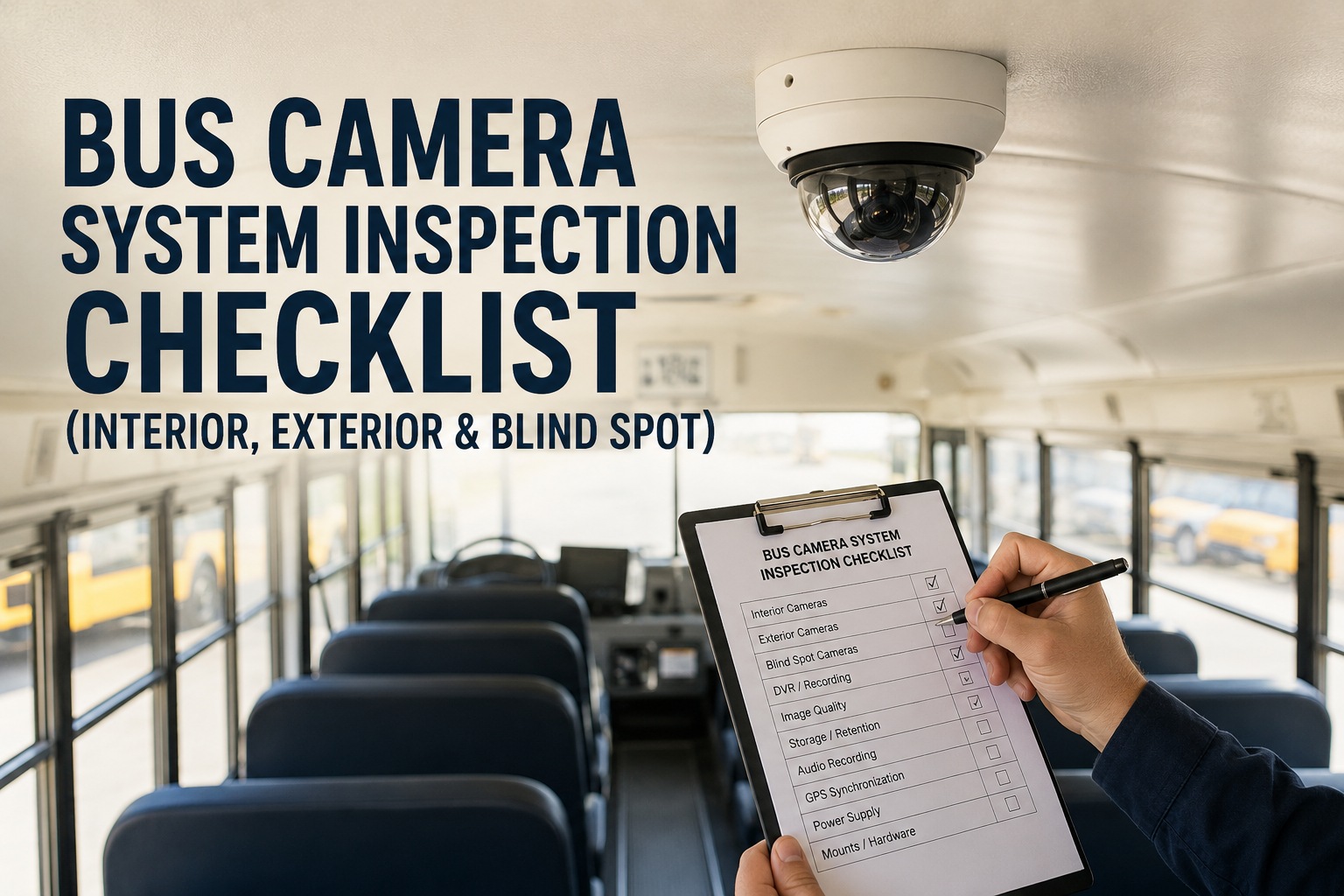
A passenger tripped at the rear step and filed a $180K injury claim. The lawyer requested the interior footage from that day. You pulled the DVR -- the rear interior camera had been offline for six weeks. Nobody caught it because "the light was green." The green light was on the DVR unit, not the individual channel. Your fleet paid full settlement because you could not prove the passenger was walking distracted. Camera systems fail silently, and the failure only shows up on the day you actually needed the footage. This is the reference for making sure that day is not your fleet's story.
Bus Camera System Inspection: The Full-Coverage Reference
The 2026 reference for verifying interior, exterior, blind-spot, and DVR camera systems on transit, school, and coach buses. Covers per-channel health, DVR recording verification, storage retention, cloud connectivity, and system-wide diagnostics. Book a 20-min demo to see how BusCMMS monitors camera-system health across your fleet.
Where the Cameras Sit on a Typical School / Transit Bus
Top-down view. A well-equipped modern bus runs 6 to 9 channels depending on route type. Every channel must be inspected -- a working camera on the wrong side is the same as no camera.
- 1Forward Road · road ahead, license plates, traffic signs
- 2Driver-Facing · driver monitoring, DMS, distracted-driving alerts
- 3Interior Stairwell · entry/exit area, boarding safety
- 4Interior Aisle Mid · central passenger monitoring
- 5Interior Rear · rear seating passenger monitoring
- 6Rear Exterior · backup camera, rear road view
- 7Left Blind Spot · driver-side lane change
- 8Right Blind Spot · passenger-side lane change, curb
The 5-Stage Recording Chain
The camera is only one link. A break at any stage below means no evidence -- even if the camera is recording.
-
01→
Cameras (6-9 channels)
Interior, exterior, blind spot. Each channel connects to the DVR via power + coax or Ethernet.
-
02→
DVR / NVR Unit
Central recorder. Encodes video, timestamps, and writes to local storage. The single point of failure.
-
03→
Storage (SD / HDD / SSD)
Retention typically 7-30 days. Overwrites on full unless events lock the file.
-
04→
Network (LTE / Wi-Fi)
Uploads to cloud portal. Depot Wi-Fi handles bulk transfer; LTE handles event uploads.
-
05
Cloud Portal
Where dispatch, safety, and legal teams retrieve footage. Where BusCMMS monitors channel health.
4 Camera Types · 4 Different Failure Profiles
Each camera type fails differently. Inspection focus changes by type.
The 6 Physical Inspection Zones
One inspection module per system component. Every zone must clear before the bus returns to revenue service.
Interior Cameras (Stairwell + Aisle + Rear)
3-5 channels typical · roof-mounted- Verify every interior channel appears in DVR live view
- Clean each lens with microfiber (dust degrades wide-angle recording fast)
- Test IR mode by covering cabin windows · driver identifiable in preview
- Check mount screws torqued · vibration loosens ceiling mounts over time
- Confirm audio pickup on each channel (if equipped) with a test spoken word
Exterior Forward Camera
Windshield-mounted · forward road- Verify no wiper streak sits within FOV during recording
- Confirm windshield glass is clean directly in front of lens
- Check HDR function against a bright/dark contrast test
- Verify license plate readable at 30 feet in recorded test clip
- Look for condensation inside housing · failed seal is major
Blind Spot Cameras (Left + Right + Rear)
Side + rear exterior mounts- Verify aim · camera should show curb + adjacent lane, not the sky
- Inspect lens seal for water intrusion or fogging
- Check for impact damage · side cameras take mirror strikes
- Confirm mount torque · road vibration loosens exterior mounts fastest
- Test in low light · night operation is when blind spot fails
Driver-Facing Camera
Dash-mounted · A-pillar or center console- Confirm eye-area captured with driver seated normally
- Test distracted-driving alert with 4-second gaze-away simulation
- Verify IR function · test in dark cabin conditions
- Check for dashboard glare or sun-visor obstruction
- Verify audio pickup for in-cabin alert acknowledgment
DVR / NVR Central Unit
Typically under driver seat or in electrical bay- Verify DVR unit powers on within 30 seconds of ignition
- Confirm all installed channels appear in the live-view grid
- Check status LEDs match manufacturer spec (no red or flashing)
- Verify firmware version logged and up to date
- Inspect physical unit for heat damage, dust, loose connectors
Storage, Network & Cloud Sync
SD/HDD in DVR · LTE modem · portal- Confirm storage utilization < 80% · approaching full drops oldest recordings
- Verify retention period matches fleet policy (typically 14-30 days)
- Check last cloud upload timestamp · should be within 24 hours
- Test event lock · incident-triggered clips should not be overwritten
- Verify LTE signal at depot for scheduled uploads
Symptom → Cause → Fix Reference
The most common camera-system failures and their diagnostic paths. Use during troubleshooting or annual inspection.
| Symptom | Root Cause | Fix |
|---|---|---|
| Channel offline in portal | Camera power lost or connector unseated | Check fuse, reseat connector, replace camera if dead |
| Grainy or foggy image | Lens contamination or housing condensation | Clean lens, inspect seal, replace if seal failed |
| Missing footage from a specific date | Storage overwrote before extraction | Increase retention, enable auto-upload of events |
| Timestamp incorrect on recordings | GPS lock lost or DVR internal clock drift | Verify GPS antenna, replace DVR RTC battery |
| DVR will not boot | Power supply failed or storage medium corrupt | Verify 12V input, replace SD/HDD, factory reset |
| No audio on interior channel | Microphone dead or audio disabled in config | Test mic, verify configuration in portal, replace |
| Blurry footage at night | IR LED failure or IR filter stuck engaged | Test IR emitters, replace camera unit if failed |
| Blind spot camera image sideways | Camera knocked out of alignment | Re-aim, re-torque mount, verify with test recording |
Book a demo to see failure symptoms auto-mapped to work orders in BusCMMS.
What a Healthy Camera System Looks Like in BusCMMS
A preview of the fleet camera-health dashboard. Before you send a tech under the bus, you see this on the portal.
- CH 01Forward RoadRECORDING
- CH 02Driver-FacingRECORDING
- CH 03Interior StairwellRECORDING
- CH 04Interior Aisle MidOFFLINE 6D
- CH 05Interior RearRECORDING
- CH 06Rear ExteriorRECORDING
- CH 07Left Blind SpotRECORDING
- CH 08Right Blind SpotRECORDING
The offline camera in the mockup above -- exactly the scenario in this article's opening -- shows up on the dashboard the day it fails, not the day you needed the footage. Book a demo to see this dashboard live with your fleet's real cameras.
What BusCMMS Watches Between Physical Inspections
Physical inspection catches one snapshot per month. These five signals catch the failure the day it happens.
- S1
Portal Channel Status
Every camera reports "recording" or an error state to the portal. BusCMMS pulls this per bus per hour. Any channel offline >24 hr triggers a work order.
- S2
Storage Utilization Trend
Storage climbing faster than retention window suggests a channel is recording too much or events not clearing. Below-normal usage suggests a channel is dead.
- S3
Upload Frequency vs Expected
Depot uploads should hit at end of each shift. Missing uploads flag LTE or Wi-Fi issues before storage overwrites recordings.
- S4
Firmware Version Consistency
Mixed firmware versions across a fleet mean OTA update failure on specific buses. BusCMMS tracks this and flags stragglers.
- S5
Physical Inspection Completion
Monthly per-zone inspections logged against the bus asset. Overdue inspections auto-flag to shop schedule.
Five signals monitored automatically. One physical inspection per month. Together they catch every failure mode covered on this page. Book a demo to see 5-signal monitoring on your camera fleet.
How often should physical camera hardware inspection happen?
Monthly at minimum for high-utilization fleets (school buses, transit routes running 200+ miles per day). Quarterly is acceptable for lower-utilization fleets (charter, backup vehicles). Every inspection covers the six zones on this page. In addition to physical inspection, portal-based health monitoring should run continuously via the 5-signal framework -- Section 07 -- because software catches offline channels within 24 hours where a monthly physical inspection catches them at 30 days worst case. The two are complementary: monitoring catches software and connectivity failures, physical inspection catches lens contamination, mount drift, and impact damage.
The portal shows green on every channel -- does that guarantee recording works?
No. Portal green usually means the DVR is reporting all cameras online, but does not guarantee (a) recording actually saving to storage, (b) storage has space, (c) recorded footage is retrievable, or (d) audio is captured. This is why the six-zone physical inspection includes DVR power-cycle test, live-view verification of every channel, and event-lock test on the storage. A camera-system health check that stops at portal color is the single most common false-confidence failure in fleet camera programs.
What retention period covers typical incident investigations?
14 days is the practical minimum for most school and transit fleets. 30 days is safer if you routinely receive delayed injury claims or if your insurer requires it. The three drivers of retention decision: (1) how quickly the safety team reviews incidents (usually 24-72 hours), (2) how long parents/passengers typically wait to report an injury (can be 7-14 days), (3) how long a lawyer takes to send a preservation letter after an incident (often 14-21 days). If retention is less than the longest of those three, footage risk gets overwritten before extraction. BusCMMS trends retention vs storage utilization to catch drift before evidence is lost.
Can multiple camera brands integrate into one CMMS?
Yes, provided the CMMS supports the vendor's API or telemetry format. Most major fleet camera platforms (Samsara, Motive, Rosco, Seon, and others) expose per-channel status via API. BusCMMS integrates with the leading vendors so a mixed-fleet operator with different camera brands on different bus models can see channel health for all of them on one dashboard. If you standardize going forward, that is easier -- but the CMMS should not require it. Book a demo to see which of your existing camera vendors are supported.
Where do inspection records live for insurance audits and litigation holds?
Paper checklists and phone-photo folders lose lineage the moment the tech leaves the shop. The audit-safe approach is a bus-specific CMMS that files each inspection against the bus asset, with per-zone status, per-channel photos, technician sign-off, firmware version at inspection, and cross-reference to any auto-generated work orders. When counsel sends a preservation letter after an incident, the CMMS exports the last 90 days of inspection history for the specific bus in seconds -- and the exported record survives challenge. BusCMMS is purpose-built for this workflow with bus-specific asset profiles and integrated photo storage. Book a 20-minute demo to see audit-ready reporting live, or start a 30-day free trial and log your first inspection today.







