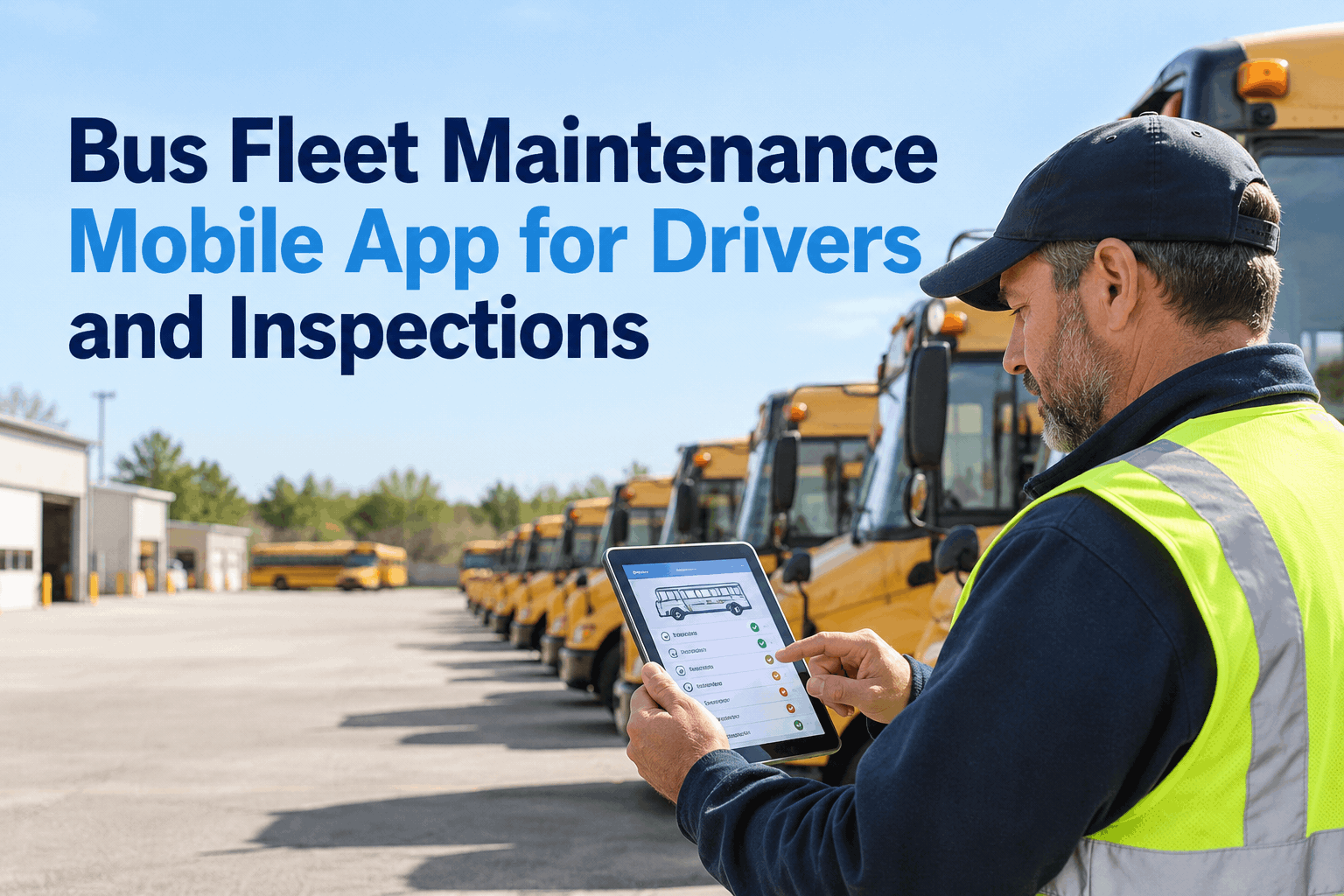
A bus driver spots a low tire, a warning lamp, or a door that will not close correctly. What happens next matters as much as the inspection itself. A bus fleet maintenance mobile app helps drivers document defects clearly and gives the shop a usable starting point for follow-up. With BusCMMS, fleets can connect digital inspections to maintenance planning and repair records instead of relying on paper forms and phone calls.
Bus Fleet Maintenance Mobile App for Drivers and Inspections
A practical guide to digital pre-trip checks, DVIR records, defect reporting, and getting a bus from a driver’s concern to a documented repair.
What Drivers Actually Need From an Inspection App
Drivers need a simple process they can complete at the vehicle—not another complicated office system. A useful mobile workflow shows the right checklist, makes exceptions easy to report, and confirms that the report has been submitted.
Find the right bus
Choose the vehicle and inspection type so the report belongs to the correct unit and date.
Check, then flag
Review tires, brakes, lights, doors, emergency equipment, and other applicable items. Describe defects rather than just selecting “fail.”
Submit a usable report
Give maintenance a clear record of the concern, including its location and severity where supported.
Paper DVIR vs. Mobile Inspection: Where Time Gets Lost
The real difference is not just paper versus a screen. It is how quickly a reported defect reaches someone who can act on it.
If your drivers are still handing in paper reports, book a demo to see BusCMMS digital inspection workflows and evaluate how the handoff could work for your fleet.
Example: A Driver Finds a Door Problem Before the Morning Route
A driver notices that the passenger door does not close reliably. This is how a disciplined inspection-to-repair workflow should handle the concern—without assuming the software can diagnose the fault.
Driver records the door issue against the correct bus during the pre-trip.
Maintenance reviews the report and determines whether the bus must remain out of service.
A technician documents the diagnosis, parts, labor, and corrective work in a work order.
The responsible team confirms the issue is resolved before releasing the vehicle under fleet policy.
Pre-Trip, Post-Trip, and Maintenance Follow-Up Are Different Jobs
A well-designed app should keep these responsibilities clear so drivers are not expected to perform technician-level diagnosis.
Pre-trip inspection
Check required safety items and identify concerns before the bus enters service. Follow applicable rules and fleet policy.
Post-trip report
Document defects discovered during operation and complete any required post-trip reporting.
Repair and closeout
Investigate the issue, perform repairs, document the work, and verify readiness before release.
The benefit of connecting these steps is a clearer vehicle history. Fleet managers can see whether the same concern keeps returning, while preventive maintenance schedules continue alongside daily inspections.
Six Questions to Ask Before Choosing a Bus Inspection App
Use this checklist during a product demonstration. Ask vendors to show each workflow using a bus type your fleet actually operates.
- 01Can drivers identify the right bus quickly?
Vehicle selection and inspection type should be unambiguous.
- 02Are checklists appropriate for our buses?
School bus safety equipment and transit accessibility equipment may require different items.
- 03What happens after a failed item?
See the exact process for shop review, work-order creation, and prioritization.
- 04Can we review a complete vehicle history?
Inspectors and managers should be able to trace reported defects to repair documentation.
- 05How does the app behave with poor connectivity?
Ask for a live demonstration of offline behavior and synchronization; do not assume it is supported.
- 06Can drivers use it comfortably on their devices?
Test readability, tap targets, and form completion on the phones or tablets your team uses.
Where BusCMMS Fits in the Mobile Inspection Process
BusCMMS is a bus maintenance management platform. Its value is in connecting inspection information to the maintenance work that follows—not in replacing physical inspections, dispatch systems, or technician judgment.
Digital inspections
Organize driver-submitted vehicle inspection records for maintenance review.
Defect follow-up
Use maintenance work orders to document investigation and corrective action.
Preventive maintenance
Schedule recurring service while monitoring issues raised between PM visits.
Vehicle history
Keep inspection and repair information associated with the bus over time.
Want to test the workflow with your own fleet scenario? sign up to explore BusCMMS bus maintenance tools.
Bus Driver Inspection App: Common Questions
What does a bus fleet maintenance mobile app do?
It helps drivers complete vehicle inspection forms, report defects, and submit information that maintenance teams can review. A maintenance platform such as BusCMMS also supports work orders, preventive maintenance schedules, and vehicle service histories.
Can a digital DVIR replace a paper inspection form?
Electronic records may be used when they meet applicable regulatory requirements for the fleet and operation. The inspection itself must still be performed, required information must be captured, and the fleet must follow the relevant rules for signatures, retention, review, and corrective action.
Does every bus driver have to complete the same DVIR?
No. Requirements vary by operation, jurisdiction, and vehicle type. For example, school bus and transit inspection procedures may include different equipment checks. Fleet managers should configure procedures around applicable regulations and operating policies.
What should happen when a driver reports a safety defect?
The fleet should follow its safety and out-of-service procedures. Maintenance personnel should review the report, inspect the vehicle, complete necessary repairs, document corrective action, and verify readiness before the bus returns to service when required.
Is BusCMMS a driver app or a full maintenance system?
BusCMMS is a bus maintenance management system that supports digital inspection workflows alongside maintenance work orders, preventive maintenance, and vehicle histories. Ask for a demonstration of the current driver-facing experience and device support to confirm it fits your fleet.







