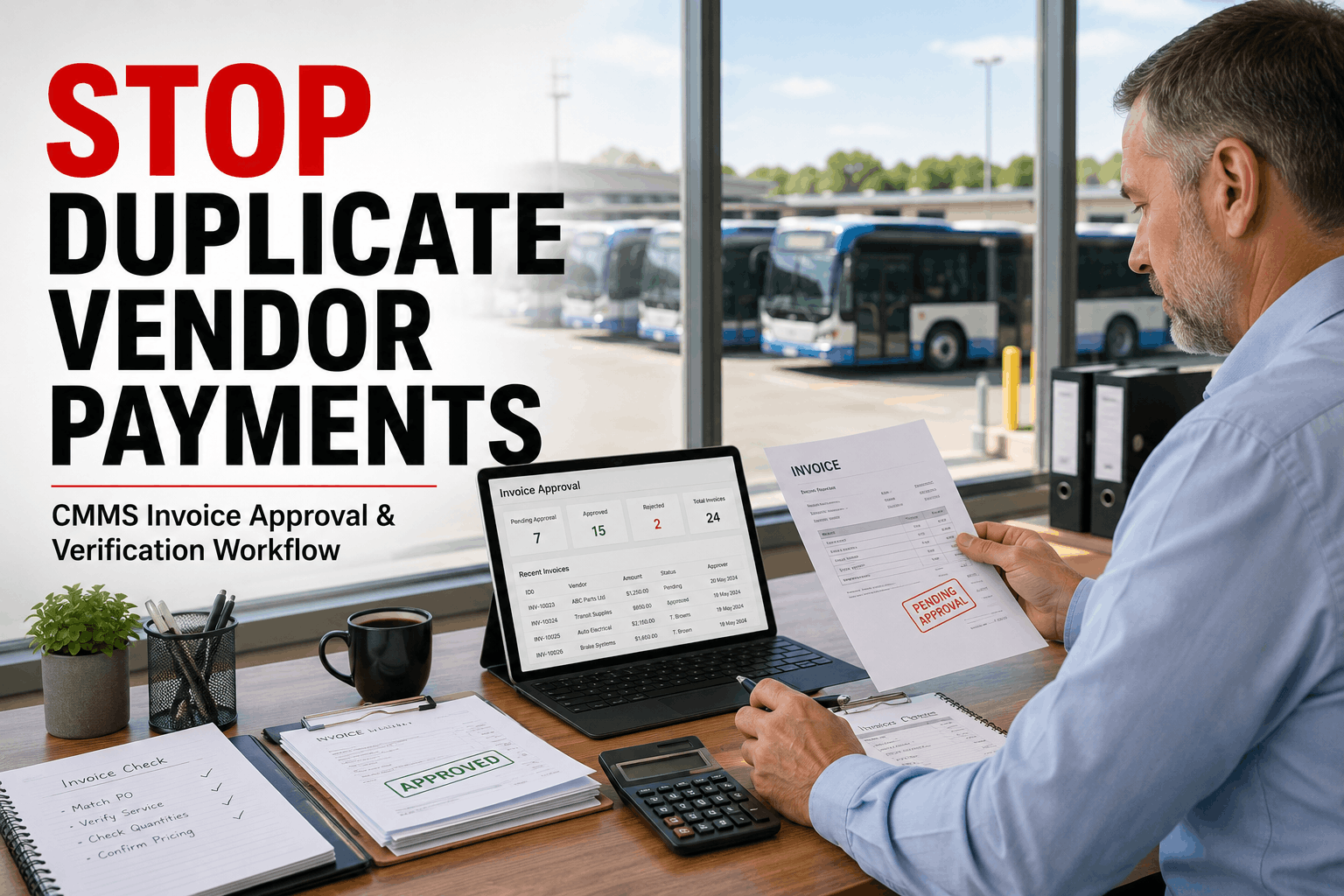
A Colorado school district with 61 buses paid the same transmission rebuild invoice twice in a single quarter — two slightly different invoice numbers, two different submission dates, one repair that happened once. Nobody caught it until an annual audit flagged the $4,200 discrepancy eight months later. The vendor had not submitted the duplicate intentionally. Their billing system auto-generated a second invoice when the first sat unpaid beyond their net-30 window. The district's accounts payable process — a combination of email attachments, a shared inbox, and a spreadsheet someone updated on Thursdays — had no mechanism to catch it. Total cost of the mistake: $4,200 paid twice, 11 hours of staff time to investigate and recover, and a three-month delay on the vendor dispute. That is what bus fleet invoice management looks like without a CMMS-driven approval workflow. And it is far more common than most fleet directors realize — U.S. fleets overpay vendors by an estimated 3–8% annually through duplicate invoices, unapproved line items, and price variances that no manual review catches before payment clears.
Bus fleets overpay vendors by 3–8% annually through duplicate invoices, unauthorized line items, and price variances that slip through manual AP processes. Here is how CMMS-driven invoice approval workflows catch every discrepancy automatically — before payment posts.
Bus fleet vendor invoice management sits at the intersection of two departments — maintenance operations and accounts payable — that rarely share real-time data. The maintenance team knows what work was authorized, what parts were approved, and what the quoted rate was. The AP team receives a PDF invoice from the vendor, checks it against a paper purchase order if one exists, and approves it if the numbers look approximately right. That gap between what maintenance authorized and what AP receives — bridged by email threads, phone calls, and paper documentation — is where 3–8% of fleet vendor spend silently disappears every year.
The failure modes are consistent across U.S. bus fleets of every size. Duplicate invoices arrive because vendors resubmit when payment is delayed — and without an automated matching system, a second submission with a slightly different invoice number clears as a new payable. Line items appear on invoices that were never in the original work order — a diagnostic charge added after the fact, a fluid top-off bundled into a transmission service, a shop supply fee that was never disclosed. Labor rates exceed the agreed-upon vendor contract rate by $10–$15 per hour, an error too small to trigger scrutiny on any individual invoice but worth $8,000–$20,000 annually across a fleet's entire outside repair spend. Parts markup exceeds the contracted percentage, sometimes by 15–25%, with no automated comparison against the purchase order to surface the discrepancy.
The 2025 Institute of Finance and Management data shows that manual invoice processing carries an error rate of approximately 2% — and automated systems reduce that to below 0.8%. For a 50-bus fleet processing $400,000 in annual vendor invoices, the difference between 2% and 0.8% error rate represents $4,800 in avoidable overpayments — in addition to the labor cost differential of $15 per invoice manually versus $2–$3 per invoice with automation. The math case for CMMS-driven bus fleet invoice approval is not subtle. It is the difference between a maintenance budget that is controlled and one that silently leaks 3–8% into vendor overpayments every fiscal year.
Understanding the specific mechanisms of vendor overpayment is the starting point for building an approval workflow that catches each one. These six failure modes account for the vast majority of fleet invoice discrepancies identified in BusCMMS fleet audits — and every one of them is preventable through automated three-way matching between the purchase order, the work order, and the vendor invoice.
See how BusCMMS three-way matching catches all six failure modes — book a demo
The core mechanism of automated bus fleet invoice approval is three-way matching — a comparison of three documents before any invoice is approved for payment: the purchase order, the receiving document or work order completion record, and the vendor invoice. When all three align within configured tolerances, the invoice auto-approves. When they do not, the invoice is flagged, routed to the appropriate reviewer, and held from payment until the discrepancy is resolved. No manual line-by-line comparison required. No AP clerk trying to remember what rate was agreed to six months ago. No maintenance manager called at 4:30 PM to confirm whether the vendor replaced two or four brake shoes.
In BusCMMS, the three-way match works as follows. When your maintenance team authorizes an outside vendor repair, the work authorization in BusCMMS auto-generates a purchase order with the specific approved services, quantities, labor rates from the vendor contract on file, and parts pricing at the agreed markup percentage. When the vendor completes the work and submits their invoice — either electronically through the BusCMMS vendor portal or as a PDF that your team uploads — the system matches every line item on the invoice against the purchase order automatically. Labor hours billed vs. authorized. Parts quantities billed vs. receiving record. Unit prices billed vs. contracted rates. Invoice total vs. PO total within your configured variance threshold (typically 2–5%).
Discrepancies generate an exception report routed to the designated approver — your fleet director, business manager, or finance officer depending on the dollar threshold. The approver sees exactly what does not match: line item, variance amount, PO reference, work order number, and vendor contact. They approve the exception, request a corrected invoice, or reject the charge with one click. Every decision is logged with a timestamp and reason code — creating an audit trail that protects your fleet in vendor disputes and annual financial audits. BusCMMS also runs an automated duplicate check against your entire invoice history before any invoice enters the approval queue — flagging any invoice with matching vendor, amount, or date patterns against previously processed invoices, preventing the Colorado school district scenario from happening to your fleet.
Not every invoice requires the same level of scrutiny. A $340 oil change from a vendor your fleet uses monthly for Class A services does not need the fleet director's approval. A $12,400 engine rebuild from an outside shop does. BusCMMS approval workflow configuration lets you define dollar thresholds that determine approval routing — so routine invoices within contracted scope auto-approve and post to your accounting system without touching a human, while large or exception invoices route to the appropriate authority based on dollar amount, vendor type, or work order category.
A typical BusCMMS approval threshold configuration for a U.S. school district fleet looks like this: invoices under $500 that match the purchase order within 3% variance auto-approve and post to accounts payable automatically. Invoices between $500 and $2,500 with any line item variance route to the maintenance supervisor for approval. Invoices between $2,500 and $10,000 route to the fleet director. Invoices above $10,000 require both fleet director and business manager approval before payment. Any invoice flagged as a potential duplicate — regardless of dollar amount — routes to the fleet director with the original invoice reference for comparison. Any invoice containing line items not present in the original work order routes to the maintenance supervisor with the specific unapproved items highlighted.
Approval routing in BusCMMS is mobile-native — approvers receive a push notification with the invoice summary, the flagged discrepancies, and one-tap approve or reject. No VPN required. No logging into a desktop system from home at 7 PM because a vendor called about an outstanding payment. The approval queue is fully accessible from any device, with the complete three-way match report available for review before any decision is made. Every approval or rejection is logged with the approver's identity, timestamp, and — for rejections — a required reason code that the system attaches to the vendor's record for pattern tracking.
Three-way matching is only as accurate as the contract data it matches against. If your vendor's agreed labor rate is stored in a filing cabinet or a spreadsheet nobody updated when the contract renewed, the automated comparison has nothing accurate to check against. BusCMMS vendor contract management module stores every active vendor contract in the system — labor rates by service type, parts markup percentages, approved service categories, payment terms, and contract expiration dates — and makes that data the reference against which every invoice line item is automatically compared.
When you onboard a new outside repair vendor in BusCMMS, the vendor profile includes: company name and contact information, service categories they are authorized to perform for your fleet, labor rate by service type (diagnostic, mechanical, electrical, body work), parts markup percentage or flat-rate parts pricing, payment terms, and contract start and expiration dates. When the contract renews with a rate adjustment, you update a single field in the vendor profile — and every subsequent invoice comparison automatically uses the new rate. No spreadsheet to update. No risk that AP is still checking invoices against a contract rate that changed six months ago.
BusCMMS also tracks vendor performance metrics that inform future contract decisions and flag vendors with patterns of billing discrepancies. Vendors with a high rate of invoice exceptions — frequent line item variances, repeated unapproved charges, consistent labor rate overages — are flagged on the vendor dashboard with a discrepancy score. When contract renewal time arrives, that discrepancy history is part of the negotiation data. Vendors who know their invoices are systematically compared against contracted rates tend to submit more accurate invoices. The discipline imposed by automated matching changes vendor billing behavior, not just your fleet's review process. BusCMMS fleet data shows that fleets running automated invoice matching see vendor billing error rates drop 40–60% within the first 90 days as vendors adapt to the knowledge that every line item is verified.
The final step in a fully automated bus fleet invoice approval workflow is the connection between your CMMS and your accounting system. Without this integration, approved invoices still require manual re-entry into QuickBooks, SAP, or your school district's ERP — reintroducing the human error risk and processing time that the three-way matching workflow eliminated. BusCMMS integrates directly with QuickBooks Online, QuickBooks Desktop, SAP, and other major accounting platforms, pushing approved invoices with complete transaction data — vendor, amount, general ledger code, cost center, and work order reference — directly into accounts payable without manual input from anyone on your team.
The GL coding logic is configured once during BusCMMS setup: routine maintenance costs post to your maintenance expense account, outside repair parts post to parts and supplies, outside labor posts to contracted services, and so on. BusCMMS lets you configure approval workflows based on cost thresholds, work order type, or vehicle category — routine maintenance can sync automatically on completion, while repairs above a configured dollar amount require manager or finance approval before posting. This gives your fleet automated efficiency for everyday vendor transactions while maintaining financial oversight on larger expenditures that warrant a human decision.
For school districts operating under fund accounting requirements — where maintenance costs must be allocated to specific program funds, grant accounts, or budget lines — BusCMMS supports cost center allocation at the work order level. A special education bus repair can post to a different fund than a regular route bus repair, automatically, based on the vehicle's classification in the system. When your business office asks for a complete breakdown of fleet maintenance spend by fund for the budget meeting, BusCMMS generates that report in seconds — not the four weeks of manual spreadsheet work that municipal fleet directors describe as their pre-CMMS reality. Every expense includes a complete digital trail: work order, technician notes, parts receipts, vendor invoices, and approval workflow history — audit-ready in one click for annual financial reviews and state audits.
See BusCMMS accounting integration with QuickBooks and SAP — full details here
The financial impact of manual versus automated invoice approval scales directly with fleet size and outside vendor spend. Here is how the cost differential plays out across typical U.S. bus fleet sizes, using conservative estimates of 3% vendor overpayment rate for manual processing and a processing cost of $15 per invoice manually versus $2.50 automated.
Generic accounts payable automation tools — standalone AP platforms, QuickBooks add-ons, ERP AP modules — can flag duplicate invoice numbers and match totals against purchase orders. What they cannot do is compare a vendor invoice against a work order that lives in your maintenance system, because they have no connection to your maintenance data. They do not know that the work order authorized one brake axle replacement, not two. They do not know that your vendor contract for this shop specifies a $98/hour labor rate, not the $115 on the invoice. They do not know that the "fluid service" line item on the invoice was not in the authorized repair scope because they have never seen the work order.
BusCMMS is a purpose-built bus fleet CMMS — maintenance operations and invoice approval are in the same system, sharing the same work order data, the same vendor contracts, and the same parts database. When a vendor invoice arrives, the three-way match comparison has access to the complete work order history: who authorized what, at what rate, for which bus, with which parts, at what quantities. That level of matching granularity is only possible when your maintenance management and your invoice approval workflow are in the same platform — and it is the difference between catching a $10/hour labor rate overcharge on a single invoice and paying it 14 months in a row.
For U.S. school districts and public transit agencies subject to procurement regulations and public funds accountability requirements, BusCMMS invoice approval documentation also serves as the compliance record that satisfies procurement audits. Every purchase order is linked to a budget authorization. Every invoice is linked to the PO and the work order. Every approval decision is timestamped and signed. The complete chain of custody — from maintenance need to work authorization to vendor invoice to payment approval to GL posting — is stored permanently in BusCMMS and exportable in a single click for any audit, board review, or grant compliance requirement.
The 3–8% vendor overpayment estimate is conservative for fleets still running manual invoice approval. The real number depends on how many vendors you use, how complex your repair scope is, and whether anyone on your team has time to actually compare invoice line items against work orders. In most U.S. school districts, the answer is no — the business office sees a vendor invoice, confirms the maintenance manager authorized the repair, and pays it. That process is financially reasonable for simple repairs, but it fails entirely for multi-line invoices from body shops, transmission specialists, and specialty equipment vendors where the difference between authorized scope and billed scope can be 15–25%. BusCMMS is the only platform that makes the work order the reference document for invoice approval — not just the PO total — which is the only way to catch scope creep and unapproved charges at the line item level.
How much do bus fleets typically overpay vendors through manual invoice processing?
What is three-way matching and how does it work for bus fleet invoices?
Can BusCMMS catch duplicate vendor invoices automatically?
How does BusCMMS handle invoice approval routing for different dollar amounts?
Does BusCMMS integrate with QuickBooks for school district fleet invoice processing?
How does BusCMMS enforce vendor contract labor rates on invoices?
Can fleet managers approve vendor invoices from their phone with BusCMMS?
How does BusCMMS invoice approval documentation satisfy school district audit requirements?
What happens when a vendor submits an invoice for work that was not in the approved work order?
Bus fleet vendor invoice approval is not an accounts payable problem. It is a data problem — AP cannot catch a labor rate overcharge they have never seen the contract for, or a scope addition they have no work order to compare against. Solving it requires the same system that authorizes repairs to also verify the invoices those repairs generate. BusCMMS three-way matching connects purchase orders, work order records, and vendor invoices in a single automated comparison that runs on every invoice before payment — catching duplicates, rate violations, unapproved charges, and quantity discrepancies that cost U.S. bus fleets 3–8% of their annual vendor spend. For a 50-bus fleet, that is $6,600–$17,600 per year recovered without adding staff, without changing vendors, and without anyone reviewing invoices line by line on a Thursday afternoon.
See BusCMMS three-way invoice matching in a live 20-minute demo — book now







