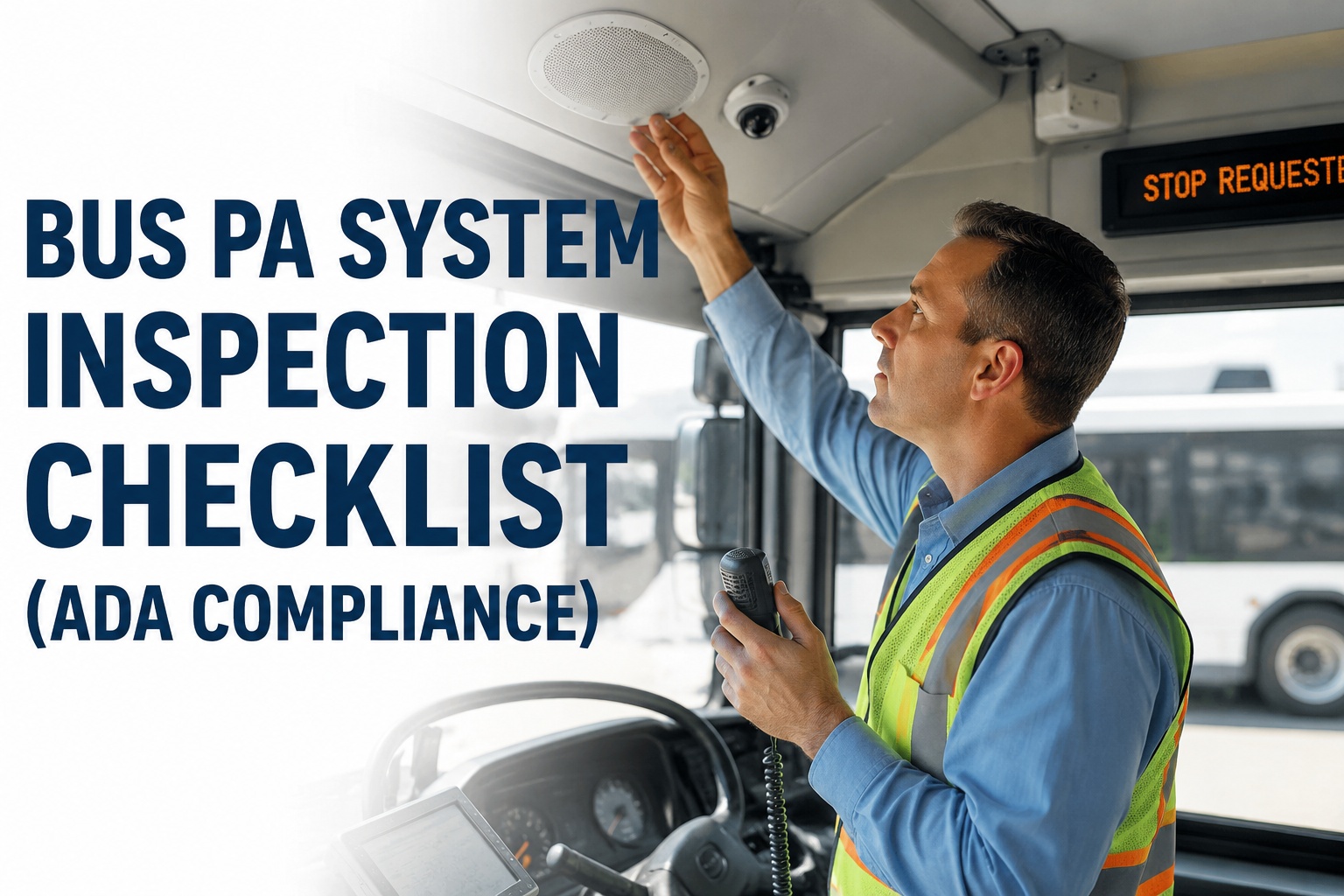
Your driver keys the microphone at the third stop of the morning route and gets silence. The next stop is a major transfer point required by ADA to be announced, and the automated system just went dark. Passengers with visual impairments miss their stop, complaints roll in, and the transit agency gets a compliance letter from FTA within the week. Bus PA system inspection is 10 minutes per bus per PM cycle -- and it is the single simplest way to keep ADA-required stop announcements audible on every route.
Bus PA System Inspection Checklist (ADA & Onboard Audio)
The complete 2026 inspection guide for driver microphones, interior and exterior speakers, ADA stop announcements, AVAS units, and backup power -- with the field test methods and audit-ready documentation trail that keep the fleet ADA compliant.
ADA + FTA + Rider Safety Stakes
Bus PA system failure is not just a maintenance issue -- it is a compliance and safety issue. The consequences of skipping this five-minute check add up fast.
Stop announcement requirement
ADA and FTA regulations require fixed-route buses to announce major stops, transfer points, and destinations. Silent PA = documented non-compliance.
Triennial review findings
PA and AVAS reliability is a routine focus of FTA triennial reviews. Repeated failures show up as agency-level compliance issues.
Public accountability
Riders with visual impairments file formal complaints when PA fails. Every unresolved complaint becomes a public compliance record.
Emergency broadcast
PA is the primary emergency announcement channel during evacuations, weather events, or route disruptions. A dead PA compounds every crisis.
Book a demo to see how BusCMMS logs PA inspection results per bus for ADA audit defense.
The 6 Components Every Inspection Must Cover
Modern transit and school bus PA systems break down into six functional components. Each needs a specific test approach.
Driver Microphone
Handheld or headset mic with push-to-talk (PTT). Primary input for manual announcements.
AVAS Head Unit + Amplifier
Automated Voice Annunciation System with amp. Central brain of the PA. GPS-triggered pre-recorded announcements.
Interior Speakers
6-8 distributed ceiling speakers typical on transit buses. Coverage must reach every seat position.
Exterior Speaker
Front-mounted boarding announcement speaker. Required by ADA for stop-name announcements to boarding riders.
GPS Module
Feeds route position to AVAS for accurate stop-triggered announcements. Drift causes wrong-stop announcements.
Battery Backup
Failsafe power keeps PA operational during main power loss. Required for emergency communication capability.
Complete PA System Inspection Checklist
Grouped by system zone. Each item has a Test method, Expected result, and Failure sign to watch for.
Driver Microphone & Controls
-
A1 · Microphone pickup + PTT switch
Test
Press PTT, speak a test phrase at conversational volume from 6 inches.
ExpectedClear audio through all speakers, no distortion, no cut-out.
Fail signMuffled audio, PTT stuck open, intermittent signal, buzzing pickup.
-
A2 · Microphone cable + connector
Test
Wiggle cable at both connector ends while broadcasting. Inspect strain relief.
ExpectedConsistent audio, no static, connector secure without play.
Fail signStatic during wiggle, connector wobble, exposed wire at strain relief.
-
A3 · Volume + mute controls
Test
Cycle volume knob or button through full range. Test mute function.
ExpectedSmooth volume change, mute engages fully, no crackle at any position.
Fail signDead zones, crackle at volume changes, mute does not fully silence, indicator LED missing.
Interior Speakers
-
B1 · Individual speaker test (all 6-8 units)
Test
Broadcast test tone or spoken announcement. Walk the aisle listening under each speaker.
ExpectedEvery speaker produces clear, consistent volume audio.
Fail signDead speaker, distortion, muffled audio (usually water damage or blown driver).
-
B2 · Speaker grille condition
Test
Visually inspect each speaker grille for damage, dirt, and foreign objects.
ExpectedClean grilles, no dents, no gum or debris blocking output.
Fail signPunched grille, gum in openings, water staining below speaker (indicates roof leak).
-
B3 · Coverage uniformity check
Test
Broadcast at normal announcement volume. Stand at front, middle, and rear seats.
ExpectedAnnouncement audible and intelligible at every listening position.
Fail signDead zones between speakers, obviously louder in front than rear, echo indicating speaker phase issue.
Exterior Boarding Speaker
-
C1 · Exterior speaker output + clarity
Test
Broadcast a stop announcement. Stand 20 feet from the boarding door.
ExpectedAnnouncement clearly audible and understandable at 20 feet in typical street noise.
Fail signBarely audible at boarding door, distortion under load, dead speaker.
-
C2 · Weatherproofing + housing
Test
Visually inspect speaker housing for water intrusion, cracks, and mount corrosion.
ExpectedSealed housing, no visible corrosion, mounting hardware intact.
Fail signCracked housing, corrosion at mount, water intrusion staining, missing weather seal.
AVAS & GPS System
-
D1 · Automated stop announcements
Test
Drive the bus through the first 2-3 route stops. Verify AVAS announces each stop.
ExpectedCorrect stop name announced at correct GPS location, both interior and exterior.
Fail signWrong stop name, no announcement, announcement fires early or late, silent exterior speaker.
-
D2 · GPS signal + route data
Test
Check AVAS display for GPS status indicator and current route selection.
ExpectedSolid GPS lock, correct route loaded, current position matches physical location.
Fail signGPS not acquired, wrong route loaded, position drift, no data for current route.
-
D3 · Announcement volume balance
Test
Compare AVAS auto-announcement volume against driver mic broadcast volume.
ExpectedBoth channels at consistent, audible volume across all interior positions.
Fail signAVAS much quieter or louder than driver mic, distortion on one channel only.
Emergency PA + Battery Backup
-
E1 · Emergency broadcast function
Test
Activate the emergency PA override (typically a dedicated button). Broadcast a test.
ExpectedEmergency mode engages, overrides normal audio, maximum volume across all speakers.
Fail signButton non-functional, normal volume only, some speakers do not switch to emergency mode.
-
E2 · Battery backup power
Test
Turn bus main power off. PA should remain functional on backup battery.
ExpectedPA remains operational for at least 10-15 minutes on backup power.
Fail signPA dies immediately, backup battery LED red or missing, audible weak battery warning.
The 5-Minute PA Test Every Technician Should Run
A structured five-minute test on every PM cycle catches the failures that become ADA complaints two weeks later.
-
01
Key up the mic and count "one, two, three"
Standard test phrase at conversational volume from 6 inches. Walk to rear of bus and confirm audible + clear from every seat.
-
02
Trigger a sample AVAS announcement
Use the AVAS test mode (most systems have one) or drive to the first stop. Confirm correct announcement plays interior + exterior.
-
03
Walk the bus interior during broadcast
Listen at every speaker position. Note dead speakers, distortion, dead zones between coverage areas.
-
04
Step outside for the boarding announcement test
Stand 20 feet from boarding door. Trigger stop announcement. Confirm clarity above street noise.
-
05
Document + photo any failures
Capture the failed component in the digital DVIR with photo attachment. Auto-generate work order for repair.
Book a demo to see how BusCMMS turns this 5-minute test into an audit-ready inspection record.
Symptoms and What They Actually Mean
The most common PA failures follow predictable patterns. Recognize the symptom and the diagnosis narrows down fast.
One speaker dead, others fine
Usually a blown speaker driver, water damage from roof leak above that speaker, or disconnected wire at the speaker terminal. Individual replacement is inexpensive.
All speakers muffled or distorted
Amplifier issue -- overheat cycle, blown output stage, or bad ground. Verify amp cooling vents are clear and check for burnt smell at the head unit.
AVAS announces wrong stops
GPS drift, wrong route loaded, or outdated route data. Verify GPS lock, confirm the driver selected the correct route at pull-out, check for route update needed.
Static or crackle on driver mic only
Loose connector, damaged cable, or PTT switch contact wear. Wiggle test at both ends of the cable. Cable + connector replacement typically fixes it.
Interior loud, exterior silent
Exterior speaker failed, exterior amp channel out, or ADA compliance switch off. Check the AVAS head unit for exterior channel status LED.
PA dies when engine off
Battery backup failed or disconnected. Backup battery has finite life (2-4 years typical). Replacement is a scheduled maintenance item.
Book a demo to see how BusCMMS tracks PA component replacement history + parts cost per bus.
Turning the Checklist Into ADA Audit Defense
FTA triennial reviews and ADA complaints both ask the same question: "when was this bus's PA last inspected and by whom?" Digital DVIRs answer that question in three clicks.
Bus-specific PA inspection items
All PA system check points pre-loaded into the digital DVIR alongside other bus-specific inspection items (stop arm, crossing gate, emergency exits, wheelchair lift). Technician sees the correct PA checklist for the right bus type from Day 1.
Photo attachment on failures
Failed items captured with a photo from the technician's mobile device. Cracked speaker grille, corroded exterior speaker mount, non-functional PTT switch -- all documented with the inspection record.
Auto-generated work orders
A failed PA inspection item automatically creates a work order for repair or replacement. Parts cost and labor hours tracked against that bus's compliance history.
ADA + FTA audit reports
Compliance reports pull the full PA inspection history for any bus, any date range, ready for FTA triennial review or ADA complaint response. Historical documentation on demand.
A five-minute PA inspection captured in a digital DVIR is the difference between "yes we tested that" and "here is the date, technician, test results, and photo evidence." Book a demo to see the digital DVIR + ADA compliance workflow live.
Does ADA require automatic PA announcements on every bus?
ADA requires fixed-route transit buses to announce major stops, transfer points, intersections, and destinations. This applies whether the announcements are automated (AVAS) or made manually by the driver. Most transit agencies use AVAS for consistency and reliability, but manual announcements are acceptable as long as they are actually made. School buses have different requirements -- PA is generally not federally required but often provided for emergency communication.
How often should the bus PA system be inspected?
Best practice is a daily driver quick-check (5 seconds -- key the mic, confirm interior speaker output), a monthly technician inspection (full system test as described in this checklist), and an annual deep inspection including battery backup load test. Missing PA failures between PM cycles is a common source of ADA complaints -- the daily check catches most of them.
Why does the AVAS announce the wrong stop?
Three common causes: (1) GPS drift or weak signal (verify GPS lock indicator on AVAS display), (2) wrong route loaded at pull-out (driver may have selected the wrong route), or (3) outdated route data on the AVAS unit (recent stop additions or moves not synced). Start with GPS signal strength check, then route selection, then confirm the AVAS data version matches current agency route configuration.
How long should the PA battery backup last?
A healthy PA battery backup should keep the system operational for at least 10-15 minutes after main power loss. This is enough for emergency evacuation announcements. Backup batteries typically last 2-4 years before capacity drops below threshold -- schedule proactive replacement rather than reactive. Any backup failure test result of less than 5 minutes indicates the battery needs immediate replacement.
How does BusCMMS help with PA system compliance?
BusCMMS includes PA system inspection items in the bus-specific digital DVIR forms. Every check is logged per bus with date, technician, pass/fail per item, and photo evidence for failed components. Failed items automatically create work orders for repair. ADA and FTA compliance reports pull the PA inspection history for any bus, any date range, ready for triennial reviews and complaint response. Book a 20-minute demo to see the compliance workflow live, or start a 30-day free trial.