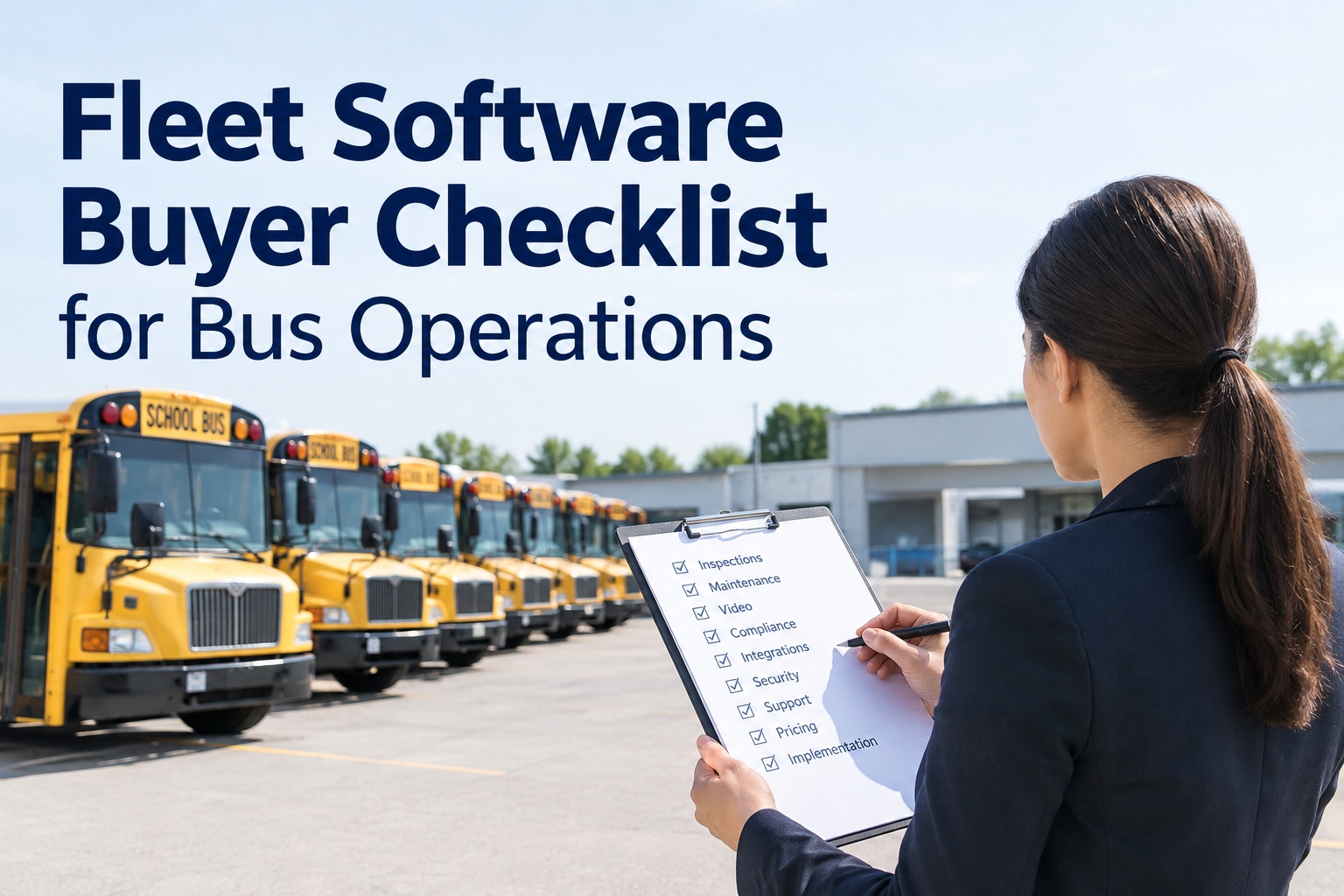
A fleet software buyer checklist is how you compare bus platforms honestly: evaluate every vendor across the work your team actually does — inspections, preventive maintenance, work orders, defects, video and camera events, compliance, reporting, integrations, mobile and offline use, security, implementation, support, and total cost — and score them all on the same scale instead of counting features on a slide. This guide gives you the areas to test, the questions to ask in a demo, the evidence to demand before signing, and the scoring framework that keeps the comparison fair.
Fleet Software Buyer Checklist for Bus Operations
Feature lists win demos and lose deployments. Score what the software actually does with your workflows, and the right platform picks itself.
Updated September 2026 · A practical buyer's guide, not legal or procurement advice; requirements vary by fleet.Every vendor demo looks great, because demos are built to. The platform that actually holds up is the one that does your real work — a defect becoming a work order, a video event landing on the right bus, an overdue PM surfacing before it fails — not the one with the longest feature list. A structured checklist keeps you focused on that, and a shared scoring scale keeps the comparison fair.
The areas to evaluate
A bus fleet platform touches a lot of ground. Grouping the evaluation into these areas keeps a demo honest and makes sure nothing important gets skipped because it did not come up on the sales call.
Inspections & defects
Bus-specific inspections, DVIRs, and a clean path from a failed item to a tracked defect.
PM & work orders
Preventive schedules, overdue alerts, and work orders with parts, labor, and cost.
Video & camera events
Whether camera events connect to the affected bus and a work order, or sit in a separate portal.
Compliance & reporting
Audit-ready reports and records that support your obligations, produced without a spreadsheet rebuild.
Records & history
Driver and vehicle records, and a complete asset history on each bus you can actually retrieve.
Integrations
Telematics, cameras, fuel, and accounting — and whether they connect or need manual re-entry.
Mobile & offline
Whether techs and drivers can work in the yard and out of coverage, not just at a desk.
Security & permissions
Role-based access, an audit trail, and controls that fit how a district actually operates.
Implementation & support
Rollout timeline, data migration, training, and who answers when something breaks.
Pricing & total cost
Recurring fees, contract terms, and the hidden costs that decide the real three-year number.
You do not have to weight every area equally — a district drowning in camera portals will care more about video-to-work-order than a small charter operator will. Decide your priorities first, then score every vendor against the same list. Get the template with all the areas laid out
Score it, do not just tick boxes
Feature-count comparisons are how fleets end up with software that technically has everything and does nothing well. A simple 1-to-5 score per area, applied to every vendor, turns a pile of demos into a decision you can defend to a board.
Absent
The platform does not do this, or only through a workaround.
Weak
Present but clunky, partial, or an add-on that costs extra.
Adequate
Works, but not built for buses or needs manual steps.
Strong
Bus-specific and smooth in a real workflow test.
Excellent
Does it better than you asked, and connects to the rest.
Multiply each score by how much that area matters to your operation, add it up, and the winner is rarely the one with the flashiest demo — it is the one that scored high where your team actually feels the pain. Start a pilot and score us on your own workflows
Four demos to run before you sign
Do not let the vendor drive the demo. Hand them your scenarios and watch them do the actual work — these four separate the platforms that work for buses from the ones that just present well.
Turn a defect into a work order
Fail an inspection item on a bus and follow it — does it become a tracked defect and a work order without re-keying, or does the trail break?
Connect a video event to the bus
Take a camera event and see if it lands on the affected vehicle and can open a work order — or if it lives in a separate portal nobody watches.
Find overdue preventive maintenance
Ask it to show every bus with an overdue PM right now, and how it flagged them — proactively, or only when you go looking.
Produce an audit-ready report
Request a report you would actually hand to an auditor or a board, and time how long it takes and how much manual cleanup it needs.
If a vendor cannot do these smoothly in a live demo with your data, they will not do them smoothly in production. The demo scenario is the single most honest test in the whole process. Get the template with these demo scripts included
The buyer comparison table
For each evaluation area, this is the shape of a real comparison — the question to ask, the evidence to demand instead of taking a claim on faith, and the warning sign that a platform will disappoint after you sign.
Notice the middle column: evidence, not assurances. Any vendor will say yes to the questions — the ones worth buying will show you, live, on your data. That difference is the whole point of the table. Start a pilot and let us show, not tell
The five mistakes that sink a purchase
Almost every regretted fleet-software purchase traces back to one of these. Knowing them upfront is half the protection.
Evaluating features, not workflows
A feature list is a promise; a workflow test is proof. Score what it does with your data, not what the slide claims.
Piloting with no baseline
Without before-numbers — road calls, PM compliance, review hours — a pilot cannot prove anything. Capture the baseline first.
Ignoring implementation & migration
The best platform fails if the rollout stalls or your data never makes it in. Weigh implementation as heavily as features.
Separating video from maintenance
Camera evidence in one system and repairs in another is the gap that never closes. Insist they live on one record.
Not confirming recurring cost & terms
The sticker is not the cost. Pin down every recurring fee, the contract length, and the minimums before you sign.
Every one of these is avoidable with a checklist, a scoring scale, a real pilot with baselines, and a full-cost conversation — which is exactly what this guide is built to give you. Get the template and avoid all five
Pricing, implementation, and support — the decisive three
Features get the attention, but these three quietly decide whether a purchase succeeds. Press hard on all of them before you sign.
Get every recurring cost, contract term, and minimum in writing, and model the three-year total — not just the first invoice.
Confirm the rollout timeline, the data-migration plan, and who owns each step. Ask a reference customer how theirs actually went.
Find out who answers when it breaks, how fast, and whether you get a real person who knows bus operations.
A platform that scores well on features but vague on these is a risk. One that is clear and confident on pricing, implementation, and support is usually a partner — and that distinction matters more than any single feature. Start a pilot and see how we handle all three
Where BusCMMS fits the checklist
Run BusCMMS through this same checklist and the pattern is consistent: it is built so the areas that usually live in separate systems — inspections, defects, video events, and maintenance — sit on one asset record per bus.
One asset record
Inspections, defects, camera events, and work orders on the same bus record — no reconciling across portals.
AI-native prioritization
AI surfaces the high-risk buses, defects, and events first, so staff review what matters instead of every report.
Hardware-agnostic
Works with the cameras and telematics you already run, so evaluation is not gated on a rip-and-replace.
Pilot-first
Start on a small group of buses with a baseline, and score it on your own workflows before committing.
You do not have to take that on faith — which is the point of the whole checklist. Put BusCMMS through the four demo scenarios and the scoring framework, and judge it the same way you judge everyone else. Get the district-ready evaluation template
Get the district-ready evaluation template, or start a pilot
Use the template to score every bus fleet platform across the same areas, run the four demo scenarios, and demand evidence instead of claims — then put BusCMMS through it too. Inspections, defects, video events, and maintenance on one asset record, with AI surfacing the high-risk buses first. Works with your existing cameras.
One asset record · AI prioritizes high-risk buses · Pilot before you commit
Frequently asked questions
What should I evaluate before buying bus fleet software?
Evaluate the platform across the work your team actually does: bus-specific inspections and defects, preventive maintenance and work orders, video and camera events, compliance and reporting, driver and vehicle records, integrations, mobile and offline use, security and permissions, implementation and support, scalability, and pricing with total cost of ownership. For each area, ask a specific question, request live evidence rather than a claim, and score every vendor on the same 1-to-5 scale weighted by how much that area matters to your operation. The goal is to compare platforms on how they handle your real workflows — a defect becoming a work order, a video event reaching the right bus, an audit-ready report — instead of counting features on a slide.
How do I compare fleet software vendors objectively?
Use a consistent scoring framework instead of a feature checklist. Define your evaluation areas, score each vendor 1 to 5 in every area — 1 for absent, 3 for adequate, 5 for excellent and connected to the rest — then weight each score by how much that area matters to your fleet and total it. Apply the exact same scale and the same demo scenarios to every vendor, using your own data. This turns a series of polished demos into a numeric comparison you can defend to a board or procurement team, and it consistently surfaces the platform that performs where your team feels the most pain rather than the one with the best sales presentation.
What demo scenarios should I ask a vendor to run?
Hand the vendor your scenarios rather than watching a scripted tour. Four are especially revealing: turn a failed inspection item into a tracked defect and a work order without re-keying; take a camera or video event and connect it to the affected bus and a work order; show every bus with an overdue preventive maintenance right now and how it was flagged; and produce an audit-ready report you would actually hand to a board or auditor, timing how much manual cleanup it needs. If a platform cannot do these smoothly in a live demo on your data, it will not do them smoothly in production, which makes these scenarios the most honest test in the buying process.
What are the most common bus fleet software buying mistakes?
The recurring ones are: evaluating features instead of testing real workflows; running a pilot without capturing baseline metrics, so it cannot prove improvement; overlooking implementation and data migration, which can sink even a strong platform; keeping camera evidence in one system while maintenance records live in another, leaving a gap that never closes; and failing to confirm every recurring cost, contract term, and minimum before signing. Each is avoidable with a structured checklist, a shared scoring scale, a pilot that starts from baseline numbers, and a full total-cost-of-ownership conversation. Building those into your process protects against the purchases fleets most often regret.
How does BusCMMS fit a buyer evaluation?
BusCMMS is designed to be judged on the same checklist as anyone else. It is an AI-native bus fleet operations platform that keeps inspections, defects, video and camera events, and maintenance on one asset record per bus, so the video-to-work-order and inspection-to-repair workflows that trip up other platforms run end to end. AI surfaces the high-risk buses, defects, and events first, so staff review what matters rather than every report, and it is hardware-agnostic, working with the cameras and telematics you already run without a rip-and-replace. The recommended approach is to run it through the four demo scenarios and the scoring framework on your own data, ideally in a pilot on a small group of buses with a baseline, and compare the results to every other vendor.