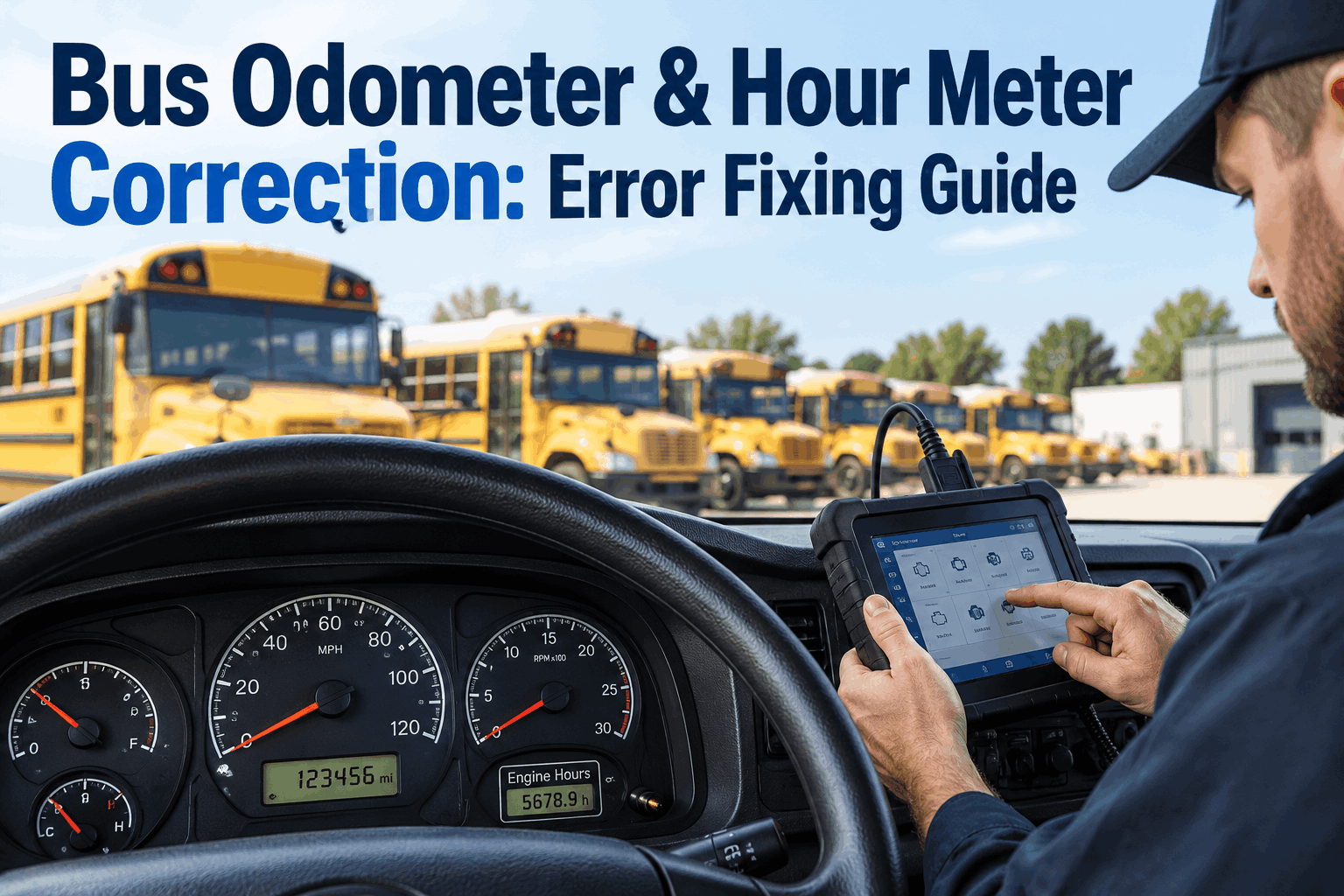
A bus shows 148,630 miles on the dashboard, but someone accidentally records 248,630 in the maintenance system. That single incorrect digit can make preventive maintenance appear seriously overdue, distort mileage history and create confusion for the next technician reviewing the vehicle. A reliable bus odometer correction process fixes the reading without losing the history behind the change.
Correct the Meter.
Keep the History.
Restore the PM Trigger.
Odometer and hour meter corrections should do more than replace a bad number. Verify the actual reading, document what changed, preserve the correction trailand make sure mileage- or hour-based maintenance returns to the right position.
A Meter Error Is Not Just a Bad Number
Odometer and hour meter readings often sit behind maintenance decisions. If a bus receives preventive maintenance every 5,000 miles, an accidental 100,000-mile jump can immediately make the vehicle appear far beyond its next service point. An incorrect low reading can create the opposite problem by making a service interval look farther away than it really is.
The goal of a correction is therefore not simply to make today's dashboard look right. Fleet administrators need a trustworthy current reading, enough context to explain the change later, and a maintenance schedule that reflects the corrected usage.
Mileage History
A large incorrect jump can make historical utilization and mileage progression difficult to interpret.
PM Triggers
Usage-based preventive maintenance can appear early, late, or severely overdue.
Operating Hours
Incorrect hour readings can affect maintenance tied to engine or equipment operating time.
Fleet Records
Unexplained changes make the maintenance history harder for technicians and managers to trust.
Fix the current value, but do not erase the context that explains why the value changed.
Six Reasons Bus Meter Readings Go Wrong
Before editing a value, determine why it is wrong. A manual typo requires a different response from a physical meter replacement or a connected device assigned to the wrong vehicle. Finding the source helps prevent the same discrepancy from returning with the next reading.
Manual entry error
A technician enters 248,630 instead of 148,630.
Wrong vehicle selected
A valid reading is recorded against a different bus.
Stale previous reading
Missing updates make the next legitimate value appear abnormal.
Meter replacement
A replacement meter begins from a different physical baseline.
Integration mapping
A connected device or mileage feed is associated with the wrong asset.
Unit mismatch
Miles, kilometers, or operating hours are interpreted incorrectly.
How to Correct a Bus Odometer or Hour Meter Error
Treat the correction like a short investigation. Establish the trusted value first, document the change second, and then review every maintenance decision that relied on the incorrect meter reading.
Flag
Identify the mileage or hour reading that does not fit the vehicle history.
Verify
Compare the record with a reliable physical or connected source.
Document
Retain the original value and record why a correction is required.
Correct
Enter the verified value using the fleet's authorized correction process.
Review PM
Recheck maintenance tasks that depend on mileage or operating hours.
Keeping the meter correction close to the maintenance workflow makes it easier to understand why a PM position changed. See how BusCMMS supports meter-driven maintenance.
How a Wrong Reading Changes a Mileage-Based PM Trigger
Consider an illustrative bus with its previous PM completed at 145,000 miles and its next mileage-based service planned for 150,000 miles. The physical odometer is actually at 148,630 miles, but a data-entry mistake records 248,630 miles.
This is an illustrative maintenance example, not a recommended service interval. Fleets should use the applicable OEM, component, regulatory, and internal maintenance requirements.
Odometer Correction and Hour Meter Correction Are Related, Not Identical
An odometer measures distance while an hour meter records operating time. Both can drive maintenance, but they describe different kinds of vehicle use. A bus can accumulate modest mileage while building significant operating hours through idling, stop-and-go service, auxiliary equipment use, or low-speed operation.
Odometer
Hour Meter
Low mileage does not necessarily mean low operating time.
When a maintenance program uses both measurements, each meter should maintain its own trustworthy history.
When the Physical Meter Changes but the Bus History Does Not
A physical meter replacement should not be treated like a normal typo. The replacement device may begin at zero or another baseline even though the bus already has years of mileage or operating history. Maintenance continuity depends on documenting the relationship between the old meter and the replacement.
This guide focuses on correcting maintenance records. Physical odometer repair, replacement, reset, or disclosure may involve separate manufacturer, organizational, federal, or state requirements.
Validate the Reading After the Correction
The next reading is an important test. If the corrected baseline is 148,630 miles and the next legitimate entry is 148,711, the progression makes sense. If the next feed suddenly returns to 248,700, the original problem may still exist in an integration, device mapping, or data-entry process.
No unexplained decrease
A lower value should have a documented reason such as a meter event.
No impossible jump
Compare the change with elapsed time and realistic bus usage.
Correct vehicle
Confirm the reading belongs to the intended bus and meter source.
PM still aligned
Check that the new usage value continues to support the expected maintenance position.
Reducing unnecessary manual handoffs can also reduce opportunities for meter-entry mistakes. Start free with BusCMMS to bring usage information and preventive maintenance into a more connected workflow.
Correct the Number, Preserve the Maintenance Story
A strong bus odometer correction process protects more than a mileage field. It protects the connection between vehicle usage, maintenance history, and future preventive maintenance decisions. The same principle applies to hour meter corrections: establish the trusted value, understand why the discrepancy occurred, document the correction, and review the maintenance tasks that depend on it.
When mileage and hour data are maintained as operational records rather than isolated numbers, maintenance managers have a clearer basis for scheduling service and reviewing vehicle history. Book a BusCMMS demo to see how usage-based preventive maintenance can fit into your fleet workflow.
Bus Odometer & Hour Meter Correction FAQ
Quick answers for fleet administrators and maintenance teams handling incorrect mileage and operating-hour records.