Your Cummins-powered Blue Bird Vision throws SPN 5246 on Tuesday morning and the fleet manager wants to know if the bus can finish the day. Same code, same J1939 protocol, but the answer depends entirely on the FMI, the dash lamp color, and whether it is an active or stored code. Getting the read right is the difference between a scheduled Friday shop visit and a stranded bus at 3 PM. If you look up Cummins fault codes across ISB6.7, L9, and X15 engines every week, book a 20-minute demo to see how BusCMMS captures the full code history per bus so patterns emerge across your fleet, not one work order at a time.
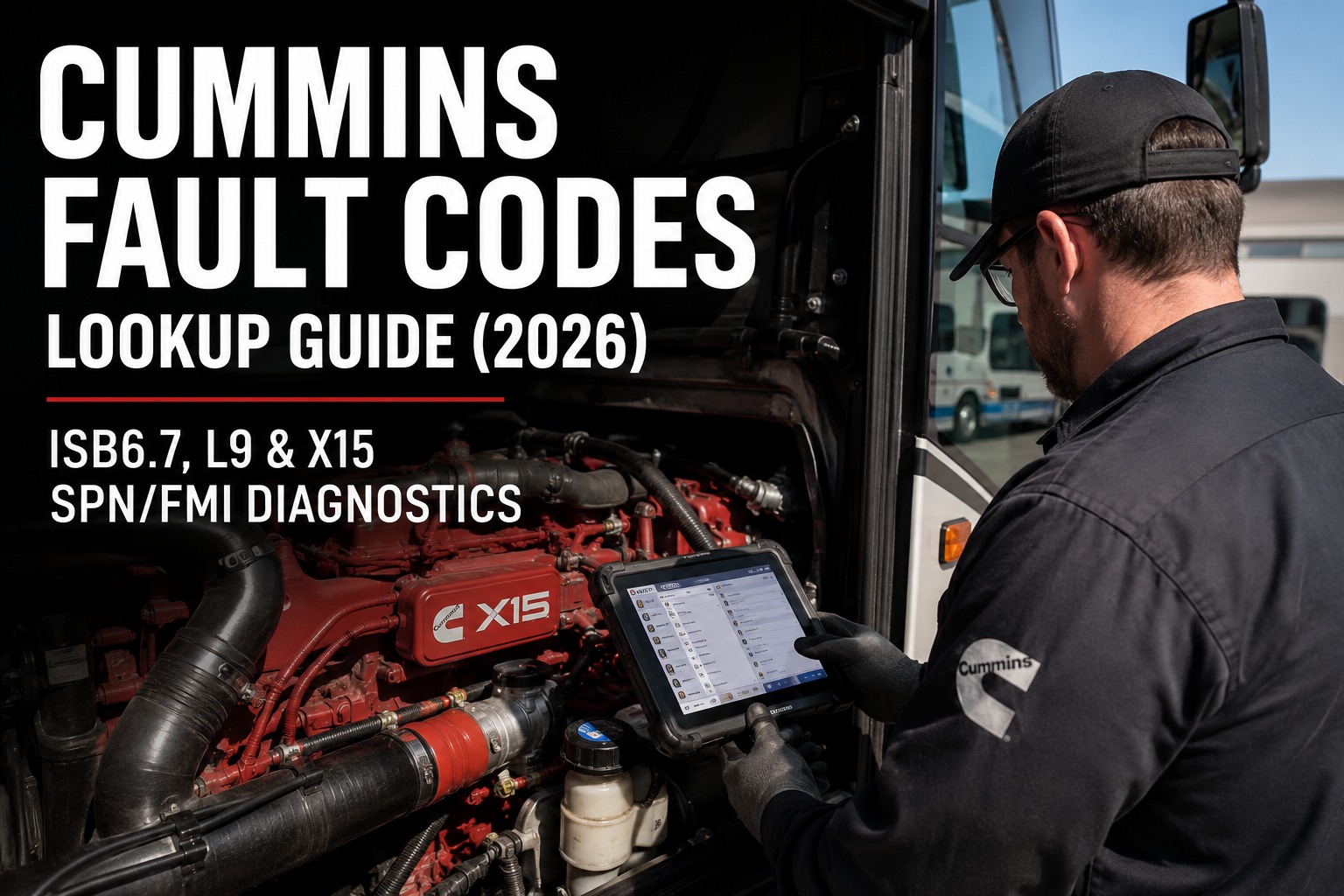
Cummins Fault Codes Lookup Guide (2026): ISB6.7, L9 & X15 SPN/FMI Diagnostics
Every SPN, FMI, dash lamp, and engine-family quirk a bus fleet mechanic needs to decode Cummins power on the fly
The Lamp Rule: Yellow "Check Engine" gives you 50-100 hours to schedule shop time. Red "Stop Engine" is immediate shutdown -- keep running and progressive damage starts within minutes. Cummins Insite's severity indicator matches the dash lamps exactly. When in doubt, pull over and read the code before the fault cascades to a Level 3 inducement.
Every Cummins Code is Three Pieces of Information -- Read All Three
Techs who read only the SPN miss the failure mode. Techs who read only the FMI miss the severity. The full picture requires SPN, FMI, and the dash lamp together.
Suspect Parameter Number
WHICH component or system reported the fault. Range 0-524,287. Cummins uses standard J1939 SPNs plus manufacturer-specific extensions above 200,000.
Failure Mode Identifier
HOW that component failed. Range 0-31. Most common: 0/1 = value out of range, 5 = open circuit, 6 = shorted low, 16/18 = out of range high/low.
Severity & Timeline
Yellow amber = address within 50-100 hours. Red = immediate shutdown, engine damage will progress. Insite mirrors these on-screen.
Every experienced Cummins tech reads all three parts before touching a wrench. Skipping the lamp check turns a 30-minute yellow-code fix into a 3-hour red-code emergency. Book a demo to see how BusCMMS surfaces lamp severity in real time so techs prioritize the right buses first.
The 12 Cummins Codes You Will See This Year -- Every One With Engine Applicability
These twelve codes cover roughly 80% of bus fleet Cummins Insite sessions. Bookmark this section, share with your techs, and cut lookup time from 15 minutes to under two.
Fuel Delivery Pressure Low
Roughly 70% of cases trace to a clogged fuel filter. X15 has two-stage filtration -- replace both primary and secondary.
Engine Coolant Level Low
Check overflow tank first, then the level sensor. Red lamp -- do not continue driving.
Fuel Rail Pressure High
Check for restricted return line, faulty pressure relief valve, or a stuck high-pressure pump.
NOx Sensor Upstream Erratic
Run two consecutive regens to verify sensor. If still erratic, replace. NOx sensors often fail in pairs.
DPF Differential Pressure High
Force a parked regen first. If it repeats within 50 hours, check DPF inlet sensor and pressure tubing.
DEF Quality Poor
Test DEF fluid refractive index. Old DEF (over 12 months at 75°F) commonly triggers this. Drain and refill.
DPF Ash Load High
DPF needs ash clean or replacement. Regen cannot burn off ash -- only soot. Replace above 250 grams.
Level 3 Final Inducement (5 MPH)
Bus is limited to 5 mph. Downstream of an uncleared SCR/DPF fault. Insite must run reset sequence after repair.
EGR Valve Position Circuit Open
Test EGR actuator harness continuity. Corroded connector at valve body is the top failure on aging fleets.
SCR Conversion Efficiency Low
Verify DEF dosing rate via Insite live data. Common on X15 with a failing doser injector or dirty dose line.
DEF / SCR Derate Active
Cascade code -- follow to the root SPN. Common upstream: SPN 3364, 4364, or 3216. Level 1 inducement active.
SCR NOx Conversion Downstream
Downstream NOx sensor reading out of range. Verify DEF dosing before condemning the sensor.
The pattern most techs miss on their first Cummins fleet: aftertreatment codes rarely fire alone. When SPN 5246 appears, look up the stack for SPN 3364 (DEF quality) or SPN 4364 (SCR conversion) that fired first. Insite shows the trigger sequence in freeze-frame data -- and a fleet CMMS shows the pattern across every bus that ran into it. Book a demo to see how BusCMMS auto-annotates each Cummins code with its likely upstream trigger based on your fleet's own history.
What to Actually Do After You Look Up the Code
Cummins ECMs report symptoms, not root causes. A single SPN can have eight different mechanical or electrical reasons behind it. This four-step sequence narrows eight to one.
- 01
Verify Active vs Stored
Insite shows whether the code is active right now or stored from a previous event. Stored codes without an active partner are usually cleared symptoms. Pull freeze-frame data on active codes -- RPM, load, coolant temp at the time of trigger.
- 02
Confirm With Live Data + Physical Check
Insite Pro shows live sensor values, calibration parameters, and derate thresholds side by side. Cross-check with a physical inspection -- corroded connectors, chafed harnesses, and vibration-loosened grounds account for a lot of "sensor failure" tickets.
- 03
Repair the Root Cause, Not the Symptom
A cleared code is not a fixed problem. Replacing a NOx sensor that failed because DEF quality was bad guarantees the code returns. Trace back to the earliest active code in the cascade and repair that first.
- 04
Clear, Drive Cycle, Verify
Insite clears the fault, but a real fix requires the ECM to run its diagnostic cycle without re-triggering. For SCR/DPF derates, this often includes a successful parked regen. Only close the work order after a clean drive cycle.
The number one Cummins misdiagnosis is closing tickets on cleared codes without verifying the underlying repair. A DEF-related fault that stays cleared for 24 hours may return on the third day when the DEF tank is refilled with the same contaminated fluid. Fleet-wide DTC history catches that pattern -- individual scan tool sessions almost never do. Book a demo to see how BusCMMS logs the full clear + drive-cycle + reappearance history per bus.
Insite Pro -- The Tool That Reads Every Cummins Bus Engine
Cummins Insite Pro is the OEM diagnostic software. It reads ISB6.7, L9, X15, and every other on-highway Cummins engine, plus aftertreatment and chassis ECMs on the same session.
What Insite Pro Does at the Bench
- Read & clear DTCs across ECM, aftertreatment, and chassis modules on one session
- Live sensor data including DEF dosing, DPF pressure, NOx values, EGR position, rail pressure
- Injector cutout / balance test for misfire and cylinder identification on X15
- Forced parked regeneration with soot burn monitoring
- Level 1/2/3 inducement reset after underlying fault repair
- ECM reflash with current Cummins calibration files
- Parameter programming for governed speed, PTO, idle shutdown
Aftermarket tools like JPRO and Jaltest read basic Cummins fault codes and can trigger forced regens on most engines. What they usually cannot do is reset a Level 3 inducement or reflash the ECM with current calibration. For a bus fleet running any Cummins power, Insite Pro access is functionally required -- but pairing it with a fleet CMMS multiplies its value. Book a demo to see how BusCMMS captures every Insite session and links it to the underlying work order automatically.
Fleet-Wide Cummins Code Lookup With BusCMMS
Insite reads one bus. BusCMMS reads your Cummins fleet -- correlating cascades, tracking clear history, and flagging patterns that no single-session scan can see.
Per-VIN Code History
Every Insite session logged with SPN, FMI, freeze-frame data, and clear/repeat trail. Six-month view reveals patterns invisible in isolation.
Cross-Fleet Code Correlation
Three ISB6.7 buses throwing SPN 3251 the same week? BusCMMS flags a shared cause -- diesel batch, route condition, or missed PM.
Cascade Grouping
When aftertreatment cascades fire (SPN 3364 → 4364 → 5246), BusCMMS groups them into one diagnostic event with the root SPN highlighted.
Lamp-Triggered Alerts
Yellow amber activation flagged the moment telematics captures it. Techs know before the 50-hour window closes and Level 2 inducement fires.
Insite-Ready Work Orders
Fault-triggered work orders arrive pre-filled with SPN/FMI, likely upstream trigger, and first-step Insite routine to run at the bench.
Reappearance Detection
Codes cleared then reappearing within 50 hours flag automatically. Points at incomplete repairs before the driver reports a second time.
Whether you run five Blue Bird Vision buses with ISB6.7 power on a rural district route or forty motorcoaches with X15s in intercity service, the diagnostic gap is not the Insite laptop -- it is whether every fault your Cummins fleet generates ends up on someone's dashboard, tied to a work order, with the fleet-wide correlation intact. Sign up free and load your first Cummins fleet's code history in under an hour.
What is a Cummins fault code and how do I read one?
A Cummins fault code is a J1939 diagnostic trouble code generated by the ECM when it detects a sensor reading, circuit value, or system parameter outside its acceptable range. Every code has three parts. The SPN (Suspect Parameter Number) identifies which component reported the fault (e.g., 5246 = SCR/DEF quality). The FMI (Failure Mode Identifier) identifies how it failed (0 = data too high, 1 = data too low, 5 = open circuit, 16/18 = out of range). The dash lamp shows severity -- yellow amber gives you 50-100 hours, red demands immediate shutdown.
What is Cummins Insite Pro and what alternatives exist?
Cummins Insite Pro is the OEM diagnostic software for every modern Cummins engine, including ISB6.7, L9, and X15. It reads/clears DTCs across engine, aftertreatment, and chassis modules on one session, displays live sensor data, runs injector cutout tests, triggers forced regens, resets Level 1/2/3 inducements, and reflashes the ECM with current Cummins calibration. It connects through a Cummins INLINE 6/7/8 datalink adapter or a licensed NEXIQ USB-Link 3, on a Windows 10/11 laptop. Aftermarket alternatives include JPRO Professional and Jaltest CV -- both read basic fault codes and trigger forced regens, but generally cannot reset Level 3 inducements or reflash the ECM.
What is the difference between a yellow and red Cummins lamp?
The yellow "Check Engine" lamp indicates a fault that requires attention but allows continued operation, typically within a 50-100 hour service window. Common yellow codes include DPF pressure warnings, DEF quality alerts, and NOx sensor faults. The red "Stop Engine" lamp requires immediate shutdown -- progressive engine damage is imminent. Common red codes include coolant level low, oil pressure critical, and Level 3 final inducement (SPN 3712 at 5 mph). Insite Pro's severity indicator mirrors these dash lamps exactly, and BusCMMS captures both automatically from J1939 telematics.
What causes a Cummins engine derate and how do I clear it?
Cummins uses a three-level inducement structure for uncleared aftertreatment faults. Level 1 activates the amber lamp with informational status. Level 2 introduces torque reduction. Level 3 (SPN 3712) limits the bus to 5 mph as final inducement. Common triggers include DPF ash/soot load, contaminated DEF fluid, failed doser injector, or bad NOx sensors. A forced regeneration alone typically will not clear a Level 3 inducement -- Insite Pro must run the reset sequence after the underlying fault is repaired and a successful parked regen completes.
Can I clear a Cummins code without Insite Pro?
Basic J1939-compatible scanners can clear stored fault codes on most Cummins engines. What generic tools generally cannot do: reset a Level 2 or Level 3 inducement, reflash the ECM with updated Cummins calibration, or run bidirectional tests like injector cutout. For a bus fleet running any modern Cummins power, Insite Pro access is functionally required for any derate-related fault. Cleared codes on cheaper scanners often reappear on the next drive cycle because the underlying condition was never resolved -- and the driver reports it again 24 hours later.