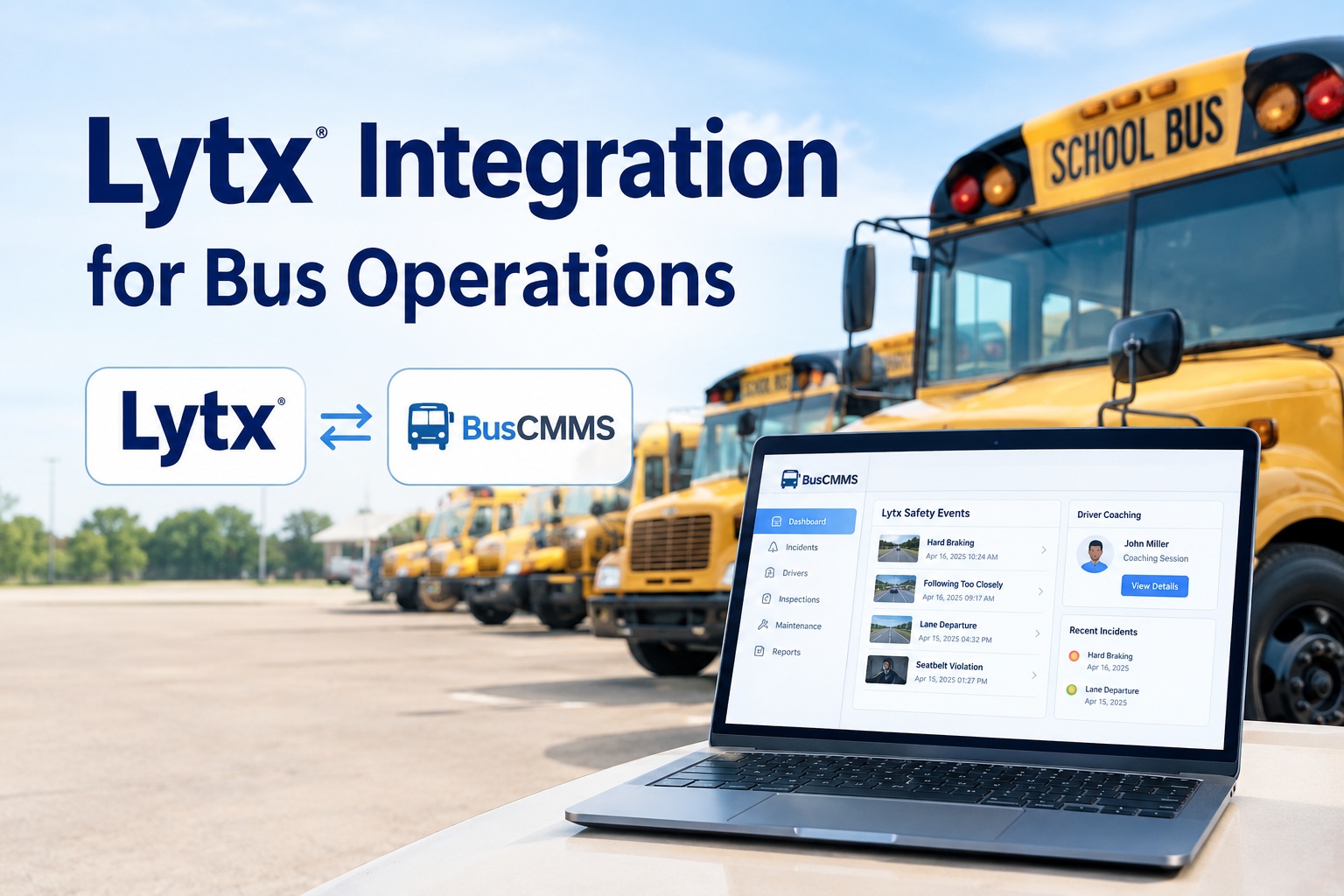
Lytx watches the one thing a maintenance system cannot see: how the bus is being driven. Its DriveCam event recorders use machine vision and AI to catch risky moments — hard braking, following too close, a distracted driver — and turn them into reviewed safety events and coaching. But that safety story usually lives in the Lytx portal, disconnected from where you actually manage the bus and the person driving it. A Lytx integration with BusCMMS closes that gap: a reviewed event, its coaching outcome and the video attach to the correct driver and the correct bus, so the safety picture and the operational record are finally the same record. See Lytx safety events land on the right record in a demo
Updated September 2026 · Integration capabilities depend on your Lytx plan and API access; specifics are confirmed at setup. Video review, retention, and driver-coaching practices should follow your own policies and applicable requirements.
Lytx Integration for Bus Operations
A safety event is only useful when it reaches the right driver and the right bus. This connects Lytx's reviewed events, coaching, and video to the records where they belong.
Lytx does not just record everything and dump it on you. Its value is a filter: MV+AI flags a risky moment, that event is reviewed rather than taken at face value, and the outcome becomes coaching for the driver. Understanding that lifecycle matters, because each stage produces different data, and each stage has a natural home in BusCMMS — if the two systems are connected.
The reviewed-event lifecycle, and where it lands
MV+AI detects a risk indicator — hard braking, a following-distance warning, distraction — and the DriveCam captures a video clip of the moment.
Lands as: a safety event tied to the bus and the driver who was behind the wheel at that time.
The event is assessed — not every trigger is a real problem. Lower-severity items may route to the driver for self-coaching; higher-risk ones stay for manager review.
Lands as: a reviewed outcome and severity on the record, so noise is filtered out and only real events count.
The driver is coached on the behavior, and the result — acknowledged, improved, repeated — becomes part of their history.
Lands as: coaching history on the driver record, building a picture of behavior over time, not a one-off note.
The point of connecting this to BusCMMS is that a driver's safety history and their operational record stop being two separate things. The coaching that lives in Lytx and the driver file, inspections, and assignments that live in your fleet system become one view of the person behind the wheel. Book a demo to see reviewed events build a driver's real history
When something happens: the video that answers everything
The moment a Lytx integration proves its worth is the moment an incident occurs. A parent complains that a bus was driving unsafely. A minor collision needs investigating. An insurer wants to know what happened. In each case the answer is scattered across systems — unless it is not. Connected, the reviewed event and its video sit next to the driver's record and the bus's inspection and maintenance history, so the full picture assembles itself.
Video evidence is powerful on its own — it can exonerate a driver or settle a dispute in minutes. It is more powerful attached to the rest of the record, because then the investigation is not "find the clip, then find the driver file, then check the maintenance log," it is one lookup. That is the difference between a defensible answer in five minutes and a scramble across three portals. Start free and keep incidents, video, and records on one event
Matching two things, not one: bus and driver
Here is what makes a safety integration different from a maintenance one. A telematics-to-maintenance link only has to match the vehicle. A Lytx integration has to match two things, because a safety event is about a person driving a bus — and both the person and the bus have to resolve to the right record, or the event lands on the wrong history.
Map each Lytx-equipped vehicle to its BusCMMS vehicle, by VIN or unit number, so events land on the right asset. This is the familiar half of the problem.
Resolve the driver on each event to a BusCMMS driver record. This is the extra step safety data demands — and where identity has to be reliable, so coaching history follows the right person.
Get both mappings right once and every reviewed event flows to the correct bus and the correct driver automatically. Get driver identity wrong and you build a coaching history for the wrong person — which is worse than no history at all. This is why driver matching is the part of a Lytx setup worth the most care. Book a demo to set up bus and driver matching cleanly
How the integration is set up
Connecting Lytx to BusCMMS surfaces the safety data you already collect against your fleet and driver records — the DriveCam hardware and your Lytx program stay exactly as they are. The setup is a short, ordered process, and the exact steps depend on your Lytx plan and API access, which are confirmed at setup.
Authorize the connection to your Lytx account so reviewed events, coaching outcomes, and video references can flow into BusCMMS.
Map Lytx vehicles to BusCMMS assets and Lytx drivers to driver records — both, so each event resolves to the right bus and the right person.
Pull events through on a feed, focusing on reviewed events and their coaching outcomes rather than every raw trigger, so the record stays meaningful.
Confirm a test event lands on the correct driver and bus with its video reference intact, then switch the fleet on.
Common issues, and how to avoid them
If drivers are not reliably identified in Lytx — shared logins, missing assignments — events attach to the wrong person. Sort out driver identification before syncing coaching history.
Pulling every raw trigger floods the record with noise that was never a real problem. Sync reviewed events and outcomes so the safety history reflects what actually mattered.
A bus created manually and also imported can duplicate. Match or merge on VIN during setup so events do not split across two records for the same vehicle.
Video and clip references depend on your Lytx plan and permissions. Confirm what the integration can surface so expectations about on-demand video are set correctly up front.
Safety and operations, finally on the same record
A bus fleet runs on two questions that usually live in two systems: is the vehicle in good shape, and is it being driven safely. Lytx answers the second brilliantly, but its answer sits apart from the maintenance, inspection, and driver records where you run the fleet. BusCMMS is an AI-native bus fleet platform that connects telematics, safety events, inspections, maintenance, and fleet records on one record per vehicle and driver. Feeding it Lytx's reviewed events, coaching outcomes, and video references means a safety event lands on the right driver and the right bus, an incident pulls up its video alongside the inspection and repair history, and a driver's coaching record and their operational file are finally one thing. It turns Lytx's safety insight into part of your fleet's single source of truth, without replacing the DriveCam devices or the Lytx safety program your team already relies on.
Put your Lytx safety data on the right record
Connect Lytx's reviewed safety events, coaching outcomes, and video to BusCMMS, matched to the correct bus and driver, so an incident is one record instead of three portals and a driver's safety history sits with their operational file. Start a free trial or book a demo and we will walk a Lytx-to-BusCMMS flow on your own fleet.
DriveCam devices unchanged · Reviewed events, not raw noise · One driver and vehicle record
Frequently asked questions
What does a Lytx integration with BusCMMS do?
It connects the safety data Lytx already produces — reviewed safety events, coaching outcomes, and video references from the DriveCam program — to BusCMMS, and attaches each event to the correct bus and driver. In practice a reviewed event lands on both the vehicle's record and the driver's safety and coaching history, an incident can pull up its Lytx video alongside the bus's inspection and maintenance record, and a driver's coaching history stops living in a separate portal from their operational file. The goal is one connected record where the safety picture and the fleet-operations picture are the same thing, rather than two systems you cross-reference by hand.
Do I have to replace my Lytx DriveCam devices?
No. The integration surfaces Lytx data inside BusCMMS; it does not change your hardware or your Lytx safety program. Your DriveCam event recorders stay installed, your MV+AI event review and coaching continue exactly as they do today, and your Lytx account keeps working as normal. BusCMMS reads the reviewed events, coaching outcomes, and video references and attaches them to the right vehicle and driver records. You are adding a destination for the safety data, not swapping out the cameras or the program that generates it.
Why does driver matching matter more here than in a maintenance integration?
Because a safety event is fundamentally about a person, not just a vehicle. A telematics-to-maintenance integration only needs to match the bus, since fault codes and mileage belong to the asset. A Lytx event belongs to the driver as much as the bus, so the integration has to resolve both the vehicle and the driver to the correct records. If driver identity is unreliable — shared logins, missing assignments — coaching history can attach to the wrong person, which is worse than having no history, because it misrepresents someone's record. That is why getting driver identification right in Lytx before syncing is the most important part of setup.
Does the integration pull every event or only reviewed ones?
The valuable approach is to sync reviewed events and their coaching outcomes rather than every raw trigger. Lytx's MV+AI flags many moments, but not every trigger is a real safety problem — that is exactly why events are reviewed before they count. Pulling raw, unreviewed triggers into the record floods it with noise and undermines trust in the safety history. Focusing the sync on reviewed events and outcomes keeps the driver and vehicle records meaningful, so what appears in BusCMMS reflects genuine, assessed safety events rather than every sensor blip. The precise configuration is set during setup based on your Lytx plan.
Can I see Lytx video from within BusCMMS?
The integration surfaces video references and event context so the relevant Lytx clip is linked to the incident, driver, and vehicle record rather than living in a separate portal you have to search. Exactly how video appears — embedded reference, link, or snapshot — and what is accessible depends on your Lytx plan and permissions, which is confirmed at setup. The important outcome is that when an incident is being investigated, the video is connected to the rest of the record instead of requiring a separate hunt, so an investigation becomes one lookup with the clip, the driver history, and the maintenance record together.