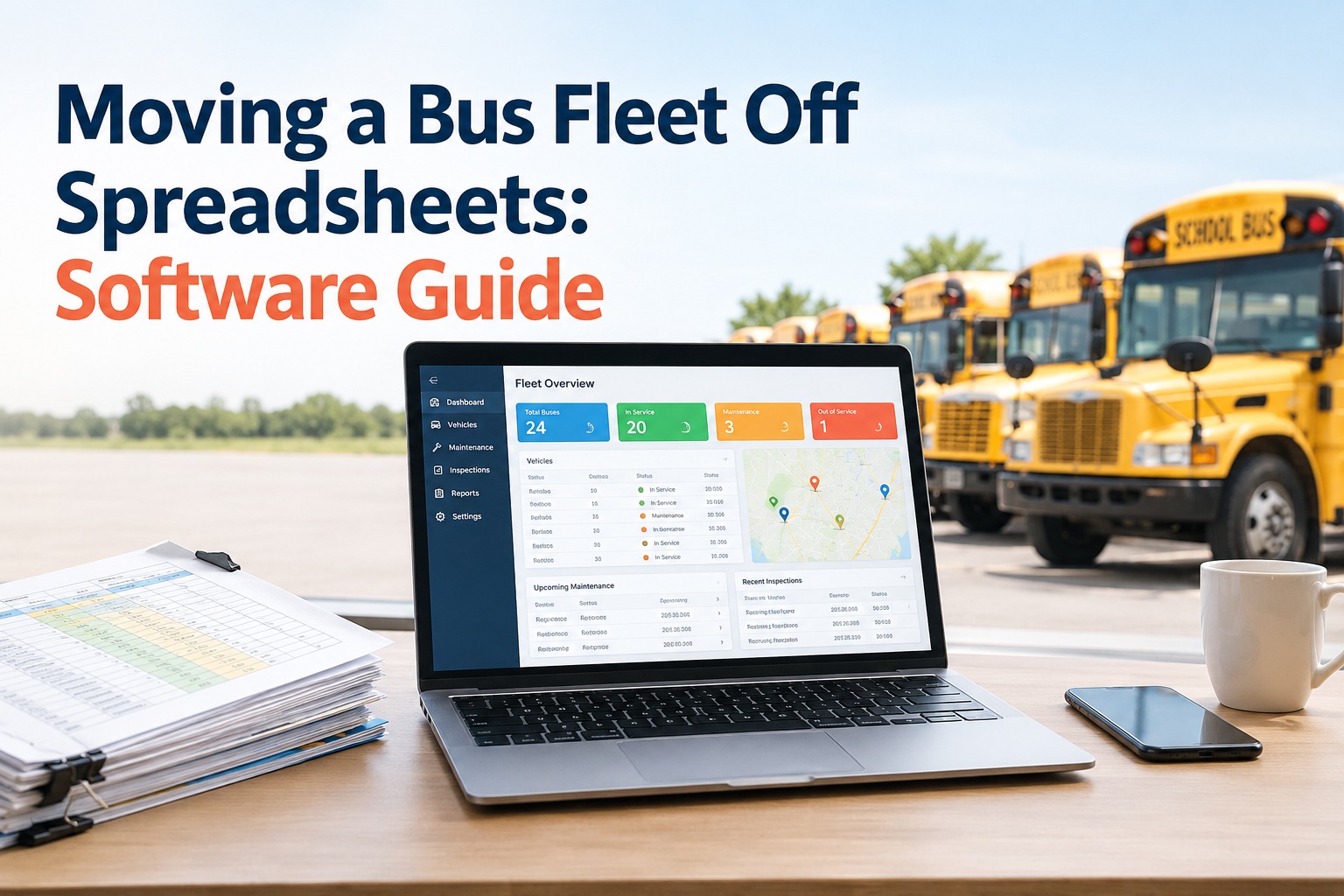
Bus fleets outgrow spreadsheets the moment the number of vehicles, inspections, and work orders exceeds what one person can keep current by hand — and a successful replacement is not just buying software, it is migrating clean data into one connected system and proving, with before-and-after numbers, that operations actually improved. The goal of a fleet spreadsheet replacement is to trade duplicate tabs, stale records, and missed maintenance for a single vehicle record where inspections, defects, work orders, and camera events all live together.
Moving a Bus Fleet Off Spreadsheets: Software Guide
Spreadsheets do not fail loudly — they fail quietly, in the PM nobody caught and the defect nobody owned. Here is how to replace them without losing your history.
Updated September 2026 · A practical migration guide, not legal advice; state and district requirements vary.A spreadsheet is a great tool for one person tracking a few buses. It quietly becomes a liability at fleet scale, because the things that keep buses safe and running — current records, caught PMs, owned defects, connected evidence — are exactly the things a manual sheet cannot hold together across dozens of vehicles and several people. Here is where it breaks.
Where spreadsheets quietly fail
None of these announce themselves. They erode reliability and audit-readiness in the background until a breakdown or a review exposes them all at once.
The same bus entered three ways in three sheets, so no one knows which record is right.
A vehicle record last updated weeks ago, quietly out of date the moment something changed.
A preventive maintenance due date buried in a tab nobody opened until the part failed.
A defect noted in a cell with no owner, no status, and no path to a repair.
Hours rebuilding the same report by hand every month, and it is stale by the time it is done.
No timestamps, no history, no trail — so an audit becomes an archaeology project.
Footage in a separate portal that never reaches the maintenance record or a work order.
No single view across vehicles, drivers, and work orders — just tabs that never add up.
The common thread is disconnection: every one of these is a symptom of records that live in separate places and never talk. Software fixes it not by being fancier, but by putting all of it on one record where nothing falls between sheets. Book a walkthrough of one connected vehicle record
The replacement process, step by step
Replacing spreadsheets is a migration, and migrations reward discipline. Follow the sequence and your history comes with you, cleaned up, instead of being left behind or copied in with all its errors.
Inventory what you have
List every spreadsheet, binder, and record — where it lives, who owns it, and what it actually tracks.
Clean and map the data
Fix duplicates and errors before migrating — do not carry bad data into a new system, or you have paid to preserve the mess.
Define the target workflow
Decide how inspections, defects, and work orders should flow in the new system — not how the spreadsheet forced them to.
Migrate vehicle & maintenance history
Bring the asset and maintenance history across so each bus keeps its record, not just a blank start.
Configure inspections & defects
Set up bus-specific inspection forms and the path from a failed item to an owned, tracked defect.
Train the users
Hands-on training for drivers, techs, and managers — adoption, not features, decides whether this sticks.
Run a controlled pilot
Start on a group of buses with baseline numbers captured, so you can prove the change, not just feel it.
Measure and expand
Compare against the baseline at 30, 60, and 90 days, fix what is lagging, then roll out wider.
Step two is the one fleets skip and regret: migrating dirty data just moves the mess into nicer software. Clean first, then migrate — the extra day upfront saves months of distrust in the new system later. Start free and map your first spreadsheet across
Prove it worked: the 30/60/90-day plan
The single biggest mistake in a spreadsheet replacement is not capturing a baseline. Without before-numbers, you cannot tell whether the software improved anything or just changed where the work happens. Capture these metrics before you start, then re-measure at 30, 60, and 90 days.
Adoption
Are drivers and techs actually using it? Watch inspection completion and data-entry effort first.
Throughput
Is work moving faster? Track work-order cycle time and overdue PM coming down.
Outcomes
Is reliability improving? Look at repeat defects falling and reporting that once took hours taking minutes.
These numbers do double duty: they tell you whether the migration is working, and they are exactly what you hand a board or a CFO to justify the spend. A migration you can measure is a migration you can defend. Book a walkthrough and set up your baselines
The buying mistakes that undo the work
A good migration can still fail at the buying stage. These are the traps that turn a promising replacement into a new set of problems.
Buying without testing real workflows
A demo is not proof. Run your own defect-to-work-order flow before you sign, not the vendor's script.
Migrating poor-quality data
Dirty data in nicer software is still dirty data. Clean it before it moves, or distrust follows it in.
Piloting with no baseline
Without before-numbers a pilot proves nothing. Capture the metrics first, then compare.
Ignoring driver adoption
If drivers do not use it, none of it matters. Train hands-on and watch adoption in the first 30 days.
Signing before validation
A long contract before a real pilot is how you lock into software that does not fit your fleet.
Building a new camera silo
If camera events still live apart from maintenance, you replaced spreadsheets with a fancier disconnect.
Every one is avoided by the same discipline: test the real workflow, clean the data, capture a baseline, train for adoption, pilot before you sign, and insist that camera evidence lands on the maintenance record. Start free and test the real workflow first
Spreadsheets vs fleet software, side by side
Laid out directly, the gap is stark. This is what changes across the parts of fleet operations that actually decide reliability, cost, and audit-readiness.
The camera-evidence and integration rows are where a bus fleet feels the difference most in 2026, because footage that never reaches the maintenance record is the modern version of the defect noted in a cell nobody read. Book a walkthrough of the connected record
Three things the software should just do
The proof is in the everyday moments spreadsheets fumble. Ask any platform to show these on your data before you commit.
Defect to work order
A driver flags a defect on inspection — it becomes a tracked work order on that bus, with an owner, without re-keying.
Overdue PM across the fleet
One view shows every bus with an overdue preventive maintenance right now — not a tab you have to go build.
Camera event to the vehicle
A camera event links to the affected bus and can open a work order — instead of sitting in a portal nobody checks.
If a platform stumbles on any of these three with your own data, it will stumble in production. These are the moments a spreadsheet replacement is supposed to fix, so they are the moments to test hardest. Start free and run these on your fleet
How BusCMMS replaces the spreadsheets
Run BusCMMS through this guide and the pattern holds: it is built so the records that scatter across spreadsheets and portals — inspections, defects, maintenance, and camera events — live on one vehicle record instead.
One vehicle record
Inspections, defects, work orders, PM, and camera events on the same bus record — no scattered tabs.
Hardware-agnostic
Works with your existing MDVR or AI camera systems, so migrating is not gated on a rip-and-replace.
AI-native
AI surfaces high-risk buses and defects first, so the visibility spreadsheets never gave you is automatic.
Pilot-first
Start on a group of buses with a baseline and measure the 30/60/90-day results before going wider.
That is the whole point of moving off spreadsheets in a bus operation in 2026: not just tidier records, but camera events, inspections, defects, and maintenance finally on one record you can trust and measure. Book a walkthrough of the unified camera and maintenance record
Book a BusCMMS walkthrough of the unified camera and maintenance record
See how inspections, defects, work orders, preventive maintenance, and your existing camera events live on one vehicle record — with AI surfacing the high-risk buses first. Hardware-agnostic, no rip-and-replace. Start with a pilot, capture your baseline, and measure the 30/60/90-day results.
One vehicle record · Works with your existing cameras · Measure before you scale
Frequently asked questions
Why do bus fleets outgrow spreadsheets?
Because the things that keep buses safe and running — current records, caught preventive maintenance, owned defects, and connected evidence — are exactly what a manual sheet cannot hold together at fleet scale. As the number of vehicles, inspections, and work orders grows beyond what one person can keep current, spreadsheets accumulate duplicate data, stale records, missed PM due dates buried in tabs, defects with no clear owner, slow manual reporting, weak auditability with no timestamps or history, camera footage isolated in a separate portal, and no single view across vehicles, drivers, and work orders. None of these fail loudly; they erode reliability and audit-readiness in the background until a breakdown or an audit exposes them. Software addresses this by putting everything on one connected vehicle record so nothing falls between sheets.
What does a successful spreadsheet-to-software migration involve?
It is a disciplined migration, not just a purchase. The core steps are: inventory every spreadsheet, binder, and record and who owns it; clean and map the data, fixing duplicates and errors before anything moves; define the target workflow you want rather than the one the spreadsheet forced; migrate vehicle and maintenance history so each bus keeps its record; configure bus-specific inspections and defect workflows; train drivers, technicians, and managers hands-on; run a controlled pilot on a group of buses with baseline metrics captured; and measure results at 30, 60, and 90 days before rolling out wider. The two steps fleets most often skip and regret are cleaning the data before migrating and capturing a baseline before the pilot — without them you either preserve the mess or cannot prove the migration improved anything.
What metrics prove a fleet software migration worked?
Capture a baseline before you start and re-measure at 30, 60, and 90 days across metrics like inspection completion rate, overdue preventive maintenance, open defects, work-order cycle time, repeat defects, reporting time, and data-entry effort. In the first 30 days, watch adoption signals such as inspection completion and data-entry effort to confirm people are actually using the system. By 60 days, look for throughput gains like faster work-order cycle time and falling overdue PM. By 90 days, look for outcome improvements such as fewer repeat defects and reporting that once took hours taking minutes. These numbers do double duty: they tell you whether the migration is working and they are exactly what you present to a board or CFO to justify the investment.
What are the most common mistakes when replacing spreadsheets?
The recurring ones are: choosing software without testing your own real workflows; migrating poor-quality data, which just moves the mess into nicer software; running a pilot without capturing baseline metrics, so it proves nothing; ignoring driver adoption, without which none of the features matter; signing a long-term contract before validating the fit in a pilot; and creating a new silo by leaving camera events disconnected from the maintenance record. Each is avoidable with the same discipline: test the real defect-to-work-order flow before signing, clean the data before it moves, capture a baseline before the pilot, train hands-on for adoption, pilot before committing, and require that camera evidence lands on the vehicle record rather than staying in a separate portal.
How does BusCMMS replace bus fleet spreadsheets?
BusCMMS is an AI-native, hardware-agnostic bus fleet operations platform designed so the records that scatter across spreadsheets, binders, and camera portals — inspections, defects, work orders, preventive maintenance, and camera events — live on one vehicle record instead. Because it works with the MDVR or AI camera systems you already run, moving off spreadsheets does not require a rip-and-replace of your cameras, and AI surfaces the high-risk buses and defects first, providing the cross-fleet visibility spreadsheets never could. The recommended approach is to start with a pilot on a group of buses, migrate cleaned history, capture your baseline metrics, and measure the 30, 60, and 90-day results before rolling out more widely — so the replacement is proven, not just assumed, and camera evidence finally reaches the maintenance record.