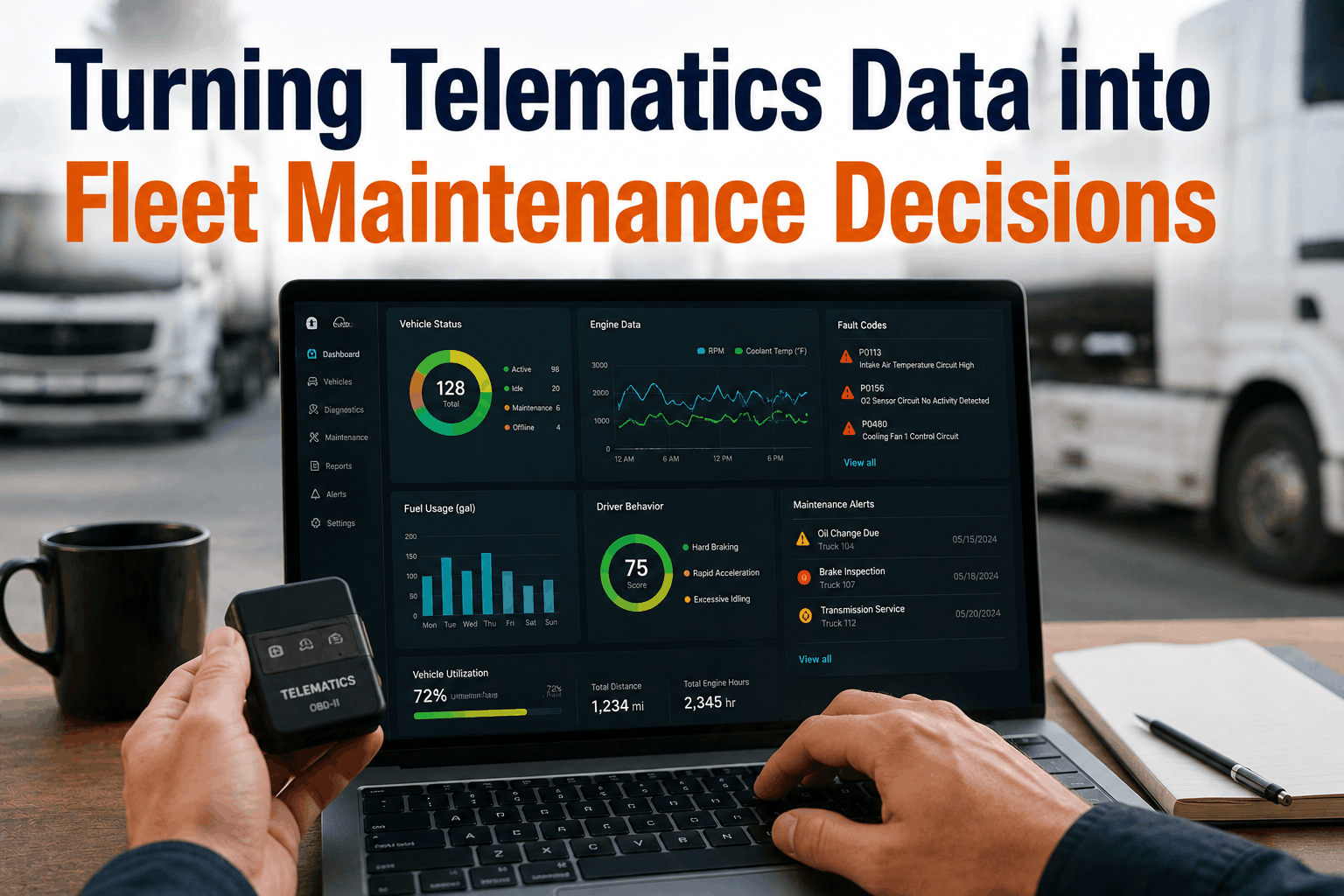
Telematics systems generate oceans of operational data every single second—GPS coordinates, idle times, fuel burn metrics, and thousands of engine codes stream directly from your assets. Yet, for many transportation and logistics fleets, this massive volume of data creates a paradox: they are drowning in data but starving for actionable maintenance insights. Raw data alone doesn't fix a vehicle or prevent a roadside breakdown. To cut downtime and control costs, fleets must learn how to filter out the noise and seamlessly translate engine, fault, and usage metrics into definitive maintenance shop actions. This comprehensive guide breaks down why fleets struggle with telematics data overflow, maps out the critical data points that actually matter, and outlines an automated workflow to turn diagnostic streams into structured, predictive work orders.
Data Analytics
Turning Telematics Data into Fleet Maintenance Decisions
Telematics generates oceans of raw data. Learn how to turn engine metrics, fault codes, and usage tracking into maintenance decisions that cut downtime and costs.
Why Fleets Struggle with Data Overflow
Most modern commercial fleets have telematics hardware installed across their vehicles, but very few have converted that hardware into a proactive maintenance engine. Instead of optimizing shop schedules, raw telematics streams often create confusion, friction, and missed repair windows because the operational link between the data source and the service technician is broken.
Reason 1: Severe Alert Fatigue
A single vehicle can throw dozens of minor, transient fault codes a week. When a fleet manager's inbox is constantly flooded with low-priority warnings, critical alerts get completely buried and ignored.
Reason 2: Siloed Software Ecosystems
Telematics data usually sits inside a standalone tracking portal, isolated from the shop's maintenance software. If a technician has to manually transcribe details between screens, data gets lost.
Reason 3: Lack of Actionable Context
Knowing a Diagnostic Trouble Code (DTC) has fired tells you a part is failing, but it doesn't tell you if the truck can finish its route, what parts are in stock, or when the asset can hit a bay.
Reason 4: Strictly Reactive Workflows
Many logistics operations treat telematics exclusively as a tracking or compliance log. They wait for a component to completely fail on the highway before looking back at the data trail that predicted it.
The Core Streams: What to Filter and Measure
To build a high-utilization maintenance framework, you need to shift focus away from generic asset tracking and zone in on four specific data categories that directly affect mechanical health and structural component lifespan.
Data Inputs vs. Strategic Shop Actions
Diagnostic Trouble Codes (DTCs)
Raw electronic module faults. Don't push every code to the shop floor. Filter for critical engine, emissions, and braking codes while ignoring minor sensor drops.
Live Meter Readings (Hours & Mileage)
Real-time utilization metrics. Eliminate calendar-based preventative maintenance guesses. Use direct asset utilization data to trigger optimized PM intervals dynamically.
Fuel Burn & Idling Spikes
Efficiency and wear tracking. Sudden spikes in fuel burn or excessive engine idling are clear early indicators of internal fuel injector issues or progressive valvetrain wear.
Critical Parameter Deviations
Instant safety overrides. Real-time drops in oil pressure or spikes in coolant temp trigger immediate dispatch overrides, pulling the truck over before catastrophic engine lockup.
The Fix: Building a Closed-Loop Data Workflow
The solution lies in linking your telematics data feed directly to automated maintenance logic. Here is the step-by-step workflow to turn raw data points into closed work orders:
1
Establish Automated Severity Filters
Configure your tracking layer to route only critical engine and brake systems directly to your maintenance control board, silencing minor non-safety alerts.
2
Sync Live Telematics Meters to CMMS
Automate nightly mileage and engine-hour updates. When a vehicle hits its precise service threshold, the CMMS instantly schedules the PM window without human input.
3
Pre-Stage Parts and Bay Allocations
When a critical fault code triggers an auto-work order, the integrated system queries inventory, reserves the required parts, and flags a technician with matching diagnostic skills.
4
Verify Remediation and Clear Loops
Once the mechanical repair is completed, the system checks the live telematics stream to confirm that the fault code has stayed clear under load before closing the ticket.
"Before automating our data streams, our team was getting over 400 telematics alerts a day across 120 regional trucks. We couldn't keep up, so we stopped looking at them entirely. It took a catastrophic transmission failure on a cross-country run—predictable by data three days prior—to make us change. We integrated our live telematics directly into our CMMS core. Now, the system ignores the noise, catches the real problems, and auto-schedules repairs ahead of time. Our unscheduled roadside breakdowns have dropped by 34%."
— Director of Logistics Maintenance, Regional Carrier, Ohio
Transform Your Data Streams into Decisions Today
Stop collecting raw telematics data and start acting on it. Integrate your fleet data feeds directly into automated CMMS workflows.