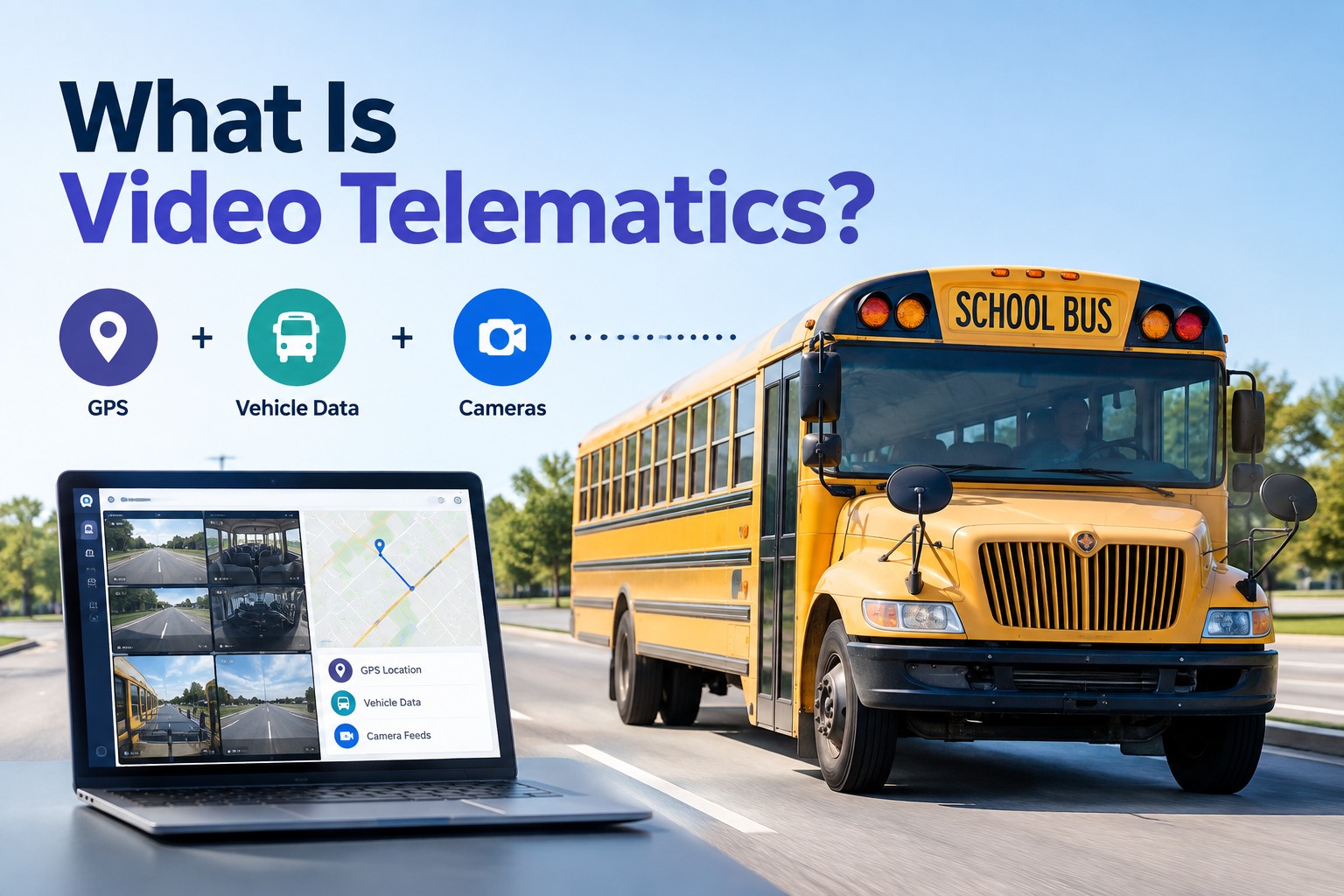
A parent calls the transportation office at 3:40 on a Tuesday, upset about how a driver braked near the crossing gate on Route 12. Ten years ago you'd have taken a statement, pulled a paper log, and hoped the driver remembered. Today you type in the bus number, jump to a 30-second clip time-stamped to that exact stop, and see the whole thing: the road ahead, the driver's reaction, the GPS location, and the speed at the moment. Case closed in four minutes. That is video telematics doing its job.
What Is Video Telematics? A Bus Fleet Guide
How GPS, vehicle data, and onboard cameras work together for safer routes, faster incident review, and maintenance you can actually prove
- 3Data layers combined
- ~3Cameras per bus (avg.)
- 30 secTypical event clip
What Is Video Telematics, Exactly?
Video telematics is a system that combines onboard camera footage with GPS location and live vehicle data, so every recorded event carries the full story around it — where the bus was, what it was doing, and what the cameras saw. Traditional telematics tells you a bus braked hard at 7:42 a.m. on Elm Street. Video telematics shows you the 30-second clip of why: a car ran the stop arm, or the driver reacted to a kid stepping off a curb, or nothing happened at all and the alert was a pothole.
That distinction matters more on a school bus than almost anywhere else. When the passengers are children and riders with disabilities, an unexplained event is not just a data point — it is a phone call from a parent, a note in a driver's file, or a question from your board. Video telematics turns "we think this is what happened" into "here is exactly what happened," with the vehicle number, the route, the speed, and the footage all stitched to the same moment.
The reason bus fleets are adopting it fast is context. A stop-arm violation clip is useful. That same clip synced to the bus's odometer, its route, and its maintenance record is a decision. If you want to see how camera evidence and vehicle records line up in one place, you can book a walkthrough of the unified camera and maintenance platform.
The Four Core Components of a Bus Video Telematics System
Underneath the dashboard, a video telematics system is really four moving parts working together. Understand these and you'll know exactly what you're buying — and what you're missing if a vendor only sells you one of them.
Cameras
Road-facing, in-cab, and interior/rear views. Districts run about three cameras per bus on average — enough to cover the loading zone, the aisle, and the road ahead.
GPS & Telematics Unit
Tracks location, speed, idle time, and pulls fault codes and odometer readings straight from the engine control module. This is the "where and what" layer.
Event Trigger & Storage
A G-sensor or AI detects a hard brake, harsh turn, or collision and flags the clip. Footage lives on a local DVR or in the cloud until it's reviewed or ages out.
Review Platform
Where clips, GPS, and vehicle data land together. The best ones let you turn a safety event into a work order or a maintenance follow-up without leaving the screen.
Notice the fourth component. Plenty of vendors sell you the first three and stop. That's where most fleets get stuck — footage in one portal, GPS in another, maintenance in a third. The value only shows up when all four layers feed a single record.
Video Telematics vs. Traditional Telematics vs. a Dash Cam
The most common objection is "isn't video telematics just a dash cam with GPS?" It's a fair question, and the honest answer is no — but you have to see the three side by side to understand why. A dash cam records. Traditional telematics measures. Video telematics connects the two and adds context you can act on.
- Records video footage
- No GPS or route context
- No engine or fault data
- Manual clip retrieval
- No maintenance link
- No video
- GPS & route tracking
- Engine & fault codes
- Alerts without proof
- Data, not action
- Records synced video
- GPS & route context
- Engine & fault data
- Event clips auto-flagged
- Links to maintenance
A dash cam answers "what did the camera see?" Telematics answers "what was the bus doing?" Video telematics answers both at once and adds the question the other two never touch: "what should I do about it?" When a harsh-braking event and a low-brake-fluid fault code show up on the same bus in the same week, that's not a coincidence you want to find out about from three separate portals. If your camera data and your vehicle data don't currently talk to each other, that gap is worth a quick demo to see them unified.
A Real Bus Fleet Example: From Clip to Work Order in Minutes
Definitions only go so far. Here's how a video telematics event actually plays out on a Tuesday morning route, start to finish.
- 1
The event triggers
Bus #27 registers a harsh-braking event at 7:42 a.m. The G-sensor flags a 30-second clip — 15 seconds before, 15 after — and uploads it with the GPS pin and speed attached.
- 2
You identify the bus and route
The record already shows Bus #27, Route 12, near the Jefferson Elementary crossing gate. No guessing which vehicle, no cross-referencing a separate GPS map.
- 3
You review the 30-second clip
The footage shows a passenger car running the stop arm. The driver did everything right. That clip becomes evidence for the stop-arm violation — and clears the driver in the same review.
- 4
You create the follow-up
The same event flagged a brake-wear code on #27. Instead of filing the clip and forgetting it, you spin up a maintenance work order right there, tied to the bus's record.
Four steps, a few minutes, one screen. The old way — paper log, separate GPS lookup, a call to the shop, a note that gets lost — used to take an afternoon and still leave gaps. This is the operational difference video telematics makes when it's connected to your maintenance system instead of sitting in a silo. You can start free and see your first event-to-work-order flow without needing telematics installed on day one.
Compliance, Maintenance, and the FMCSA Question
Let's be precise here, because vague compliance claims are how fleets get burned. There is no single federal mandate requiring video telematics itself — no rule that says every school bus must have cameras and GPS synced together. What federal law does require is the driver vehicle inspection report, and that's where video telematics earns its keep on the compliance side.
Records may be maintained electronically. Video telematics doesn't replace the DVIR — it strengthens it, by attaching visual and location evidence to the defect a driver reports.
Here's how that connection works in practice. A driver flags a soft brake pedal on the DVIR. On its own, that's a line of text. Paired with a video telematics record, you also have the harsh-braking events, the speed data, and the exact stops where the bus struggled — a documented trail that turns a subjective complaint into an evidence-backed maintenance decision. When an FTA triennial review or a state DOT inspection asks you to prove your defect-to-repair process actually functions, that connected record is the answer. Fleets that book a demo to see DVIRs linked to camera evidence tend to be the ones tired of scrambling before an audit.
Benefits, Limitations, and What to Weigh Before You Buy
Video telematics is powerful, but it's not magic, and any honest guide names the trade-offs. Here's the straight read on both sides so your board conversation is grounded, not sold.
What It Does Well
- Faster incident review — minutes instead of an afternoon
- Objective evidence that protects good drivers, not just the fleet
- Stop-arm and loading-zone footage for violation enforcement
- Fault codes and driving patterns that surface maintenance early
- A documented defect-to-repair trail for FMCSA and FTA reviews
What to Plan For
- Data retention costs — cloud storage adds up across a fleet
- Student and driver privacy policies must be set before rollout
- Multiple camera vendors can mean multiple dashboards to check
- Bandwidth — large clips upload when the bus hits Wi-Fi
- Cameras generate alerts; someone still has to act on them
That last point on the right is the one most fleets underestimate. The 2026 reality inside many districts is cameras from two or three vendors — a stop-arm program from one, interior hardware from another, an AI dash cam from a third. Three portals, three sets of camera-health alerts, three export workflows. Nobody checks all three daily, so a dead camera or an unaddressed defect only surfaces when something goes wrong. The fix isn't a fourth camera; it's a layer underneath them that consolidates every event, alert, and maintenance action into one bus record.
Video Telematics at a Glance
A quick-reference spec table for the transportation director who needs to explain this to a board or a budget committee in one page.
| What it is | A system combining onboard cameras, GPS, and vehicle data into one synced event record |
|---|---|
| Core layers | Video + GPS/route + vehicle data (speed, brakes, fault codes) |
| Typical clip length | ~30 seconds per event (buffered before and after the trigger) |
| Event triggers | Hard braking, harsh turns, collisions, AI-detected behavior |
| Cameras per bus | ~3 on average across most school districts |
| Storage | Local DVR and/or cloud, subject to retention policy |
| Compliance role | Strengthens DVIRs under 49 CFR §396.11 / §396.13; not itself federally mandated |
| Best-fit fleets | School districts, transit agencies, charter and campus shuttle operators |
Where BusCMMS Fits: Camera Evidence Meets Maintenance
BusCMMS isn't a camera company — it's the AI-native bus fleet operations platform that sits underneath whatever cameras and telematics you already run. Keep your Samsara, your AngelTrax, your Safety Vision hardware. BusCMMS is the layer where their events stop being scattered alerts and start being maintenance actions.
The AI piece is where it gets practical. Instead of you scrubbing footage and cross-checking fault codes, the platform surfaces the defects and safety events that actually matter and ties the camera evidence to the maintenance workflow. A stop-arm clip becomes a violation record. A repeated harsh-braking pattern on one bus becomes a flagged inspection. A fault code from the telematics unit becomes an auto-generated work order. Every camera event, health alert, and repair flows into one chronological timeline per bus — alongside inspections, DVIRs, parts, and fuel. That's the difference between owning cameras and running a fleet.
The Bottom Line on Video Telematics
So, what is video telematics for a bus fleet? It's the combination of camera footage, GPS, and vehicle data into a single event record that answers what happened, where, and what to do next — not a dash cam with GPS bolted on. For school, transit, and charter operators, it turns incident review from an afternoon into a few minutes, protects good drivers with objective evidence, and builds the documented defect-to-repair trail that FMCSA DVIR rules expect.
The catch is that footage alone doesn't fix anything. The fleets getting real value aren't the ones with the most cameras — they're the ones whose camera events connect to their maintenance and compliance workflows in one place. That connection is the whole game, and it's exactly the gap BusCMMS was built to close. If you're ready to see camera evidence, safety events, and maintenance records living in one platform instead of three, book a walkthrough and bring the messy multi-vendor setup you already have.
What is video telematics in simple terms?
Video telematics is a system that combines onboard camera footage with GPS location and live vehicle data, so every recorded event shows where the bus was, what it was doing, and what the cameras saw — all synced to the same moment. Instead of just knowing a bus braked hard, you can watch the 30-second clip that explains why, with the route, speed, and vehicle number attached. For bus fleets, it turns incident review from guesswork into documented fact.
Is video telematics just a dash cam with GPS?
No. A dash cam only records video, and traditional telematics only measures data like speed and fault codes. Video telematics connects the two and adds context you can act on — auto-flagged event clips, route and location, engine data, and, in the best systems, a direct link to maintenance work orders. A dash cam tells you what the camera saw; video telematics tells you what happened, where, and what to do about it.
Is video telematics required by federal law for school buses?
There is no single federal mandate requiring video telematics itself. What federal law requires is the driver vehicle inspection report under 49 CFR 396.11 and 396.13, which govern how drivers document defects and review reports before driving. Video telematics isn't mandated, but it strengthens DVIR compliance by attaching visual and location evidence to reported defects, which helps during FTA triennial reviews and state DOT inspections.
How does video telematics help with bus maintenance?
Video telematics captures fault codes, harsh-driving patterns, and event footage that often point to a mechanical issue before it becomes a breakdown. When those signals connect to a maintenance system, a harsh-braking event or a brake-wear code can automatically generate a work order tied to the specific bus. That closes the gap where telematics catches a problem but nobody acts on it — the event becomes a repair, not just an alert in a portal.
How long is footage kept, and what about student privacy?
Retention depends on your policy and storage setup — footage lives on a local DVR or in the cloud and typically ages out after a set window unless flagged for an incident. Because school buses carry children, you should set student and driver privacy policies before rollout, including who can access clips and how they're redacted for release. Cloud storage costs and access controls are real planning items, which is why many districts prefer a platform that centralizes video access and audit trails rather than juggling several camera portals.