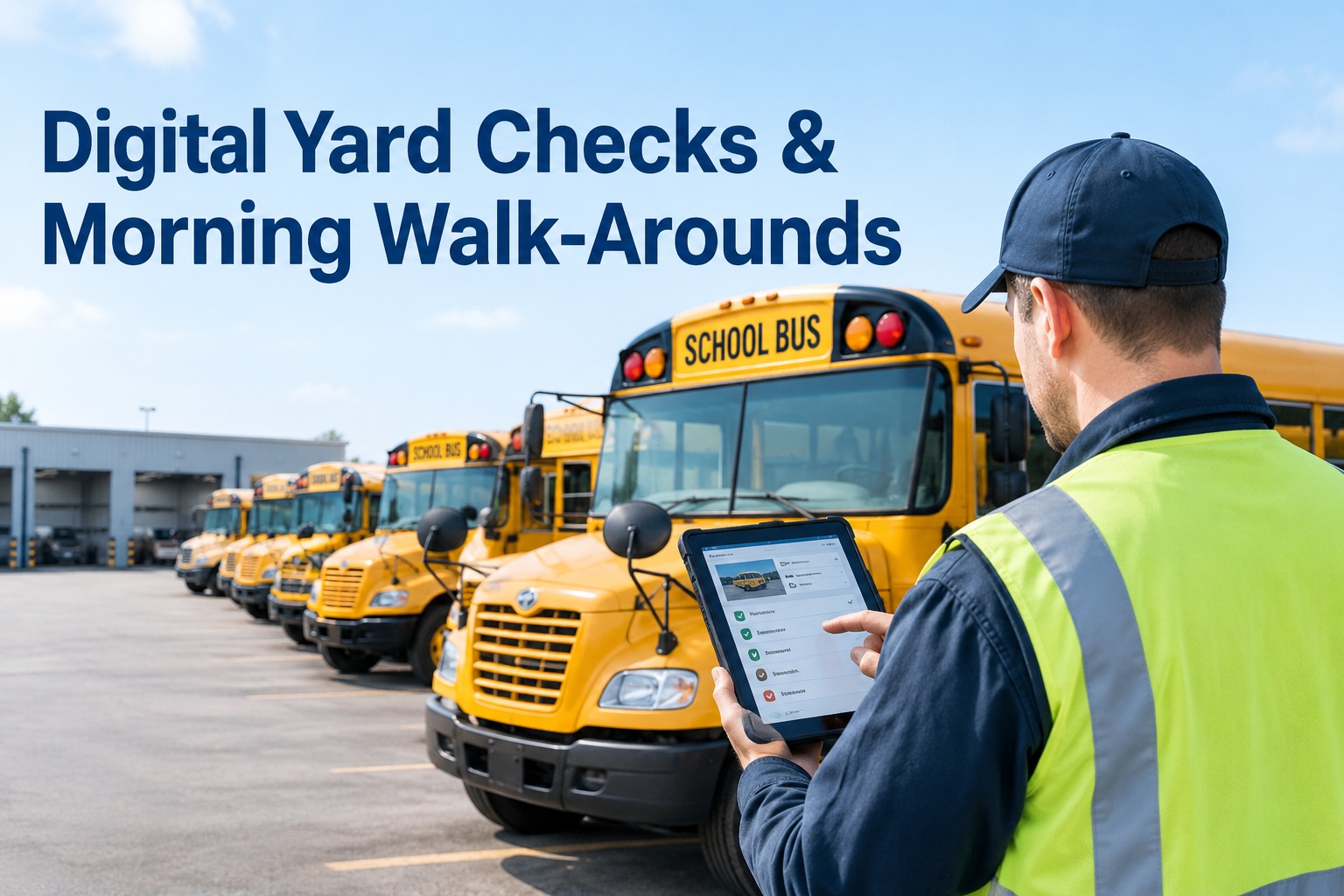
A digital yard check is the morning bus walk-around done on a phone instead of a clipboard, so a defect found in the pre-dawn dark becomes a photo, a work order, and a route-ready status in one motion. Done this way, the inspection that used to sit on paper in a driver's pocket instead drives the maintenance and dispatch decisions the rest of the morning depends on.
Digital Yard Checks and Morning Bus Walk-Arounds
The walk-around is the same lap around the bus your drivers already do at 5am. Digital just means what they find goes somewhere useful — instantly.
Updated September 2026 · A practical guide, not legal advice.A yard check is not paperwork bolted onto the morning — it is the morning. Before the first route, a driver walks the bus and confirms it is safe and complete. What makes it digital is only that each finding is captured where it can act, not written on a form that ends up in a glove box. Here is the lap, checkpoint by checkpoint, with the items that are specific to a bus rather than a truck.
The walk-around, checkpoint by checkpoint
Front & warning lights
Headlights, the eight-light warning system, the stop arm and crossing gate deploying and retracting, wipers and the front destination sign.
Curb side
The service door, the student mirrors, tires and wheels on that side, body damage, and the wheelchair lift or ramp if the bus is equipped.
Rear & emergency exits
Brake and tail lights, the rear emergency door and its buzzer, the exit release, and the back-up alarm.
Road side
Tires and wheels on the traffic side, mirrors, fuel or charge status, fluid leaks under the bus, and any panel damage.
Interior
Brakes and steering feel, seats and belts, aisle clear, emergency equipment present, and the interior clean and free of anything left overnight.
None of these are trucking items — they are the checks that keep a bus safe for the children or passengers it carries, and they are exactly what a walk-around exists to catch. The only question is what happens to a defect the moment the driver finds one. Book a demo to see a bus-specific walk-around on a phone
One tap, not three systems
Here is the failure a digital yard check exists to end. A driver spots a cracked mirror. On paper, that finding has to travel: written on the walk-around sheet, maybe photographed on a personal phone, then re-keyed into the maintenance system by someone in the office, while any camera clip lives in a fourth place entirely. Every hop is a chance to lose it, and the same defect gets entered three times or not at all.
A mobile-first walk-around captures the photo, the clip, the defect, and the pass or fail once, at the bus, and connects it to the right asset and work order without anyone re-typing anything. That is the entire difference between a digital yard check and a paper one that happens to be scanned. Start free and capture the walk-around once, at the bus
A morning in the yard: 38 buses, one defect
Concrete numbers make the workflow real. A district runs 38 buses out of one yard for a 6:15am first bell. Follow the morning when the walk-around is digital and one bus turns up a problem.
Drivers start their laps
Thirty-eight drivers walk their buses, tapping through the five checkpoints on a phone as they go.
Bus 21 fails a check
A driver finds a soft brake pedal, taps the brake item as a defect, and adds a photo — all from beside the bus.
A work order opens itself
The defect attaches to bus 21, opens a maintenance work order, and flags the bus held — before the driver has walked away.
Dispatch sees it live
The board shows 37 route-ready and bus 21 held. Dispatch moves the route to a spare without a single phone call.
First bell, on time
Every route rolls on a bus that passed its check, and bus 21's defect is a documented, tracked repair — not a surprise on the road.
The defect never became a breakdown, the record was complete the instant it was found, and nobody re-typed anything. That is a digital yard check doing its job: turning the lap around the bus into the first reliable decision of the day. Book a demo to run this morning on your own yard
How this relates to DVIRs and 49 CFR 396.11 and 396.13
A yard check and a DVIR are related but not identical, and it is worth being precise. The driver inspection and the report have specific homes in the regulations, and a digital workflow supports them rather than being required by them.
Before driving, the driver must be satisfied the bus is in safe operating condition and must review the most recent DVIR, signing to acknowledge that any listed defects were repaired or certified as not needing repair. The morning walk-around is where that satisfaction is established.
The DVIR documents the vehicle's condition and any defects. For passenger-carrying vehicles a report is expected each day. It feeds the repair-and-acknowledgment chain that keeps a bus with an open safety defect off the road.
On electronic records: FMCSA's final rule under Docket FMCSA-2025-0115, effective March 23, 2026, added explicit language to 396.11 and 396.13 confirming DVIRs may be created, signed, and maintained electronically — something already permissible since 2018 under 390.32. The rule authorizes electronic DVIRs; it does not mandate them, and it does not prescribe any particular digital inspection workflow. Paper remains legal. Verify how these requirements apply to your specific operation.
So a digital yard check is one good way to satisfy inspection duties and produce a clean DVIR record where those duties apply — but the value is operational, not a regulatory checkbox. The rule tells you the record must exist and can be electronic; it does not tell you to build it the way described here. Start free and keep inspection records complete and electronic
Where the camera confirms what the eye caught
A walk-around is the driver's eyes; the cameras are a second witness. A digital yard check gets stronger when what the driver flags can be confirmed by footage — and when a camera-detected issue can itself open a work order without a separate re-entry. The point is one record, not a walk-around system beside a camera system beside a maintenance system.
BusCMMS is an AI-native, hardware-agnostic bus fleet operations platform that connects the inspection, camera events, asset records, and maintenance workflows into one chain. It reads events from the MDVR or AI camera systems you already run — no rip-and-replace — so the walk-around, the footage, the work order, and the route-ready status all describe the same bus from the same record. That is what turns a morning lap into a decision the whole operation can trust. Book a demo to connect walk-arounds, cameras, and work orders
Book a walkthrough of the unified camera and maintenance record
See how a digital yard check captures the walk-around on a phone, confirms it with your existing camera footage, and turns a defect into a work order and a route-ready status — all on one record per bus, with no re-keying. Hardware-agnostic, works with the MDVR or AI cameras you already run.
Hardware-agnostic · Works with your existing cameras · One record per bus
Frequently asked questions
What is a digital bus yard check?
A digital bus yard check is the morning pre-trip walk-around performed on a phone or tablet instead of a paper form. As the driver laps the bus and inspects each checkpoint — front and warning lights, curb side, rear and emergency exits, road side, and interior — they tap through the items and capture any defect with a photo or clip on the spot. The finding then attaches to the correct bus and can open a maintenance work order automatically, so the inspection produces a complete, connected record that supports both the maintenance workflow and the morning dispatch decision, rather than sitting on paper.
Is a digital yard check the same as a DVIR?
They are related but not identical. The yard check is the physical inspection; the DVIR is the report that documents the vehicle's condition and defects. Under 49 CFR 396.13 a driver must be satisfied the bus is safe before operating and review the most recent DVIR, and under 396.11 the report documents condition and feeds the repair-and-acknowledgment chain — for passenger-carrying vehicles a report is expected each day. A digital yard check is a practical way to perform the inspection and produce the DVIR record where those duties apply, but the two are distinct: one is the act of inspecting, the other is the record it creates.
Do the regulations require a digital inspection workflow?
No. FMCSA's final rule under Docket FMCSA-2025-0115, effective March 23, 2026, added explicit language to 49 CFR 396.11 and 396.13 confirming that DVIRs may be created, signed, and maintained electronically — something already permissible since 2018 under 390.32. But the rule authorizes electronic DVIRs; it does not mandate them, and it does not prescribe any specific digital walk-around process. Paper DVIRs remain legal. A digital yard check is an operational choice that produces stronger, more complete records, not a regulatory requirement. Always verify how the current requirements apply to your particular operation.
How does a defect from the walk-around reach maintenance?
In a mobile-first workflow, the driver taps the failed item and adds a photo or clip during the walk-around, and that finding attaches to the specific bus and opens a maintenance work order automatically — without anyone re-typing it into a separate system. This closes the common gap where a defect is written on paper, re-keyed by the office, and tracked separately from any camera footage, which creates duplicate entries or lost findings. When the inspection, the evidence, and the work order live on one record, a defect found at 5am is a tracked repair minutes later and the bus is flagged accordingly for dispatch.
Do we have to replace our cameras to connect them to the walk-around?
No. BusCMMS is hardware-agnostic and is designed to read events from the MDVR or AI camera systems you already operate, so there is no rip-and-replace. It connects those events, along with the driver's walk-around findings, to the correct asset record and maintenance work order. The aim is one unified record per bus — where the inspection, the camera footage, the work order, and the route-ready status all describe the same vehicle — using your existing hardware rather than a new camera deployment.