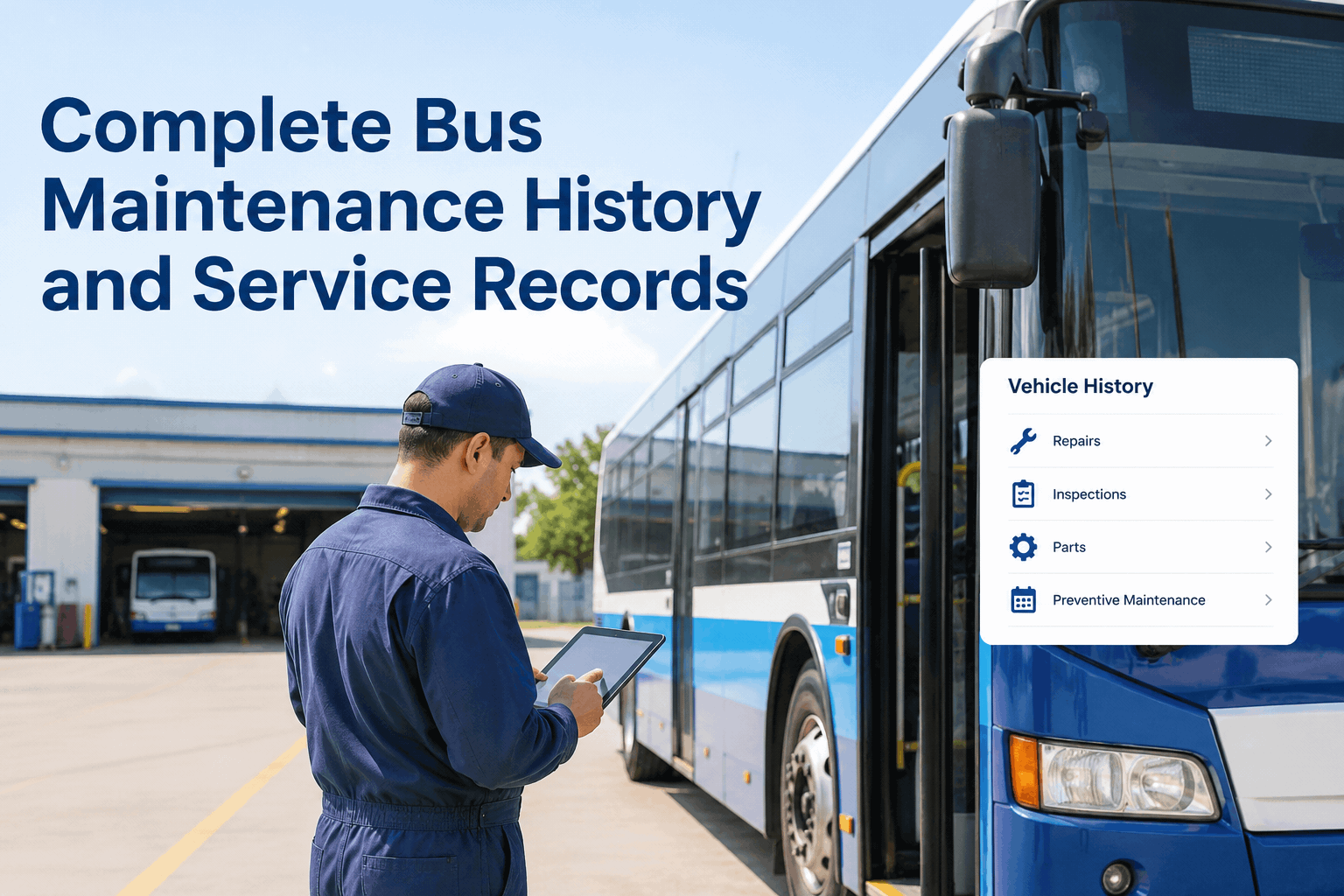
A mid-sized transit agency in the Midwest operated 85 buses across three maintenance garages. Their inspection process was stuck in the 1990s: paper DVIR forms clipped to clipboards, drivers scribbling defect notes in hard-to-read handwriting, supervisors manually entering data into spreadsheets, and critical repairs falling through the cracks. Each month, they processed over 2,500 paper inspection forms. Defects took 3-5 days from driver identification to mechanic repair. Inspection records were lost or misfiled regularly. During an FMCSA compliance audit, auditors found missing DVIR records spanning 11 months—triggering $47,000 in fines and a conditional safety rating. The agency needed bus inspection software that could digitize their entire inspection workflow, enforce compliance, and provide real-time visibility into fleet condition. After evaluating 12 platforms across six months, they selected BusCMMS for mobile-first DVIR, defect-to-repair workflows, and FMCSA-compliant recordkeeping. This buyer's guide shares their evaluation framework to help other transit agencies select the right bus inspection software in 2026.
Bus Inspection Software Buyer's Guide: Features, Pricing & Selection Framework
Compare must-have features for transit bus inspection platforms: mobile DVIR, defect workflows, FMCSA compliance, and pricing models. How to evaluate and select the right software for your fleet.
The Bus Inspection Software Market in 2026
The fleet inspection software market has matured significantly since 2020. Transit agencies now have dozens of options ranging from basic inspection apps to comprehensive CMMS platforms with inspection modules. Understanding the market landscape is essential before evaluating specific vendors.
78%
$47K
3-5 Days
Must-Have Features: What Your Bus Inspection Software Needs
Not all inspection software is created equal. Transit agencies have specific requirements that generic inspection apps cannot satisfy. Based on evaluation of 12 platforms and implementation experience across 40+ transit fleets, these are non-negotiable features for bus inspection software in 2026.
Mobile-First DVIR
Drivers complete inspections on smartphones or tablets with checklists optimized for small screens. Offline mode for underground parking or dead zones. Photo and voice-to-text defect capture.
Defect-to-Repair Workflow
Defects automatically generate work orders. Real-time notifications to maintenance supervisors. Parts reservation. Technician assignment with SLA tracking for critical defects.
FMCSA-Compliant Recordkeeping
Electronic signatures with timestamps. 14-month retention of DVIR records. Audit-ready reports. Driver and mechanic signature capture. Defect certification tracking.
Customizable Inspection Templates
Create different checklists for transit buses, motorcoaches, shuttle buses, paratransit vehicles. Model-specific templates. Automatic assignment based on vehicle type.
Software Comparison: Paper vs. Basic Digital vs. Enterprise CMMS
Understanding the capability tiers helps agencies match their needs to appropriate solutions. Small fleets may succeed with basic inspection apps, but transit agencies with 50+ buses require enterprise CMMS platforms with integrated inspection modules.
Paper DVIR (Clipboard)
Cost: $2-3 per form + labor
Basic Inspection App
Cost: $100-300/month
Enterprise CMMS with Inspection
Cost: $3,000-8,000/month (100 buses)
The Evaluation Process: How to Select the Right Platform
Selecting bus inspection software requires structured evaluation across technical capabilities, vendor stability, and total cost of ownership. The transit agency that informed this buyer's guide used a six-phase selection framework over six months to evaluate 12 vendors and select BusCMMS.
-
Phase 1 (Week 1-2)
Requirements Gathering and Stakeholder Alignment
Interview drivers, mechanics, maintenance supervisors, compliance officers. Document 47 specific requirements across DVIR, defect workflow, reporting, and integration. Prioritize must-have vs. nice-to-have features. Establish selection committee with representation from operations, maintenance, IT, and compliance departments.
-
Phase 2 (Week 3-6)
Vendor Longlist and Initial Screening
Research 25+ inspection software vendors. Filter to 12 meeting minimum requirements. Request capability briefings and pricing ballparks. Eliminate vendors lacking mobile DVIR, FMCSA compliance, or defect-to-repair workflow. Longlist reduced to 8 vendors for detailed evaluation.
-
Phase 3 (Week 7-12)
Product Demonstrations and Technical Validation
Schedule 90-minute demos with 6 shortlisted vendors. Require live product demonstrations (not slides). Test mobile app usability with actual drivers. Verify defect-to-repair workflow. Validate API capabilities for existing systems (accounting, parts inventory, telematics).
-
Phase 4 (Week 13-18)
Pilot Deployment with 3 Finalists
Run 4-week pilot with 10 buses and 8 drivers at one garage. Measure: inspection completion time, defect capture rate, driver satisfaction, mechanic response time, FMCSA compliance. Document issues and vendor support responsiveness.
-
Phase 5 (Week 19-22)
Total Cost of Ownership Analysis
Calculate 5-year TCO including subscription fees, implementation costs, training, integration, ongoing support, and internal administrative overhead. Compare against paper baseline and projected efficiency savings.
-
Phase 6 (Week 23-26)
Final Selection and Contract Negotiation
Score vendors across 35 weighted criteria. Reference calls with 3 current transit customers. Negotiate contract terms including data ownership, uptime SLAs, and exit provisions. Final board approval and selection.
Pricing Models: What to Expect for Bus Inspection Software
Inspection software pricing varies widely based on fleet size, features, deployment model, and vendor. Understanding typical pricing structures helps agencies budget accurately and avoid unexpected costs.
Per-Vehicle Monthly Pricing
Per-User Licensing
Implementation and Onboarding Fees
Annual Support and Maintenance
Hidden Costs to Watch
ROI Calculation Framework
Comparison Metrics: Paper vs. Digital Inspection Software
Transit agencies that transition from paper to digital inspection software typically see measurable improvements across key operational metrics within 90 days of deployment.
- Metric
- Paper DVIR Baseline
- Digital CMMS Inspection
- Inspection Completion Time
- 15-25 minutes per bus
- 8-12 minutes (-40-50%)
- Defect Capture Rate
- 60-70% (missed defects common)
- 92-96% (+30-35%)
- Defect-to-Repair Time
- 3-5 days (paper routing)
- Same-day (automated workflow)
- DVIR Record Retrieval
- Hours to days (searching paper)
- Seconds (searchable database)
- FMCSA Audit Readiness
- 30-50% (missing records common)
- 100% (complete digital records)
- Annual Paper Cost (100 buses)
- $15,000-25,000
- $0 (digital only)
- Roadside Breakdowns (Monthly Avg)
- 8-12 (preventable)
- 2-4 (-60-75%)
Key Evaluation Criteria: What Transit Agencies Miss
Beyond feature checklists, successful software selections evaluate factors that determine long-term adoption and ROI. These are the criteria that separate successful implementations from failed ones.
Driver User Experience
Offline Functionality
API and Integration Capabilities
Vendor Transit Experience
Data Ownership and Portability
Compliance Certification
Real Customer Review: Transit Agency Software Selection
"We evaluated 12 inspection software platforms over six months. The biggest mistake we almost made was choosing based on feature lists instead of driver adoption. One vendor had every feature we wanted, but the driver app was confusing. During pilot testing, drivers bypassed the app and kept using paper. BusCMMS won because drivers actually liked using it—simple interface, voice-to-text for defects, offline mode that worked in our underground garage. Two years later, we process 30,000 inspections annually with 100% FMCSA compliance. Our defect-to-repair time dropped from 4 days to same-day. The software paid for itself within 8 months through reduced breakdowns and eliminated paper costs alone."
Frequently Asked Questions: Bus Inspection Software
- What is the average cost of bus inspection software for a 100-bus fleet?
- Typical cost ranges $4,000-8,000 annually ($400-700 monthly) for enterprise CMMS with full DVIR, defect workflow, and FMCSA compliance features. Basic inspection apps cost $1,200-3,600 annually.
- How long does implementation take for transit agency inspection software?
- Implementation typically takes 4-8 weeks for 100-bus fleet including configuration, driver account setup, template creation, training, and pilot testing. Complex integrations add 2-4 weeks.
- Does inspection software integrate with our existing maintenance CMMS?
- Most enterprise inspection platforms include APIs for integration. Verify specific integration capabilities during demos. BusCMMS offers native inspection module within unified CMMS platform.
- What hardware do drivers need for digital inspections?
- Drivers need smartphones (iOS or Android) or rugged tablets. Many agencies provide dedicated tablets ($150-300 each) that stay in buses. BYOD (bring your own device) also works with proper policies.
- How does the software handle FMCSA DVIR retention requirements?
- Enterprise platforms automatically retain DVIR records for 14 months minimum, include electronic signatures with timestamps, and provide audit-ready reports with export capabilities.
- Can we customize inspection checklists for different bus types?
- Yes—enterprise platforms allow unlimited custom templates. Create different checklists for transit buses, motorcoaches, shuttle buses, paratransit, and electric vehicles with model-specific items.
- Does inspection software work offline when buses are out of cellular range?
- Essential feature for transit agencies. Enterprise platforms offer offline mode where inspections sync automatically when connectivity returns. Verify offline capabilities during demos.
- What training is required for drivers and mechanics?
- Most vendors provide 2-4 hours of initial training. Drivers learn the mobile app in 15-30 minutes. Mechanics need 1-2 hours for defect workflow and repair tracking. Ongoing support varies.