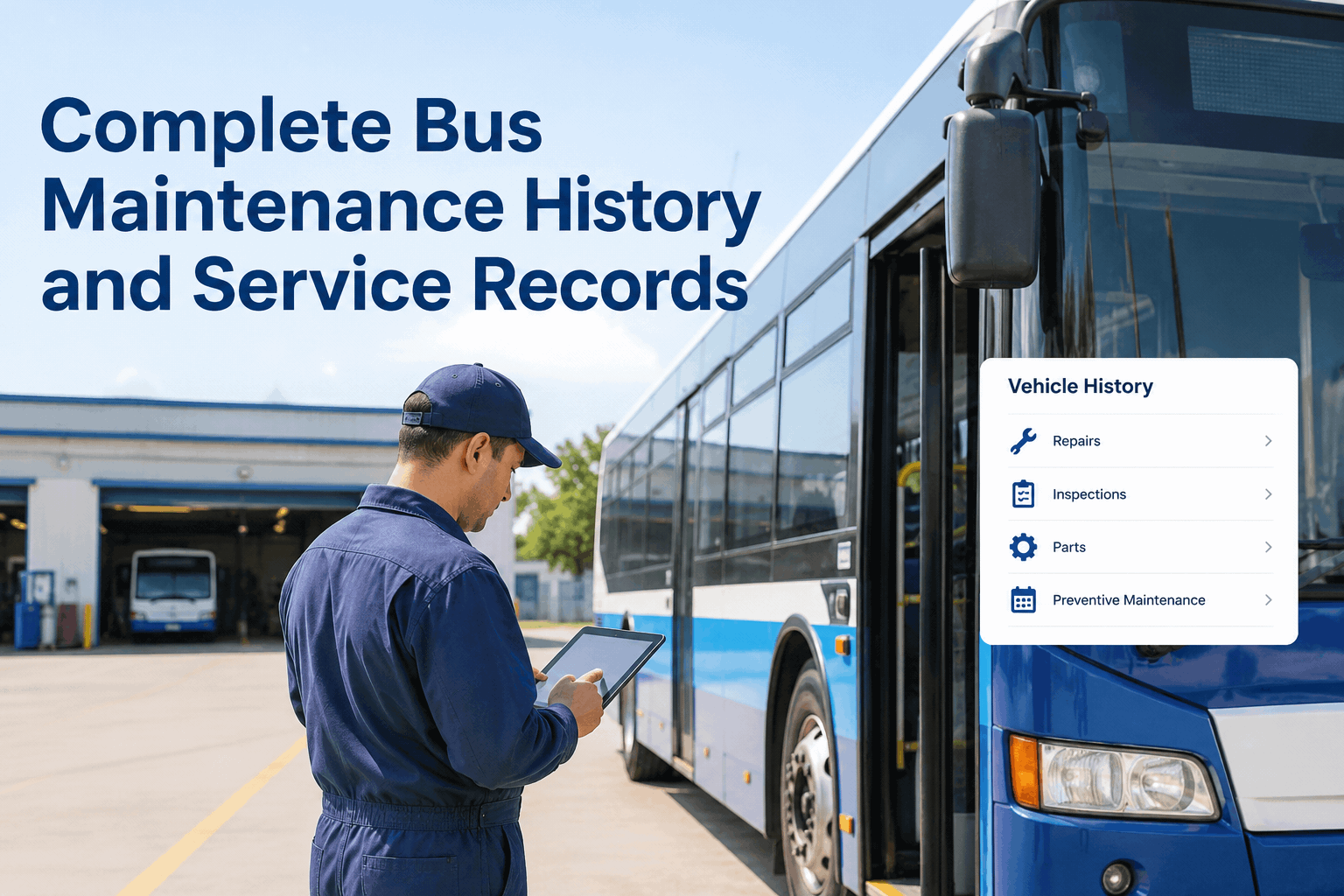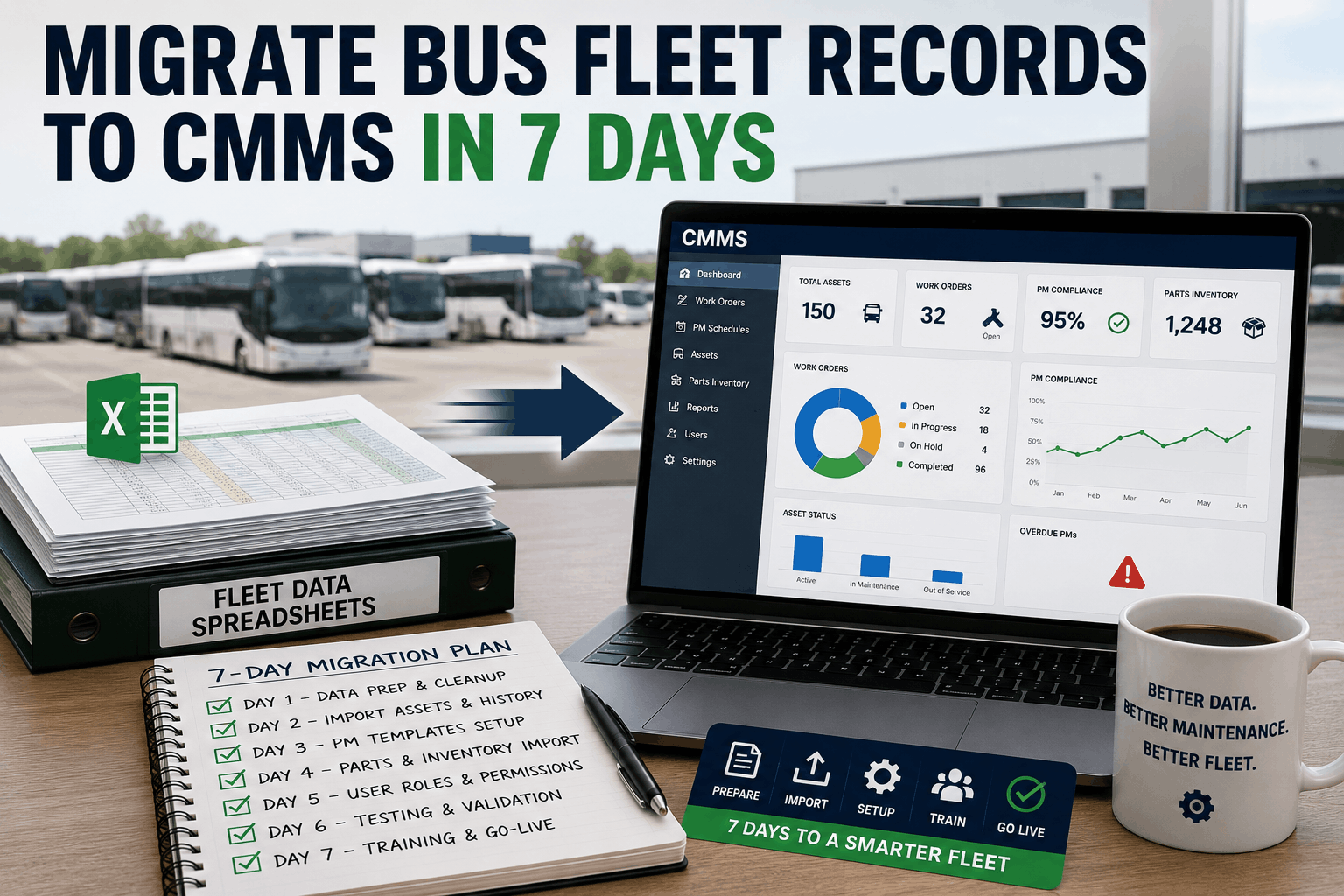
Moving your bus fleet records from spreadsheets to a CMMS can feel overwhelming, but a structured 7-day migration plan makes the transition smooth and error-free. This guide walks you through data preparation, VIN cleanup, template setup, and user training so you go live with clean, actionable fleet data in just one week.
Migrate Bus Fleet Records to CMMS in 7 Days 2026
How to Migrate Bus Fleet Records from Spreadsheets to CMMS in 7 Days
7-day migration plan from Excel to a bus CMMS. Data prep, VIN cleanup, PM template setup, parts import, user roles, training and go-live checklist.
Why a 7-Day Sprint Works Best
Prolonged data migration leads to stale information and loss of momentum. A focused sprint forces prioritization, reveals data quality issues early, and gets your team working in the new system fast enough to maintain enthusiasm and accuracy.
7 Days
Average clean migration sprint
85%
Data accuracy improvement vs. spreadsheets
40%
Faster PM scheduling after migration
100%
Audit trail for all fleet records
7-Day Migration Progress Tracker
1
Day 1: Data Extraction & Audit
Export all spreadsheets. Audit for missing VINs, duplicate entries, and outdated service records.
2
Day 2: VIN & Asset Cleanup
Standardize VINs, unit numbers, and asset names. Resolve discrepancies before import.
3
Day 3: PM Template Setup
Build A/B/C service templates and schedules directly in the CMMS based on your existing intervals.
4
Day 4: Parts Inventory Import
Upload parts master list with stock levels and reorder points. Link parts to PM templates.
5
Day 5: User Roles & Permissions
Create user accounts, assign technician and manager roles, and configure notification preferences.
6
Day 6: Team Training & Dry Run
Walk staff through the core workflows. Run a mock PM cycle and fix any confusion.
7
Day 7: Go-Live & Immediate Cleanup
Retire spreadsheets, process the first work orders in the CMMS, and monitor data health.
Critical Success Factors Ranked by Impact
Clean, Standardized Asset List
Foundation
Every bus must have a unique unit ID, correct VIN, and accurate meter reading before Day 1 import.
Pre-Built PM Templates
Immediate Value
Having your service intervals set up as templates means the CMMS generates work orders instantly after go-live.
Parts Mapping to Tasks
Inventory Integration
Linking parts to PMs in the template eliminates tech guesswork and ensures accurate cost tracking from the start.
Role-Based Access Design
User Adoption Driver
When technicians see only what they need, the system feels simple. Managers get the data depth they require.
Parallel Run for 48 Hours
Confidence Builder
Keep spreadsheets accessible for two days after go-live as a safety net, but enforce CMMS as the primary record.
Data Accuracy Before vs. After CMMS Migration
Spreadsheets often contain silent errors: duplicate VINs, inconsistent meter readings, and outdated last-service dates. The structured import process forces cleanup, pushing core data accuracy above 95% in all critical fields.
PM Completion Rate in the First 30 Days After Go-Live
After a successful 7-day migration, fleets see on-time PM completion rise rapidly. By the end of the first month, most shops exceed 80% completion, something rarely achieved with manual spreadsheet tracking.
5 KPIs to Validate a Successful Migration
Measure these metrics in the days after go-live to confirm your migration was clean and the team is on board:
Asset Record Completeness
Target: 100% of vehicles have VIN, unit number, meter, and PM schedule within 24 hours of import.
First Work Order Created
Target: Within 4 hours of go-live. The first CMMS work order proves the new workflow is active.
User Login Rate
Target: 100% of trained users log in on Day 7. Any missing user indicates training gap.
PM Schedule Activation
Target: All due services visible on the dashboard. Confirm that no bus falls through the cracks.
Spreadsheet Retirement
Target: Old files moved to read-only archive on Day 8. Double entry ends immediately.
Migration Readiness Pass/Fail Checklist
Data Backup
Pass: Full backup of all spreadsheets saved offline before import begins.
Fail: No backup; risk of permanent data loss if import must be reversed.
VIN Standardization
Pass: All VINs are 17 characters, upper case, no letters O/I/Q, validated against a decoder.
Fail: VINs with typos imported into the CMMS, creating duplicate ghost assets.
PM Interval Mapping
Pass: Every spreadsheet service interval is translated into a CMMS PM template before import.
Fail: Rebuilding PM schedules from scratch after go-live while trying to run the shop.
User Acceptance Testing
Pass: Two technicians and one supervisor complete a test work order from creation to close.
Fail: First time the team sees the workflow is when a real bus needs service.
Vendor & Parts Mapping
Pass: Parts linked to vendors with lead times; purchase requisitions tested before go-live.
Fail: Parts module unused for weeks because no vendor data was loaded.
Post-Go-Live Support
Pass: A dedicated internal point person available for the first week to answer questions and fix issues quickly.
Fail: Team left alone with a new system and no immediate help, leading to frustration and workarounds.
We migrated 112 buses from a dozen spreadsheets into BusCMMS in exactly seven days. The built-in import tools flagged VIN errors we'd had for years, and the PM templates were generating work orders by Day 4. Our technicians never want to see a spreadsheet again.
Get Your Fleet Out of Spreadsheets in a Week
BusCMMS provides guided data import wizards, VIN validation, and pre-built PM templates that make migration fast and painless. Start your 7-day sprint with expert support.
Spreadsheet to CMMS Migration FAQs
Can I really migrate all my data in 7 days?
Yes, if your data is in spreadsheets and you have fewer than 500 vehicles. The key is preparation: cleaning VINs and mapping service intervals before import day.
What if my spreadsheet data has gaps?
Import what's clean first. BusCMMS flags missing fields and allows you to fill them later without blocking the migration. Critical gaps like VIN should be resolved before import.
Does BusCMMS help with the import process?
Absolutely. The platform includes import templates, VIN validation, and error reports that show exactly what needs fixing. Most customers complete the data portion in under three days.
How do I handle historical work orders?
Focus on open and recent items. You can load the last 12 months of completed work orders for trend analysis, but older records can remain in an archived spreadsheet.
Will my technicians resist the new system?
Involving them early in the dry run and showing how much faster PM dispatch works usually wins them over. BusCMMS is designed for a quick, mobile-friendly workflow.
What happens to the old spreadsheets after go-live?
Move them to a read-only archive folder. Enforce a rule that all new data is entered in the CMMS. Within two weeks, the spreadsheets become obsolete.
The Bottom Line
A week is all it takes to move your fleet records from fragile spreadsheets to a reliable CMMS. By following the 7-day progress tracker, cleaning your data, building PM templates, and training your team, you eliminate double entry, catch years of hidden errors, and give your shop a digital backbone. Use the five KPIs to validate success and the pass/fail checklist to avoid the most common pitfalls. With BusCMMS, migration is a sprint that sets your fleet up for years of efficient, data-driven maintenance.