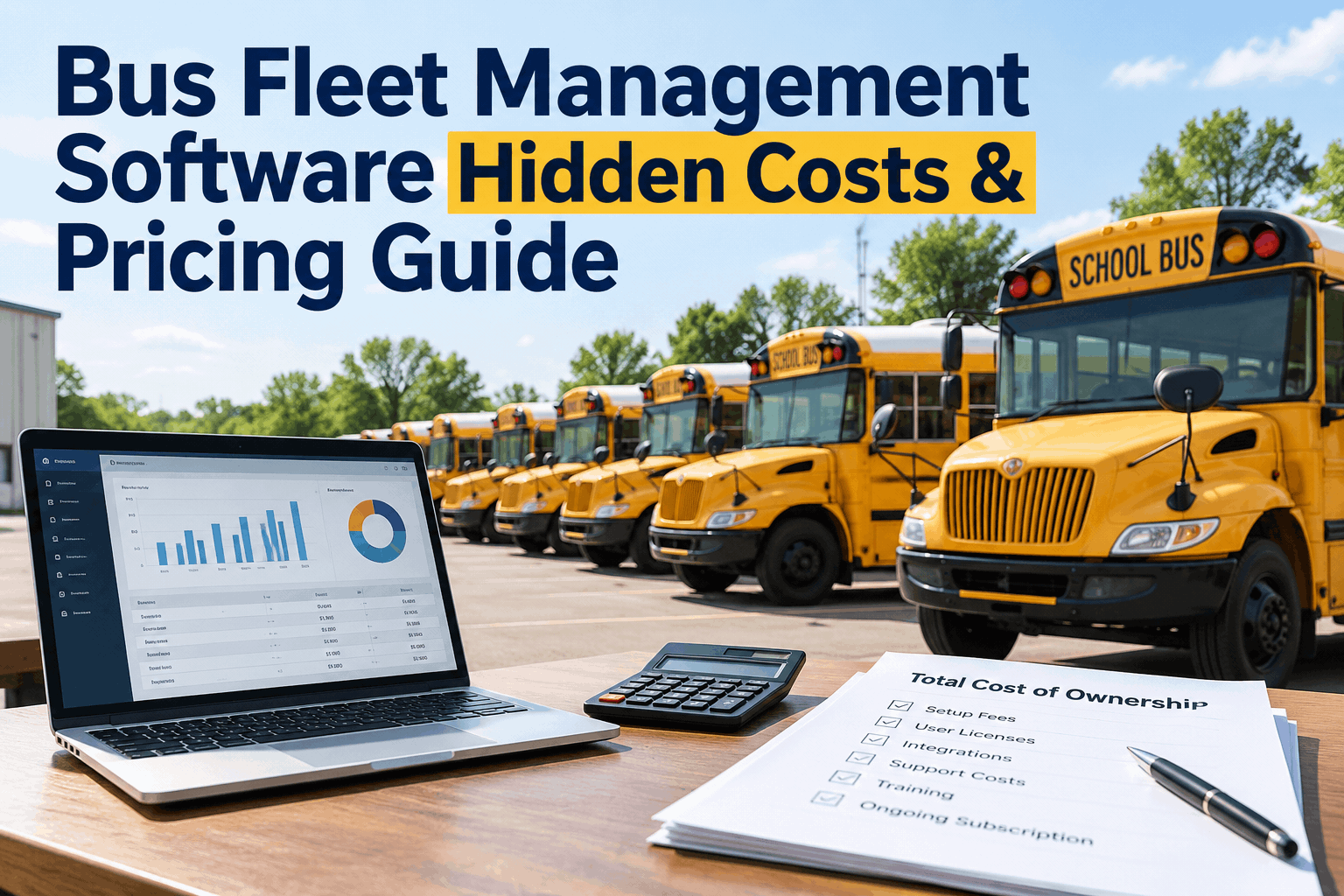
The quote looks great until the invoices start: a setup fee, a per-seat charge, a line for the integration that was "included." Bus fleet management software pricing is rarely what's on the pricing page — the real number is the one you back into a year later. You can get a straight answer on what BusCMMS costs in a demo first.
Bus Fleet Management Software: Hidden Costs & Pricing Guide
What the pricing page shows you, what it doesn't, and how to find the true total cost before you commit — so the number you budget is the number you pay.
Illustrative of how the layers stack, not a fixed ratio — the exact gap depends on the vendor and how many fees sit below their headline price.
The Six Hidden Costs Behind a Fleet Software Price
A headline subscription is one number; the contract is six. Fleet management software hidden costs aren't dishonesty so much as fine print — fees that are real, standard, and easy to miss until they're on an invoice. Here's where to look before you sign.
Setup & implementation
Data cleanup, importing your fleet, configuring forms and schedules. A generic tool built for trucking can need weeks of paid setup to understand buses — a cost that doesn't appear until the implementation quote lands.
Per-user licensing
Many vendors price per seat. Every mechanic, dispatcher, or supervisor you add bumps the bill, so the "price" you compared assumed fewer users than you actually need on the floor.
Integrations
Connecting telematics, fuel cards, or accounting is often a separate line — sometimes per connector. The "it integrates with everything" promise can carry a per-integration fee the pricing page never mentions.
Training & support tiers
Basic support is included; the responsive kind often isn't. Onboarding sessions, a dedicated account manager, and priority support frequently sit behind a higher tier you only discover you need later.
Add-on modules
The feature that sold you — inspections, parts, reporting — is sometimes an upgrade, not the base plan. Compare what's actually in the tier you're quoting, not the full feature list on the website.
Contract terms & lock-in
Annual prepay, auto-renewal, and price increases at renewal are where a good first-year deal becomes an expensive third year. The exit cost — getting your data out — is a cost too.
The standard way to think about this is total cost of ownership — subscription plus implementation, integrations, hardware, and support, not the monthly figure alone. Price the whole thing, or you're comparing the wrong number.
The honest test is whether a vendor will itemize all six without flinching — you can book a demo and ask BusCMMS to break down every line for your fleet size.
First-Year Cost vs Ongoing Cost: Price Both
The trap in fleet software total cost of ownership is comparing one vendor's first year to another's ongoing year. The first year carries the one-time weight — setup, integrations, training — while the ongoing year is mostly subscription and support. Compare year one to year one, and year two to year two.
Illustrative of the shape, not fixed amounts — the one-time layers shrink or vanish after year one, which is exactly why a fast, low-setup rollout matters.
A vendor that ships ready to run collapses that first-year bump, because there's little to configure. You can start a free account and see the base product with no setup bill to judge for yourself.
Questions That Expose the Real Price
You find hidden costs by asking for them. Bring this list to any bus maintenance software pricing conversation — the answers, not the brochure, tell you the total you'll actually pay.
- What's the one-time setup and data-import fee?And how many weeks until we're actually live and using it?
- Is pricing per user, and what counts as a user?Do mechanics, drivers, and read-only viewers each cost a seat?
- Which integrations cost extra, and how much?Telematics, fuel cards, accounting — per connector or included?
- Which features are in this tier vs an upgrade?Are inspections, parts, and reporting in the price I'm quoted?
- What's the renewal price and the contract term?Does the rate rise at renewal, and is it annual prepay or monthly?
- Can I export my data if I leave, and at what cost?Your records are yours — getting them out shouldn't be a fee.
If a vendor won't give straight answers to those six, that's an answer too. You can book a demo and put these questions to BusCMMS directly — the total, in plain terms.
Where BusCMMS Keeps the Price Honest
The biggest hidden cost in fleet software is the one that comes from a tool not built for your fleet — the setup and workarounds to make a generic product understand buses. BusCMMS removes that line entirely by being purpose-built from day one. Here's how that shows up on the invoice.
Low-setup rollout
Pre-loaded bus inspections and PM logic mean little to configure — BusCMMS reports going live in 2–4 weeks, which shrinks the costly first-year setup line.
Built-in, not bolted-on
Inspections, work orders, parts, and reporting come in the product, so the features that sold you aren't an upgrade tier you discover at renewal.
Pre-built integrations
Connectors for common telematics like Samsara and Geotab are part of the platform, not a per-connector surcharge added after you sign.
Budget-fit, not enterprise-only
Pricing scaled to a school-district or transit-agency budget rather than enterprise contracts — the number is meant to be board-approvable, not negotiated down from a scary one.
The savings, cost-reduction, and rollout figures are reported by BusCMMS from its own customer data, not independently verified. For the return side of the math, see our guide to what a bus CMMS does. The surest way to judge the price is to use the product — you can start a free account and see what's in the base plan before any quote conversation.
A Finance Manager's Take
Key Takeaways on Bus Fleet Software Pricing
Bus fleet management software pricing is a total, not a monthly rate — and the total is where vendors differ most. Four things to carry into any buying conversation.
Price the whole thing
Subscription plus setup, seats, integrations, and support — total cost of ownership, not the headline.
Six places fees hide
Setup, per-user licensing, integrations, support tiers, add-on modules, and contract lock-in.
Compare year to year
First-year carries one-time costs; match year one to year one and year two to year two.
Purpose-built lowers the real cost
A tool built for buses needs little setup — which is where the biggest hidden fee usually lives.
Ask for the total, compare total to total, and favor the vendor whose answers are a sentence long. The right bus fleet management software pricing is the one with no surprises on the invoice — because the number you budgeted is the number you paid.







