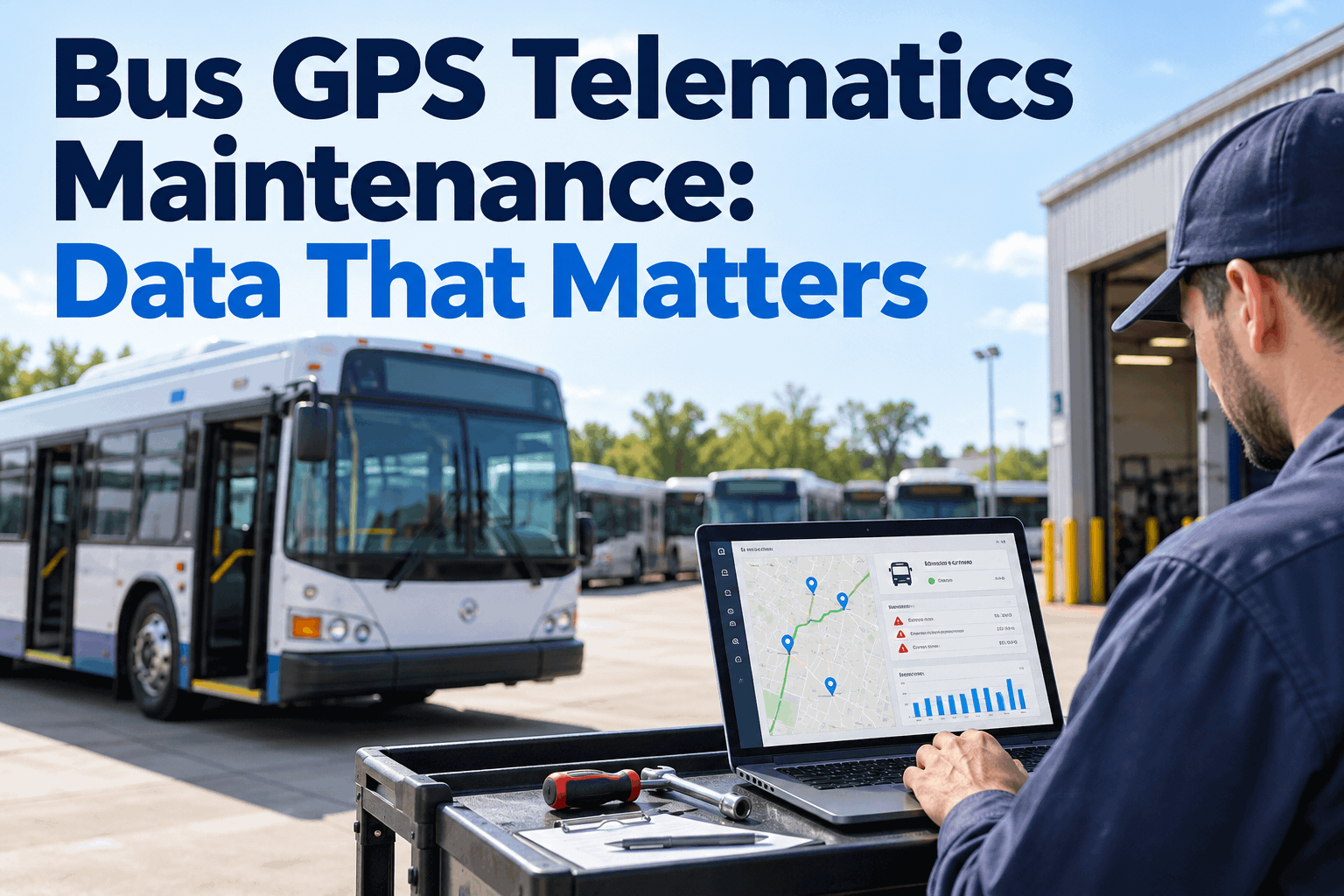
The bus GPS telematics maintenance problem was never too little data — it is a flood of it dying in a tracking portal the shop never opens. Fewer road calls start with knowing which few signals matter. You can see which signals drive maintenance in a demo before you connect a feed.
Bus GPS Telematics Maintenance: The Data That Actually Matters
Your telematics box streams a dozen signals per bus. Only a handful should ever reach your maintenance plan. Here is how to sort the signal from the noise — and what each one should trigger.
Why Most Telematics Data Never Helps the Shop
You bought GPS to see where the buses are. Then the telematics upgrade added engine data, and the sales deck promised predictive maintenance. A year later, the tracking screen still lives with dispatch, and the shop still finds the problem on the next pre-trip — or on the shoulder of a county road with a full load of kids aboard.
The alert lands where nobody fixes things
A fault code fires into a dispatch dashboard. The tech who could act on it never sees it. By the time it surfaces, the small code has become a tow bill.
Everything streams, so nothing stands out
When idle minutes, geofence pings, and a low-oil-pressure code all look the same in a feed, the one that should pull a bus from service drowns in the ones that never mattered.
Miles alone lie on an idle-heavy bus
A school bus idles through loading, long warm-ups, and traffic. Odometer miles miss that wear entirely. PM built on miles alone services the wrong buses at the wrong time.
The value was never the data stream — it is the one or two signals per bus that should have changed a maintenance decision, and didn't.
The Telematics Signals That Matter for Bus Maintenance
Six data points do almost all the work. Each one tells you something different, and each should trigger a different maintenance action — not just an alert. Here is the short list worth connecting, and what each one is actually for.
Swipe sideways to see all three columns.
The test for every signal: does it change a maintenance decision? If it only moves a dot on a map, it belongs with dispatch, not in your PM plan. You can start a free account and connect these signals yourself.
Why Engine Hours Beat Miles on a Bus
This is the signal fleets outside the bus world miss, and it is the single most useful thing telematics tells you. Two buses can run nearly the same miles in a year and wear their engines at completely different rates — because one sits and idles far more than the other. Service them on miles alone and you over-service one and under-service the other.
Bus B runs fewer miles but far more engine hours. A mileage-only PM plan lets it run past its real service point — the exact bus most likely to strand a route. Hour-based triggers catch it. You can book a demo to see hour-based PM set up on your own fleet.
The Signal Mix Changes With Your Fuel Type
If you run a mixed fleet — diesel, CNG, and a few electric buses on the same lot — the telematics signals that matter are not the same across them. A tool that treats every bus like a diesel misses what actually warns you on the other two.
Diesel
Watch most closely
- DEF level and quality faults
- DPF soot load and parked regens
- Coolant and oil-pressure codes
- Engine hours for idle wear
CNG
Watch most closely
- Fuel pressure and tank levels
- Methane / leak-related fault codes
- Tank inspection intervals by date
- Engine hours and ignition system
Electric
Watch most closely
- State of charge and range trend
- Battery pack temperature
- Charging faults and session logs
- High-voltage system codes
Fuel-type-aware PM means each bus is watched on its own signals — a diesel's regens, a CNG unit's tank dates, an electric bus's pack temperature — all on one dashboard. You can start a free account and set up PM by fuel type.
From Signal to Work Order: How the Data Drives Action
A signal that matters is only worth connecting if it ends in an action. The point of bus telematics maintenance is not another alert — it is a scored decision that opens the right work order and routes it to the right tech, or files the advisory code to watch instead of burying it.
The critical code never waits for the next pre-trip, and the advisory code never gets lost. That is the difference between a tracking screen and a maintenance system.
Which Three Signals to Connect First
You do not have to wire up everything on day one. Start with the three signals that change the most maintenance decisions, prove the value, then add the rest. Run this short list against whatever telematics you already have.
- Critical fault codes → auto work orderThe highest-value connection: a serious engine, brake, or emissions code opens a work order the moment it fires, not at the next inspection.START HERE
- Engine hours → hour-based PM triggersStops idle-heavy buses from slipping past their real service point. The fix for the "same miles, different wear" problem.NEXT
- Live odometer → mileage PM triggersEnds driver-reported mileage guesswork, so A- and B-service fire on real distance and your PM-compliance number stops drifting.NEXT
Three connections cover most of the payoff. Add DEF, voltage, and idle once those are proven. Book a demo to map your first three signals to real work orders.
How BusCMMS Turns Bus Telematics Into Maintenance
BusCMMS sits on the maintenance side of your telematics, not the dispatch side. It connects to the GPS and engine data you already pay for, keeps the signals that drive a decision, and acts on them automatically — so the data finally does what it was sold to do.
Pre-built Samsara & Geotab connectors
Connect the telematics you already run — no new hardware, no custom integration project to pay for.
Fault codes become work orders
A critical code opens a work order and routes it to a qualified tech — no re-keying, no alert lost in a dispatch feed.
Hours and miles trigger PM
Real engine hours and live odometer fire the right PM — per fuel type, so diesels, CNG, and electric each follow their own schedule.
BusCMMS reports bus fleets running at 95%+ availability and 25–35% lower maintenance costs within a year once their data drives maintenance this way — company-reported figures from its own customer base, not independently audited, but a fair picture of what connected data is worth. See how it fits in the complete guide to what a bus CMMS does.
A Fleet Manager's Take
Key Takeaways on Bus Telematics Maintenance Data
The data isn't the hard part — your buses already broadcast it. Keeping the handful of signals that change a decision, and acting on them, is what cuts road calls. Four things to carry out of this.
- 1
A few signals do the work
Fault codes, engine hours, odometer, DEF, voltage, idle — the rest stays with dispatch.
- 2
Engine hours beat miles on a bus
Idle-heavy buses wear faster than their odometer shows. Hour-based PM catches them.
- 3
The signal mix shifts by fuel type
Diesel regens, CNG tank dates, electric pack temperature — each bus watched on its own.
- 4
A signal is only worth it if it acts
Connect it to a work order or a PM trigger, or it's just another alert nobody owns.
Good bus GPS telematics maintenance isn't about collecting more — it's about routing the right few signals into the shop so they open a work order or move a PM date before a bus strands a route. Connect the three that matter first, prove it, and let the data finally earn its keep.