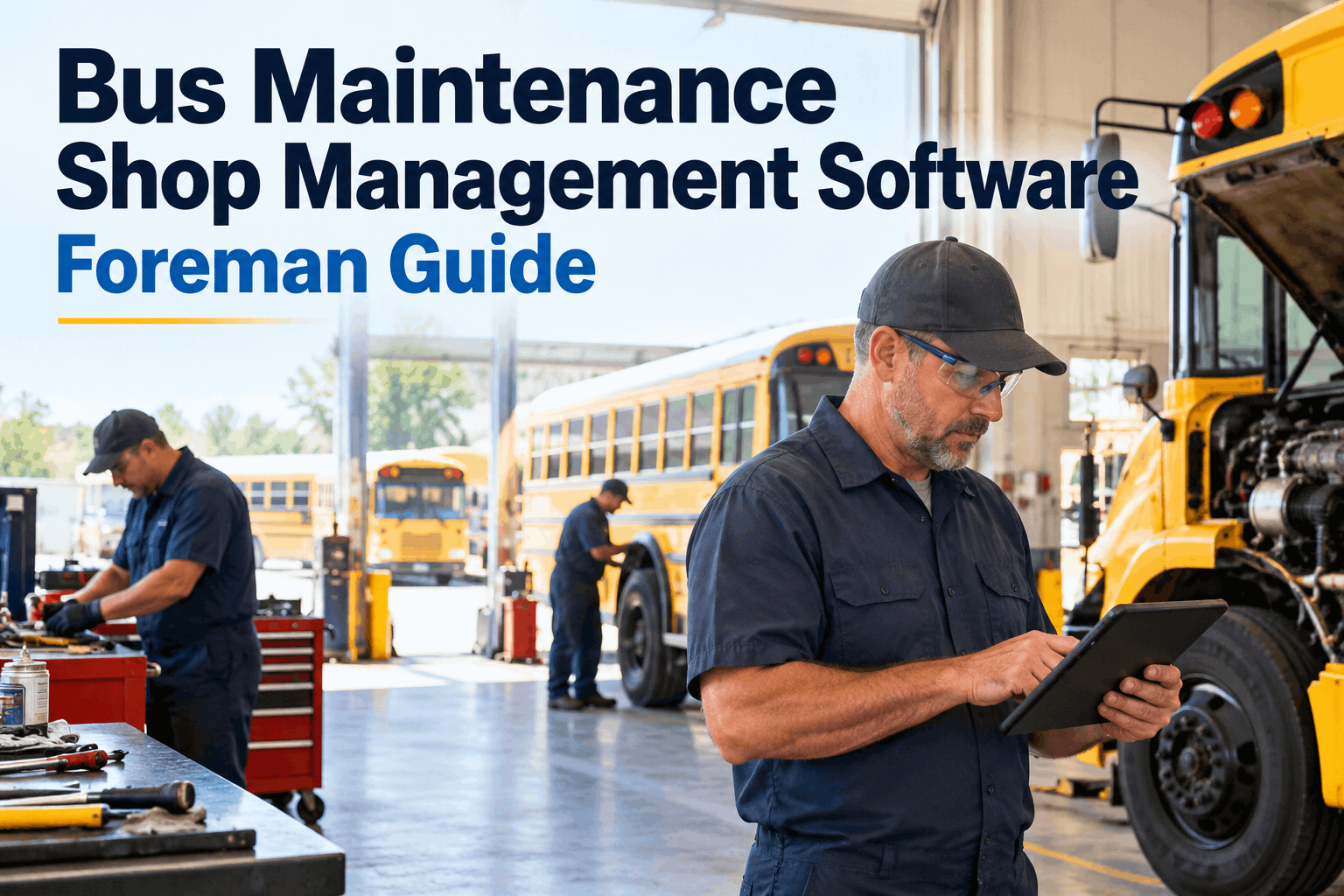
It's 6:40am, three buses are down, and yesterday's half-finished brake job is a note you can't find. Bus maintenance shop software replaces that scramble — whiteboard, clipboard, paper work orders — with one place where every repair, tech, and part is tracked. You can see your shop floor run on one screen in a demo first.
Bus Maintenance Shop Management Software: A Foreman's Guide
How the software runs your work orders, routes jobs to the right tech, and keeps parts and repair history in one place — so the shop floor stops living on a whiteboard.
What a Paper Shop Quietly Loses
A whiteboard and a clipboard work right up until they don't. The cost isn't dramatic — it's a slow leak of hours and parts that nobody writes down. Here's where a paper shop bleeds, and where bus maintenance shop software plugs it.
Work that lives in someone's head
The half-done brake job, the bus "waiting on a part" — if it's only on a sticky note or in a tech's memory, it stalls the moment that person is off. Software keeps every open job visible to the whole shop.
Parts bought twice or not at all
Without usage tracking, you reorder what you already have and run out of what you don't — then pay emergency freight. The right tool tracks parts per job and flags reorders before you're short.
No history when it matters
When the same bus comes back with the same fault, or an inspector asks for records, a paper shop starts digging. Software has the full repair history per bus in seconds.
None of these show up as a line item — which is exactly why they're hard to fix. A shop that can't see its own open work can't plan its day, and an unplanned shop is a reactive one.
The fix is seeing all of it in one place instead of in heads and on paper — you can create a free account and put your open jobs on one board to see what you've been missing.
The Work Order Is the Unit of a Shop
Everything in a maintenance shop is really one thing repeated: a work order, opened, worked, and closed. Good bus maintenance work order management is the whole point of the software — it turns a messy floor into a predictable one. Here's the lifecycle it runs.
- 1
It opens itself
A failed DVIR item, a PM coming due, or a telematics fault code creates the work order automatically — so nothing waits on someone remembering to write it up.
- 2
It goes to the right tech
The job routes to an available, qualified technician instead of whoever walks by — high-voltage work to a qualified EV tech, routine PM to open hands.
- 3
Parts are attached, not hunted
The parts a job needs are tied to the work order and checked against inventory, so a tech isn't walking to the parts room to find an empty shelf.
- 4
It closes with a record
Time, parts, notes, and photos land on the bus's history the moment the job is done — ready for the next repair, an audit, or a warranty claim.
Run every repair through that same lifecycle and the shop stops being a scramble. You can start a free account and open your first work order in minutes to feel the difference.
Technician Workflow: The Right Hands on the Right Job
A foreman's hardest call every morning is who does what. Fleet technician management software takes the guesswork out: it knows who's qualified, who's free, and what's urgent, so the board balances itself instead of living in your head.
Routed by qualification
High-voltage, air brakes, or warranty work goes only to a tech cleared for it — no unqualified hands on a job that bites back.
Balanced by load
You see who's buried and who's open at a glance, so no tech sits idle while another drowns — the floor stays level all shift.
Measured, not guessed
Estimated vs actual time per job shows up on its own, so you learn where the real bottlenecks are instead of guessing.
When routing is automatic, you spend the morning fixing buses, not assigning them — and you can book a demo to see jobs route to the right tech on your own board.
The Shop Numbers a Foreman Actually Runs On
You don't manage a shop on gut feel for long. The two numbers that tell you whether the floor is winning are turnaround time — how fast a bus gets back on the road — and mean time to repair. Both move once the shop runs on planned work instead of firefighting.
Illustrative of the direction planned work drives, not a guaranteed result — your numbers depend on fleet age, staffing, and how reactive the shop starts.
Mean time to repair trends down as reactive jobs give way to planned ones — illustrative of the pattern, not a promise.
BusCMMS reports bus shops reaching 95%+ fleet availability and cutting maintenance costs 25–35% within a year — company-reported figures from its own customer data, driven by exactly this shift to planned work.
Those numbers only mean something next to your own baseline — you can book a demo to see turnaround and MTTR tracked live for your shop.
What a Foreman Should Demand From Bus Shop Software
Vendors sell features; a foreman needs the floor to run. When you evaluate bus shop management software, judge it against what a real shift throws at you — not a slide deck. These are the non-negotiables.
- Work orders that open themselvesFrom failed DVIRs, PM triggers, and telematics fault codes — not hand-typed.
- Routing by skill and availabilityJobs to qualified, open techs — with high-voltage and warranty work gated.
- Parts tied to the jobUsage tracked, reorder alerts before you're short, no duplicate buys.
- Full repair history per busEvery job, part, and photo on the record — for repeat faults, audits, and warranty.
- Shop metrics you can act onTurnaround, MTTR, and availability — the numbers that tell you if the floor is winning.
- Built for buses, live in weeksPre-loaded bus inspections and logic — not months of configuring a trucking tool.
If a tool makes you build those yourself, it was built for some other kind of shop. For the bigger picture of how these pieces fit, the complete bus CMMS guide lays out the whole system.
How BusCMMS Runs a Bus Shop
BusCMMS is bus maintenance shop software built for the floor, not a trucking tool with a bus sticker. Here's what a foreman gets the week it goes live.
Auto work orders
Failed inspections, PM triggers, and fault codes open and assign work orders on their own — nothing waits on paper.
Skill-based routing
Jobs go to qualified, available techs, with certifications tracked so dangerous work never lands on the wrong hands.
Parts that stay stocked
Usage tracked per job with auto-reorder alerts, so the shelf has the part before the tech needs it.
Shop dashboards
Turnaround, MTTR, availability, and PM compliance live — so you manage the floor on numbers, not noise.
Availability, cost-reduction, and savings figures are reported by BusCMMS from its own customer data, not independently verified. Treat them as a starting point and measure against your own shop's baseline.
A Shop Foreman's Take
Key Takeaways on Bus Maintenance Shop Software
Bus maintenance shop software is how a foreman trades a whiteboard scramble for a floor that runs on work orders, routing, and real numbers. Four things to carry into the decision.
The work order is the unit
Open itself, route to the right tech, tie to parts, close with a record — every repair, same lifecycle.
Paper shops leak quietly
Lost jobs, double-bought parts, no history — costs that never show as a line item.
Routing frees the foreman
When jobs assign themselves to the right tech, you spend mornings fixing buses, not the board.
Run on turnaround and MTTR
The two numbers that tell you if the floor is winning — and they drop as work gets planned.
Pick bus maintenance shop software that runs the work order lifecycle and shows you the floor's real numbers, and the 6:40am scramble turns into a shift you can actually plan. The buses will always break; a shop that sees its own work just fixes them faster.







