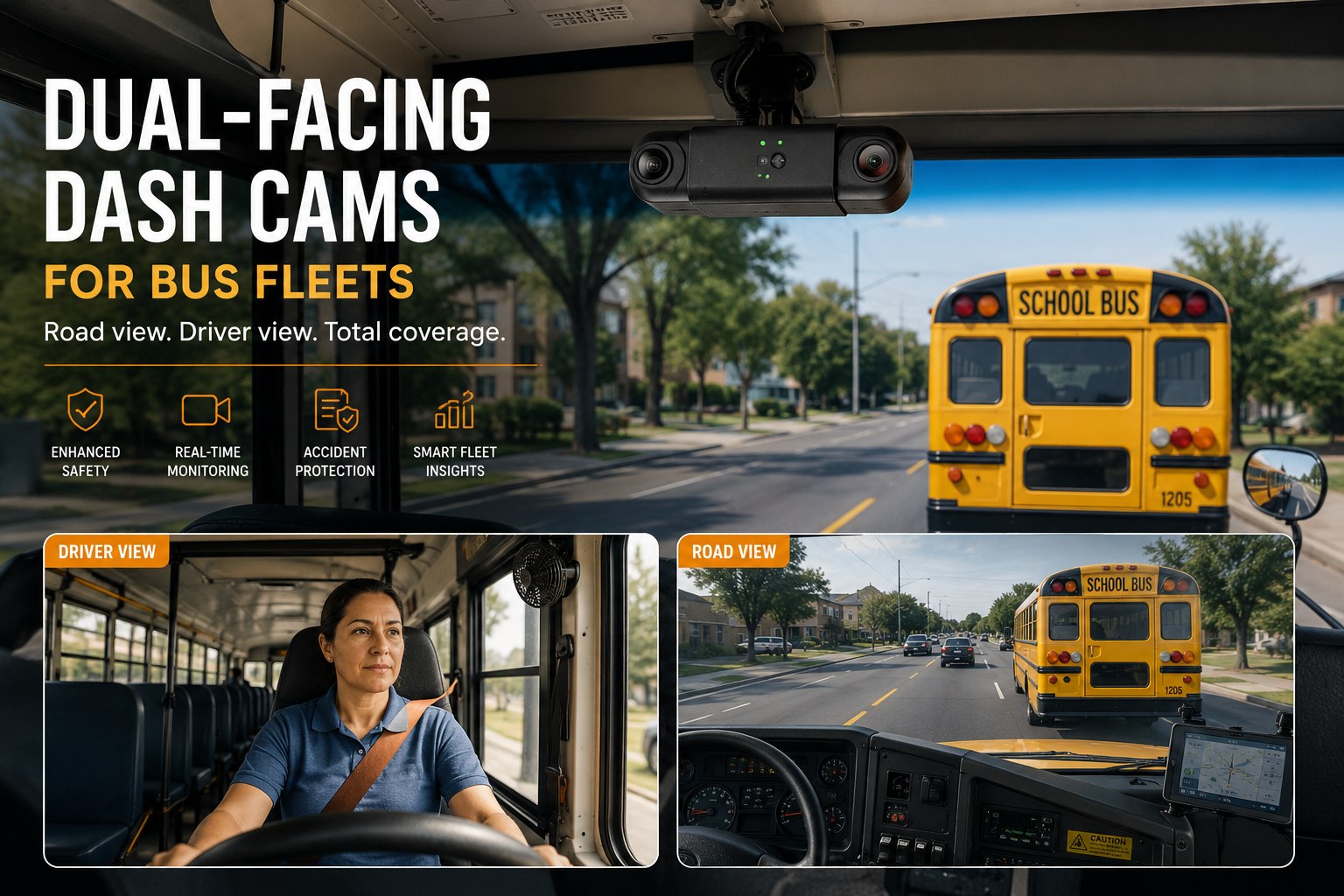
Two dash cam vendors both offer "road plus cab" coverage — one ships it as a single housing with two lenses sharing one power run, the other as two separate units you wire and mount independently. On paper they look like the same feature. In an incident review six months later, they are not the same product at all. This is the practical difference between single-housing dual-lens cameras and separate-unit setups on a bus, what synchronized clips actually buy you at review time and where a third interior channel earns its extra wiring run instead of just adding cost. See synced road and cab clips inside BusCMMS → book a demo.
Dual-Facing Dash Cams for Bus Fleets
Single-housing dual lens versus separate units, synchronized clips at review time, install time reality, and when a third channel is worth running the extra cable.
Single-Housing Dual Lens vs Separate Units
Same coverage on the spec sheet. Very different reality at install and at review time.
A single-housing dual-lens camera puts both the road-facing and cab-facing lens in one unit, sharing one power and data run back to the recorder. A separate-unit setup mounts two independent cameras — one on the windshield, one aimed at the driver — each with its own cable run, often from different manufacturers entirely. No single federal mandate governs which configuration a bus fleet has to use; the compliance bar here is 49 CFR 396 maintenance record requirements and district policy, which means this decision comes down entirely to what actually works for your install crew and your incident review process, not a regulation dictating hardware.
Neither option is wrong — the mistake is picking based on unit price alone without asking how clips get synchronized at review time, which is the part that actually determines whether the footage is useful. Walk through both configurations on a live BusCMMS demo →
Why Synchronized Clips Matter More Than Either Camera Alone
The road view tells you what happened. The cab view tells you why. Together, at the same timestamp, they tell you the whole story.
A road-view clip alone shows a hard brake. A cab-view clip alone shows a driver reacting. Neither on its own settles a disputed claim the way both do, pulled up side by side at the exact same second. That's the entire value proposition of dual-facing coverage — not two cameras, but one incident told from two angles that line up on the clock.
Event trigger fires — harsh brake threshold crossed on both channels at the same instant.
Both clips available at review — the road view explains the trigger, the cab view confirms the driver's response.
Case closed in minutes — exoneration confirmed from one synced clip pair, not two separate portal logins.
If your road and cab footage live in two different vendor portals with two different timestamps to reconcile manually, you don't have synchronized review — you have two logins and a stopwatch. See how synced review works inside a bus-specific platform.
The Spec Mistake: Buying on Resolution Alone
A 4K camera that can't see in the dark or survive a pothole isn't a 4K camera on the day it matters.
Here's the failure worth naming directly: fleets write purchase specs around resolution — 1080p vs 4K — because it's the easiest number to compare on a sheet, and skip the three specs that actually determine whether footage is usable six months in. Low-light performance decides whether a 6:15 AM winter route produces a legible clip or a gray smear. Vibration rating decides whether the unit survives a bus chassis's constant jolting on pothole-heavy routes, or fails at month four. Retention window decides whether footage from three weeks ago is still there when a parent complaint or an insurance request comes in later than expected.
Resolution
EASY TO COMPARE, EASY TO OVER-WEIGHT1080p is sufficient for most incident review. 4K adds storage cost without adding usable clarity on a compressed clip.
Low-Light Rating
OFTEN SKIPPED, MOST IMPORTANTAsk for actual dawn-run footage, not a daytime demo. WDR/HDR handling determines whether glare or darkness ruins the clip.
Vibration Rating
CHASSIS-SPECIFICA camera housing rated for a passenger car will loosen and fail faster on a bus's constant low-speed jolting.
Retention Window
DAYS, NOT AN AFTERTHOUGHTConfirm exactly how many days of footage the unit or platform actually holds before it overwrites — in writing, not verbally.
A camera spec sheet that leads with resolution and buries low-light, vibration, and retention in a footnote is a sheet worth pushing back on before you sign. See real dawn-run footage compared side by side → book a demo.
When a Third Interior Channel Is Worth the Extra Wiring
Road plus cab covers the front of the bus. It doesn't cover the aisle.
Road and cab coverage answers what happened at the windshield and what the driver was doing. Neither answers what happened three rows back — a student altercation, a wheelchair securement issue mid-route, a passenger safety concern away from the driver's direct sightline. That's what a third interior aisle-facing channel is for, and it's not automatically worth the extra cable run on every bus.
Third channel earns its cost when:
- Routes carry students with behavioral support plans or frequent aisle incidents
- Wheelchair-accessible buses need securement verification mid-route, not just at boarding
- Longer transit routes have extended time away from direct driver sightline
Skip it for now when:
- Short suburban routes with low aisle incident history
- Budget is better spent upgrading low-light performance on the road/cab pair first
- The bus already has minimal capacity remaining on the recorder's channel count
A Scenario From a Real Bus Operation
Same incident, two very different review experiences depending on the setup.
A charter operator running 22 coaches had separate-unit dash cams from two different vendors — one for road view, one for cab view — installed at different times as budget allowed. When a passenger complaint came in about a driver's reaction to a near-miss, the safety coordinator had to log into two portals, find the closest matching timestamps manually, and reconcile a roughly four-second clock drift between the two systems before the clips actually lined up. The review that should have taken ten minutes took most of an afternoon. After switching to a single-housing dual-lens unit on the next fleet refresh, the same type of review dropped to under fifteen minutes, because both angles opened from the same event record with the same timestamp, no manual reconciliation required.
We bought our first dash cams on resolution alone — highest number on the sheet, done. Took us a full winter to realize half our units couldn't produce a usable clip on a 6 AM route because nobody asked about low-light performance. Now every spec conversation starts with dawn-run footage, not the resolution number, and it's the first question I ask any vendor before they even get to pricing.
Comparing quotes right now? Get the scoring sheet before you sign anything. Sign up free and download the evaluation template →
Quick Spec Reference
Scannable on a phone during a vendor call.
| Spec | What to actually check |
|---|---|
| Configuration | Single-housing dual lens (faster install, one cable) vs separate units (flexible, mix vendors) |
| Resolution | 1080p is sufficient for most review; don't overpay for 4K alone |
| Low-light rating | Request real dawn/dusk footage, not a daytime demo clip |
| Vibration tolerance | Rated for a bus chassis's constant jolting, not a passenger car spec |
| Retention window | Get the exact number of days in writing before signing |
| Clip synchronization | Confirm road and cab clips share one timestamp at review, not two systems to reconcile |
| Third channel | Worth it for aisle-heavy incident routes; skip it if budget is better spent on low-light |
Frequently Asked Questions
What's the difference between a single-housing dual lens camera and separate units?
A single-housing dual-lens camera combines the road-facing and cab-facing lens in one unit sharing one cable run and one internal clock, which makes synchronized review simpler. Separate units mount two independent cameras with their own cable runs, offering more flexibility to mix vendors or replace one lens without touching the other, but requiring the platform layer to handle clip synchronization rather than the hardware doing it natively.
Is there a federal requirement for dual-facing cameras on school buses?
No single federal mandate governs dual-facing dash cam use on buses. The compliance bar for bus records is set by 49 CFR 396 maintenance requirements and individual district policy, meaning camera configuration decisions are made at the fleet or district level rather than dictated by a federal camera-specific rule.
Why does synchronized clip review matter more than having both cameras separately?
A road-view clip shows what happened on the road; a cab-view clip shows the driver's response. Reviewed separately with mismatched timestamps, reconciling the two manually can turn a ten-minute review into an afternoon. Synchronized clips open from the same event record at the same timestamp, letting a reviewer confirm both angles of an incident in minutes rather than cross-referencing two portals.
What specs get overlooked when buying a dash cam based on resolution alone?
Low-light performance, vibration rating, and retention window are the three specs most commonly skipped in favor of comparing resolution numbers. A high-resolution camera that can't produce a legible clip on a dawn route, can't survive a bus chassis's constant vibration, or overwrites footage before an incident is reported can end up less useful than a lower-resolution unit that handles all three properly.
When is a third interior aisle-facing camera worth adding?
A third channel is generally worth the extra wiring on routes carrying students with frequent aisle incidents or behavioral support needs, on wheelchair-accessible buses needing mid-route securement verification, or on longer transit routes with extended time outside the driver's direct sightline. For short routes with low aisle incident history, budget is often better spent improving low-light performance on the existing road and cab cameras first.







