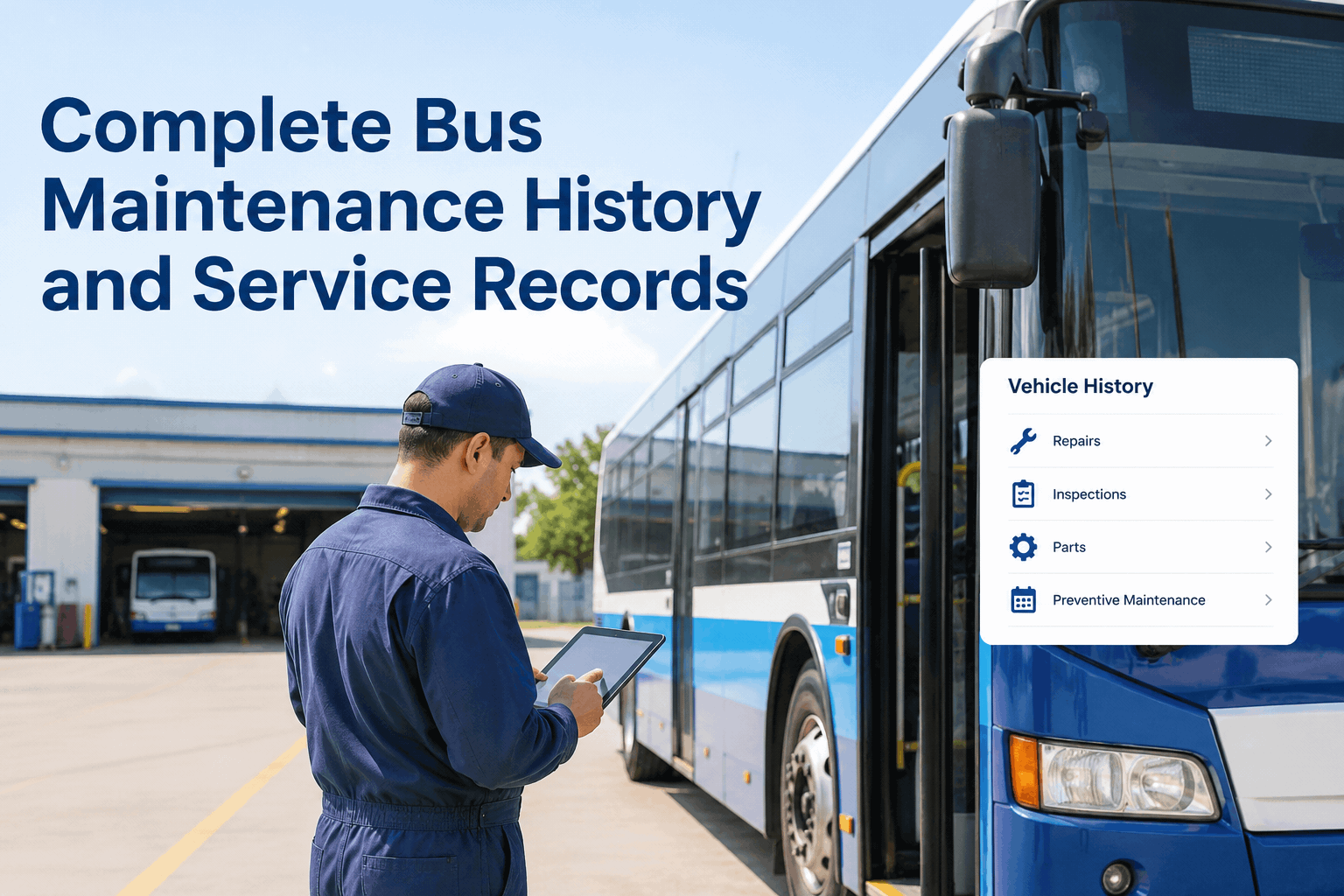
A driver approaches a bus for a pre-trip inspection. With paper forms, they carry a clipboard and checklist, manually check components, and handwrite findings. Illegible handwriting creates confusion later. Paper forms get lost, damaged, or forgotten. Critical defects might be noted but never reported to maintenance. With an inspection app, the driver uses a tablet or smartphone, taps component conditions into a form, adds photos of defects, and submits instantly. The app forces data entry, auto-saves prevents data loss, photos provide evidence of defects, and data flows directly to the maintenance team who prioritizes repairs. The difference is profound. Fleets using apps catch defects earlier, record them more accurately, and enable faster repairs. Fleets using paper miss defects, lose documentation, and experience more unexpected failures. Yet many fleets continue using paper out of habit or unfamiliarity with app alternatives. Understanding the differences between app and paper inspections helps fleet managers make informed decisions. Here's a comprehensive comparison.
Apps catch what paper misses. Compare pre-trip inspection apps and paper forms on speed, accuracy, compliance, and cost for bus fleets.
| Dimension | Paper Forms | Mobile Inspection Apps | Advantage |
|---|---|---|---|
| Time to Complete | 15-25 minutes depending on handwriting speed and form complexity | 10-15 minutes with guided workflows and predefined options | App - Faster completion saves time daily |
| Data Entry Accuracy | Handwriting errors, illegible notes, ambiguous entries common | Predefined options prevent misspellings, dropdown menus ensure consistent data | App - Structured data is more accurate |
| Completeness | Drivers can skip items or leave sections blank; incomplete forms undetected | App enforces required fields, prevents submission of incomplete forms | App - Comprehensive inspections required |
| Document Loss | Paper forms get lost, damaged, or misfiled; finding historical records is difficult | Digital records auto-saved to cloud; historical data easily retrieved | App - No lost documentation |
| Defect Visibility | Defects written on paper; reporting to maintenance relies on driver memory or note passing | Defects flagged in app, alert sent immediately to maintenance, tracked in system | App - Defects are visible and escalated |
| Photo Documentation | Paper forms don't support photos; defects described in writing only | Photos attached to defects provide visual evidence; reduces disputes about severity | App - Visual documentation clarifies issues |
| Integration with CMMS | Forms must be manually entered into CMMS; labor-intensive and error-prone | App data flows directly to CMMS; no manual data entry | App - Automatic integration saves labor |
| Compliance Reporting | Generating compliance reports from paper requires manual compilation; time-consuming | Reports generated automatically from app data; instant reporting capability | App - Faster audit preparation |
| Offline Capability | Always works; no internet or power needed for form completion | Apps require smartphone/tablet and either internet or offline storage capacity | Paper - More reliable in no-power situations |
| User Complexity | Simple form, straightforward to use for any driver regardless of tech skill | Requires smartphone use; some older drivers may be uncomfortable with technology | Paper - Simpler for non-tech-savvy users |
| Cost of Implementation | Minimal; printing forms is inexpensive | Devices, software subscriptions, and setup require initial investment | Paper - Lower upfront cost |
| Ongoing Operating Cost | Minimal; just printing new forms as needed | Software subscription, device maintenance/replacement, occasional updates | App - Lower long-term cost per inspection |
| Maintenance Team Efficiency | Receiving and filing paper forms adds administrative burden; prioritizing defects is manual | Defects automatically prioritized in work queue; minimal administrative burden | App - Faster response to defects |
| Historical Data Analysis | Reviewing historical inspections requires retrieving and manually reviewing forms | Historical data easily searched and analyzed; trends identified automatically | App - Data analysis is faster |
| Defect Trend Analysis | Identifying recurring problems requires manually reviewing multiple forms | App automatically identifies recurring defects and problem vehicles | App - Proactive problem identification |
| Real-time Visibility | Managers don't know inspection results until forms are delivered and reviewed | Managers see inspection results and defects in real-time as forms are completed | App - Immediate awareness of issues |
Paper form completion time: A driver with a paper form spends 15-25 minutes checking components, writing descriptions, and completing sections. Handwriting is slow, and complex entries require multiple words.
App completion time: An inspection app with guided workflows completes inspections faster. Drivers tap OK/Not OK for each item, and structured options reduce typing.
Data processing time: Paper forms must be manually processed. Apps automate this entirely, sending data directly to the CMMS instantly.
Defect response time: Paper forms create a delay. Apps notify maintenance immediately, enabling rapid response to critical issues.
Data entry quality with paper: Handwriting varies, and illegible notes cause interpretation errors. Inconsistent notation also makes automated analysis difficult.
Data consistency with apps: Structured forms with dropdown options ensure consistent data. Photos attach to defects, providing visual evidence.
Defect severity assessment: Apps prompt for severity, ensuring consistent assessment and reducing ambiguity.
Photo evidence: Apps allow photos of defects, helping mechanics prepare for repairs and reducing disputes about severity.
Regulatory requirements: Both paper and apps can support inspection documentation, but documentation quality differs significantly.
Audit preparation with paper: Finding paper forms, organizing records, and presenting them to auditors consumes hours.
Audit preparation with apps: Reports generated from app data provide comprehensive inspection history quickly.
Compliance gaps visibility: Apps can generate alerts for missed inspections, open defects, and incomplete records.
Can we transition from paper to apps without major disruption?
What if drivers refuse to use apps due to age or technology discomfort?
What happens if the app system goes down or internet fails?
How much do inspection apps cost?
For most modern fleets, mobile inspection apps provide superior speed, accuracy, compliance, and cost-effectiveness compared to paper forms. The upfront technology investment is offset by labor savings, faster defect response, and improved compliance.
For new fleets or those with mature CMMS systems, app-based inspections integrated with the CMMS are the optimal choice. For paper-based fleets, a pilot program can demonstrate value before full rollout.