One bus needs repeated DPF regenerations. Another shows an SCR efficiency fault after a DEF refill. A third returns from the shop with the same warning light. Effective bus aftertreatment maintenance starts by separating these problems and keeping a clear record of what was tested, repaired, and verified. Book a demo to see bus maintenance records organized by vehicle.
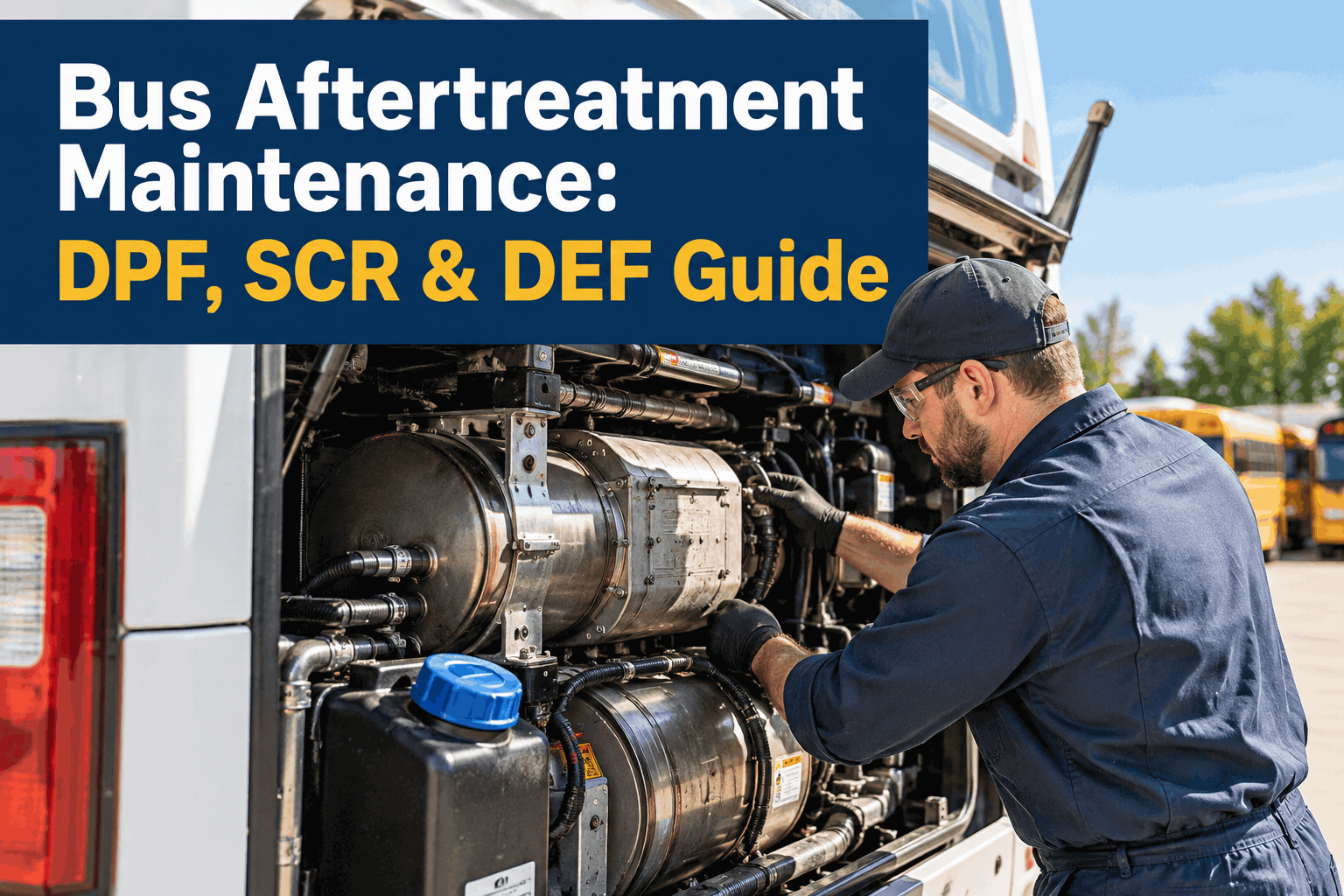
Bus Aftertreatment Maintenance: DPF, SCR & DEF Guide
Understand the system, recognize the warning signs, and turn repeat faults into a consistent inspection-to-repair process across your fleet.
Three Components, Three Different Maintenance Questions
The DPF captures particulate matter, the SCR system helps reduce nitrogen oxides, and DEF supplies the reducing agent for SCR operation. A warning light can point to several related causes, so replacing the most expensive component first is rarely a sound diagnostic strategy.
Is the filter loading normally?
Review soot estimates, differential pressure, regeneration history, exhaust temperature data, and any ash-service recommendations from the engine maker.
Is the system reducing NOx as expected?
Inspect relevant fault codes, sensor plausibility, dosing operation, exhaust leaks, and OEM diagnostic test results before condemning a catalyst.
Is the fluid and delivery system healthy?
Check level, correct fluid specification, contamination risk, storage history, tank and line condition, and injector operation.
DPF Soot vs. Ash: Why the Difference Changes the Repair
Both collect in the particulate filter, but they do not respond to the same maintenance action. Use diagnostic evidence and the OEM procedure to decide what comes next.
Regeneration can oxidize accumulated soot when operating conditions and the control system allow it. Frequent or incomplete regens call for root-cause investigation.
Track: regen events, soot estimates, temperatures, pressure readingsAsh remains after regeneration. Excessive ash loading may require off-board cleaning or replacement according to OEM limits.
Track: filter service history, mileage/hours, cleaning results, replacementNever force a parked regeneration just because a warning appears. Follow the manufacturer's fault-code, soot-load, safety and site procedures; some conditions prohibit regeneration.
What the Warning Sign Should Trigger in Your Shop
The goal is a repeatable diagnostic handoff—not a universal fault-code shortcut. The technician should confirm the actual fault and OEM troubleshooting path before repair.
| Observed issue | Useful first checks | Record to keep |
|---|---|---|
| Repeated DPF regeneration | Duty cycle, soot load, pressure and temperature sensors, incomplete regens | Dates, hours/miles, readings, outcome |
| High DPF restriction | Confirm sensor accuracy; distinguish soot from ash and check OEM limits | Diagnostic results and filter service |
| SCR efficiency warning | DEF quality, dosing, NOx sensors, exhaust leaks and relevant codes | Faults, tests, replaced parts, retest |
| DEF quality or dosing fault | Fluid specification, contamination, pump, lines, heater and injector | Fluid batch/service and test results |
| Engine derate warning | Read active OEM faults and operating restrictions promptly | Driver report, diagnosis, repair and release |
For fleets that see the same fault repeatedly, sign up to keep inspection and repair history together rather than losing the pattern across paper tickets.
Build a Fleet-Health Routine, Not a Fixed Regen Calendar
Urban routes, long idle periods, highway duty, engine family, and model year all affect aftertreatment behavior. A fixed weekly forced-regeneration rule is not appropriate for every bus. Start with OEM intervals and refine inspection priorities using real vehicle history.
Capture
Record warning lights, driver reports, fault codes, mileage and engine hours.
Diagnose
Use the correct OEM tool to verify sensor data and root cause.
Repair
Log parts, labor, cleaning, fluid work and technician notes.
Verify
Perform prescribed tests, document results and approve return to service.
Bus 024 · Aftertreatment Follow-up
Illustrative workflow—not an actual BusCMMS customer record.
- Driver report
- Regen warning repeated on morning route
- Diagnostic entry
- Active codes and soot/pressure readings attached
- Work order
- Root cause, labor and parts recorded
- Release check
- OEM verification completed; result logged
What to Include in an Aftertreatment PM Checklist
Use this as a maintenance-record template, then align each inspection item and interval with the specific engine and aftertreatment manufacturer.
Fault and warning history
Active and stored codes, dashboard messages, recent repeat complaints.
DPF condition
Soot estimate, differential pressure, regeneration history and ash-service status.
SCR and sensors
NOx/temperature sensor plausibility, exhaust integrity, dosing diagnostics.
DEF system
Fluid specification, tank level, contamination risks, pumps, lines and heater.
Repair verification
Test results, technician, date, mileage/hours and release decision.
With BusCMMS, teams can attach these inspection findings to maintenance activity and book a demo to see how aftertreatment PM scheduling works.
How BusCMMS Fits the Aftertreatment Workflow
BusCMMS helps the maintenance team coordinate work around the diagnostic process. It is not a replacement for Cummins, Detroit, Navistar or other OEM diagnostic software.
Vehicle-specific PM
Set preventive maintenance tasks using the appropriate service intervals and vehicle history.
Inspection records
Keep reported defects, technician findings and supporting notes tied to each bus.
Work order follow-through
Track repairs, parts used, labor and verification so recurring faults have context.
Maintenance visibility
Review repeat repairs and upcoming work across the fleet rather than one vehicle at a time.