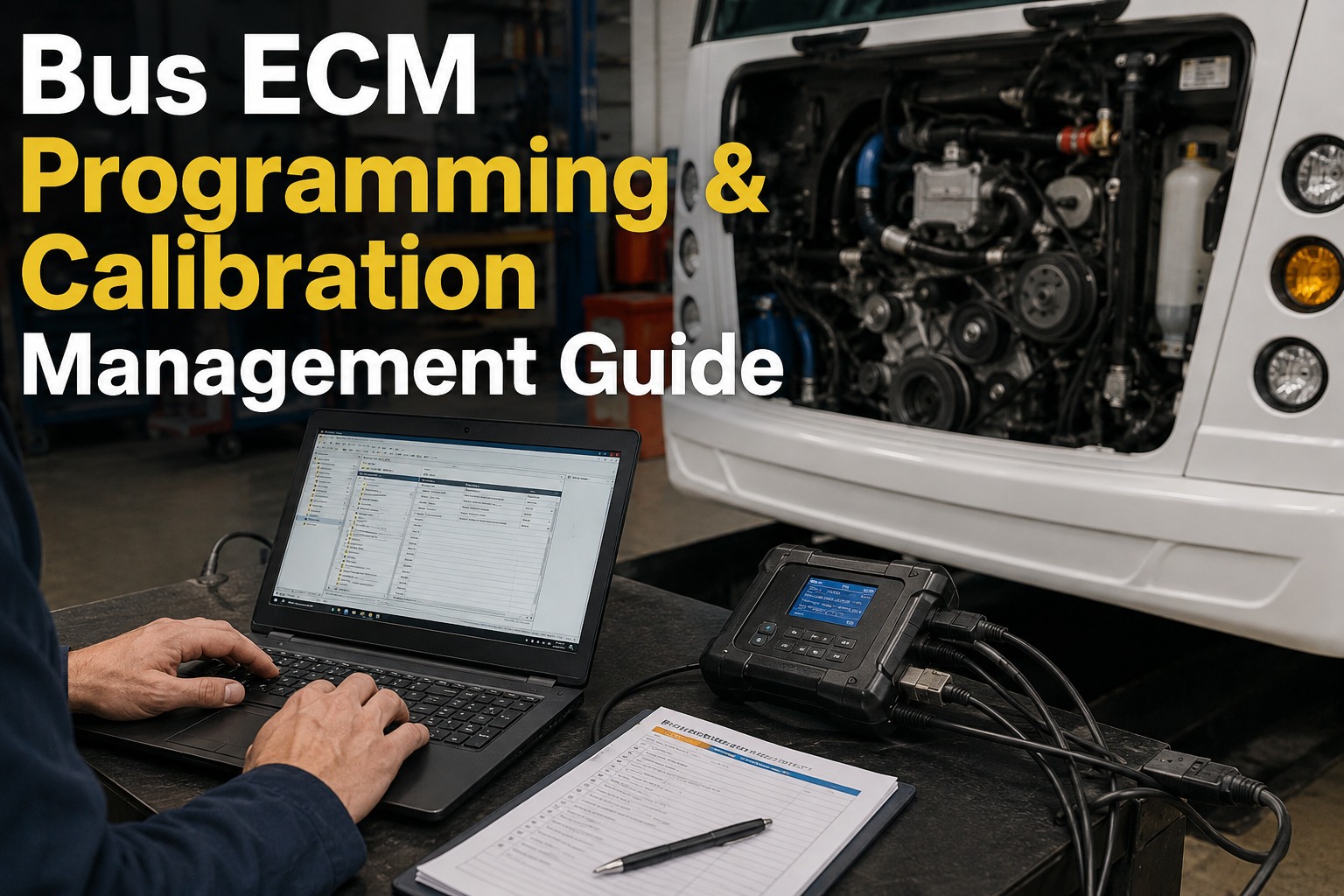
Every bus on your fleet has at least one Engine Control Module (ECM) running its combustion, emissions, and aftertreatment logic. Keeping that ECM on the current calibration is not optional -- OEM Technical Service Bulletins fix real problems, warranty coverage depends on running the latest cal, and a bad flash can brick a $2,500 module permanently. This is the practical walkthrough of ECM programming platforms, the 9-step workflow, and the calibration records every bus maintenance program should keep. See BusCMMS track ECM calibration versions per bus → book a 20-min demo.
Bus ECM Programming & Calibration Guide
The 5 OEM diagnostic platforms, the 9-step programming workflow, and the calibration records that defend your warranty and your emissions compliance.
TSB Updates
OEM Technical Service Bulletins release new calibrations that fix known injector, aftertreatment, or fuel-map issues. Skipping them leaves the known problem in place.
Warranty Compliance
Running an out-of-date calibration when the OEM has flagged an update is a common warranty denial trigger. Your service records must show current cal at the failure event.
Emissions Compliance
EPA and CARB updates arrive as calibration files. A bus with an outdated cal can fail inspection even when the hardware is fine.
Performance & MPG
New calibrations often improve fuel economy 3-8%, cut DEF consumption 5-10%, and reduce repeat fault codes that had been chasing your shop.
The 5 OEM Diagnostic Platforms Your Shop Needs to Know
Bus fleets run mixed engine families. Each engine family has its own software, adapter, and licensing model.
There is no universal ECM programming software for commercial diesel buses. Each engine family requires its own OEM platform, subscription, and in some cases certification. A mixed fleet running Cummins B6.7 for Type C school buses, Detroit DD13 for motorcoach, and Allison automatic transmissions across the board needs licenses for at least three separate platforms plus adapters that pair with each. Getting this wrong is why so many shops end up sending buses to the dealer for what should be a routine reflash.
Cummins INSITE Pro v8/v9
Engines: ISX15, X15, ISB, B6.7, ISL, L9OEM diagnostic for every Cummins bus engine. Pro tier required for ECM programming and calibration writes. Requires completed online training courses before license eligibility.
Detroit DiagnosticLink
Engines: DD13, DD15, DD16, Series 60Standard tier handles parameter edits, forced regens, and ash resets. Pro tier adds full ECM reprogramming and MCM recovery.
Allison DOC
Allison automatic transmission control modulesRequired for any transmission-side programming, shift schedule updates, or TCM diagnostics on Allison automatics across bus fleets.
Ford IDS / FDRS
Ford E-Series, F-Series buses with Power StrokeFord's integrated diagnostic and repair platform. Handles reflash and calibration writes for Power Stroke bus applications.
International ServiceMaxx
MaxxForce, N9, A26 engine familiesRequired for International-branded bus platforms (IC Bus, formerly). Fleet subscription available.
Every platform needs its own adapter (RP1210/Nexiq USB-Link 2 or 3 for most). Sending a bus to the dealer for what your shop could do in-house is almost always a licensing gap. See BusCMMS log which platform serviced each ECM → book a demo.
The 9-Step ECM Programming Workflow
The exact sequence a technician follows for a Cummins INSITE calibration update. Detroit DDDL follows the same shape.
Every OEM platform organizes ECM programming slightly differently, but the core sequence is the same across Cummins INSITE, Detroit DDDL, Allison DOC, and the others. Deviating from the sequence is where bricked ECMs happen -- almost always at step 7 when battery voltage was not stabilized before the flash was initiated. Print this sequence and post it above every diagnostic bay.
- 1
Connect RP1210 adapter to the diagnostic port
Nexiq USB-Link 2 or 3Most bus engines use the standard 9-pin Deutsch diagnostic connector. Verify adapter driver is loaded on the laptop before connecting to the bus.
- 2
Verify current calibration version
Baseline readRead and record the current calibration ID before making any changes. This becomes your rollback reference if anything unexpected happens during the flash.
- 3
Navigate to ECM Diagnostics > Calibration
Menu pathIn INSITE this is the Calibration menu; in DDDL it is the Programming tab. The software queries the OEM server for updates matching the engine serial number.
- 4
Software checks for available updates
By engine serialThe platform compares the ECM's current calibration ID against the OEM database and lists any newer calibrations available for that specific engine serial number.
- 5
Review TSB release notes
Before you flashEvery calibration update comes with a Technical Service Bulletin describing what changed and why. Read this before flashing -- the TSB tells you whether the update fixes a symptom your bus actually has.
- 6
Confirm battery voltage stable, maintainer connected
CRITICAL · ABOVE 12.5VMeasure battery voltage with a multimeter. Below 12.5V, connect a battery maintainer or external power supply and wait for voltage to stabilize. Low voltage during a flash is the number-one cause of bricked ECMs.
- 7
Initiate calibration update
DO NOT INTERRUPTOnce the flash begins, do not disconnect the adapter, turn the key, unplug the maintainer, or close the software. Interruption during write means the ECM ends the flash in an incomplete state and often will not boot.
- 8
Verify new calibration + restart ECM
Post-flash checkThe software reads back the new calibration ID and restarts the ECM. Confirm the new cal ID matches the update file. Record both old and new IDs in the maintenance log.
- 9
Clear fault codes + verify operation
Road test checkAny fault codes that set during the flash need to be cleared. Start the engine, allow idle to stabilize, then confirm no new codes set. A short road test verifies drivability before returning the bus to service.
The Bricked ECM Risk: What Actually Goes Wrong
A bricked ECM is a $2,500 module replacement plus dealer diagnostic time. Every incident traces back to the same three causes.
Three conditions that permanently disable an ECM
Battery voltage drops below 12V mid-flash
The single most common cause. The ECM cannot complete the write cycle if power drops during the process. Result: partial calibration written, ECM will not boot.
Physical interruption during write
Adapter unplugged, laptop crashes, USB cable disconnects, or the software closes unexpectedly during the flash. Same result as voltage drop -- incomplete write, ECM will not boot.
Wrong adapter or wrong calibration file
Using a non-OEM-certified adapter or attempting to flash a calibration meant for a different engine serial number. The ECM rejects the write but may end up in an unusable state.
Recovery Modes -- Know Them Before You Need Them
Every session should be logged in advance so if recovery is needed, you know exactly what was in progress. See BusCMMS log programming sessions per bus → book a demo.
Cost Breakdown: Dealer vs In-House vs Reman Module
The math that decides where each calibration event happens on your fleet.
Every calibration event has three paths. The right choice depends on whether the bus is in the shop already, how often your fleet needs the same platform, and whether the ECM is a routine update or a replacement scenario. For a fleet running 25+ buses on Cummins B6.7, the INSITE license typically pays for itself inside 6-12 months of avoided dealer trips.
Dealer Service
- Best for: Rare engine platforms or one-off updates
- Cost per event: $500-$2,500 total
- Downtime: 1-3 days including drop-off, wait, pickup
- Warranty: Fully documented by dealer
In-House with INSITE Pro
- Best for: Fleets with 15+ same-platform buses
- Cost per event: Technician time only
- Downtime: 30-60 min at your bay
- Payback: Typically 6-12 months of avoided dealer trips
Pre-Programmed Reman
- Best for: Replacement (not routine updates)
- Cost per event: Module cost, no programming labor
- Downtime: Physical swap only, ~2 hours
- Programming: Loaded before shipment
Fleets running 15+ same-engine buses almost always come out ahead with in-house programming plus the reman path for replacements. Sign up free and start tracking calibration events per bus →
Warranty Documentation: What Every Session Must Record
The paper trail that turns an OEM warranty question into a resolved claim.
OEM warranty claim reviewers work backwards from the failure event. They look at the ECM state at the time of failure, cross-check against the current TSB list for that engine serial, and ask whether the calibration was current at the failure date. If your records cannot prove the calibration status on the failure date, the OEM has an easy denial path. Five records need to be in the file for every ECM in your fleet.
- 1
Calibration Version Log Per ECM
Baseline + updatesEvery calibration ID installed on the ECM, in order, with date, technician, and software version. This becomes the ECM's calibration history from delivery to today.
- 2
TSB Compliance Record
CRITICAL · WARRANTY DEFENSEEvery TSB released for the engine family with your decision (applied / not applicable / deferred with reason). If a warranty claim arrives on a TSB-related component, this record is what defends your position.
- 3
Injector Trim Codes Per Cylinder
Post-replacementWhenever an injector is replaced, the alphanumeric trim code is entered per cylinder position in the ECM. Record the codes per cylinder in the maintenance file -- required if the ECM is ever replaced.
- 4
Replaced Module Serial Numbers
Chain of custodyOld ECM serial + new ECM serial + install date + technician. Chain of custody proves which module was in the bus at any given point.
- 5
Programming Session Log
Date + tech + softwareEvery programming session with date, technician, software version, adapter serial, and outcome. This log is your legal record that programming happened, when it happened, and who did it.
A shoebox of paper work orders will not defend a warranty claim. A dated calibration log per ECM will. See BusCMMS build the ECM calibration log per bus → book a demo.
Where BusCMMS Fits Your ECM Programming Program
Six ways calibration management becomes daily discipline instead of scattered notes.
ECM Calibration Version Log Per Bus
Every calibration ID installed on each bus's ECM logged with date, technician, and software version. Full history from delivery.
TSB Tracking + Notification
OEM TSBs matched to your engine families with applied / deferred / not applicable status per bus. Warranty defense on paper.
Programming Session Log
Every reflash logged with date, technician, software version, and outcome. Legal record of programming activity per bus.
Injector Trim Codes Per Cylinder
Post-injector-replacement trim codes stored per cylinder per bus. Ready if the ECM is ever replaced or fault codes trace back.
Warranty Compliance Dashboard
At-a-glance view of which buses are current on TSBs and which need attention before the next OEM audit or claim.
Platform License Tracking
INSITE, DDDL, DOC, IDS, ServiceMaxx renewal dates tracked so no platform silently switches to view-only mid-year.
We caught it the hard way. Warranty claim on a B6.7 injector at 180,000 miles, denied because there was a TSB against that injector family from 14 months earlier and we had not applied the calibration update. The dealer had record of the TSB, we had a shoebox of paper work orders and no matching TSB record. $4,200 out of pocket on a claim that should have been covered. Moved the whole calibration program into BusCMMS the following month. Every ECM now has a version log, every TSB has an applied/not-applied status per bus, every reflash session gets a signed timestamp with the software version. Next warranty question, I'll have the paper trail in about 90 seconds.
One denied warranty claim pays for a full year of calibration tracking discipline. See BusCMMS log calibrations live →
Frequently Asked Questions
What is ECM programming and why does a bus fleet need it?
ECM programming is the process of writing or updating calibration files on a bus engine's Engine Control Module -- the computer running combustion, emissions, and aftertreatment logic. Bus fleets need to reprogram ECMs for four main reasons: (1) TSB (Technical Service Bulletin) updates from the OEM that fix known injector, aftertreatment, or fuel-map issues; (2) warranty compliance, since running an out-of-date calibration when the OEM has flagged an update is a common warranty denial trigger; (3) emissions compliance, since EPA and CARB updates arrive as calibration files and an outdated cal can fail inspection even when hardware is fine; and (4) performance and fuel economy, since new cals typically improve MPG 3-8% and cut DEF consumption 5-10%. Every OEM engine platform requires its own diagnostic software -- Cummins uses INSITE, Detroit uses DiagnosticLink (DDDL), Allison uses DOC for transmissions, Ford uses IDS/FDRS for Power Stroke, and International uses ServiceMaxx. Connection is through a J2534 or RP1210 adapter (typically Nexiq USB-Link 2 or 3) to the engine's 9-pin Deutsch diagnostic port.
How much does it cost to reprogram a bus ECM in 2026?
Costs fall in three ranges depending on where the work happens. Dealer service runs $150-$300/hour labor with a typical event totaling $500-$2,500 for a commercial diesel bus ECM reflash including diagnostic time, programming time, and shop rate. In-house programming with your own OEM software license costs the annual license (Cummins INSITE Pro is approximately $1,300/year plus required online training courses that must be passed for license eligibility) plus technician time only per event -- typically 30-60 minutes per bus. Pre-programmed remanufactured modules cost $1,200-$2,000 per module with programming pre-loaded before shipment, so the only labor cost is the physical swap. For fleets running 15+ same-engine buses, in-house programming with the OEM license typically pays for itself in 6-12 months of avoided dealer trips. The Cummins INSITE license switches to view-only mode after 12 months unless renewed, so annual renewal is required for fleets running ongoing programming.
What can go wrong during an ECM reflash and how can it be prevented?
The primary risk is a bricked ECM -- a module rendered permanently non-functional by an incomplete or corrupted flash write. Three conditions cause it. First, battery voltage dropping below 12V during the flash is the single most common cause; the ECM cannot complete the write cycle if power drops mid-process, leaving a partial calibration that will not boot. Second, physical interruption during write -- adapter unplugged, laptop crashes, USB cable disconnected, or software closes unexpectedly -- produces the same result. Third, using a wrong adapter or attempting to flash a calibration meant for a different engine serial number can leave the ECM in an unusable state. Prevention is straightforward: measure battery voltage with a multimeter and confirm above 12.5V before starting, connect a battery maintainer or external power supply throughout the flash, verify the adapter is OEM-certified and drivers are loaded, and confirm the calibration file matches the engine serial number in the software before initiating. Both Cummins INSITE (ECM Recovery) and Detroit DDDL (MCM Recovery) include recovery modes that can sometimes reload calibration on partially-bricked ECMs, but success is not guaranteed -- prevention is the strategy.
Do I need Cummins INSITE Pro to reprogram my fleet's B6.7 engines?
Yes, INSITE Pro is the required tier for ECM programming and calibration writes on any Cummins bus engine including the B6.7 used in most Type C school buses. INSITE Lite and lower tiers handle diagnostics and parameter reads but not programming. To purchase an INSITE Pro license, the technician must first complete Cummins' required online training courses (offered through the Cummins Training website) and register on Cummins QuickServe Online (free) with a Cummins Service Training ID (also free). Only after training completion is the technician eligible to purchase the Pro license at approximately $1,300 per year. The license remains active for 12 months, after which INSITE switches to view-only mode unless renewed. Cummins updates the license eligibility rules periodically, so verify current requirements on the Cummins Training website before purchasing. For a fleet running 20+ Cummins-powered buses, one licensed technician plus an RP1210 adapter (Nexiq USB-Link 2 or 3) is typically enough to handle every calibration event in-house.
How does BusCMMS help manage ECM programming and calibrations across a fleet?
BusCMMS keeps a calibration version log per ECM covering every calibration ID installed on each bus with date, technician, and software version -- the full calibration history from delivery to current. TSB tracking maps every OEM Technical Service Bulletin to your specific engine families with applied / deferred / not applicable status per bus, so warranty defense is on paper before an OEM claim reviewer asks the question. Programming session logs capture every reflash event with date, technician, software version, adapter serial, and outcome. Injector trim codes are stored per cylinder position per bus so post-injector-replacement records survive even if the ECM itself is later swapped. A warranty compliance dashboard shows at-a-glance which buses are current on TSBs and which need attention before the next OEM audit. Platform license tracking (INSITE, DDDL, DOC, IDS, ServiceMaxx) surfaces renewal dates so no diagnostic software silently switches to view-only mid-year. One 38-bus mixed-fleet Pacific Northwest maintenance operation reported catching a $4,200 warranty denial cause -- a missed TSB from 14 months earlier -- after moving their calibration program into BusCMMS, and now maintains a full paper trail queryable in about 90 seconds for any future warranty question.