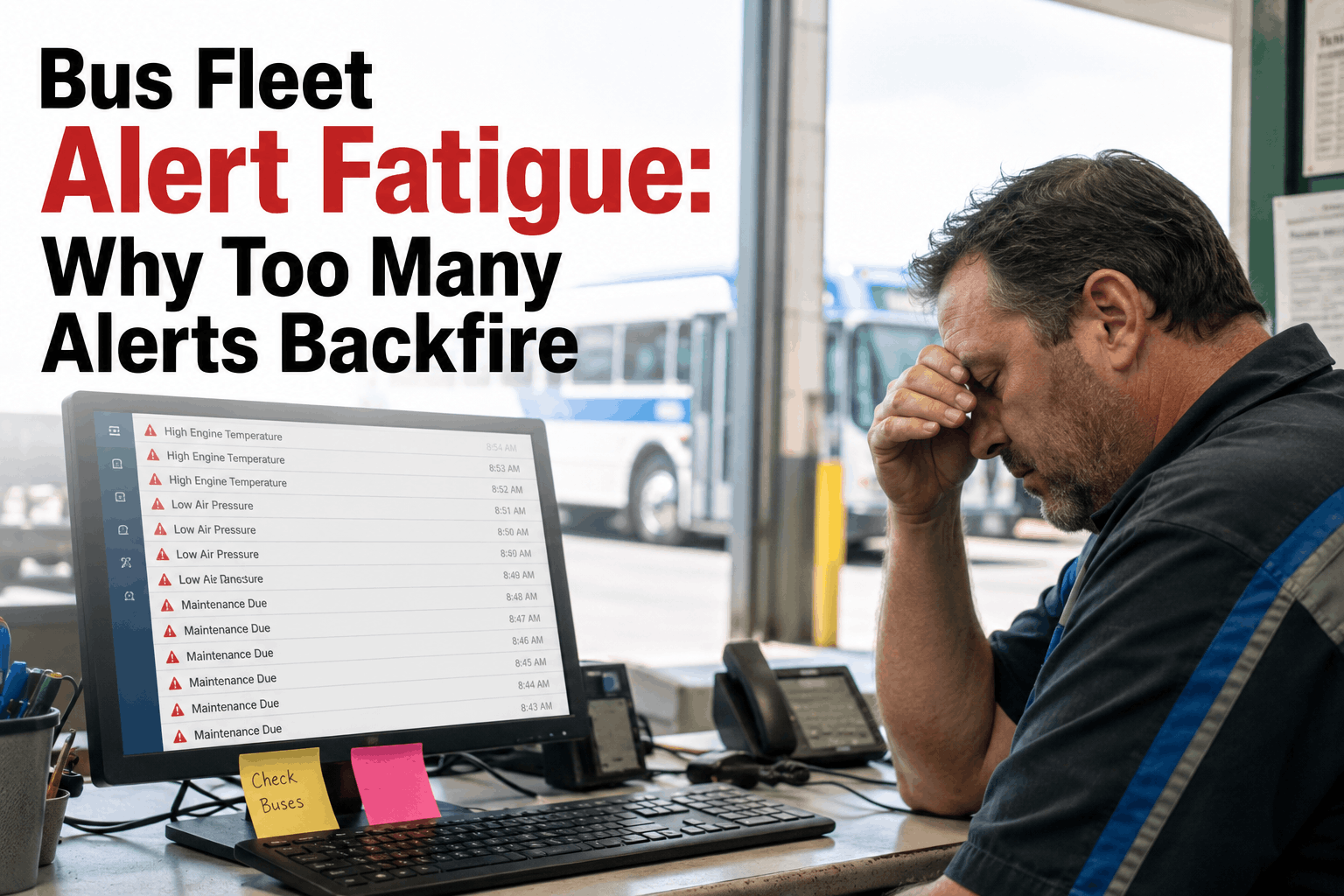
Your maintenance team got 247 alerts yesterday. They acted on 11. The other 236? Muted, swiped away, or flat-out ignored — not because your technicians are careless, but because the human brain cannot treat every notification as urgent when they all look exactly the same. This is bus fleet alert fatigue: the silent breakdown between your CMMS sending alerts and your team actually responding to them. When nothing gets triaged, brake wear warnings sit unread next to low-windshield-fluid pings. That's when buses fail mid-route. That's when DOT violations stack up. That's when a $200 repair becomes a $14,000 roadside breakdown. Here's how smart notification configuration — priority tiers, escalation rules, and role-based routing — puts your alerts back to work.
When fleets generate 200+ daily alerts, technicians start muting them. Learn how smart notification thresholds, escalation tiers, and role-based routing keep your team acting — not ignoring.
Alert fatigue in bus fleet operations is the mental and operational state where your maintenance team has received so many notifications — many of them low-priority, redundant, or falsely triggered — that they begin treating all alerts the same way: by ignoring them. It is not a technology failure. It is a configuration failure. And it quietly dismantles even the most expensive CMMS investments.
The mechanics are straightforward. A poorly configured fleet notification system sends a P3 reminder about a scheduled oil change at the same volume, urgency, and channel as a P1 warning about brake lining failure. Your technician's phone buzzes 40 times before 9 AM. The brain — wired through evolution to filter out repetitive, non-threatening stimuli — begins treating the buzz as background noise. Research from BMC Medical Informatics confirms the "cry wolf" effect: when people receive more alerts, especially repeated ones, they become progressively less likely to act on them. The same psychology that causes nurses to dismiss medication alerts causes your shop foreman to swipe past a tire pressure warning that is two PSI from a blowout threshold.
For US bus fleets — school districts, charter operators, transit authorities, private carriers — the downstream consequences are not theoretical. A missed brake wear alert leads to an out-of-service finding at a roadside inspection. A missed PM reminder causes a blown engine at 60,000 miles instead of 150,000. A missed driver certification expiration notice triggers a DOT violation during an audit. The alert was sent. It just wasn't acted on. And in the eyes of a DOT auditor or an insurance adjuster, the distinction does not matter.
The fix is not fewer alerts. It is smarter alerts — priority-tiered, role-routed, threshold-triggered notifications that mean something every time they fire. That is what BusCMMS's smart notification system delivers, and it is the difference between a team that responds and a team that mutes.
Alert fatigue in bus fleet management doesn't happen overnight. It builds through four compounding failures in how CMMS notifications are configured, distributed, and maintained. Identifying which of these your fleet is experiencing is the first step to reconfiguring your way out.
The most effective framework for bus fleet notification management is a strict three-tier priority architecture. Every alert your CMMS generates belongs in exactly one tier. The tier determines the delivery channel, the urgency signal, the escalation timeline, and the required acknowledgment. Here is how BusCMMS implements this in practice for US bus fleets.
Priority tiering tells the system how urgently to deliver an alert. Role-based routing tells the system who to deliver it to. These are independent configurations that work together to eliminate the two most damaging types of alert failures: critical items missing the person who can act, and irrelevant items burying the person who can't.
In a properly configured BusCMMS installation, every alert type is mapped to one or more roles in your organization. The mapping is not static — it responds to shift schedules, on-call assignments, and bus-to-technician ownership rules. Here is the standard role routing matrix for a US bus fleet operation.
The immediate effect of role routing is a dramatic reduction in per-person daily notification volume. A technician responsible for 8 buses stops receiving alerts about driver certification renewals and compliance queries. A compliance officer stops receiving brake wear updates and parts inventory pings. Each person's notification feed shrinks to exactly the items they need to act on — which means every notification that arrives actually matters. That is the psychological foundation of an alert system that gets used.
BusCMMS allows you to configure role routing directly in the notifications settings panel without any IT involvement. Most fleets complete their initial role routing configuration in under 45 minutes. Contact our support team for a guided configuration session at no additional cost.
The precision of your alert threshold is directly proportional to your team's trust in the notification system. A threshold calibrated to trigger at the wrong point — too early, too often, or on conditions that almost never require action — is functionally identical to sending spam. Your team learns the pattern, categorizes the alert type as noise, and stops responding to it. Including on the occasions when it actually matters.
Threshold configuration in BusCMMS is per-vehicle, per-component, and per-condition. There is no one-size-fits-all setting. A 40-foot transit coach and a school bus have different brake lining replacement intervals. A diesel engine in Phoenix has different temperature threshold tolerances than the same engine in Minneapolis. Here is the recommended threshold framework for the most commonly misconfigured alert types in US bus fleets.
The principle behind every row in the threshold table above is the same: the alert should fire at the point where human action is genuinely required and genuinely possible. Fire it too early, and you get noise. Fire it too late, and you get failures. BusCMMS ships with industry-calibrated default thresholds that reflect real-world US bus fleet operating conditions, and lets you override any threshold at the individual vehicle level. Schedule a threshold review with our fleet specialists to calibrate your specific fleet's alert settings.
Even a perfectly tiered, correctly routed, precisely thresholded alert system has a failure mode: the person who was supposed to respond is unavailable. Sick leave. Phone battery dead. Notification missed during a busy shop floor shift. This is why escalation rules are non-negotiable for any P1 or P2 alert in a US bus fleet operation. Escalation converts an unanswered notification from a silent failure into a managed handoff.
BusCMMS's escalation engine works on a simple configurable ladder. You define the roles, the time windows, and the delivery method at each rung. Here is the recommended escalation architecture for a mid-size US bus fleet operating school, charter, or transit routes.
The escalation audit trail in BusCMMS is not just an operational tool — it is a compliance asset. During a DOT audit or an insurance investigation, the ability to show that your fleet operates a documented escalation system for safety-critical alerts demonstrates the systematic maintenance program that regulators are looking for. Contact our team to see the escalation configuration panel in a live walkthrough.
Most fleet management platforms treat notifications as a feature checkbox — they send alerts. BusCMMS was built specifically for bus fleet operations, which means the smart notification system is engineered around the specific alert types, regulatory requirements, and operational workflows that US bus fleets actually use. The difference is not cosmetic.
The fleets that eliminate alert fatigue don't do it by sending fewer alerts. They do it by making every alert that does arrive mean exactly what it says. When a technician's phone buzzes with a BusCMMS P1 notification, they don't have to wonder whether it's urgent. They know — because in the months of using the tiered system, a P1 has never been a false positive. That trust is the product. The notification configuration is just the mechanism.
The DOT compliance dimension of smart notifications is underappreciated by most fleet operators. When an auditor examines your maintenance records and finds that every DVIR defect generated an immediate work order, every annual inspection alert was acknowledged and acted on within the required window, and every driver cert expiry was caught 30 days before the driver got behind the wheel — that is not luck. That is a documented escalation and routing system doing its job. BusCMMS's alert audit trail gives you the paper trail to prove it.
In 2025 and 2026, FMCSA focused audits increasingly examine not just whether records exist, but whether your maintenance program demonstrates systematic, documented response to identified issues. A smart notification system that logs every alert, every acknowledgment, and every escalation is evidence of exactly that systematic approach. Talk to our compliance specialists about how BusCMMS's notification audit trail supports your DOT audit readiness.
Bus fleet alert fatigue is not a technician problem. It is a configuration problem. When your CMMS sends 200 notifications a day with identical urgency to everyone in your organization, the system has failed before anyone picks up their phone. The solution is a three-part configuration discipline: priority tiers that differentiate critical from routine, role-based routing that sends each alert only to the person who can act on it, and escalation rules that ensure no P1 notification can be silently ignored.
BusCMMS implements all three in a single notification engine built specifically for US bus fleet operations. The result is a maintenance team that treats every alert as actionable — because every alert is. That behavioral shift is what converts your CMMS investment from a record-keeping tool into a genuine safety and cost-reduction system. Schedule a demo and see the smart notification configuration panel live on your fleet's data.







