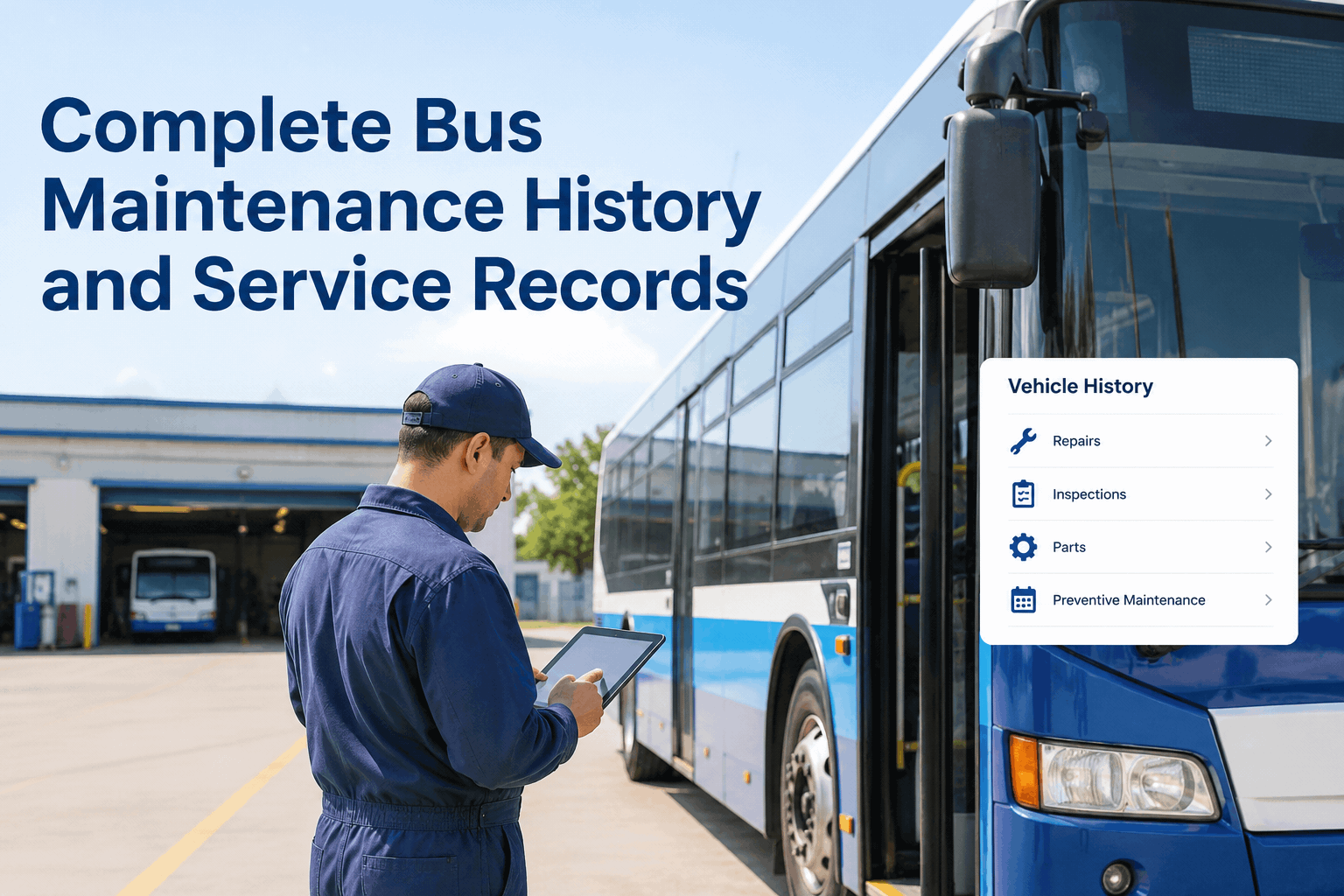
A maintenance record can look complete until an inspection result changes, a repair date moves, or a work order is closed without a clear explanation. A dependable maintenance audit trail helps bus fleet teams understand who made a change, what was updated, and when it happened—so questions can be resolved using evidence instead of guesswork.
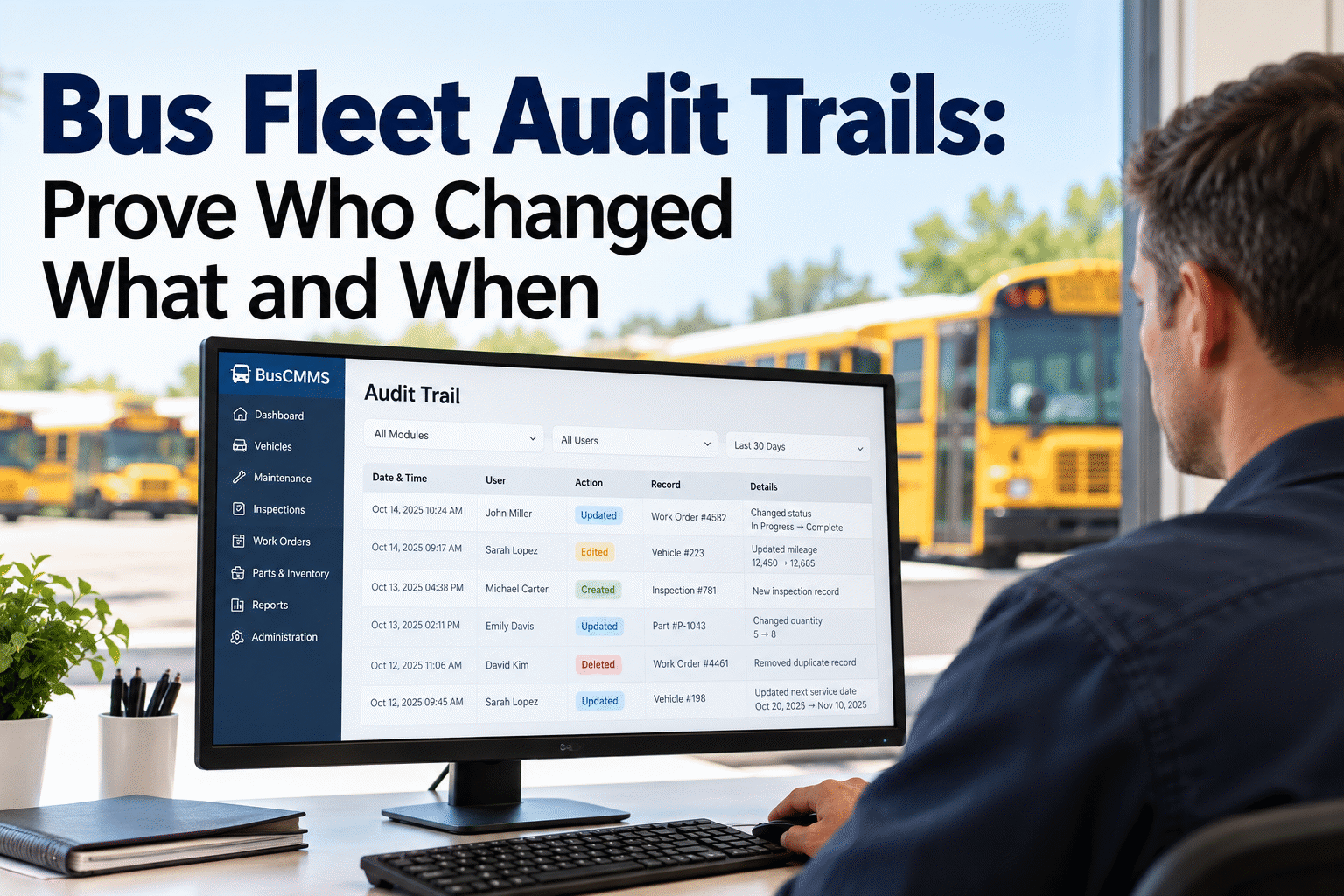
Bus Fleet Audit Trails: Prove Who Changed What and When
Turn confusing maintenance edits into a clear, reviewable history—from inspection defects to completed repairs.
An example of the information an auditable change record should preserve—not a screenshot or feature guarantee.
What makes a maintenance record auditable?
An audit trail is more than a list of completed services. It is a chronological record of meaningful actions affecting a maintenance or inspection entry.
Who
Identify the person or system responsible for the action.
What
Show the field, status, or record that changed—and ideally the previous and new values.
When
Preserve a consistent timestamp, including its timezone or UTC basis.
Why
Capture the reason, approval, or related work order where appropriate.
For example, “Brake inspection passed” tells you the latest outcome. An audit trail can additionally show that a failed inspection was corrected after repair, who verified the result, and which record supports the decision. To discuss how your team currently handles these steps, book a demo to review your fleet record workflow.
See the difference between a record and its history
This illustrative log shows the kind of detail maintenance managers should look for when evaluating record traceability.
| Time | Record | Action | Changed by | Evidence |
|---|---|---|---|---|
| 08:15 | Bus 117 / Inspection | Defect reported | Driver | Pre-trip inspection |
| 09:20 | WO-2048 | Repair assigned | Supervisor | Work order |
| 10:30 | WO-2048 | Repair recorded | Technician | Service notes |
| 10:42 | Bus 117 / Inspection | Status updated | Reviewer | Verification entry |
Example only. A real audit trail should preserve underlying events and corrections rather than merely displaying the current status.
Five bus fleet records that deserve special attention
Prioritize records where an unexplained edit could affect safety decisions, service availability, costs, or an external review.
- Driver inspection reports: original findings, follow-up status, and correction evidence.
- Maintenance work orders: assignment, labor, parts, status changes, and closeout approvals.
- Preventive maintenance: service dates, odometer readings, schedules, and completion entries.
- Parts and inventory: stock adjustments, issues to vehicles, returns, and cost corrections.
- Vehicle compliance files: inspection documents, approvals, and replacement versions.
When reviewing your current process, book a demo to discuss inspection and maintenance record visibility with BusCMMS.
Give your team a clearer path from inspection to repair.
See how BusCMMS can help organize bus inspections, work orders, and service records in one maintenance workflow.
When a record looks wrong, follow the evidence
A repeatable review process prevents rushed edits from hiding the original issue.
Flag the discrepancy
Note the bus, record ID, disputed field, and why it appears inconsistent.
Review history
Compare the original entry, subsequent edits, users, and timestamps.
Verify the work
Cross-check inspection reports, technician notes, parts usage, and approvals.
Correct transparently
Record the correction and reason without erasing the original evidence.
For teams moving away from spreadsheets, sign up free to explore a more organized bus maintenance workflow.
Build an audit-ready process—not just a bigger spreadsheet
A strong process combines clear responsibilities with the right system controls. Assign individual accounts rather than shared logins; define who can edit, approve, or reopen records; and train staff to add correction notes instead of overwriting evidence.
Review permissions regularly, establish retention rules that match applicable requirements, and export or preserve records in a form your team can retrieve when needed. Timestamp consistency matters: an edit logged in local time without a timezone can become confusing when reviewing activity across locations.
Important distinction: a maintenance history view, a user activity log, and a tamper-resistant field-level audit trail are different capabilities. Ask software vendors which actions are logged, whether old values are retained, who can modify logs, and how long logs remain available.
Questions to ask before choosing software
- Can reviewers see the previous and new values?
- Are record deletions and reopenings logged?
- Are user identities and timestamps preserved?
- Can edits be tied to work orders or approvals?
- Can authorized staff retrieve historical evidence?
For a product-specific walkthrough, book a demo and ask about available record-history controls.
A simple 30-day rollout for better record accountability
List inspection, repair, PM, and compliance records and their owners.
Set access permissions, approval steps, and correction reasons.
Trace one failed inspection through repair, verification, and closeout.
Check missing timestamps, unclear ownership, and hard-to-find evidence.
Begin with the records that create the most operational risk, not every data field at once. If your team needs a central place to manage maintenance activity, sign up free to get started with BusCMMS.
Make the next maintenance review easier to answer.
Explore BusCMMS for inspection records, work orders, and bus fleet maintenance organization. Confirm specific audit-log capabilities during your walkthrough.
Bus fleet audit trail FAQs
What is a maintenance audit trail?
It is a chronological record of actions affecting maintenance information, ideally identifying the editor, timestamp, changed values, and supporting reason or evidence.
Is maintenance history the same as an audit trail?
No. Maintenance history shows service activity; a detailed audit trail additionally explains how specific records changed over time, including corrections and responsible users.
Which bus fleet changes should be logged?
Prioritize inspection findings, defect resolutions, work order status, preventive maintenance entries, odometer corrections, inventory adjustments, and approval actions.
Can an audit trail prevent every incorrect edit?
No. It helps with accountability and investigation, but good permissions, verification steps, training, and periodic reviews are also necessary.
Does BusCMMS provide field-level change logs for every record?
Feature coverage should be confirmed in a product demonstration. Ask which record types, edits, users, timestamps, and historical values can be reviewed or exported.