The DOT auditor requests 14 months of maintenance records, 90 days of DVIRs, annual inspection reports, and driver qualification files for your entire fleet. You have 48 hours. Your transportation director spends 12 hours pulling binders, cross-referencing spreadsheets, photocopying work orders, and organizing folders by bus number. She finds 3 gaps in DVIR records, 2 expired driver medical certs she didn't know about, and an annual inspection on Bus #41 that expired 6 weeks ago. Total time wasted: 12 hours. Violations found by the auditor anyway: 7. Average fine per case: $7,155. The fleet across town — same size, same buses — generated the identical compliance package in 28 minutes. Same audit. Zero findings. The difference wasn't better buses. It was better reporting.
Compliance Reporting Guide
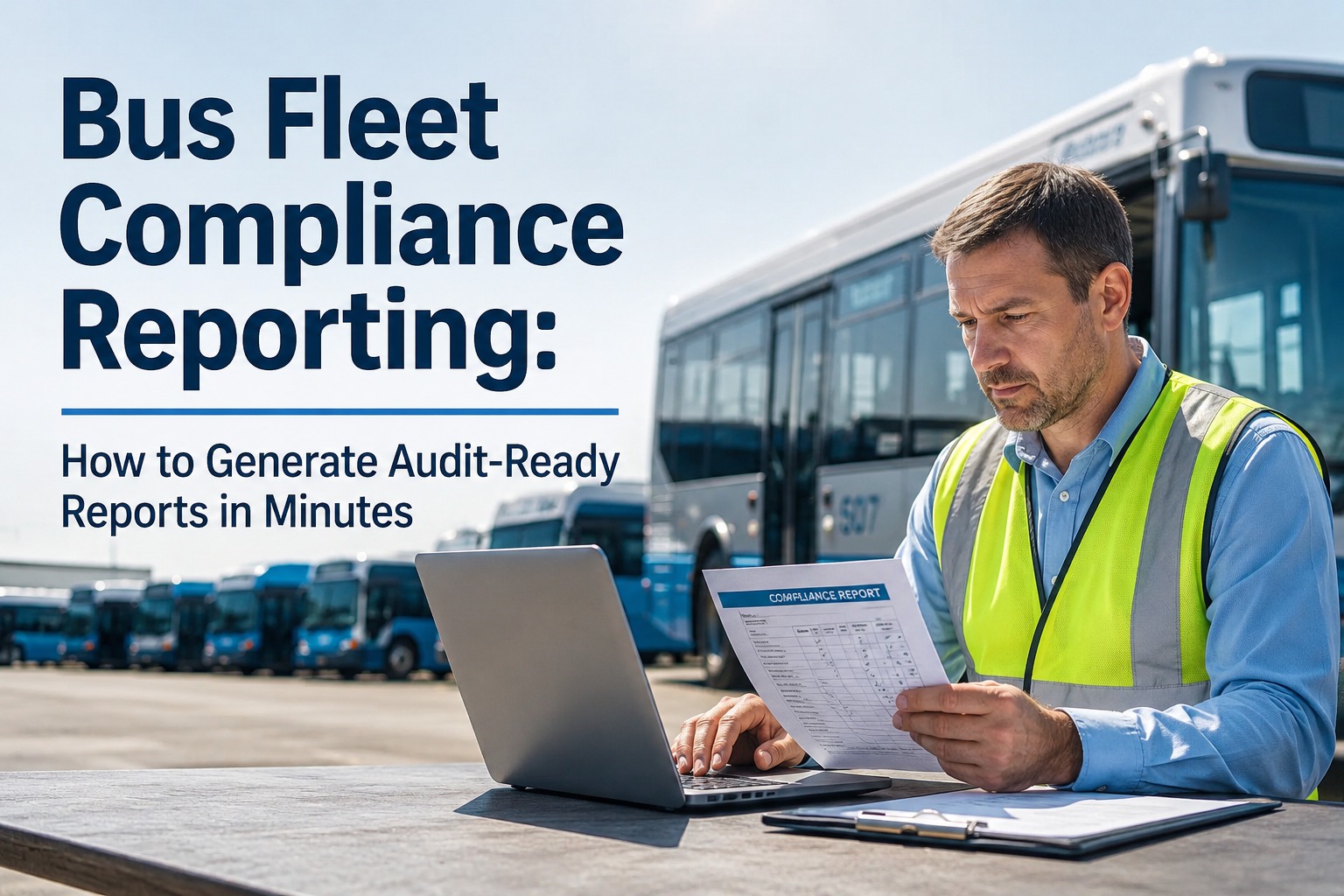
Bus Fleet Compliance Reporting: How to Generate Audit-Ready Reports in Minutes
DVIRs, maintenance records, annual inspections, driver certs — the 6 reports every auditor requests and how to generate them in under 30 minutes instead of 12 hours.
Audit Report Generation
12 hrs
Manual / Spreadsheets
vs
28 min
BusCMMS One-Click
Same data. Same audit. 25× faster.
01
The 6 Reports Every DOT Auditor Requests — And What Each Must Contain
Auditors don't browse randomly. They request specific report packages in a specific order. If you can produce these 6 reports within 48 hours, you pass. If you can't, you fail — regardless of how well-maintained your buses actually are.
1
DVIR History Report
90 days · per bus or fleet-wide
Pre-trip + post-trip records, defects documented, corrective actions, 3-signature chain, timestamps, photo evidence (eDVIR)
Manual: 2–3 hrs pulling from binders, verifying signatures, matching defects to repairs
BusCMMS: 30 seconds — filter by bus or date range, export timestamped report
2
Maintenance History Report
14 months · per bus
PM completions, work orders (parts, labor, tech), defect-to-repair traceability, vendor work documented
Manual: 3–5 hrs cross-referencing work orders with PM schedules and vendor invoices
BusCMMS: 30 seconds — complete per-bus timeline with linked work orders and costs
3
Annual Inspection Report
14 months · per bus
Appendix A/G items, qualified inspector ID, sticker-to-report match, repair documentation for failed items
Manual: 1–2 hrs checking stickers on buses, matching to filed reports, verifying inspector certs
BusCMMS: 30 seconds — auto-scheduled, report on file, inspector linked, due dates tracked
4
PM Compliance Report
Current + 12 months history
PM schedule adherence per bus, overdue services, completion rates, on-time percentage, PM-to-breakdown ratio
Manual: 2–3 hrs calculating compliance from spreadsheet PM schedules
BusCMMS: 30 seconds — real-time compliance dashboard with month-over-month trending
5
Driver Qualification Report
Current + employment duration
CDL status, medical cert, MVR, road test, Clearinghouse queries (pre-employment + annual), employment verification
Manual: 1–2 hrs per driver checking individual files for completeness
BusCMMS: 30 seconds — expiration dashboard shows red/amber/green for every driver instantly
6
Cost-Per-Bus Report
YTD + lifetime
Parts, labor, vendor costs per bus. Cost-per-mile. In-house vs outsourced. Repair-vs-replace threshold analysis
Manual: 3–4 hrs reconciling fuel receipts, vendor invoices, parts orders, labor tracking
BusCMMS: 30 seconds — lifetime cost per bus with cost-per-mile trending auto-calculated
Total manual time for all 6 reports: 12–19 hours. Total BusCMMS time: under 3 minutes. The data is the same — the difference is whether it was captured digitally during daily operations (BusCMMS) or scattered across binders, spreadsheets, and email folders (manual). Every DVIR, work order, PM completion, and cost entry your team makes during normal workflow auto-populates the compliance reports. When the auditor calls, you export — not build.
See all 6 reports generated in a single export — book a demo
02
What Makes a Report "Audit-Ready" (And What Gets Rejected)
Gets Rejected
Handwritten records with illegible entries
Missing timestamps — "sometime last week"
Defect reported but no repair documentation
Work order with no parts, labor, or tech name
Annual inspection sticker but no report on file
Driver cert "in another file somewhere"
Passes Every Time
Digital records with searchable text fields
Automatic timestamps on every entry and signature
Defect linked to work order linked to repair certification
Work order with parts list, labor hours, tech name, photos
Annual inspection auto-scheduled with report attached
Driver cert dashboard with expiration alerts
The auditor isn't checking whether you maintain your buses — they're checking whether you can prove it. BusCMMS creates the proof automatically. Every DVIR has a timestamp, driver ID, vehicle ID, and photo. Every work order has parts, labor, technician, and date. Every PM completion is logged against the bus's timeline. Every driver cert fires alerts at 30/60/90 days. The "audit-ready" part isn't a feature you turn on — it's the natural output of daily operations in a system that captures everything.
See what an audit-ready compliance package looks like — book a demo
"We got the DOT call on a Wednesday — auditor arriving Thursday at 9 AM. Before BusCMMS, this would have been an all-night panic. Instead, I opened the compliance dashboard, selected 'Full Audit Export,' picked the date range, and hit generate. Twenty-two minutes later I had every DVIR, every work order, every annual inspection, and every PM record in one organized package. The auditor spent 3 hours reviewing and found zero findings. She said our records were more complete than 90% of what she sees. That's BusCMMS — not because we're perfect, but because the system captures everything as it happens."
93% of carriers fail audits. FMCSA can request records with 48-hour turnaround. The 2026 eDVIR rule is live. CSA scoring now splits Vehicle Maintenance into two categories. Focused audits target your weakest area before arriving. Every day without a system that generates audit-ready reports automatically is a day your compliance package has another gap the auditor will find.
Build your audit-ready system before the call comes — sign up now
Fleet Expert Review
The audit is an evidence problem as much as an operations problem. Carriers who pass with minimal findings have built systems that generate compliant documentation automatically. Carriers who receive unsatisfactory ratings have usually been running compliant operations that generated no documentation to prove it. The bus was maintained. The brake was fixed. The driver had a valid cert. But nobody documented it in a way the auditor can verify.
BusCMMS solves this by making documentation the byproduct of daily work — not an extra step. The driver does a DVIR on their phone — it's documented. The mechanic closes a work order — parts, labor, and photos are captured. A cert expires — the alert fired 90 days ago. The compliance report doesn't need to be built because it already exists. That's the difference between a fleet that scrambles for 12 hours and a fleet that exports in 28 minutes.
The Bottom Line
Six compliance reports. 48-hour turnaround. 93% failure rate. The math is clear: if generating those reports takes you 12 hours of binder pulling and spreadsheet reconciliation, you're going to miss something — and that something is a $7,155 fine. BusCMMS generates all 6 reports from data your team already enters during daily operations. One click. Under 30 seconds each. Every timestamp, signature, photo, and measurement already captured. Your next audit call becomes a 28-minute export — not a 12-hour scramble.
Make your next audit a non-event — book a demo and see the compliance export
Frequently Asked Questions
What reports do DOT auditors request?
Six core reports: DVIR history (90 days), maintenance records (14 months), annual inspection reports (14 months), PM compliance documentation, driver qualification files (employment duration + 3 years), and drug/alcohol/Clearinghouse records (5 years for positives). FMCSA can request these with as little as 48 hours notice. BusCMMS generates all 6 in under 3 minutes total — because the data is captured during daily operations.
How fast does BusCMMS generate compliance reports?
Under 30 seconds per report. Select the report type, choose the bus or driver, pick the date range, and export. DVIRs, work orders, PM completions, annual inspections, and driver cert status are all pre-populated from daily operational data. A complete fleet-wide audit package — all 6 report types for all buses and drivers — generates in under 3 minutes. The same package takes 12–19 hours manually.
What makes a compliance report "audit-ready"?
Four things: completeness (every required field filled — vehicle ID, date, tech name, work performed, parts, signatures), traceability (defects link to repair work orders which link to completion certifications), timestamps (automatic date/time on every entry — not "sometime last week"), and retention (90 days for DVIRs, 14 months for annual inspections, ongoing for maintenance history). BusCMMS enforces all four automatically.
How much notice does FMCSA give before an audit?
Most compliance reviews give about 2 weeks notice. Focused audits can come with as little as 48 hours. New entrant audits are mandatory within 12–18 months. Roadside inspections have zero notice. FMCSA can request records with 48-hour turnaround during any investigation. The only reliable preparation is having audit-ready records at all times — which means the system that creates them must run every day, not just before audits.
Can I use BusCMMS reports for FTA audits too?
Yes. FTA triennial reviews and state safety oversight audits require similar documentation: maintenance records, inspection histories, PM compliance, and safety program documentation. BusCMMS generates the same report types that satisfy both DOT/FMCSA and FTA requirements. The data structure is the same — vehicle-centric records with timestamped entries, linked work orders, and exportable compliance packages.