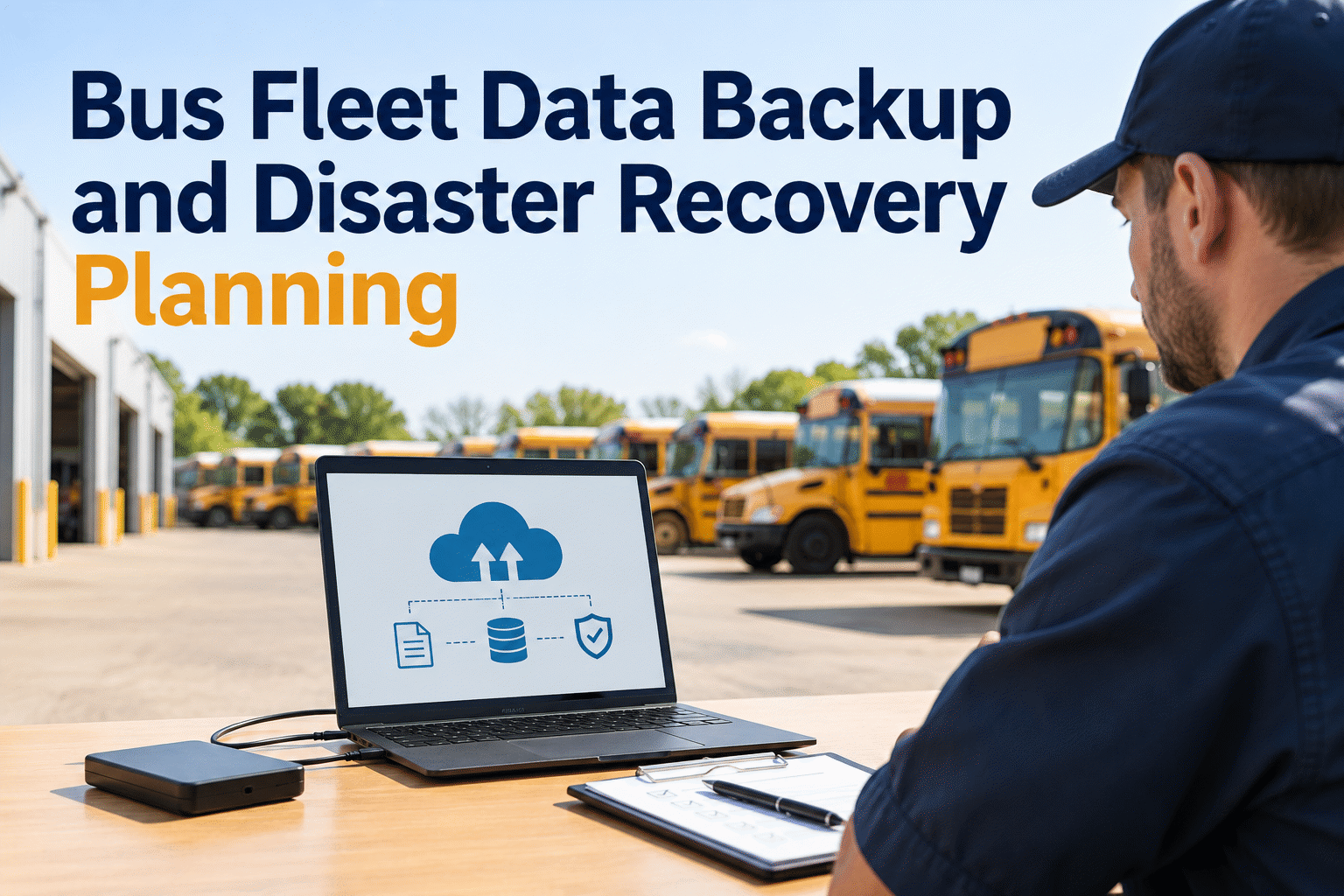
A school bus can be mechanically ready yet still be held up when maintenance records, inspection histories, or work orders become inaccessible. A practical fleet data backup and disaster recovery plan helps transportation teams protect critical information, keep essential work moving during an outage, and restore trustworthy records without guessing what was lost.
Bus Fleet Data Backup and Disaster Recovery Planning
Keep inspections, repair histories, and maintenance decisions moving—even when critical systems go offline.
Three layers of fleet data resilience
A backup is only one part of recovery. Your plan also needs a way to operate during disruption and prove restored records are usable.
Know what matters
Prioritize inspections, work orders, PM schedules, vehicle histories, parts, and compliance evidence.
Keep recoverable copies
Set backup ownership, separation, retention, access controls, and routine restore tests.
Restore and validate
Rebuild access in priority order, reconcile offline changes, and check that records are complete.
Start with the records a bus shop cannot afford to lose
Not all files have the same operational impact. Rank each data set by what happens if your team cannot access it before the next route.
Inspection & defect history
Pre-trip findings, unresolved defects, corrective actions, and verification notes help teams make defensible service decisions.
Priority: Safety-criticalWork orders & repair history
Open repairs, technician notes, replaced components, and closure records preserve continuity between shifts.
Priority: OperationalPM schedules & asset data
Vehicle identifiers, mileage, service intervals, and due dates prevent maintenance planning from restarting at zero.
Priority: SchedulingParts, fuel & reporting
Inventory balances, usage history, fuel records, and exported reports support purchasing and management decisions.
Priority: Business continuityTo see how maintenance information can be organized in one workflow, book a demo of BusCMMS inspection and repair records.
Two numbers turn a vague backup policy into a plan
Agree on recovery targets with your IT provider and operations team before an incident, then test whether your systems can actually meet them.
Recovery Point Objective
How much recent data can you afford to reconstruct? A four-hour RPO means the plan should account for up to four hours of potential changes.
Recovery Time Objective
How long can a critical workflow remain unavailable? Define targets separately for inspection access, repair coordination, and reporting.
Make the backup useful when the primary system fails
A common starting point is the 3-2-1 principle: maintain three copies of important data, on two types of storage, with one copy stored separately. For ransomware resilience, consider an immutable or offline copy that ordinary compromised accounts cannot alter.
Confirm what your software provider backs up, what you are responsible for exporting, how long records are retained, and how a restore request works. A cloud-hosted application is not automatically a complete disaster recovery plan.
Assign a named owner to each control. Document who checks backup status, who can request a restore, who approves the recovered data, and who contacts drivers and shop staff.
Want to map your fleet's current inspection workflow? Book a BusCMMS demo to discuss maintenance record visibility.
Backup readiness checklist
- ✓ Critical data inventory is current
- ✓ Backup and export responsibilities are clear
- ✓ At least one recovery copy is isolated
- ✓ Restore permissions are restricted
- ✓ Retention matches business needs
- ✓ Restore tests are documented
- ✓ Emergency contacts are available offline
Keep inspection and repair information easier to manage
Explore how BusCMMS brings bus inspections, maintenance records, and service planning into a connected workflow.
A five-step recovery runbook for the maintenance team
Keep a short printed or securely offline version available to dispatch, the shop supervisor, and the incident lead.
Contain and escalate
Report suspicious activity, stop unsafe access, and involve your IT/security lead. Do not reconnect potentially compromised devices just to retrieve records.
Switch to approved fallback records
Use controlled paper or offline forms for inspections, defects, work authorization, and bus status. Record timestamps and responsible staff.
Restore priority systems
Recover clean systems and data in an agreed order. Verify account security before re-enabling routine access.
Reconcile the gap
Enter work completed during downtime, match vehicle IDs, resolve duplicate records, and verify unresolved safety defects.
Approve return to normal
Have maintenance and IT owners sign off on record accuracy, system availability, and any remaining exceptions.
If your team is still managing records across disconnected files, start free with BusCMMS to explore a more organized fleet workflow.
What happens when the shop loses access at 5:30 a.m.?
Without a runbook
Technicians cannot confirm open defects, staff improvise inspection records, and repair updates get lost between shifts.
With a tested plan
Supervisors use an approved fallback register, isolate affected systems, prioritize safety-critical records, and reconcile changes after restoration.
The objective is not to bypass inspections or release a bus with an unresolved safety issue. It is to preserve a documented decision process while systems are unavailable.
Who owns each recovery decision?
| Role | During disruption | Recovery sign-off |
|---|---|---|
| IT / security lead | Contain incident, validate clean restore, manage access | System integrity and availability |
| Maintenance manager | Prioritize open defects, authorize fallback records | Repair history and safety status |
| Transportation / dispatch | Coordinate vehicle availability and communication | Route readiness and operating continuity |
| Records owner | Secure paper/offline logs and track changes | Reconciled records and exceptions |
To review how your team can manage maintenance activity, book a BusCMMS demo for your fleet operations team.
Run a restore drill before the next real emergency
Check backup health
Review failed jobs, access changes, storage capacity, and the status of isolated copies.
Practice a sample restore
Recover a representative record set in a safe environment and verify completeness, not just file presence.
Update the runbook
Revise contact lists, export steps, data priorities, and recovery assumptions when tools or responsibilities change.
Document the drill date, tested data, elapsed recovery time, discrepancies, owner, and corrective actions. The right frequency depends on your fleet's risk and operational needs.
Looking for a more consistent starting point for maintenance records? Sign up for BusCMMS and explore digital fleet record management.
Put better maintenance records at the center of your plan
See how BusCMMS supports day-to-day inspections, preventive maintenance, and repair tracking while you establish your organization's backup and recovery controls.
Bus fleet backup and disaster recovery FAQs
What fleet data should be backed up first?
Start with records needed to make safe, timely operating decisions: inspection findings, open defects, repair and work order history, vehicle data, and preventive maintenance schedules. Add parts, fuel, and reporting records according to business impact.
Does cloud-based fleet software eliminate the need for a recovery plan?
No. Cloud hosting does not replace clear recovery responsibilities, account security, data export and retention decisions, continuity procedures, and verification of restored information. Confirm the provider's documented responsibilities.
What is the difference between a backup and disaster recovery?
A backup is a recoverable copy of data. Disaster recovery is the broader process of restoring access, systems, data integrity, and operational workflows after an incident.
How should a bus fleet operate if maintenance software is unavailable?
Follow a preapproved fallback procedure with controlled inspection and repair forms, clear vehicle status communication, and a reconciliation process. Safety-critical inspections and defect resolution must still be completed.
How often should a fleet test its backup restoration?
Set a risk-based schedule with IT and fleet management. Test after significant changes and periodically restore representative records to confirm they are complete, readable, and usable within your recovery targets.