The new bus rolls off the carrier, gets a quick walk-around, and goes straight onto a route — and six months later nobody can find its warranty terms, its PM never got scheduled, and its mileage is a guess. Everything you'll ever track about that bus depends on the record you build on day one, so bus fleet vehicle record setup is worth doing right the first time. You can see a complete bus record set up in minutes in a demo.
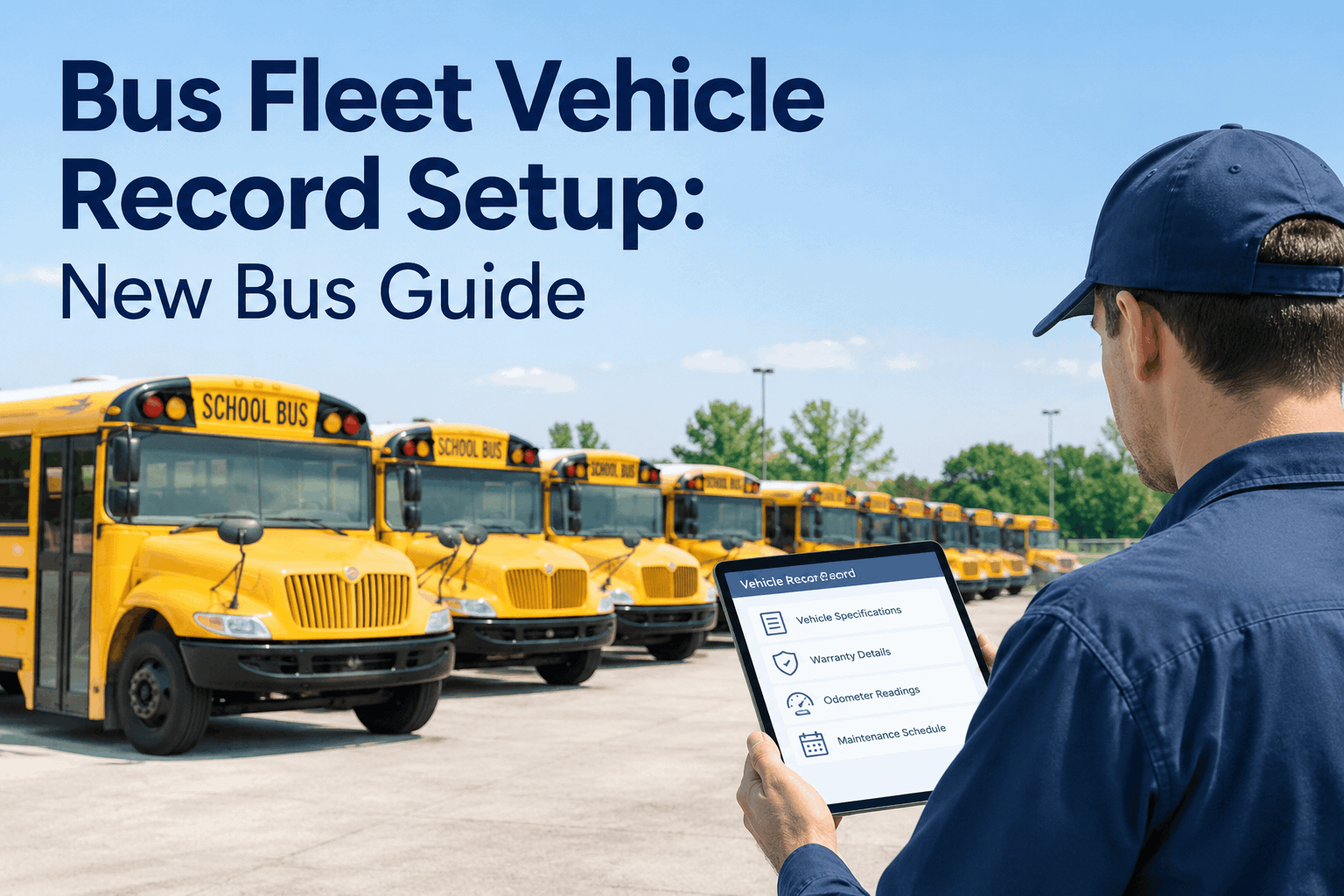
Bus Fleet Vehicle Record Setup: The New Bus Guide
A complete record is four blocks of data captured at commissioning: who the bus is, what's under warranty, what maintenance it needs, and where it started. Get them in on day one and the bus tracks itself for years.
Why Day-One Setup Decides Years of Data
A bus record is not paperwork you do once and forget — it is the foundation every future number stands on. Schedule PM from the wrong odometer and the first service lands late. Skip the warranty dates and you pay out of pocket for a covered repair. Leave the fuel type generic and a CNG or electric bus gets a diesel's maintenance plan. None of these show up on commissioning day; they surface months later as a breakdown, a bill, or a cost figure you can't trust. Garbage in on day one is garbage out for the life of the bus.
The record you build at commissioning is the one that schedules the PM, protects the warranty, and anchors the cost history for the next decade — or quietly fails to.
The good news: setting it up right takes minutes when the fields are structured and the PM logic is preloaded, instead of hours of building a spreadsheet from scratch. You can start free and set up your first bus record today.
The Four Data Blocks Every Bus Record Needs
A complete new-bus record breaks into four blocks. Capture all four at commissioning and the bus is fully tracked from its first mile — miss one and you create a gap you'll chase for years.
Identity & specifications
The bus's permanent facts: VIN and unit number, make, model, year, body and chassis, and — critically — fuel type and capacity. This is what tells the system a bus is diesel, CNG, or electric, which changes everything downstream.
Gets wrong: generic fuel type → wrong PM planWarranty details
Coverage start and end dates, mileage limits, separate powertrain or battery terms, and OEM contacts. Logged here, the system can flag a repair that's still covered before you spend a dollar you didn't have to.
Gets missed: covered repairs paid out of pocketPreventive maintenance schedule
PM intervals by mileage and calendar, matched to the fuel type, with bus-specific inspection items and the first service already due. This is what turns the bus from “runs until it breaks” into a planned asset on day one.
Gets skipped: first PM lands late, breakdown followsBaseline readings
The delivery odometer, in-service date, telematics link for automatic mileage, and photos and documents. This is the starting line every cost-per-mile and lifecycle number is measured from — get it wrong and every figure after is off.
Gets fuzzy: mileage guessed, cost data unreliableNotice each block fails quietly and expensively if it's left out — the cost shows up later, never at setup. You can see all four blocks captured in one record in a demo.
The New-Bus Onboarding Checklist
Run this the day a new bus is commissioned, before it takes its first route. Every box ticked is a bus that tracks itself from mile one; every box skipped is a gap that costs you later.
- Create the asset record with VIN & specsUnit number, make, model, year, body/chassis — and the correct fuel type.FIRST
- Enter warranty coverage & limitsDates, mileage caps, powertrain/battery terms, OEM contacts — so coverage is never missed.DON'T SKIP
- Record the delivery odometer readingThe baseline every mileage and cost-per-mile figure is measured from.DON'T SKIP
- Set up the PM schedule for its fuel typeIntervals by mileage and calendar, with the first service due date set.DON'T SKIP
- Assign bus-specific inspection formsStop arm, exits, lift, student mirrors — the DVIR the driver runs from day one.SET UP
- Link telematics & attach documentsConnect GPS/odometer feed, add photos, title, and purchase docs to the record.SET UP
Done in order, the whole setup is a short checklist at commissioning, not a scramble months later. You can walk this onboarding checklist inside the system in a demo.
Set Up Right vs. Never Set Up: The Difference at Year One
The same bus, a year in, tells two completely different stories depending on the record built the day it arrived. This is what day-one setup actually buys you.
Set up on day one
- PM ran on schedule from the first service
- A covered repair got flagged and billed to warranty
- Mileage is accurate — telematics kept it current
- Cost per mile is trustworthy from mile one
Never properly set up
- First PM landed late — a breakdown got there first
- Paid for a repair the warranty would have covered
- Mileage is a guess, so PM timing drifts
- Cost data is unreliable — useless at budget time
Every item in that right-hand column traces back to a field left blank on commissioning day. You can start free and make sure your next bus lands in the left column.
How BusCMMS Makes Record Setup Fast and Automatic
A spreadsheet can hold a bus record, but it can't flag a warranty, trigger a PM, or update its own mileage. BusCMMS makes the record do the work — structured to fill in minutes and live from the first mile.
Structured asset records
Every field a bus needs — identity, specs, warranty, documents — in one place, so setup is a short form, not a blank spreadsheet.
Warranty flags before you pay
Coverage dates and limits in the record mean a still-covered repair gets flagged before it's billed to your budget.
PM scheduled at commissioning
Fuel-type-aware PM and bus-specific DVIRs set the moment a bus is added, so the first service is planned, not improvised.
Telematics-fed odometer
Pre-built GPS integrations push live mileage into the record, so PM triggers on real miles — no manual readings.
That is a bus that's fully tracked before it finishes its first route — the record doing the remembering instead of a spreadsheet nobody updates.
A Fleet Supervisor's Take
We took delivery of six buses one summer and were so slammed getting them on routes that the records were an afterthought — VINs in a spreadsheet, warranties in an email somewhere. By fall, one needed a transmission and I found out the hard way it was still under warranty, three weeks after I'd already paid for it. Now a bus doesn't leave the yard until its record is built: specs, warranty, PM, baseline odometer. Ten minutes at commissioning saved me from making that call to the board ever again.
Key Takeaways on Bus Record Setup
Day one sets up years
The record built at commissioning drives PM, warranty, and cost data for the life of the bus.
Four blocks, all required
Identity, warranty, PM schedule, baseline — miss one and you create a years-long gap.
Fuel type changes everything
Diesel, CNG, electric each need their own PM — get it right in the specs block.
The baseline anchors the data
A wrong delivery odometer makes every mileage and cost figure after it wrong too.
Treat bus fleet vehicle record setup as a ten-minute commissioning step, not an afterthought — capture the four blocks the day the bus arrives, and it tracks itself, protects its warranty, and feeds trustworthy numbers for its whole life. The bus is the easy part; the record is what makes it a managed asset.