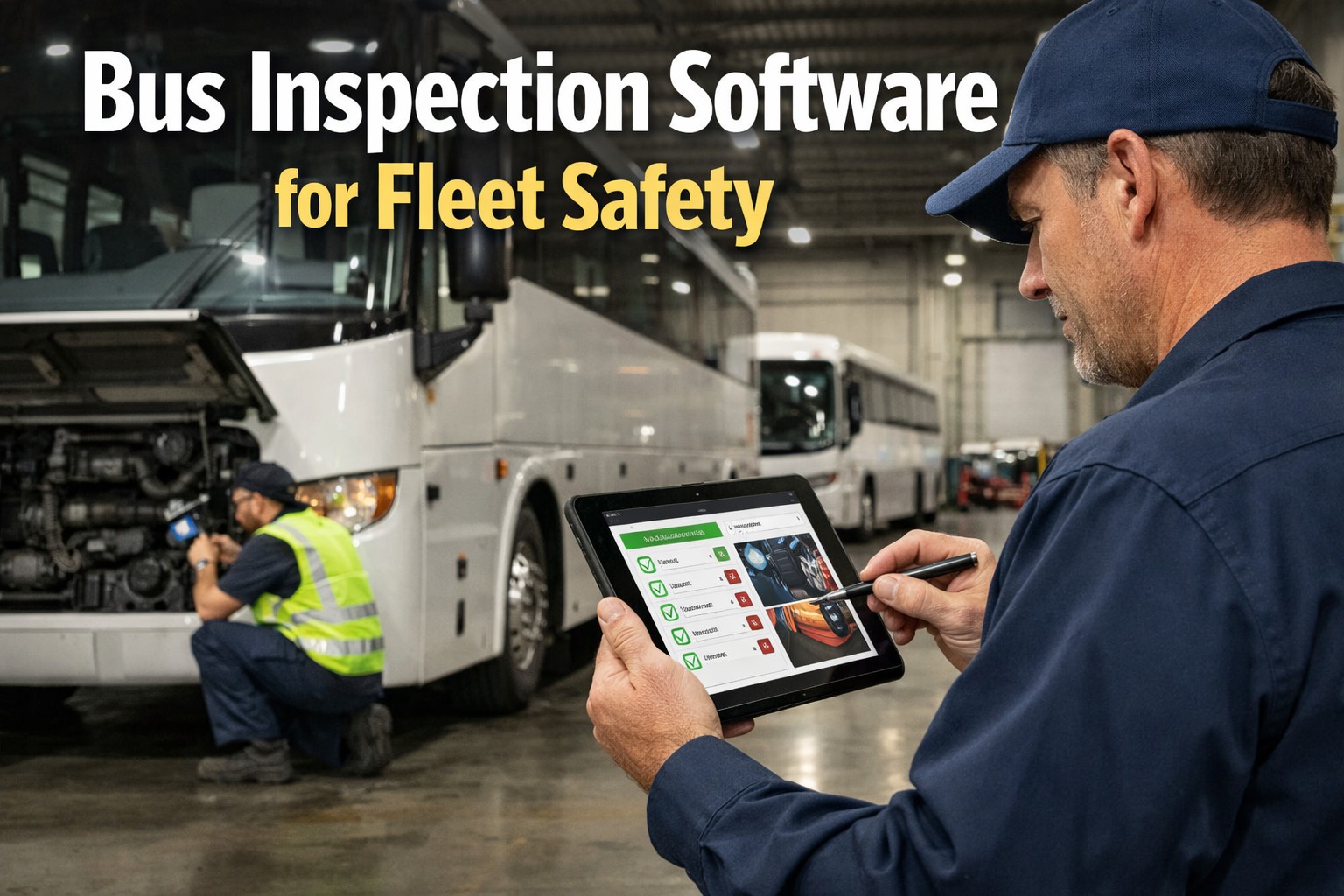
Paper-based bus inspections fail transit agencies every day. Forms get lost, drivers "pencil-whip" through checklists without actually inspecting, and defects slip through until they cause breakdowns or safety incidents. During the 2024 CVSA International Roadcheck, 23% of commercial vehicles were placed out of servicemost from preventable issues like defective brakes, tire problems, and lighting failures that proper pre-trip inspections should catch.
Bus CMMS inspection software transforms how transit agencies manage vehicle safety. Our digital DVIR app guides drivers through comprehensive inspections, requires photo documentation for defects, and instantly alerts maintenance teams when issues need attention. The result: fewer breakdowns, lower maintenance costs, and audit-ready compliance documentation.
Bus Inspection Types: Pre-Trip, Post-Trip & DOT Annual
FMCSA requires Driver Vehicle Inspection Reports (DVIRs) for all buses carrying 9+ passengers. Transit agencies must manage multiple inspection types—from quick daily driver checks to comprehensive annual DOT inspections. Bus CMMS digital inspection software standardizes every inspection type with customizable checklists that adapt to specific vehicle configurations and regulatory requirements.
Before Every Shift
Pre-Trip Inspection
DOT-mandated pre-trip inspections verify bus safety before passenger service. Our pre-trip inspection app guides drivers through all safety-critical components with visual prompts and required photo documentation.
Brake system test (air pressure, parking brake)
All lights and signals operational
Tire condition, pressure, tread depth
Mirrors, windshield, visibility
Wheelchair lift/ramp ADA compliance
Emergency equipment (fire extinguisher, triangles)
Fluid levels (oil, coolant, washer)
Horn, wipers, defrosters
End of Every Shift
Post-Trip Inspection
Post-trip inspections document defects discovered during operation. Drivers report damage, mechanical issues, and maintenance needs so overnight crews can address problems before the next service day.
New defects found during route
Damage documentation with photos
Unusual sounds, vibrations, handling
Fluid consumption (oil burning, leaks)
Passenger incidents or complaints
Interior cleanliness and damage
HVAC performance issues
Fare equipment status
Every 12 Months
DOT Annual Inspection
Comprehensive FMCSA-mandated annual inspection by certified mechanics. Bus CMMS documents all findings, generates inspection certificates, and maintains audit-ready records for DOT compliance.
Complete brake system measurement
Steering component inspection
Suspension system check
Frame and body integrity
Exhaust system inspection
Fuel system and tank
Electrical system test
DOT sticker placement
Monthly/Quarterly
Periodic Safety Inspection
In-depth shop inspections go beyond daily checks to measure wear patterns and component condition. Schedule these inspections in Bus CMMS to prevent failures before they happen.
Brake pad/shoe measurement
Tire tread depth measurement
Belt and hose condition
Battery and charging system
HVAC system performance
Safety equipment expiration dates
Fluid analysis (oil, transmission)
Undercarriage inspection
Standardize Every Bus Inspection in One Platform
Custom checklists for pre-trip, post-trip, DOT annual, and periodic inspections—all digitized, tracked, and audit-ready.
Mobile DVIR App: Digital Pre-Trip Inspection Features
The Bus CMMS mobile DVIR app transforms how drivers complete vehicle inspections. Instead of paper forms that get lost or ignored, drivers use smartphones or tablets with guided checklists, photo documentation, and instant defect reporting. Our electronic DVIR solution works on any iOS or Android device—and even works offline when internet isn't available.
Works on Any Device
iOS, Android, tablets—drivers use their preferred device with the same intuitive interface. No special hardware required.
Photo Documentation
Required photos for defects create visual proof that protects against liability claims. Time-stamped and GPS-tagged automatically.
Works Offline
Complete inspections without internet—critical for remote yards. Data syncs automatically when connection returns.
Guided Checklists
Visual prompts show exactly what to inspect—reducing missed items and training time for new drivers.
Driver Accountability
Digital signatures, timestamps, and GPS location verify exactly who inspected what and when. Eliminate pencil-whipping.
Instant Alerts
Critical defects trigger immediate notifications to maintenance. No waiting for paperwork to arrive at the shop.
Digital DVIR vs Paper Inspections
Inspection Time
Paper: 15-30 minutes
Digital: 5-8 minutes
Error Rate
Paper: High (pencil-whipping)
Digital: 35% fewer errors
Defect Response
Paper: Hours to days
Digital: Instant alerts
Audit Readiness
Paper: Manual filing
Digital: Always ready
Defect Tracking: From Inspection to Work Order
Finding a defect is only half the solution—tracking it through repair is what prevents safety incidents. When 75% of vehicle out-of-service violations involve brakes, tires, and lights, the connection between inspection and repair determines whether buses stay safe. Bus CMMS automatically generates work orders from inspection defects.
Automated Defect-to-Resolution Workflow
Every issue tracked from driver report to verified repair
1
Defect Identified
Driver flags issue with photo, severity rating, and description during pre-trip or post-trip inspection
2
Instant Alert Sent
Maintenance team receives real-time notification with defect details and priority level
3
Work Order Created
CMMS automatically generates work order with parts requirements, labor estimates, and technician assignment
4
Resolution Verified
Mechanic signs off on repair completion, next driver confirms fix during subsequent inspection
Automatic Defect Severity Classification
Safety-critical defects that prevent vehicle dispatch until repaired. Bus cannot enter passenger service.
Significant issues requiring prompt attention before next service day. Schedule priority repair.
Non-critical issues that can wait for scheduled maintenance window without safety impact.
Never Lose Track of a Defect Again
From identification to resolution, every defect is documented, tracked, and verified automatically.
DOT Compliance Reports & Audit Documentation
When FTA, state DOT, or insurance auditors arrive, your inspection records tell the story of your safety program. Bus CMMS fleet inspection software maintains complete audit trails with digital signatures, timestamps, GPS verification, and photo evidence—everything auditors need to verify your compliance with FMCSA DVIR requirements.
Complete DVIR History
Every inspection with digital timestamps, driver signatures, GPS locations, and photo evidence—retained for years.
Inspection Analytics
Track completion rates, common defects, resolution times, and driver compliance trends across your entire fleet.
FTA Safety Reports
Documentation supporting PTASP requirements, safety performance measures, and transit asset management plans.
Defect Resolution Audit Trail
Complete documentation from defect identification through repair completion with mechanic sign-off.
DOT Annual Records
Annual inspection certificates, detailed findings, and corrective actions organized by vehicle and date.
Export Any Format
Generate PDF reports, export to Excel, or provide direct auditor portal access to specific records on demand.
Compliance Tip
FMCSA requires DVIRs to be retained for at least 3 months. Bus CMMS stores all inspection records indefinitely, providing complete vehicle history for any audit. During DOT compliance reviews, auditors frequently check defect-to-resolution timelines first—our automated workflows ensure this documentation is always complete and readily accessible.
Frequently Asked Questions About Bus Inspection Software
What is DVIR and why is it required for buses?
DVIR stands for Driver Vehicle Inspection Report. It's a formal inspection mandated by the Federal Motor Carrier Safety Administration (FMCSA) that drivers must complete at the beginning (pre-trip) and end (post-trip) of each shift. DVIRs are required for all commercial vehicles carrying 9+ passengers, including transit buses, school buses, and motorcoaches. The report must include date, vehicle identification, driver signature, defect report, mechanic signature if repairs were made, and acknowledgment by the next driver. Digital DVIR apps capture all required elements automatically.
What are the penalties for missing or incomplete bus DVIRs?
FMCSA can impose penalties up to $1,270 per day for missing or incomplete Driver Vehicle Inspection Reports. Knowingly falsifying, destroying, or altering a DVIR can result in fines up to $12,695. Beyond direct fines, missing inspection records negatively impact your agency's CSA (Compliance, Safety, Accountability) scores and can significantly increase insurance premiums. Our bus inspection software ensures complete, compliant records for every inspection.
How does digital inspection software improve fleet safety?
Digital inspection software eliminates "pencil-whipping" through guided checklists and required photo documentation. Industry studies show digital DVIRs reduce inspection errors by 35% and roadside breakdowns by 22%. Instant defect alerts ensure safety issues are addressed before vehicles enter passenger service. GPS and timestamp verification prove inspections were actually conducted, not just signed off. The result is genuine safety improvement, not just paperwork compliance.
Can the bus inspection app work without internet connection?
Yes, the Bus CMMS mobile inspection app works completely offline. Drivers can complete full pre-trip and post-trip inspections, take photos, and document defects without any internet connection—critical for remote bus yards or areas with poor cellular coverage. All data syncs automatically to the central system when connectivity returns. No inspection data is ever lost due to network issues.
How long does a digital pre-trip inspection take compared to paper?
Digital pre-trip inspections typically take 5-8 minutes compared to 15-30 minutes for paper-based inspections. Guided checklists, smart workflows, and touch-based input dramatically speed the process. Photo capture is faster than written descriptions. The time savings multiply across your entire fleet—a 50-bus fleet saves 8+ hours daily in inspection time alone, while actually improving thoroughness and DOT compliance.
Does bus inspection software integrate with maintenance management?
Bus CMMS includes fully integrated inspection and maintenance functionality. Defects identified during inspections automatically generate work orders, update vehicle status, and feed into maintenance scheduling. When mechanics complete repairs, drivers are notified and the fix is verified during the next inspection. This closed-loop system ensures no defect falls through the cracks between inspection and repair.
What inspection types does the software support?
Bus CMMS supports all inspection types: pre-trip inspections, post-trip inspections, DOT annual inspections, periodic safety inspections, and custom checklists for specific equipment or regulatory requirements. Each inspection type has configurable checklists that adapt to different vehicle configurations (diesel, CNG, electric, hybrid). You can create unlimited custom inspection templates for any vehicle or equipment type in your fleet.
Ready to Digitize Your Bus Inspections?
Join transit agencies saving time, catching defects, and staying DOT compliant with Bus CMMS inspection software.
No credit card required • Setup in minutes • Cancel anytime







