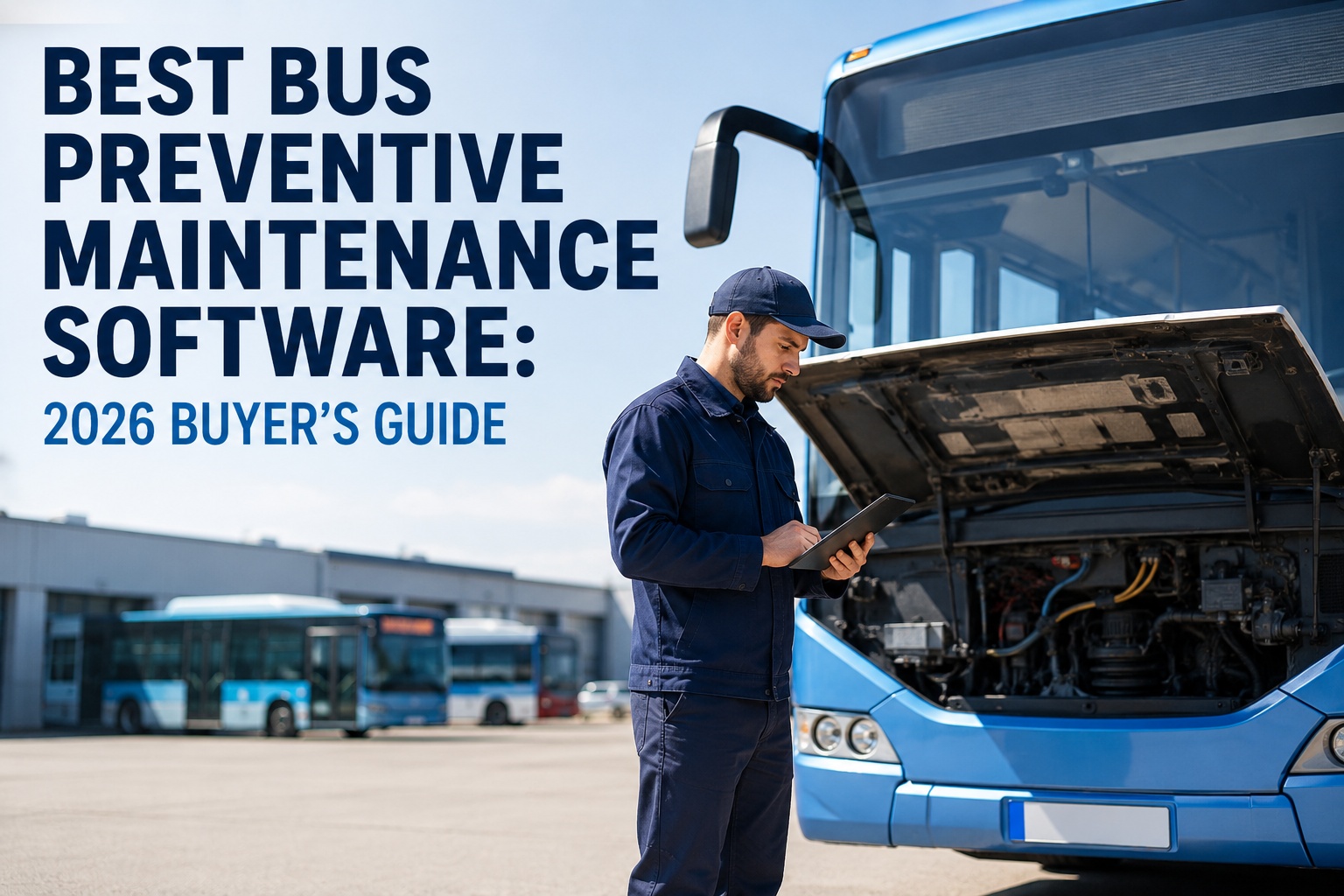
Every year, thousands of school districts, transit agencies, and charter operators start shopping for bus preventive maintenance software. Most walk into vendor demos without a clear evaluation framework and leave with a signed contract they later regret. This guide gives you the exact criteria, must-have features, pricing benchmarks, and red flags to know before your next software vendor call.
Bus Preventive Maintenance Software: The 2026 Buyer's Guide
Evaluation criteria, must-have features, pricing tiers, and red flags to know before your next software demo
- 8Must-have features
- 3Pricing tiers
- 5Red flags
- Bus-specific DVIRs★★★★★
- Fuel-type-aware PM★★★★★
- FMCSA reporting★★★★★
- Telematics integration★★★★★
- Board-ready reports★★★★★
Bus-Specific vs. Generic Fleet Software: The First Decision
The single biggest decision in this evaluation is not which vendor to pick. It is which category of software to pick. Generic fleet management software was built for trucking, construction, or delivery vehicles and adapted downward for buses. Bus-specific software was built from day one for school buses, transit vehicles, and charter coaches. The difference shows up in every single requirement below.
| Requirement | Bus-Specific | Generic Fleet |
|---|---|---|
| Pre-loaded stop-arm / crossing-gate DVIR items | ✓ | − |
| Wheelchair lift 90-day certification tracking | ✓ | − |
| Fuel-type-specific PM (diesel / CNG / electric) | ✓ | Partial |
| FMCSA reporting for passenger-carrying vehicles | ✓ | Custom |
| FTA / NTD transit reporting | ✓ | − |
| PTASP / TAM documentation for transit | ✓ | − |
| Seasonal HVAC PM (pre-summer / pre-winter) | ✓ | Manual |
| Bus-specific parts inventory categories | ✓ | − |
| Implementation time (typical) | 2-4 weeks | 3-6 months |
Every dash in the generic column is a workflow your team will have to build from scratch. Every "custom" or "manual" entry is ongoing labor your maintenance team pays for the entire time you use the software. Generic fleet software works for mixed commercial fleets. For bus-only operations, it costs more to run and delivers less. This is the single decision that predicts satisfaction with the software 12 months in. Book a demo to see bus-specific features that generic fleet software does not include.
The 8 Must-Have Features (With Priority Rankings)
Not every feature listed on a vendor's website matters equally. Some are baseline table-stakes for any bus fleet operation. Others are nice-to-have. Here are the eight features that actually predict whether the software will hold up under real fleet workload -- ranked by category and priority.
01 Bus-Specific Digital DVIRs
Pre-loaded inspection forms covering stop arms, crossing gates, emergency exits, student mirrors, wheelchair lifts. Non-negotiable for any bus fleet.
02 Fuel-Type-Aware PM Scheduling
Separate PM logic for diesel, CNG, and electric buses on one dashboard. Skip this and mixed fleets require spreadsheet workarounds forever.
03 FMCSA / DOT Audit Reports
One-click export of DVIR history, PM completion, driver certifications. Required for any federal or state inspection.
04 Warranty Period Tracking
Per-component warranty windows per bus. Alerts before expiration. Recovers thousands per year in eligible claims.
05 Work Order Auto-Generation
Failed DVIRs and overdue PMs open work orders automatically. Eliminates paper hand-off delays that kill uptime.
06 Parts & Inventory Management
Auto-reorder, min-max thresholds, dead-stock reports. Cuts parts spend 10-15% and prevents rush shipping surcharges.
07 Real-Time Analytics Dashboard
Cost per mile, PM compliance percentage, fleet availability, uptime. Board-ready without spreadsheet work.
08 Telematics Integration
Pre-built connectors for Samsara, Geotab, and others. Automates odometer and engine-hour capture for usage-based PM.
Any bus PM software that cannot check off the four CRITICAL boxes above is not built for bus fleets, regardless of what the sales deck claims. The three IMPORTANT features determine how much labor your team saves. The one VALUABLE feature is a strong nice-to-have that becomes essential above about 40 buses. Sign up free to see BusCMMS check all 8 boxes with pre-loaded configurations.
2026 Pricing Tiers: What Each Tier Actually Delivers
Bus PM software pricing is almost always per-bus per-year, which makes budgeting straightforward. Three tiers dominate the market. Here is what each tier typically includes -- and which fleet size each tier fits best.
$200-$300/bus/yr
Best fit: fleets under 25 buses
- Digital DVIRs
- Basic PM scheduling
- Work order management
- Parts inventory basics
- Standard compliance reports
Warning: often missing warranty tracking, fuel-type PM logic, and telematics integration.
$350-$500/bus/yr
Best fit: fleets of 25-150 buses
- Everything in Basic, plus:
- Fuel-type-aware PM
- Warranty tracking engine
- Telematics integration
- Real-time analytics dashboard
- FMCSA / FTA / NTD reports
The tier that fits most bus fleets in the country. Full feature coverage without enterprise complexity.
$500+/bus/yr
Best fit: fleets of 150+ buses
- Everything in Professional, plus:
- Custom integrations
- Multi-depot support
- Advanced analytics
- SLA-backed support
- Dedicated success manager
Real enterprise features. But: watch for "enterprise pricing" that just means "no published rate."
Most school districts and small transit agencies belong in the Professional tier. Fleets under 25 buses can get by with Basic if they accept the missing warranty and fuel-type features. Anything above 150 buses -- typically large transit agencies -- justifies Enterprise. The mistake most fleets make is buying Basic to save money, then paying more in workarounds and missed warranty within 12 months than they would have spent on Professional. Book a demo to see which tier fits your fleet's specific requirements.
5 Red Flags to Watch for During Vendor Demos
Vendor sales calls have a rhythm. The pitch always sounds great. The features always seem to fit. What separates a good buy from a regret is spotting the specific language that signals the product is not what the demo made it look like. Here are the five statements that should slow the conversation down every time you hear them.
01 "We serve all commercial fleets"
Why it matters: Almost always means the platform was built for trucking and adapted for buses. Ask specifically to see pre-loaded bus DVIR items and PTASP documentation.
02 "You can customize your own DVIRs"
Why it matters: Translates to: the platform ships empty. Your team spends weeks building bus inspection forms from scratch. Bus-specific software ships pre-loaded.
03 "Implementation takes 3-6 months"
Why it matters: Bus-specific software rolls out in 2-4 weeks because forms and workflows ship pre-configured. Long implementation timelines mean generic software wearing a bus skin.
04 "Compliance reporting is an add-on module"
Why it matters: FMCSA, FTA, and NTD reporting should be included at every tier. Vendors that charge extra are treating bus compliance as a niche use case, which it should not be.
05 "We do not publish pricing"
Why it matters: Usually means enterprise-only pricing that will not fit a school district or mid-size transit budget. Ask directly for per-bus per-year cost within the first demo call.
None of these statements are automatically disqualifying. But every one of them changes the conversation. Ask the follow-up question, get the specific answer, and evaluate based on what the software actually does -- not what the sales deck says it should do. Book a demo where every feature ships pre-loaded, published pricing, and 2-4 week rollout.
Match the Software to Your Fleet Type
A 60-bus school district and a 60-bus transit agency have almost nothing in common on paper. Different compliance frameworks, different duty cycles, different reporting requirements. The features that matter most to each fleet type are different. Here is what to prioritize based on which category your fleet falls into.
School District
- Pre-loaded stop-arm, crossing-gate, emergency exit DVIRs
- Student mirror and 8-light warning system inspection
- Wheelchair lift 90-day certification tracking
- Seasonal PM (HVAC pre-summer / pre-winter)
- Driver CDL and endorsement tracking
Transit Agency
- FTA and NTD reporting automation
- PTASP and TAM documentation
- ADA compliance (wheelchair lift, kneeling systems)
- Urban duty cycle PM adjustments
- Multi-depot operations support
Charter / Motorcoach
- DOT compliance and driver hours-of-service
- Long-distance PM schedules (higher miles per bus)
- Cost per mile analytics by route and driver
- Amenities system tracking (WiFi, restroom, entertainment)
- Interstate vehicle inspection records
Mixed Fleet
- Multi-fuel PM logic (diesel / CNG / electric)
- Unified reporting across bus types
- Fuel-type-specific technician routing
- Consolidated cost analytics per fuel type
- EV battery health and charger infrastructure tracking
The mistake most fleets make in evaluation is judging software against a generic feature list rather than their specific fleet type. A transit agency should not be paying for school-bus student mirror workflows. A school district should not be paying for FTA NTD reporting they never need. Match the software's strengths to your fleet's actual work. Book a demo to see which pre-loaded template matches your fleet type.
The 10-Question Vendor Evaluation Checklist
Every vendor demo should end with the same ten questions, asked in the same order. If you get clean answers to all ten, you have found a serious contender. If any answer is evasive or "depends on your configuration," you have found a red flag. Print this list. Take it to every demo call.
- Is the platform built specifically for bus fleets or adapted from a broader fleet product?
- Are bus-specific DVIRs (stop arm, crossing gate, wheelchair lift) pre-loaded?
- Does PM scheduling handle diesel, CNG, and electric buses on separate logic?
- Are FMCSA, FTA, NTD compliance reports included in base pricing or add-on?
- What is the published per-bus per-year cost at my fleet size?
- What is typical implementation time from contract to production use?
- Which telematics platforms do you have pre-built integrations for?
- How does the software track warranty periods per component per bus?
- Can I export FMCSA audit-ready reports today, on a live account?
- Who is my primary contact for support after go-live?
Score each answer as clear (green), qualified (yellow), or evasive (red). A vendor with eight or more clear answers is worth serious consideration. A vendor with three or more evasive answers should be dropped from the shortlist. This checklist filters out about 60% of the vendors that will otherwise waste weeks of your evaluation time. Book a demo where BusCMMS answers all 10 questions clearly on the same call.
How BusCMMS Meets the Buyer's Guide Criteria
Every requirement in this guide was chosen because it separates software that works for bus fleets from software that does not. BusCMMS was built from day one for school districts, transit agencies, and charter operators -- which means every criterion in this guide maps to a shipping feature, not a roadmap promise.
Bus-Specific DVIRs Pre-Loaded
Stop arms, crossing gates, emergency exits, wheelchair lifts, student mirrors ready on day one.
Fuel-Type-Aware PM
Diesel, CNG, and electric buses run separate PM logic on one dashboard. Templates ship pre-configured.
FMCSA / FTA / NTD Reporting
Audit-ready compliance reports included at every tier. One-click PDF export for federal or state reviews.
Warranty Capture Engine
Component-level warranty periods per bus. Automatic alerts before expiration. Recovers eligible claims.
Real-Time Analytics Dashboard
Cost per mile, PM compliance, fleet availability, uptime. Board-ready without spreadsheet work.
2-4 Week Rollout
Pre-loaded templates and standard workflows mean production use in weeks, not months.
Published pricing scales at the Professional tier for most bus fleets. Free 30-day trial with no credit card. Implementation support included. The buyer's guide criteria above are not marketing points -- they are the promises the product actually keeps. Book a demo to walk through each buyer's guide criterion against BusCMMS on real fleet data.
The Bottom Line on Choosing Bus PM Software
Bus preventive maintenance software is not a category where every vendor is roughly the same. The difference between a bus-specific platform and a generic fleet platform pretending to be one is the difference between a system that works on day one and a system that costs you six months of implementation labor. Use the criteria in this guide. Ask the ten questions. Watch for the five red flags. The right software makes itself obvious inside the first demo call.
How do I choose the best bus preventive maintenance software?
Start with the fundamental decision: bus-specific software or generic fleet management software. Bus-specific software ships with pre-loaded DVIRs for stop arms, crossing gates, wheelchair lifts, and other bus-specific items. It handles fuel-type-specific PM logic for diesel, CNG, and electric buses. It includes FMCSA, FTA, and NTD compliance reporting at every tier. Generic fleet software requires custom configuration for each of these. Then check the 8 must-have features listed in this guide, verify published pricing at your fleet size, and use the 10-question vendor evaluation checklist during every demo call.
How much does bus preventive maintenance software cost in 2026?
Bus PM software is priced per bus per year and typically falls into three tiers. Basic tier runs $200-$300 per bus annually and fits fleets under 25 buses -- includes DVIRs, basic PM, work orders, and parts inventory but often misses warranty tracking and fuel-type-aware PM. Professional tier runs $350-$500 per bus annually and fits fleets of 25-150 buses -- adds fuel-type-aware PM, warranty tracking, telematics integration, and full compliance reporting. Enterprise tier runs $500+ per bus annually for fleets over 150 buses and adds custom integrations, multi-depot support, and dedicated support. Professional is the right tier for most bus fleets.
What is the difference between bus-specific and generic fleet maintenance software?
Bus-specific software is built from day one for school buses, transit vehicles, and charter coaches -- with pre-loaded DVIRs, fuel-type-aware PM, and FMCSA/FTA/NTD compliance reporting included as standard features. Generic fleet management software is designed for mixed commercial fleets (trucking, construction, delivery) and adapted downward for buses -- requiring custom configuration for bus DVIRs, workflow adjustments for wheelchair lift certification, and add-on modules for bus compliance reporting. Implementation for bus-specific typically takes 2-4 weeks; generic fleet software adapted for buses often takes 3-6 months. The ongoing operational labor to work around missing bus features costs more than the software tier difference.
What are the must-have features in bus PM software?
Four CRITICAL features form the baseline: bus-specific digital DVIRs (pre-loaded for stop arms, crossing gates, wheelchair lifts), fuel-type-aware PM scheduling (separate logic for diesel, CNG, electric), FMCSA and DOT compliance reporting (one-click audit exports), and warranty period tracking (per-component per-bus with expiration alerts). Three IMPORTANT features complete the core stack: work order auto-generation from failed DVIRs, parts and inventory management with auto-reorder, and real-time analytics dashboard with cost per mile and PM compliance. One VALUABLE feature becomes essential above 40 buses: telematics integration with Samsara, Geotab, or similar platforms for automated odometer capture.
How long does bus preventive maintenance software take to implement?
Bus-specific software typically implements in 2-4 weeks because forms, workflows, and compliance reports ship pre-configured. The rollout timeline covers vehicle onboarding (loading VINs and configurations), driver account setup, technician training on digital DVIRs, and confirmation that telematics integrations flow correctly. Generic fleet software adapted for buses typically requires 3-6 months because bus DVIRs must be built from scratch, PM logic reconfigured for fuel type, and compliance reporting customized. Any vendor quoting a 6+ month implementation for a bus fleet under 100 vehicles is likely selling a generic platform under a bus label. Ask directly for typical time from contract to production use during every demo call.