Bus Work Order Photo Documentation Standards Guide
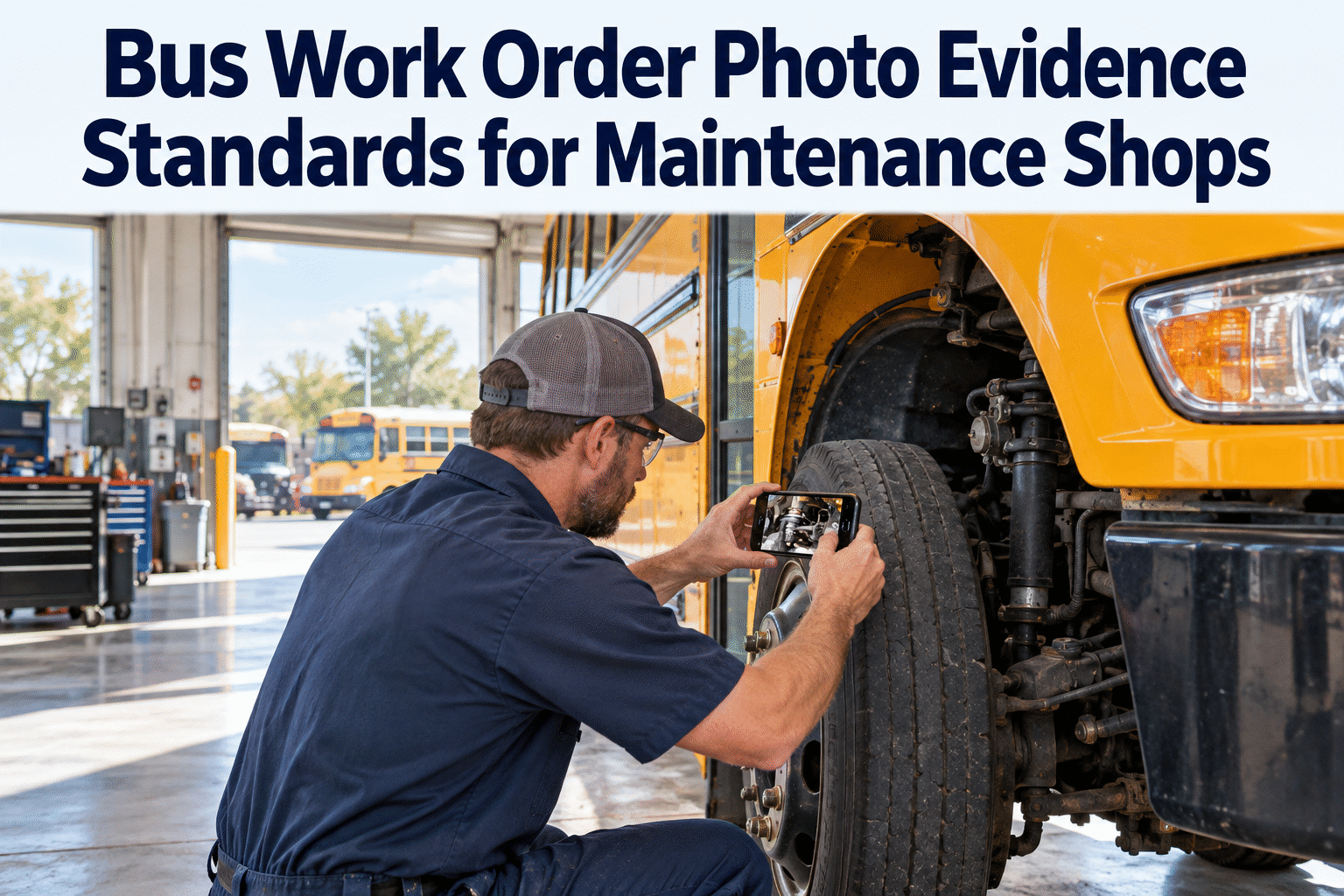
The brake chamber you replaced in March comes back as a warranty claim, and the OEM asks for proof: a photo of the failed part, on that bus, dated. Your tech remembers doing it. There is no photo. The claim gets denied, and the fleet eats a part that should have been covered. That is the gap a bus work order photo documentation standard closes — and you can see how photo evidence attaches to every work order in a short demo.
OPERATIONS · SHOP DOCUMENTATION
Bus Work Order Photo Evidence Standards for Maintenance Shops
A photo on a tech's phone proves nothing. A photo attached to the work order — tagged to the bus, the defect, the date and the technician — is evidence. Here is the standard, and how BusCMMS makes every tech follow it.
THE REPAIR EVIDENCE SEQUENCE
Why a Photo on a Phone Is Not Documentation
The problem is rarely that techs do not take photos. It is that the photos go nowhere useful — a camera roll with 400 images, none of them tied to a bus, a defect, or a work order. When you need one, you cannot find it, and when you find it, you cannot prove what it shows.
ORPHANED PHOTO VS ATTACHED EVIDENCE
Same photo, two outcomes. The data wrapped around a photo — which bus, which defect, which work order, which tech — is what turns it from a picture into proof an auditor or an OEM will accept.
That context is exactly what a mobile work order adds automatically: the tech shoots the photo inside the job, so the bus, date and work order number are already attached. You can sign up free and attach your first photo to a work order in minutes.
The Bus Work Order Photo Documentation Standard: When to Shoot
A standard is not "take photos." It is "take these photos, at these points, on every repair." Build it into the work order workflow so it happens the same way whether the tech is senior or started last week — that consistency is the whole point of a standard.
FOUR CAPTURE POINTS ON EVERY REPAIR
The before-and-after pair proves the work; the removed-part shot proves the failure for warranty. Four photos, same four moments, every repair — that is a standard a shop can actually hold techs to.
Where Photo Evidence Pays for Itself: Warranty Claims
The single clearest return on a bus work order photo documentation standard is warranty recovery. OEMs and parts suppliers want proof — the failed part, on that bus, with the repair dated. No photo, no claim. With a mobile work order it is already attached.
SAME FAILED PART, TWO OUTCOMES
Illustrative amounts. A single recovered claim on a major component can cover a year of software — which is why warranty recovery is usually the line that sells a documentation standard to the people holding the budget.
If you are writing the standard for your shop, these are the items that make a photo hold up — as a warranty exhibit, a comeback defense, or an audit record. Each one is automatic when the photo is shot inside a mobile work order.
Tied to the bus and work orderThe photo attaches to the unit and the job, not a shared camera roll — so it is findable later.
MUST
Date and time stampedA warranty claim and a DOT record both turn on when the work happened — the timestamp has to be built in.
MUST
Before and after the repairThe pair is what proves the work was done — the defect, then the same spot fixed.
MUST
The removed part, clearly shownFor a warranty claim, the failed component itself — the part number and the failure visible.
MUST
The technician who did the workWho captured it and who signed off — accountability the record carries on its own.
ADD
A short note on what it showsOne line of context — "cracked stop-arm actuator" — so the photo reads clearly months later.
A documentation standard only works if it is built into the job, not taped to the wall. BusCMMS makes photo evidence part of the mobile work order itself, so the standard runs the same whether the shop is busy or short-handed.
Photos attach from the bay
The tech shoots the photo inside the work order on a phone, so the bus, date, work order and technician are tagged the moment it is taken.
Required before close-out
Set capture points as required, and a work order will not close without them — the standard enforces itself instead of relying on memory.
Failed DVIR carries its photo
When a driver flags a defect on a digital DVIR — a cracked stop arm, a worn student mirror — the photo rides into the work order it generates.
Pull any photo in seconds
Search by bus or work order and the evidence is there — for a warranty claim, a comeback dispute or a DOT inspection, not lost in a phone.
3 monthsminimum DVIR retention under 49 CFR 396.11 — records a photo makes defensible~$2,800per bus a year — BusCMMS's own reported average customer savings2–4 wkstypical rollout — bus-specific, not a months-long generic CMMS setup
The federal DVIR rule is why this matters beyond warranty: 49 CFR 396.11 requires reported defects to be repaired and certified before a bus runs again, and a dated photo is the cleanest proof that happened — retained for the three months the rule requires and then some.
A Shop Foreman's Take
Key Takeaways on Bus Work Order Photo Evidence
A bus work order photo documentation standard turns loose repair photos into records you can actually use. Four things to hold onto.
01
Attached beats taken
A photo on a phone proves nothing; tied to a bus and work order, it is evidence.
02
Set the capture points
Before, removed part, installed, verified — the same four shots on every repair.
03
Warranty pays it back
One recovered claim on a major part can cover the software for a year.
04
Build it into the job
Required-photo close-out makes the standard automatic, not something you nag about.
Set the standard once, build it into the mobile work order, and photo evidence stops being a thing you hope techs do. A bus work order photo documentation standard is a small change that recovers real money and ends the "it is on my phone somewhere" problem for good.
FAQ
Bus Work Order Photo Documentation: Common Questions
What is a bus work order photo documentation standard?+
It is a written rule for which photos a technician must attach to a work order, at which points in the repair, on every job. A good one specifies the capture points — the defect found, the part removed, the new part installed, the repair verified — and requires that each photo be tied to the bus, the work order, and a date. The goal is consistency: the same evidence gets captured whether the tech is a 20-year veteran or started last week, and whether the shop is quiet or slammed. The difference between a vague "take photos" policy and a real standard is that the standard names the exact shots and builds them into the workflow so they actually happen.
Why do warranty claims need photo evidence?+
OEMs and parts suppliers pay warranty claims on proof, not on a technician's word. They generally want to see the failed component, identifiable as the part that was on that specific bus, with the repair dated — and often the before condition that shows the failure. Without that, a claim is easy to deny, and the fleet ends up paying for a part that should have been covered. When the removed-part photo is captured inside the mobile work order, it is already attached to the right bus with a timestamp, so the evidence is ready when you file. A single recovered claim on a major component — a turbo, a transmission, a brake system — can be worth more than a year of the software that captured it.
What photos should a technician take on every bus repair?+
At minimum, four: the defect as found (so the problem is documented), the part removed (so the failure is provable for warranty), the new part installed, and the completed repair verified. Together the before-and-after pair proves the work was done, and the removed-part shot carries the warranty case. Each photo should be tied to the bus and work order, date-stamped, and ideally carry the technician's name and a one-line note on what it shows — "cracked stop-arm actuator," for example. Those items are what make a photo hold up as a warranty exhibit, a comeback defense, or an audit record months later, rather than just a picture nobody can place.
How does BusCMMS handle work order photo documentation?+
BusCMMS puts the work order on the technician's phone in the bay, so photos are shot inside the job and tagged to the bus, work order, date and technician automatically — no separate camera roll to reconcile. You can set capture points as required, so a work order will not close until the photos are attached, which is what turns a documentation standard from a wall poster into something that actually runs. Photos from a failed digital DVIR — a cracked stop arm or worn student mirror a driver flags — carry into the work order the inspection generates. And because everything is tied to the bus and job, you can pull any photo in seconds for a warranty claim, a comeback dispute, or a DOT inspection rather than hunting through a phone.
Does photo documentation help with DOT inspections and DVIR records?+
Yes. Under 49 CFR 396.11, reported vehicle defects must be repaired — or certified as not needing repair — before the vehicle is operated again, and the driver vehicle inspection report with that certification is retained for at least three months. A dated photo attached to the work order is the cleanest way to show an inspector that a flagged defect was actually fixed, not just signed off. For school buses, state DOT inspections look for the same thing: documented defects and documented repairs. When a photo flows from the failed DVIR item into the work order and stays attached to the bus, your inspection records are defensible without anyone rebuilding the story from memory.