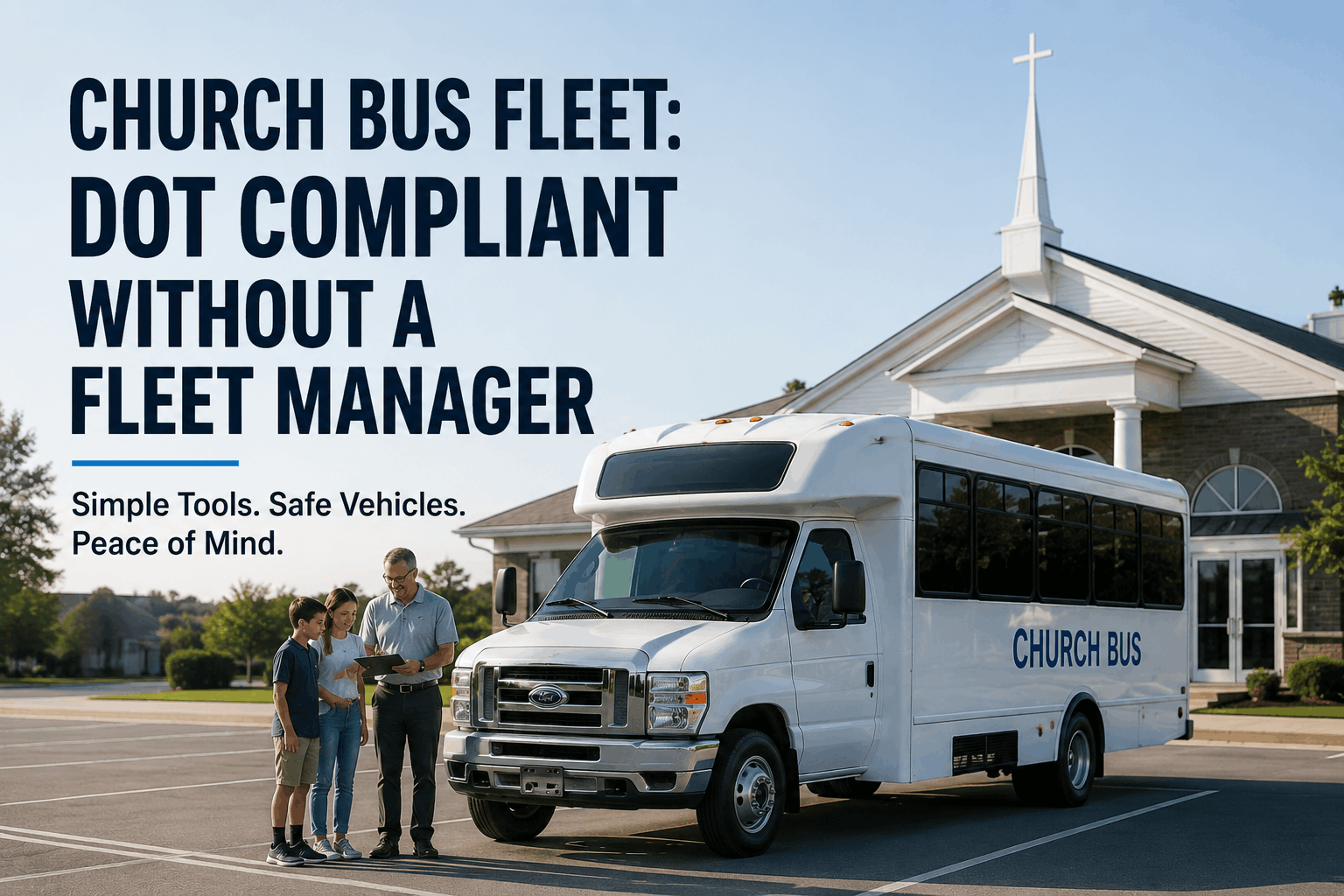
Your church operates three to five buses. You serve 200+ people on Sunday mornings, take mission trips, run youth group events, and organize community outreach. Most of the time, volunteer drivers operate these buses without formal fleet management systems. You track maintenance in a notebook someone keeps in the office. Driver qualifications? You assume they're good because they've been driving for years. But if a federal inspector shows up — and they will — you're one citation away from fines, operational restrictions, and potential liability from an accident. This guide explains what small churches need to know about DOT compliance, how to stay compliant without a dedicated fleet manager, and which tools actually make it manageable for nonprofits operating on tight budgets .
Church Fleet Management
Church Bus Fleet: How to Stay DOT Compliant Without a Fleet Manager
Small church and religious organization bus fleets face federal DOT requirements most pastors and church administrators don't know exist. This comprehensive guide covers driver qualification files, maintenance record requirements, safety protocols, and simple CMMS tools designed for non-technical church operators managing volunteer and paid drivers.
$250K+
Avg liability exposure per noncompliant bus accident
47%
Of churches with buses operate without DOT knowledge
8
Essential driver qualification file documents
12
Monthly maintenance checks required
Does Your Church Bus Fleet Need DOT Compliance?
Many church administrators assume small churches are exempt from DOT regulations. They're not. If your church operates a bus commercially (which transporting church members and community groups counts as "commercial" under federal law), you must comply with DOT requirements. Here's what triggers federal oversight:
Triggers for DOT Compliance
- Vehicle size: Any bus designed to carry more than 15 passengers requires DOT compliance (including driver)
- Interstate travel: If your buses cross state lines, DOT compliance is mandatory
- Commercial operation: Transporting church members or community groups counts as "commercial" even if nonprofit
- Regular scheduled routes: Ongoing transport operations (Sunday services, weekly events) trigger compliance
- Paid or volunteer drivers: Whether drivers are paid staff or volunteers makes no difference — compliance applies either way
Consequences of Noncompliance
- Civil fines: $500–$10,000 per violation; average citations run $2,000–5,000
- Criminal liability: Willful violations can result in prosecution and imprisonment
- Accident liability: If an accident occurs and you lack proper maintenance/driver records, insurance may deny claims — personal liability falls to the church
- Operational restrictions: DOT can place out-of-service orders on unsafe vehicles until compliance is proven
- Reputational damage: Public citation of church noncompliance damages community trust
Critical DOT Requirements for Church Buses
Here are the specific federal requirements every church bus operator must meet. This is not legal advice — consult your state's Department of Transportation for state-specific requirements — but these are the baseline federal standards:
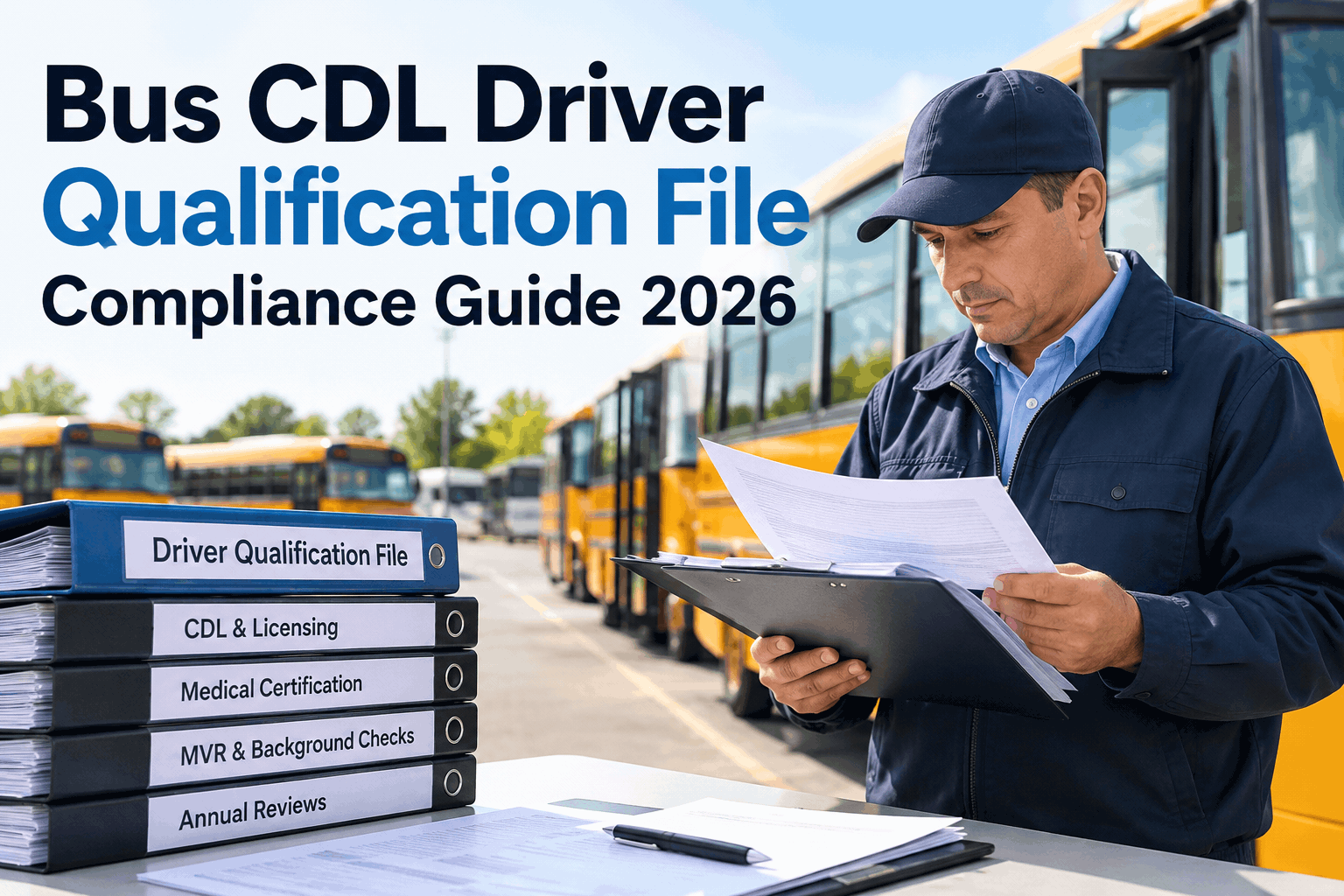
1. Driver Qualification Files (DQF)
What it is: A formal file for each driver containing 8 specific documents.
What to include: Application form, driver's license copy, medical examination certificate (MEDCERT), MVR (Motor Vehicle Record), training completion proof, background check results, employment history, and signature page.
How to maintain: Paper files are legal but error-prone. Digital storage with automated renewal alerts is safer. Medical certificates must be renewed every 24 months. Store files for at least 3 years.
2. Pre-Trip Vehicle Inspections
What it is: Daily checks before operating the bus to identify safety defects.
What to check: Tires (condition, pressure), brakes (feel, responsiveness), lights (all exterior and interior), wipers, horn, fluid levels, steering, seatbelts, emergency equipment, and passenger doors.
How to document: Use a standardized checklist. Driver signs off daily. Keep inspection logs for 12 months. If a defect is found, bus is removed from service until repaired and re-inspected.
3. Maintenance Records
What it is: Complete history of all maintenance, repairs, and service on every vehicle.
What to include: Oil changes, filter replacements, brake service, fluid flushes, tire rotations, any repairs, parts replaced, labor hours, mechanic name, and date completed.
How to maintain: Centralized log (paper or digital) for each vehicle. Retain for 12 months minimum. DOT inspectors review these to verify proper preventive maintenance.
4. Driver Training & Drug Testing
What it is: Churches must provide their own driver training program (not relying on external training programs).
What to include: Safety orientation, passenger loading/unloading, emergency procedures, vehicle operation, and defensive driving principles. Random drug and alcohol testing required (if you operate 50+ vehicles).
How to implement: Document training completion with attendee signatures and dates. Repeat training annually. Maintain records for 3 years.
5. Hours-of-Service (if applicable)
What it is: Limits on how long drivers can operate buses (applies mainly to intercity operations).
When it applies: If your church operates charter-style long-distance trips (cross-country missions), you likely need HOS tracking. Shorter local routes may be exempt.
How to track: Log daily driving hours per driver. Enforce mandatory rest periods. Digital CMMS tools can automate this tracking.
6. Vehicle Inspections & Certifications
What it is: Formal annual safety inspection by qualified technician.
What's checked: All safety systems, brake condition, steering, lighting, tires, suspension, seatbelts, emergency equipment, and passenger doors.
How to maintain: Schedule annual inspection with certified mechanic. Keep inspection report on file. Address any defects before bus returns to service.
See how BusCMMS simplifies church fleet compliance with automated driver file management, pre-trip inspection logging, and maintenance tracking designed for nonprofits. Schedule a free consultation for your church.
Building a Church Fleet Compliance System Without a Dedicated Manager
Most churches can't afford to hire a dedicated fleet manager. But you can implement a compliance system that works with your current staff and volunteer structure. Here's the practical framework:
Phase 1: Document Your Drivers
Action: Create a Driver Qualification File for every person who operates a church bus — paid staff or volunteers.
What you need: Have each driver complete an application form (available from FMCSAGuidance.gov). Collect: copies of driver's license and medical examination certificate (they need to schedule with a certified medical examiner — cost is $50–100), prior employment verification, and background check (many churches use basic online background checks for ~$20).
Timeline: Complete within 30 days. This is the foundation. Everything else depends on having documented drivers.
Tool to use: BusCMMS stores digital DQF files, auto-alerts when medical certificates expire (they renew every 24 months), and exports complete driver files for audits in seconds. For free initial setup, a simple spreadsheet with auto-renewal alerts works — but digital CMMS is more reliable.
Phase 2: Standardize Pre-Trip Inspections
Action: Create a pre-trip inspection checklist and have the driver who operates the bus use it every time.
What you need: One-page checklist covering: tire condition, brake feel, lights, wipers, horn, fluid levels, seatbelts, emergency equipment, doors. Driver fills it out, signs and dates it, reports any defects to the pastor or designated coordinator.
Timeline: Implement immediately. Takes 5 minutes per bus before each trip.
Tool to use: BusCMMS provides mobile app where drivers tap through checklist, capture photos of defects, and immediately notify the maintenance coordinator. Paper checklists are legal but hard to track — digital is better. If paper: keep them in a binder organized by date and bus number.
Phase 3: Track Maintenance
Action: Establish a maintenance log for each bus. Record every oil change, filter replacement, brake service, repair, or parts replaced.
What you need: Simple maintenance log (paper or digital) per vehicle. Include date, miles/hours, work performed, parts used, cost, and mechanic/technician name. When you take the bus to a mechanic for service, ask for an invoice and file it.
Timeline: Start today. Even if you don't have historical records, you can start fresh and maintain going forward.
Tool to use: BusCMMS automatically logs maintenance and sends alerts when PM is due. For churches starting with paper: create a maintenance log template (one-page per bus) and keep it in the bus or office. Designate one volunteer to collect mechanic invoices and enter them weekly.
Phase 4: Schedule Annual Inspections
Action: Hire a certified mechanic to perform annual vehicle safety inspections.
What you need: Contact a local bus or commercial vehicle mechanic. Request annual safety inspection (most mechanics know what's required). Cost is typically $300–600 per bus. Schedule 2–3 weeks before your busiest season (e.g., before summer mission trips).
Timeline: Schedule by March if you run summer programs. Get the inspection report and file it with maintenance records.
Tool to use: BusCMMS tracks inspection due dates, alerts you 90 days in advance, and stores inspection reports digitally for audit documentation.
Phase 5: Create a Training Program
Action: Develop a brief driver training program that covers safety fundamentals.
What you need: 30-minute training covering: bus safety systems, passenger loading procedures, emergency evacuation, defensive driving, and equipment operation. Document who attended, when, and get signatures.
Timeline: Deliver once annually in January (before spring programs). Require all drivers (new and existing) to attend.
Tool to use: BusCMMS logs training completion with signatures. For small churches, a sign-in sheet and dated certificate of completion (printed from Word template) satisfies compliance.
Phase 6: Prepare for Inspection
Action: Assemble a compliance folder with all required documentation.
What you need: Driver Qualification Files, pre-trip inspection logs (last 12 months), maintenance records, annual inspection certificates, training records, and a list of all buses with VIN numbers and registration information.
Timeline: Organize quarterly. When DOT inspector arrives, you're ready in 30 minutes instead of spending all day scrambling.
Tool to use: BusCMMS generates audit-ready exports automatically — one click produces complete documentation. If using paper system: buy a filing cabinet and organize by category (drivers, vehicles, maintenance).
Sample Church Bus Preventive Maintenance Schedule
Churches often run buses seasonally or sporadically. But when they do operate, maintenance is critical. Here's a simple PM schedule adapted for typical church bus usage patterns:
Maintenance Item
Interval
Why It Matters for Church Buses
Oil & Filter Change
Every 5,000 miles or annually (whichever first)
Church buses often sit idle for weeks; fresh oil prevents sludge and internal damage
Air Filter Replacement
Every 15,000 miles or 12 months
Dusty buses (long trips, summer events) need more frequent replacement
Brake Inspection & Service
Every 10,000 miles or 12 months
Brakes are critical; frequent passengers (children, elderly) depend on reliable braking
Tire Rotation & Inspection
Every 7,500 miles or 12 months
Uneven wear indicates suspension issues; rotations extend tire life
Coolant System Check
Every 12 months; flush every 24 months
Summer trips in heat stress cooling system; preventive flushing prevents overheating
Transmission Fluid Check
Every 12 months; replace per manufacturer spec
Transmission failure during a mission trip strands your entire group; fluid checks catch early wear
Battery Test & Replacement
Test every 12 months; replace every 24–36 months
Dead battery during winter youth event creates delays and reputational damage
Annual Safety Inspection
Every 12 months by certified mechanic
Comprehensive inspection catches issues pre-trip inspections miss; required by DOT
Configure maintenance schedules for your church buses. Book a consultation to see how BusCMMS tracks maintenance for small fleets.
Common Church Fleet Compliance Failures (And How to Avoid Them)
These are the most common mistakes churches make — and the easiest to prevent:
No Driver Qualification Files
The mistake: Church assumes drivers are qualified because they've been volunteering for years. No formal file is created.
The consequence: DOT inspector finds no DQF. Automatic citation. Fine. Possible vehicle impoundment.
The fix: Create DQF immediately for every driver. Takes 2 hours per driver. BusCMMS stores DQF digitally with auto-renewal alerts.
No Pre-Trip Inspections
The mistake: Driver assumes bus is fine because "it was fine last time." No formal inspection occurs.
The consequence: Brake or light failure occurs mid-trip. Passengers stranded. Liability exposure. If accident occurs, inspector finds no pre-trip records — points to negligence.
The fix: Use a one-page checklist. Driver fills it out every time. Takes 5 minutes. Schedule a consultation to see how BusCMMS automates this.
No Maintenance Records
The mistake: Church takes bus to mechanic, gets invoice, files it somewhere. No centralized log exists. When asked "when was the last oil change?" nobody knows.
The consequence: Inspector asks for maintenance history. Church can't produce it. Citation for lack of maintenance documentation. Possible out-of-service order.
The fix: Create a simple log (paper or digital). Entry for every service. BusCMMS auto-generates maintenance schedules and logs.
Expired Medical Certificates
The mistake: Driver's medical certificate (part of DQF) expires 24 months after exam. Church doesn't track expiration. Driver continues operating illegally.
The consequence: Inspector pulls driver file, finds expired medical cert. Automatic violation. Driver pulled from operation. Church scrambles to find replacement driver.
The fix: Calendar reminder 90 days before expiration. Driver gets re-exam before certificate expires. BusCMMS auto-alerts renewal dates.
Church Fleet FAQ: Addressing Common Questions
Do small churches really need DOT compliance if we only transport church members?
Yes. Transporting church members counts as commercial operation under federal law, even though you're nonprofit. If your bus holds more than 15 passengers, DOT compliance is mandatory regardless of who you transport or whether you charge fares.
What if we're a very small church with only one bus?
DOT requirements apply equally to churches with 1 bus or 100 buses. Size doesn't matter. If the bus carries 16+ people, compliance is required. However, smaller fleets can use simpler systems — paper checklists and basic digital tools work fine for 1-3 buses.
Can volunteers drive church buses, or must they be paid employees?
Volunteers can drive. Employment status makes no difference. Volunteer drivers must meet the same DOT qualifications, be in a DQF, pass background checks, and receive driver training as paid drivers. Same rules apply to everyone.
What's the cost to implement a basic church fleet compliance system?
Minimal upfront: DQF creation ($50–100 per driver for medical exams), one-page checklist template (free), and a maintenance log notebook ($5). Annual costs: annual safety inspection ($300–600 per bus), mechanic maintenance (varies). BusCMMS for churches starts at $99/month for 1-5 buses, including all compliance automation.
How long does it take to get a church bus compliant if we're starting from scratch?
2–4 weeks. Driver qualification files take 1–2 weeks to assemble (drivers need medical exams scheduled). Maintenance records and inspection logs can start immediately. Annual safety inspection takes 1 day once scheduled. BusCMMS can be operational within 24 hours of signup.
If our bus breaks down during a trip, are we liable for stranded passengers?
Depends on cause. If breakdown was due to lack of maintenance (flat tire from poor inspection, brake failure from no service), church has liability exposure. Proper preventive maintenance and inspections demonstrate due diligence. BusCMMS prevents this by automating maintenance scheduling.
What if a DOT inspector arrives at our church and we're not prepared?
Worst case: inspector finds violations, issues citations ($500–10,000), and may place buses out-of-service. Best defense: prepare now. Assemble your DQF files, inspection logs, and maintenance records before you're audited. BusCMMS generates audit-ready documentation in minutes.
Can we use BusCMMS if we don't have any maintenance records yet?
Yes. BusCMMS works with or without historical records. Start fresh today. System will generate maintenance schedules going forward and track everything from day one. You'll be fully compliant within weeks, even if you have no prior documentation.
Next Steps: Getting Your Church Bus Fleet Compliant
Church Bus Fleet Compliance Made Simple
Your church buses transport your people safely to ministry. Proper compliance ensures they're maintained well, drivers are qualified, and you're protected if anything goes wrong. You don't need a dedicated fleet manager — you need the right system. BusCMMS is built for nonprofits managing small fleets with volunteer drivers. Start your 14-day free trial today.