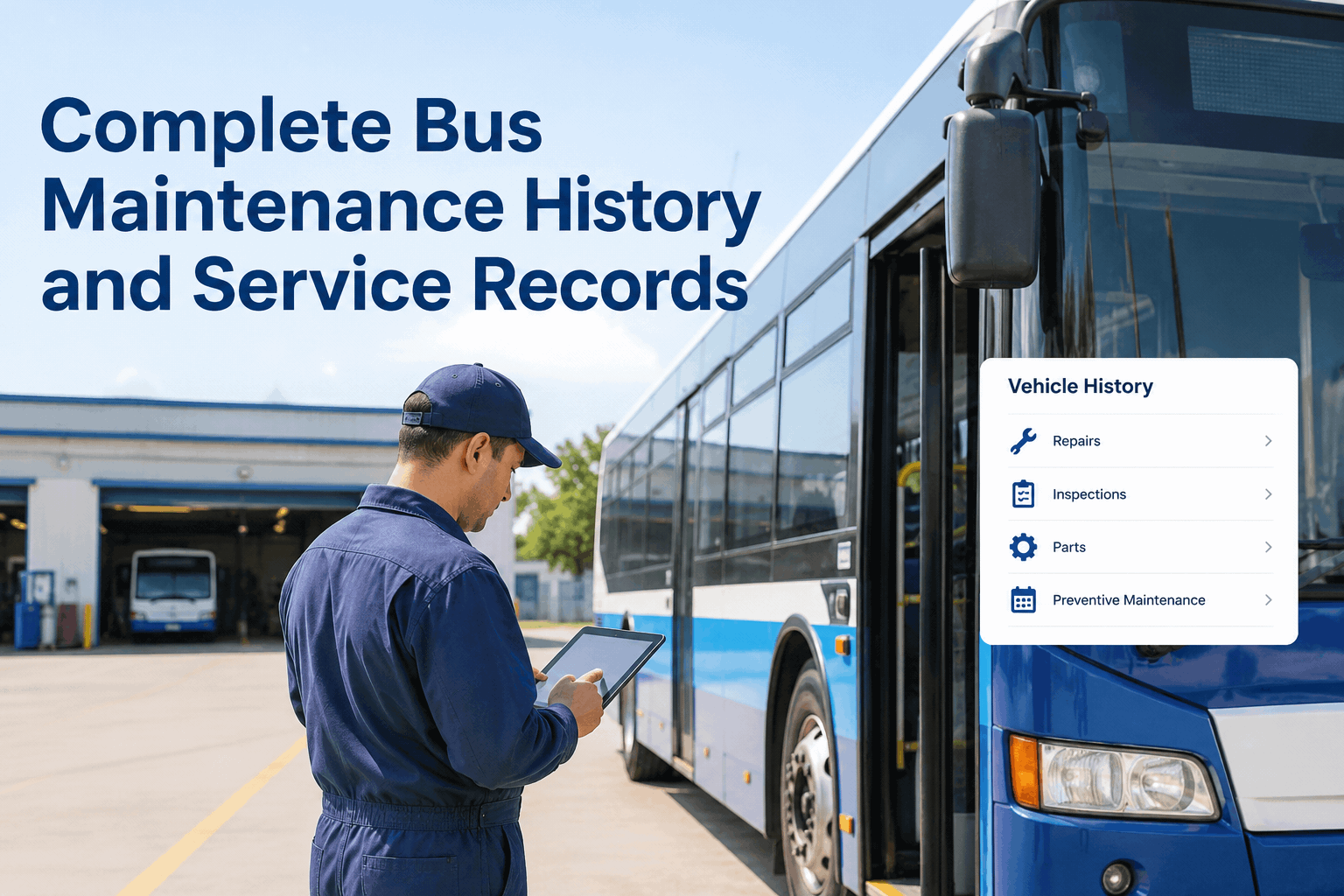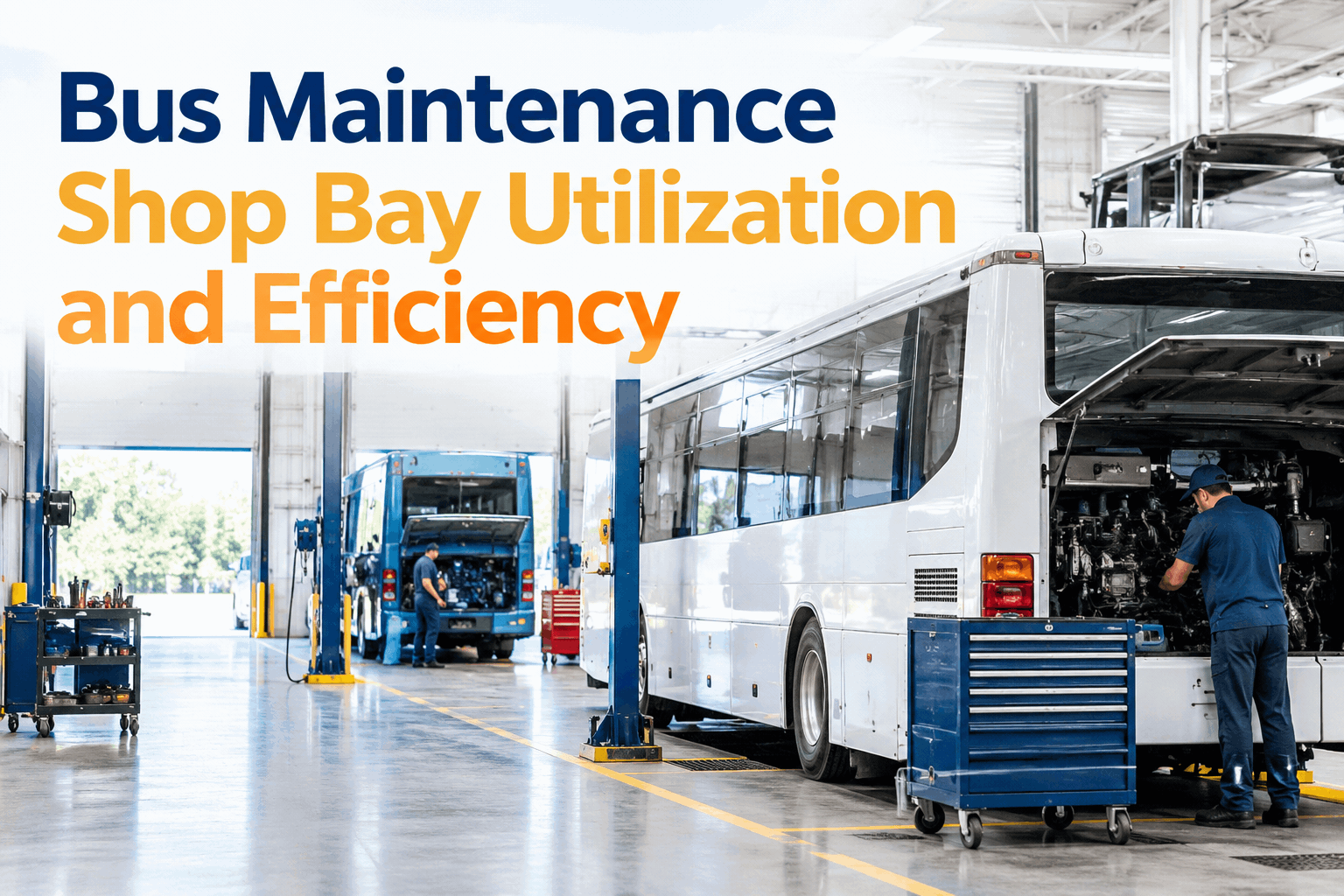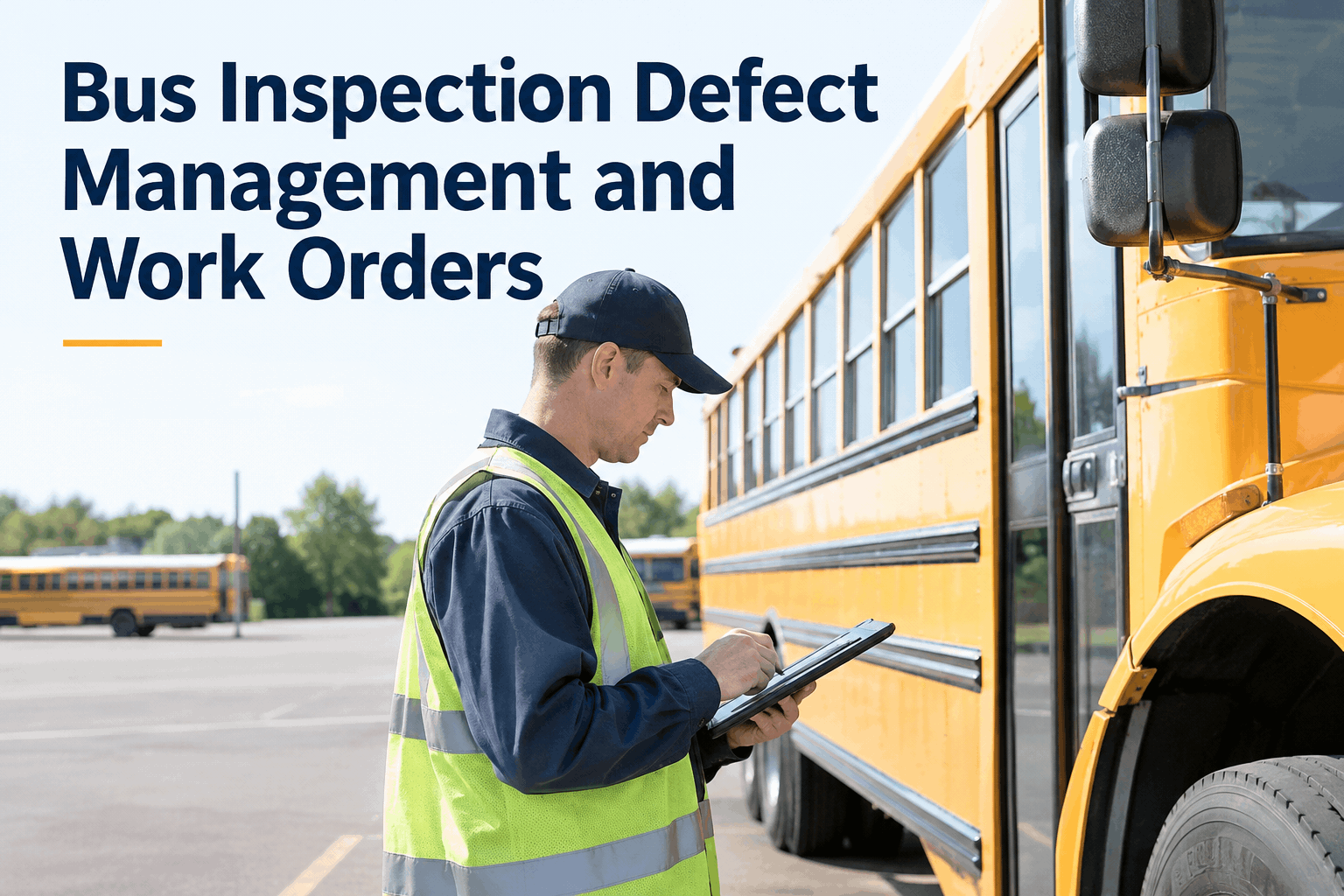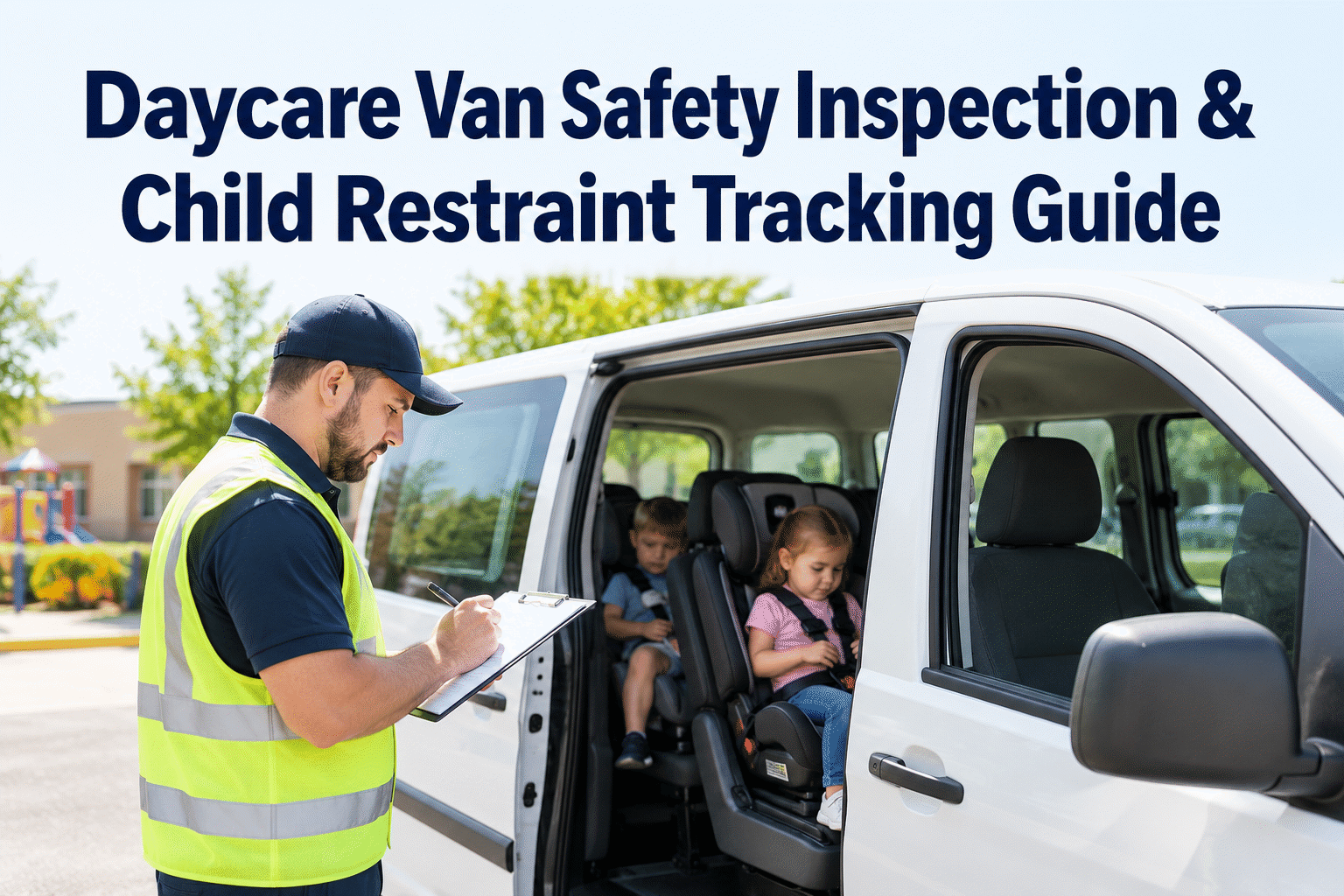
A daycare van may complete several short trips a day, but every departure carries the same responsibility: a roadworthy vehicle, correctly used child restraints, and an accountable passenger check. A documented daycare van safety inspection helps childcare transportation teams identify defects, follow up on repairs, and keep each vehicle ready for its next route.
Daycare Van Safety Inspection & Child Restraint Tracking Guide
Make vehicle checks, restraint condition, child-accountability procedures, and defect follow-up part of one dependable transportation routine.
Three checks that belong in every daycare transportation routine
A daycare van inspection checklist should cover the vehicle itself, the child-restraint equipment used for the actual passengers, and the passenger-accountability process. These are related checks, but one cannot replace another.
Vehicle readiness
Check tires, lights, mirrors, doors, brakes, fluid leaks, emergency supplies and any dashboard warnings before service.
Child restraint condition
Check the restraint type, installation, harness, buckle, belt path and visible damage against manufacturer instructions.
Passenger accountability
Verify the boarding and unloading count, assigned supervision, and a physical post-trip cabin sweep before closing the route.
Requirements for childcare transportation, child-restraint selection and driver qualifications vary by jurisdiction, vehicle type and program. Align this checklist with applicable rules and your written transportation policy.
Inspect the restraint, not just the seat
A child restraint can look present and still be incorrectly installed, damaged or unsuitable for the passenger. Inspection records should make the outcome clear without collecting unnecessary personal information about children.
- Appropriate equipment: Confirm the restraint matches the child's applicable requirements and the vehicle seating position.
- Secure installation: Verify anchorage, belt routing and permitted movement using the restraint and vehicle instructions.
- Working components: Inspect buckles, harness straps, chest clips and adjusters for damage or malfunction.
- Condition and history: Check labels, expiration guidance, recalls and any known crash involvement under manufacturer rules.
- Documented follow-up: Remove questionable equipment from use pending qualified review or replacement.
Want a consistent inspection history across multiple vans? Book a demo to discuss daycare van inspection workflows.
What a useful daycare van inspection log captures
Paper checklists often show that someone signed a form but not what happened next. A stronger record ties the inspection to a specific vehicle, timestamp, reported defect and maintenance action.
| Inspection item | Example result | Required follow-up | Record detail |
|---|---|---|---|
| Exterior lights and signals | Pass | None | Driver + time |
| Passenger door latch | Defect | Hold and inspect latch | Photo + work order |
| Child restraint buckle | Review | Remove restraint from use | Restraint ID + note |
| Post-trip cabin sweep | Complete | Confirm route closure | Staff + timestamp |
Connect van checks with the repairs that keep routes safe.
See how BusCMMS can help organize vehicle inspections, reported defects and maintenance history in one fleet workflow.
A practical four-stage daycare van safety workflow
Inspection records matter most when they lead to action. Use a simple decision process that makes it clear who can return a vehicle or restraint to service.
Inspect
Driver checks vehicle and assigned restraint equipment before transporting children.
Report
Log failed items with location, severity, photos and the person responsible.
Correct
Maintenance or qualified staff inspect, repair or replace the affected equipment.
Verify
Record the corrective action and required approval before returning to use.
Turn daily checks into an actionable fleet review
Were all assigned vans checked?
Compare completed checks with actual routes, vehicle assignments and shift changes.
Which issues remain unresolved?
Review overdue repairs, recurring door or restraint defects and vehicles awaiting approval.
Can the team reconstruct a decision?
Look for clear timestamps, inspection outcomes, repair notes and release confirmation.
For teams coordinating several vans, book a demo to review fleet defect and maintenance tracking and identify a workable reporting process.
Build a daycare van inspection program that staff can actually follow
Before the first route
- Assign responsibility for vehicle and restraint checks.
- Use a standardized inspection form for each van.
- Define which failures stop a vehicle or restraint from being used.
- Provide an alternative-transport escalation path.
After every route
- Complete a physical cabin sweep and passenger reconciliation.
- Document new damage or equipment concerns.
- Close repair tasks only after appropriate verification.
- Review records for missing checks and recurring issues.
BusCMMS can support the vehicle-maintenance side of this process with inspection and service records. Passenger attendance, child-specific restraint eligibility and physical cabin checks still require appropriate program procedures and trained personnel. Sign up free to organize daycare van maintenance records.
Give every van inspection a clear next step.
Bring inspections, defects and preventive maintenance into a repeatable workflow for your childcare transportation team.
Daycare van safety inspection FAQs
What should a daycare van safety inspection include?
Check vehicle roadworthiness, doors and emergency equipment, child restraint condition, and passenger-accountability procedures. The final checklist should reflect the vehicle, children transported, applicable regulations and your program's written policies.
Should child restraints be checked before each trip?
Staff should verify that each restraint is appropriate, properly used and visibly serviceable before transporting a child. Detailed periodic inspections and replacement decisions should follow the restraint manufacturer and applicable program requirements.
What happens when a daycare van inspection finds a defect?
Record the problem, assess whether the vehicle or equipment must be removed from service, assign corrective action and document verification before return to use. Do not treat a digital pass/fail field as a substitute for a safety decision.
Does a completed checklist replace a post-trip child sweep?
No. A physical post-trip sweep and passenger reconciliation are separate safety actions. A digital log may document their completion, but cannot establish that the van is empty without staff performing the procedure.
How can BusCMMS help with daycare van inspections?
BusCMMS is positioned to help teams organize vehicle inspection results, reported maintenance defects, service work and vehicle history. Ask for a product demonstration to confirm the exact inspection fields, permissions and workflows available for your operation.