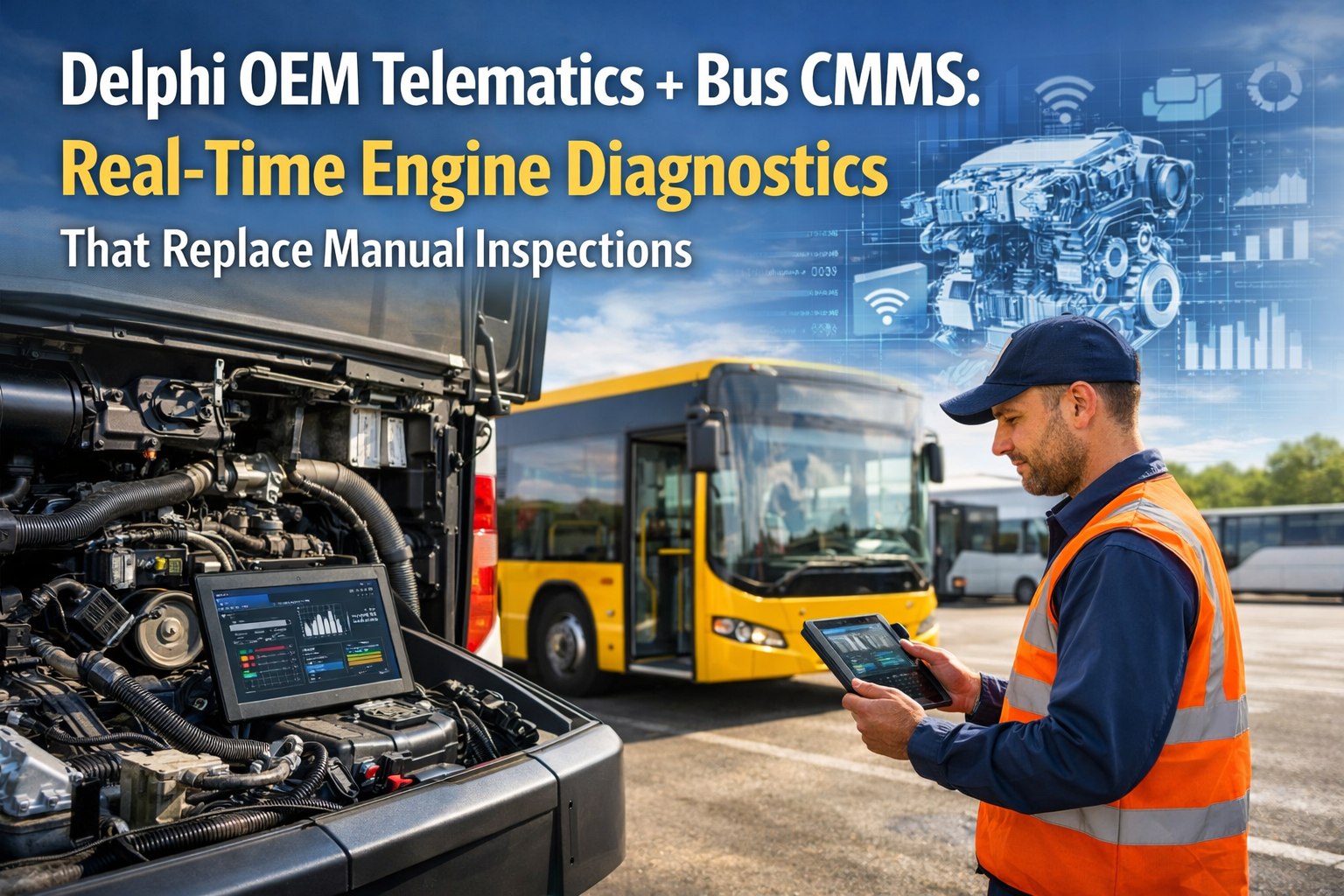
Your buses are already generating thousands of diagnostic data points every trip. Engine temperature, oil pressure, transmission health, battery voltage — all streaming from Delphi OEM telematics in real time. The problem? That data sits in a separate dashboard nobody checks until something breaks. Bus CMMS changes that: fault codes automatically become work orders, sensor thresholds trigger PM schedules, and developing failures get flagged weeks before they strand a bus on the route. No manual logging. No missed alerts. No preventable breakdowns .
Delphi OEM Telematics + Bus CMMS: Real-Time Engine Diagnostics That Replace Manual Inspections
Fault codes become work orders automatically — no manual data entry required
The Gap Between Telematics Data and Maintenance Action
Most bus fleets have telematics installed. Few actually use the data to prevent breakdowns. The diagnostic alerts sit in one system while maintenance happens in another — and the gap between them costs real money:
How the Integration Works
Delphi OEM telematics connects directly to your bus's CAN bus architecture — not through a diagnostic port adapter. This means higher sampling rates, deeper system access, and manufacturer-validated data. Here's how that data flows into automated maintenance:
ECU Data Capture
Engine, transmission, brake, and battery sensors transmit data every few seconds via J1939/OBD-II protocols
Cloud Processing
Delphi telematics streams data to cloud where Bus CMMS API ingests it in real time
Threshold Analysis
Configurable thresholds compare readings against baselines — coolant temp, oil pressure, voltage, etc.
Automated Action
Threshold breach or fault code instantly creates prioritized work order — technician assigned, parts listed
Engine Parameters That Trigger Automated Maintenance
Not all telematics data matters equally for maintenance. These six parameters have the highest failure-prediction value — and Bus CMMS monitors all of them with configurable thresholds:
Coolant Temperature
Triggers: Cooling system inspection WO
Oil Pressure
Triggers: Engine lubrication check WO
Battery Voltage
Triggers: Charging system diagnostic WO
Transmission Temp
Triggers: Route restriction + service WO
DPF Soot Load
Triggers: Regen cycle or DPF service WO
Engine Hours
Triggers: Scheduled PM work orders
Your Buses Are Already Generating This Data
Stop letting diagnostic data sit in a dashboard nobody checks. Connect Delphi telematics to Bus CMMS and turn every fault code into automated action.
Fault Code → Work Order: Under 5 Minutes
When a Delphi-connected bus throws a diagnostic trouble code (DTC), the old way was: wait for the driver to report it, dispatch logs it, shop creates a work order, technician researches the code. That's 1–7 days of lag. Here's what happens now:
Fault Code Fires
Bus #47 triggers P0217 — engine coolant over-temperature condition detected by ECU
Delphi Transmits
Telematics sends fault code, timestamp, GPS location, and parameter context to cloud
Bus CMMS Receives
API ingests data, cross-references with vehicle maintenance history and part inventory
Work Order Created
Prioritized WO generated with fault description, recommended action, parts list, and assigned technician
Notifications Sent
Fleet manager, dispatcher, and technician receive alerts with full diagnostic context
Action Ready
Technician has complete work order before driver finishes route — no manual data entry anywhere
From Calendar-Based to Condition-Based PM
A bus running 14 hours a day in summer traffic needs service 3x faster than the same bus sitting through winter break. Calendar-based PM doesn't account for that. Engine-hour-based PM from Delphi telematics does:
What Fleet Managers Are Seeing
48%
Reduction in unplanned downtime
Fleets with telematics-CMMS integration
41%
Faster average repair time
Parts pre-staged from predicted failures
58%
Cut in technician mobilization time
GPS-enabled dispatch from fault location
25-40%
Lower overall maintenance costs
Predictive vs. reactive maintenance shift
The difference between a telematics dashboard and a predictive maintenance system is the threshold configuration that converts a parameter reading into an automated action. Most telematics platforms show you data. A CMMS integration acts on it.
When coolant temperature exceeds threshold sustained for 10 minutes, a monitoring work order fires automatically. When transmission temp spikes, a route restriction and service work order generate without dispatcher involvement. That's the shift from reactive to predictive.
Connect in Days, Not Months
Bus CMMS connects to your existing Delphi telematics — no rip-and-replace, no proprietary hardware. The integration process is straightforward:
Connect & Configure
Baseline & Test
Go Live
Your Delphi-equipped buses are already generating the diagnostic data that could prevent every breakdown. The question isn't whether you have the data — it's whether that data is connected to automated maintenance action.
Bus CMMS bridges the gap. Fault codes become work orders in under 5 minutes. Engine hours trigger PM schedules automatically. Temperature spikes generate service alerts before failures happen. And your technicians get complete diagnostic context before they touch the bus.
The data exists. Stop letting it sit in a dashboard nobody checks.
Connect your Delphi telematics to automated maintenance — book a demo
Turn Telematics Data Into Maintenance Action
Bus CMMS connects to Delphi OEM telematics to automatically create work orders from fault codes, trigger PM from real engine hours, and flag failures before they strand a bus.







