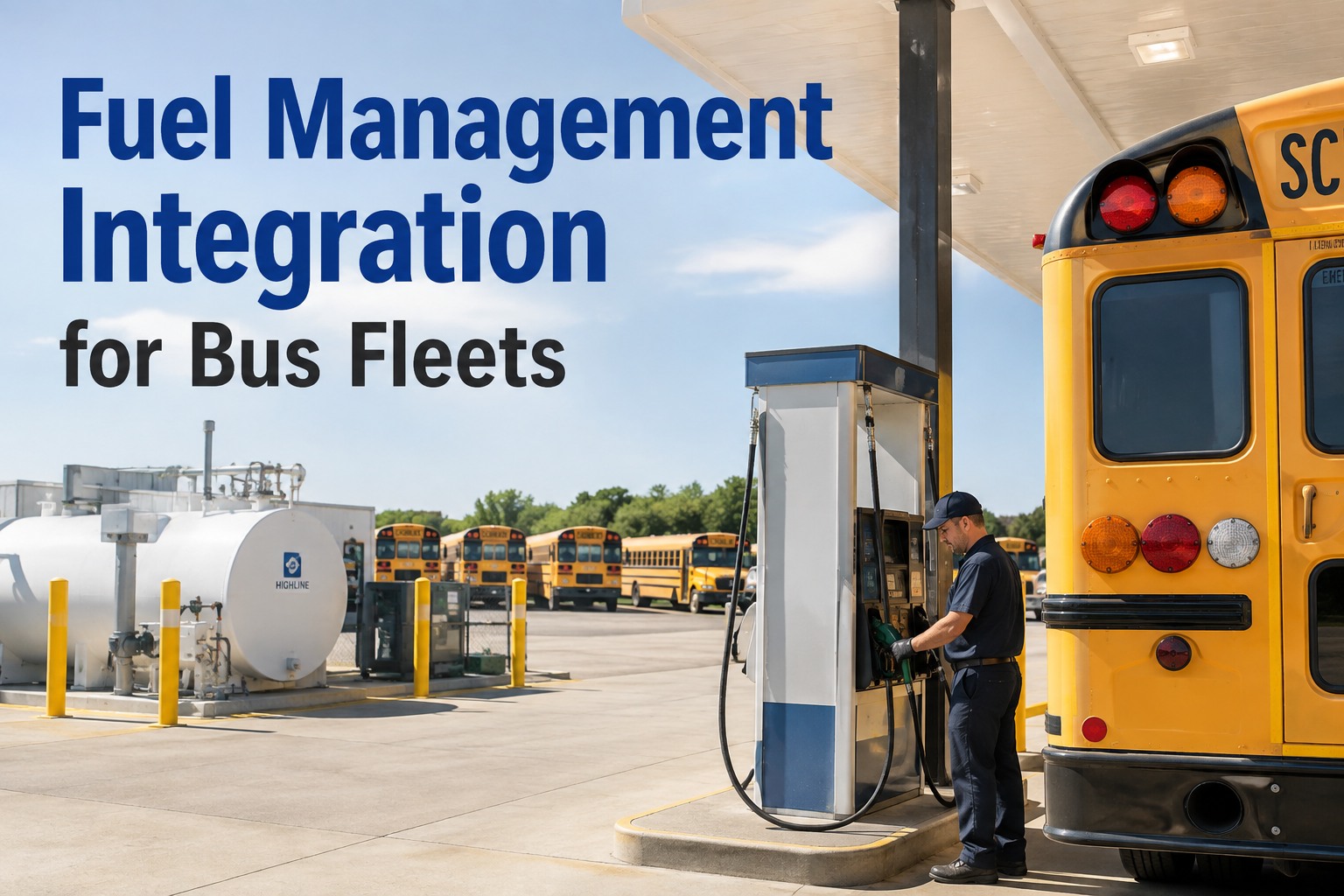
Fuel management integration for bus fleets connects fuel island transactions to the correct bus and its fleet record — capturing gallons, transaction times, dispenser location, and odometer readings automatically instead of reconciling a nightly export against a vehicle spreadsheet the next morning. Done well, a transaction lands on the right bus, contributes to an MPG baseline you can trust, and surfaces anomalies before they become a monthly-report surprise. This bus fuel management integration guide walks the data that flows between systems, the MPG calculation problem most fleets underestimate, six anomaly signals worth watching, and a pilot framework with baseline metrics. Book a walkthrough to see fuel transactions on a live bus record.
Fuel Management Integration for Bus Fleets
A technical integration guide for district IT teams, fleet technology managers, and transportation directors — what fuel data should flow into the fleet system, how MPG tracking actually works, six anomaly signals worth surfacing, and how to pilot the integration on a controlled bus subset.
The Reconciliation Cost of Not Integrating
Ask any transportation office running a 100-bus fleet how fuel data gets into their fleet fuel management software today, and the answer is almost always the same: someone exports a transaction file from the fuel island every Monday, opens it in Excel, matches vehicle IDs against the fleet roster by hand, chases down three unmatched transactions, then uploads a cleaned CSV to the fleet management system. That process eats 8-12 hours a week at scale, and the data is a week stale by the time it lands.
MANUAL (TODAY)
- Export weekly transaction file from fuel island
- Open in Excel, match vehicle IDs against roster
- Chase down 3-5 unmatched transactions
- Correct entries, upload CSV to fleet system
- Manually calculate MPG at month-end
STAFF TIME: 8-12 hours per week
DATA FRESHNESS: Up to a week stale
INTEGRATED
- Fuel transactions flow to fleet system automatically
- Identifier mapping resolves vehicle IDs on ingest
- Unmatched transactions surface as a queue, not a hunt
- MPG calculated per bus continuously
- Anomalies flagged for review as they occur
STAFF TIME: Under 1 hour per week
DATA FRESHNESS: Same-day or better
The staff-time number is worth pausing on. Eight to twelve hours per week is roughly a quarter of one operations person’s time spent on data reconciliation rather than fleet operations. That’s the invisible cost of a disconnected fuel system, and it’s why fuel and maintenance integration typically pays for itself in labor recovered long before the MPG and anomaly signals start generating value. Book a walkthrough to see the automated ingest flow.
MPG Calculation — What Actually Corrupts the Number
The MPG formula is elementary school math: miles driven divided by gallons consumed. In practice, per-bus MPG is one of the hardest fleet fuel tracking metrics to trust because every input can be wrong in a different way. Bus fleet fuel management integration only produces useful MPG if the data survives the four corruption paths below.
- Odometer missingNumerator is zero or unchanged — MPG appears infinite or drops to zero
- Wrong bus IDGallons attributed to wrong vehicle — two buses distorted at once
- Missing transactionDenominator too low — MPG appears artificially high
- Off-yard fuelingEmergency fuel-up at commercial station not captured in fuel island export
This is why so many fleet operations lose faith in the MPG number over time. The math is right; the inputs are inconsistent. A properly designed fuel transaction integration handles each path explicitly — missing odometer readings prompt a review flag, unmatched transactions queue for resolution instead of silently attaching to the wrong bus, and off-yard fuel card fills merge into the same bus record as fuel island transactions. That’s the difference between a monthly MPG report the operations team ignores and a per-bus baseline they can actually manage against. Book a walkthrough to see per-bus MPG tracking in action.
Six Anomaly Signals Worth Surfacing
Once fuel system integration is delivering transactions reliably, anomaly detection becomes possible. The six signals below are the most common patterns fleet operations teams surface. Important: these are review signals, not proof of anything. An off-hours transaction may be a legitimate emergency fill or data-entry error before it’s misuse — treat them as prompts for a look, not verdicts.
- 01
Unusually high fuel volume
Single transaction exceeds tank capacity or historical maximum by a meaningful margin.
- 02
Off-hours fueling
Transactions timestamped outside operational hours, weekends, or holidays with no dispatched activity.
- 03
Abnormal MPG
Per-bus MPG deviates over 20% from that bus’s trailing 90-day average — possible mechanical or operational change.
- 04
Frequency spike
Same bus fueled significantly more often than route mileage would suggest based on tank capacity.
- 05
Location inconsistency
Fuel transaction location inconsistent with vehicle telematics location at the same timestamp, where available.
- 06
Duplicate transactions
Same bus, same dispenser, same timestamp range twice — often integration retries rather than actual duplicates.
The most operationally useful signal is anomaly three — abnormal MPG. A bus running at 7.4 MPG for six months that drops to 5.8 MPG over three weeks isn’t automatically a mechanical problem, but it’s worth an inspection. Dragging brakes, deteriorating fuel injectors, low tire pressure across the drive axle, and cold-weather idling all show up first as MPG drift, weeks before they become a driver complaint or a road call. Book a walkthrough to see anomaly surfacing on real fleet data.
Sources of Truth — Which System Owns What
A bus can be fueled at the yard fuel island, at a commercial station via fuel card integration, or estimated by telematics from tank readings. Each is a data source with different reliability characteristics. Fuel island integration only works when the district decides which system is authoritative for which field — and enforces it consistently.
- DATA FIELDFUEL ISLANDFUEL CARDTELEMATICS
- Gallons dispensedAUTHAUTHEST
- Transaction timestampAUTHAUTH—
- Odometer at fillOPTOPTAUTH
- Vehicle locationYARD—AUTH
- Bus identifierMAPMAPVIN
Read the table row by row. Gallons dispensed comes from the fuel island or fuel card — telematics tank readings are estimates and shouldn’t override the actual metered dispense. Odometer at fill is best from telematics because driver entry at the pump is optional and error-prone. Location comes from telematics; the fuel island only knows “yard.” The canonical identifier is the VIN, resolved from whatever the fuel system uses via a mapping table. Get this decision right up front and the fuel telematics integration architecture nearly writes itself. Sign up free to see the fleet-side of the integration.
Fuel-to-Maintenance — The Diagnostic Path
The operational value of fuel and maintenance integration shows up when an MPG signal becomes a diagnostic starting point rather than a spreadsheet observation. Fuel economy alone is never a diagnosis, but it’s often the first observable indicator something on the bus deserves a look. The path below shows how integration handles that signal.
- 1
Signal surfaces
Bus 2841 running 18% below its trailing 90-day MPG average across last 4 fills. System flags for review.
- 2
Context pulled from bus record
Recent DVIRs, open defects, PM history, and route type reviewed on the same asset timeline before triggering work.
- 3
Likely causes considered
Dragging brakes, injector deterioration, low tire pressure, cold-weather idling, route change, driver change — all plausible.
- 4
Inspection scheduled
Technician runs a focused inspection on the highest-likelihood causes given the season and route profile.
- 5
Work order or resolved-no-action
Repair executed and closed, or investigation logged as no-action with reasoning documented on the asset record.
Notice Step 5 — resolved-no-action is a legitimate outcome. Sometimes MPG drops for operational reasons (route change, cold weather, driver change) with no mechanical cause. Logging the reasoning matters because next time this bus drifts, the technician sees the previous investigation instead of starting from scratch. Every investigation becomes context for the next one. Book a walkthrough to see the diagnostic path on real fleet data.
The Pilot — Measure the Before, Then the After
A 60-90 day pilot on 20-30 buses with the central fueling location connected is the right entry point. The most important discipline: measure the baseline before you turn integration on. Not from memory — actually track reconciliation hours and MPG data completeness for two weeks pre-launch. That’s the only way to defensibly report improvement when the pilot ends.
- METRICMANUAL BASELINEPOST-INTEGRATION TARGET
- Weekly reconciliation hours8-12 hrsUnder 1 hr
- MPG data completenessVariableOver 98%
- Transaction-to-bus match rateManual100% or flagged
- Data freshnessUp to a weekSame day
- Anomalies caught pre-reportZeroAll qualifying signals
- Integration silent-failure detectionN/AWithin 1 hour
That’s the value pattern to look for. BusCMMS approaches fuel management integration for bus fleets as one part of connecting operational and maintenance data around the individual bus asset rather than replacing your fuel island or card system — the fuel systems stay authoritative for dispenser control and payment; the fleet system becomes authoritative for how fuel data affects the bus record and maintenance workflow. Book a walkthrough to scope a pilot on your fuel setup.
This page is fleet-management and integration guidance — not legal, procurement, or fuel-system engineering advice. No single federal mandate requires a specific fuel management integration platform; reference 49 CFR Part 396 where relevant to vehicle maintenance records, and separate federal, state, environmental, and fuel-system requirements from district policy. Verify fuel-island, fuel-card, telematics, protocol, and API compatibility with each vendor before scoping.
What is fuel management integration for bus fleets?
Fuel management integration for bus fleets connects fuel transactions from the fuel island, fuel card provider, or both to the correct bus and its fleet record automatically. Instead of manually reconciling a weekly transaction export against a vehicle roster, the integration captures gallons, transaction times, dispenser location, and available odometer data as transactions occur, ties them to the right bus via identifier mapping, and makes the data available for MPG tracking, anomaly detection, and maintenance workflow.
How does a fuel island system connect to fleet management software?
Connection typically happens through one of four approaches: direct API-to-API integration, event-based webhooks pushing transactions as they occur, a middleware layer normalizing formats and identifier mapping, or scheduled file exchange (nightly or hourly CSV drops). Which fits depends on what the fuel island vendor exposes, IT capacity, and how quickly alerts need to reach the fleet system. Real-time architectures cost more but enable same-day anomaly detection; file-based approaches are cheaper but reporting-oriented.
What fuel data should be imported into a bus fleet system?
Typical fields include vehicle identifier, transaction date and time, gallons dispensed, fuel type, dispenser identifier, location, odometer reading where captured, driver identifier, and transaction status. What’s actually available depends on the specific fuel island system, card provider, and integration method. Some fields (gallons, timestamp) are commonly exposed by all fuel systems; others (odometer at fill, driver identifier) require driver entry at the pump or a separate telematics integration. Verify field-level availability with each vendor before scoping.
How can bus fleets track MPG per bus reliably?
MPG per bus requires reliable data across four inputs: complete fuel transactions (gallons), accurate odometer readings (miles), consistent bus identifier mapping, and capture of off-yard fueling. Missing any one corrupts the calculation. Integration pulls gallons from the authoritative fuel source, odometer from telematics where available, and maps identifiers on ingest — then flags incomplete records for review rather than producing garbage MPG. A trustworthy per-bus baseline typically takes 60-90 days of clean data to establish.
How can fuel data connect to bus maintenance records?
A well-designed integration surfaces qualifying anomalies (MPG drift, unusual volume, off-hours transactions) as review signals attached to the specific bus record, alongside DVIRs, open defects, and PM history. A signal doesn’t diagnose anything on its own — it prompts a look at recent context. If the review supports it, an inspection is scheduled and a work order may result; if not, the review is logged as no-action with reasoning documented so the next drift starts with context. Fuel economy alone is never a definitive diagnosis.