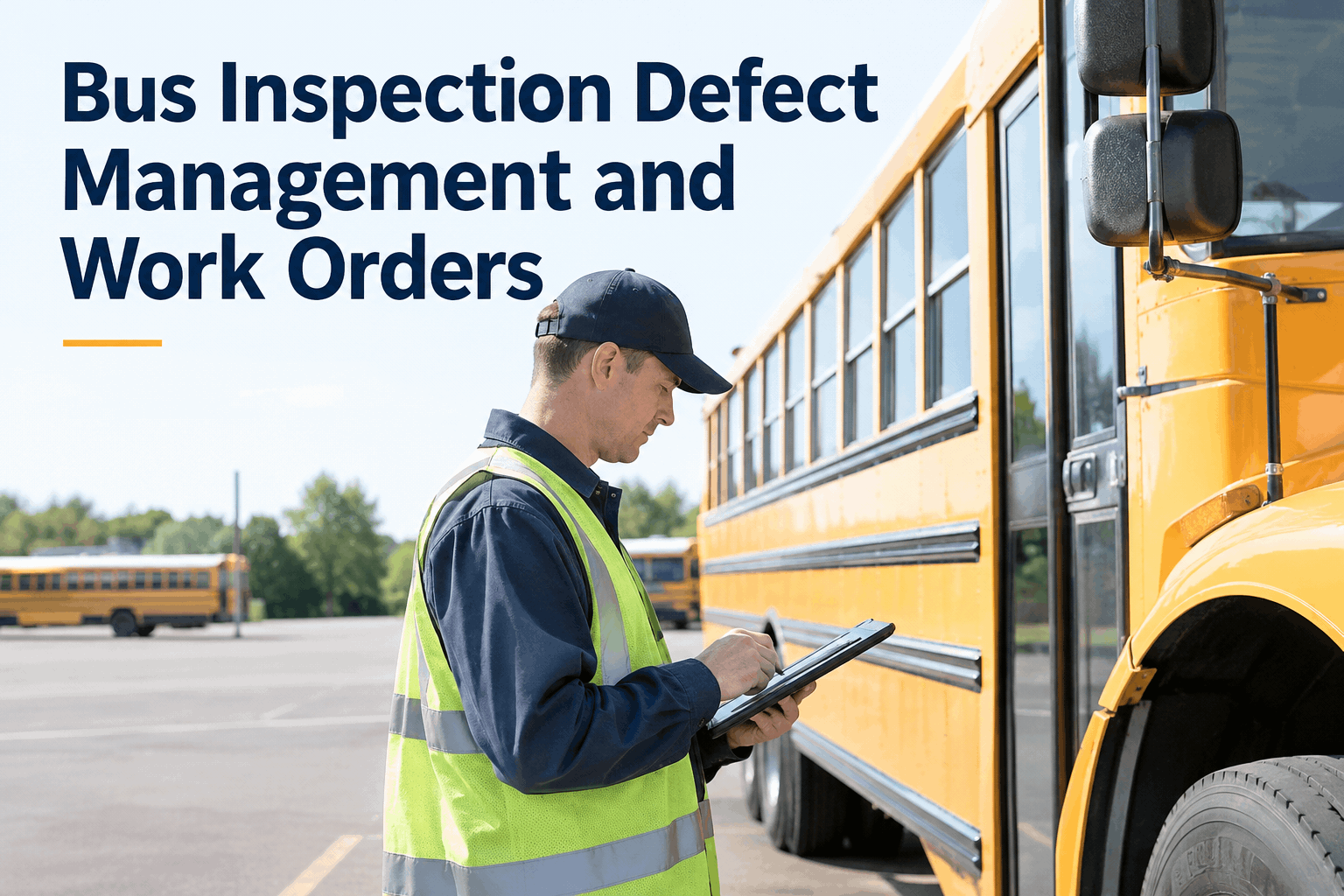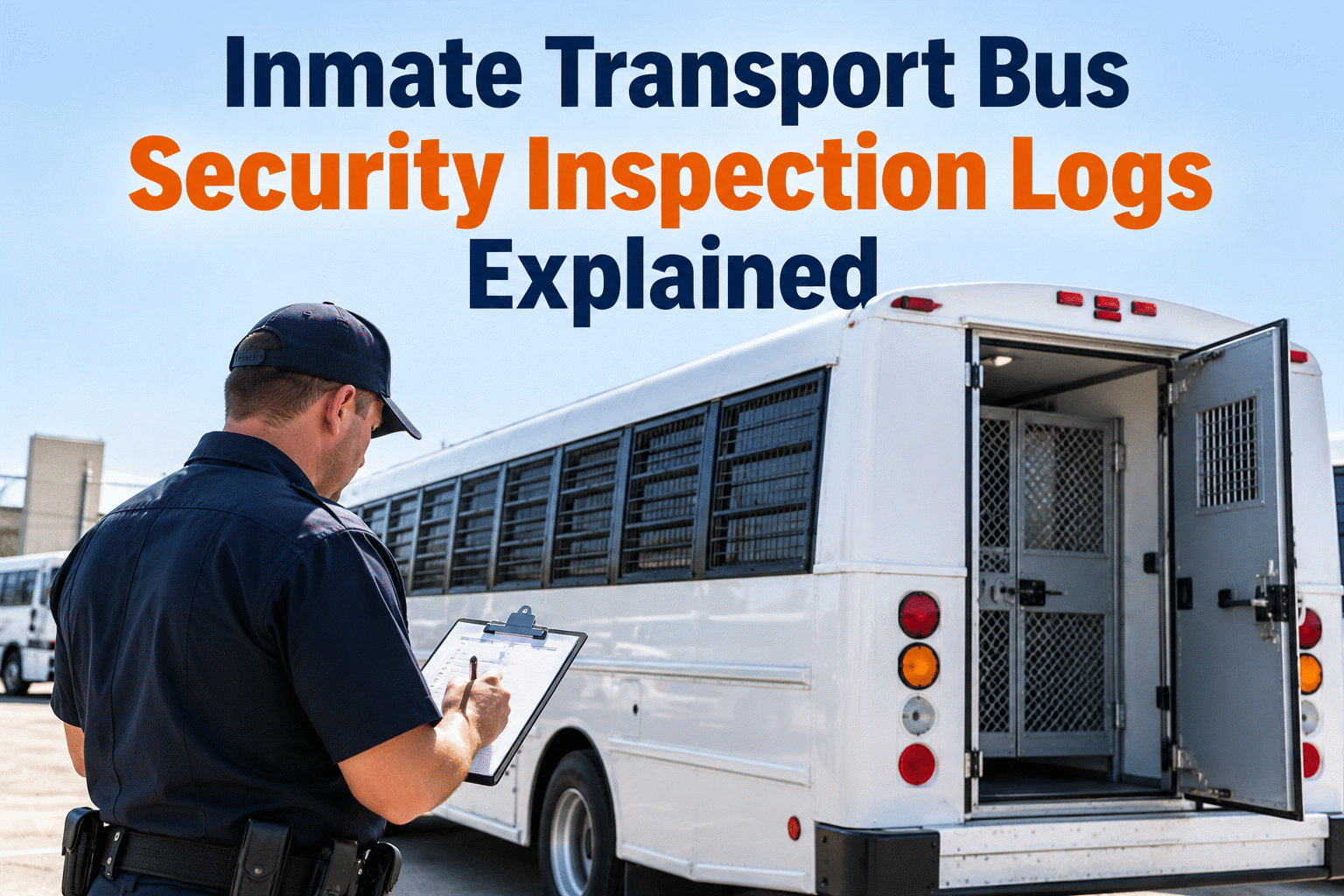
A transport bus can be mechanically roadworthy and still have a security-related defect that requires immediate attention. An inmate transport bus inspection should document vehicle condition, secure-area hardware, observed faults, and the decision to release or hold the vehicle—without relying on memory or loose paper checklists.
Inmate Transport Bus Security Inspection Logs Explained
Build consistent pre-departure checks, record door and partition defects, and give maintenance teams a clear path from inspection to resolution.
A secure transport inspection is more than a standard bus walkaround
Routine fleet checks cover tires, lights, brakes, leaks, and other roadworthiness items. Correctional transport also requires documented attention to security-specific equipment and operational readiness, according to the agency's approved procedures and the vehicle's configuration.
Roadworthiness checks
Capture standard pre-trip findings, safety equipment condition, warning indicators, and defects that could affect safe operation.
Mechanical readinessSecurity hardware checks
Record observable condition of partitions, authorized door controls, latches, secure fittings, and other installed equipment.
Secure transport readinessWant both inspection types in one fleet workflow? Book a demo to discuss bus inspection records with the BusCMMS team.
What should the security inspection log capture?
Use a checklist approved by your correctional agency and vehicle manufacturer. These categories are practical starting points—not a substitute for your facility's security procedures.
Partitions and barriers
Record visible damage, loose fittings, and whether the barrier meets the agency's approved condition criteria.
Door locks and latches
Document functional checks performed under authorized procedures, including irregular operation or damaged hardware.
Windows and interior fittings
Note damaged glazing, loose panels, sharp edges, exposed fasteners, or other observable defects.
Communications and alerts
Record approved communication-equipment checks and any fault indicators requiring follow-up.
Emergency equipment
Confirm the presence and condition of required equipment under applicable policy, without exposing sensitive response procedures.
Final release status
Record who inspected the bus, when, the disposition of defects, and whether an authorized person released it.
For a more consistent daily record, sign up free to explore digital bus inspections and maintenance follow-up.
What a useful digital inspection log looks like
A good record separates the observation from the action. The sample below is illustrative and does not represent an actual BusCMMS screen or a mandated checklist.
| Check area | Finding | Status | Follow-up |
|---|---|---|---|
| Partition fittings | No visible damage | Pass | Record complete |
| Passenger door latch | Operation inconsistent | Defect | Hold; maintenance review |
| Interior fixtures | Secure and intact | Pass | Record complete |
| Communication device | Check completed | Pass | Record complete |
Avoid putting prisoner identities, route details, access credentials, or other sensitive operational information into a general maintenance log unless specifically required and access-controlled.
Turn security inspection findings into accountable maintenance work
See how digital inspections and repair workflows can help your team keep vehicle issues visible until they're resolved.
From failed check to documented vehicle release
Security-related findings need an explicit decision path. Use your agency's authorized escalation and vehicle-release rules; do not treat a completed form as permission to operate a defective bus.
Inspect
Complete approved checks and record the observed condition.
Flag
Identify the defect and notify the responsible supervisor.
Repair
Assign work, document corrective action, and retain supporting notes.
Verify
Recheck the item and document the authorized release decision.
To connect inspections with maintenance follow-up, book a demo of BusCMMS work order workflows.
Make the inspection log useful beyond the day of the trip
Consistent records help managers see recurring defects, coordinate repairs, and retrieve maintenance evidence during internal reviews.
Standardize the required fields
Capture bus ID, inspection type, date and time, inspector, checked components, results, defect descriptions, follow-up owner, and closure status. Add photographs only where authorized and useful.
Protect sensitive information
Use role-based access policies, approved devices, and agency data handling rules. Keep operational security details separate from general fleet maintenance notes where practical.
Review recurring issues
Compare repeat latch, partition, and equipment defects across buses. Use maintenance history to identify components that need deeper review or scheduled replacement.
Define release authority
Make clear who can mark a defect resolved and who may return a vehicle to service. Retain the inspection and repair trail according to applicable agency policies.
Need a central view of vehicle history? Sign up free to explore BusCMMS fleet records.
A five-point setup checklist for fleet managers
Approve the checklist. Align each security item with agency policy and the actual bus configuration.
Set defect categories. Define escalation, hold decisions, and authorized review for safety- or security-related findings.
Assign responsibilities. Identify who inspects, receives defects, performs repairs, and approves release.
Connect maintenance records. Link inspection findings to repair history and work orders where supported.
Audit completion. Review missing inspections, open defects, repeated failures, and closed repair evidence.
For help evaluating a digital workflow, book a demo focused on transport bus inspections.
Give every transport bus inspection a clear next step
Bring inspection findings, maintenance tasks, and fleet history into a more organized workflow with BusCMMS.
Inmate transport bus inspection FAQs
What is an inmate transport bus security inspection?
It is an agency-defined inspection of installed security-related vehicle equipment and conditions, alongside normal vehicle safety checks. The exact checklist depends on the vehicle configuration and approved operating procedures.
Which items belong in a transport bus security inspection log?
Common categories include partitions, doors and latches, interior fixtures, communications equipment, defects, inspector identification, and the vehicle's release or hold status. Follow agency-approved checklists.
How often should these inspections be performed?
Follow applicable law, agency policy, contract requirements, and manufacturer instructions. Pre-departure checks are often operationally useful, but there is no single universal schedule that fits every correctional transport fleet.
What should happen when a door or partition defect is found?
Record the observation, notify the authorized supervisor, apply the agency's hold or escalation procedure, document corrective work, and obtain the required verification before vehicle release.
Can BusCMMS help manage transport bus inspection records?
BusCMMS supports bus-oriented digital inspection and maintenance workflows. Ask the team to confirm the checklist configuration, permissions, and reporting capabilities needed for your agency's security-specific processes.