Strong bus insurance video evidence is not just the clip of the impact. It is the original footage preserved before the system overwrites it, with enough before-and-after context to show what actually happened, corroborated by the timestamp, GPS, route and vehicle records, and packaged so an adjuster can evaluate the incident without a single follow-up call. This guide walks that workflow: what counts as evidence, what an adjuster actually needs, how to preserve the original without breaking its integrity, and how to build a claim package that moves. It is general operational guidance, not legal advice; always follow your insurer's claim instructions and your own policy, retention and privacy rules. If you would rather see the workflow than build it from scratch, book a demo and we will assemble a sample claim package with you.
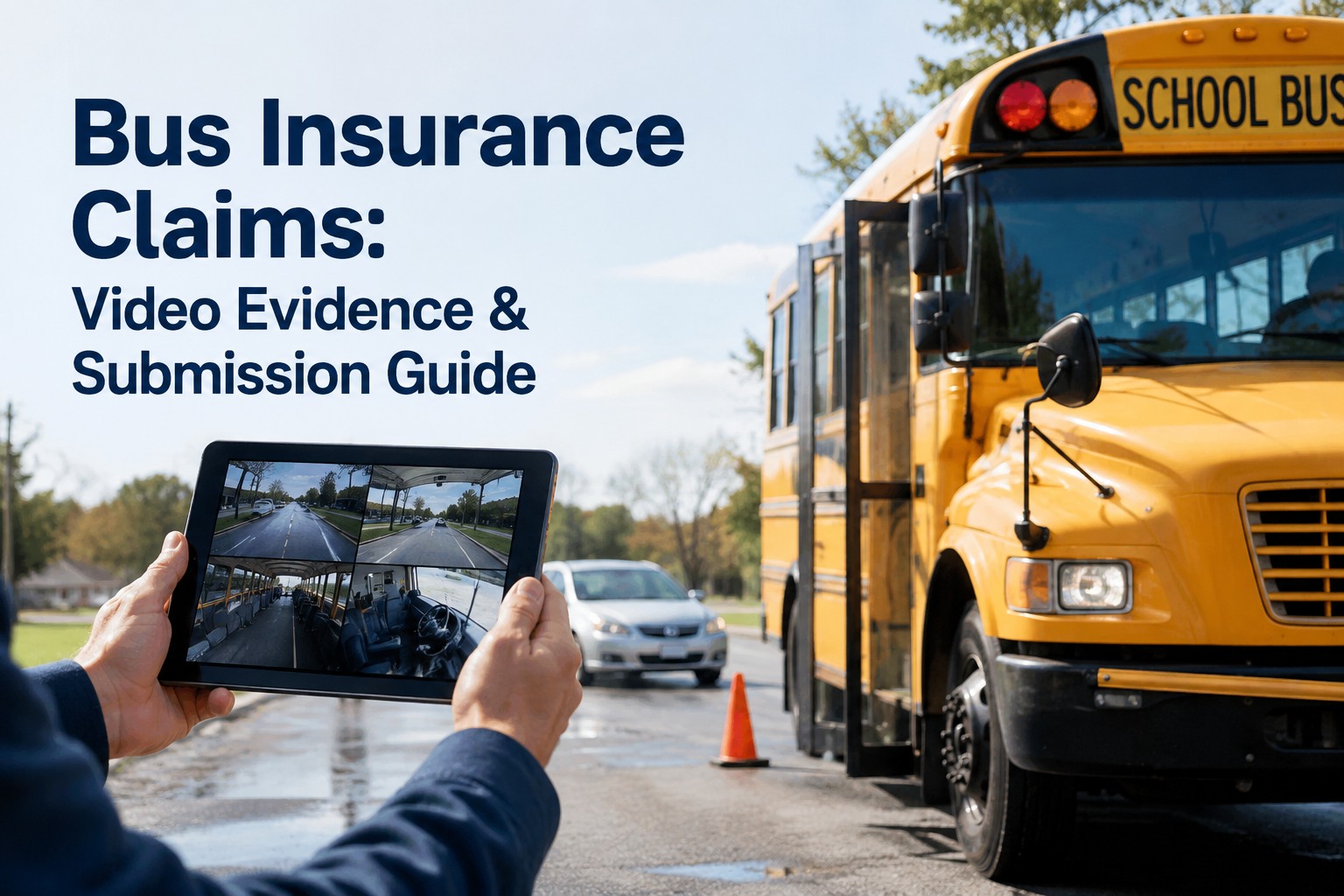
Bus Insurance Claims: Video Evidence & Submission Guide
Preserve the footage, corroborate the timestamp, and hand the adjuster a complete package, so a defensible claim does not turn into a negotiation over what the video does not show.
- Rolling footage overwritesoften 30 - 72 hrs
- Adjuster wants a complete packetnot scattered clips
- Original must stay uneditedor it gets challenged
What Counts as Bus Insurance Video Evidence
A bus generates more evidence sources than an ordinary vehicle, and an adjuster weighs them differently. Split them into primary video, the footage that shows the event itself, and corroborating operational data, the records that prove the video is authentic and fill in context. The strongest claims pair the two.
- Forward-facing road view
- Interior passenger cabin
- Side and rear channels
- Driver-facing, where appropriate
- Event-triggered clips
- Continuous surrounding footage
- GPS location & speed
- Telematics trip data
- Route & vehicle assignment
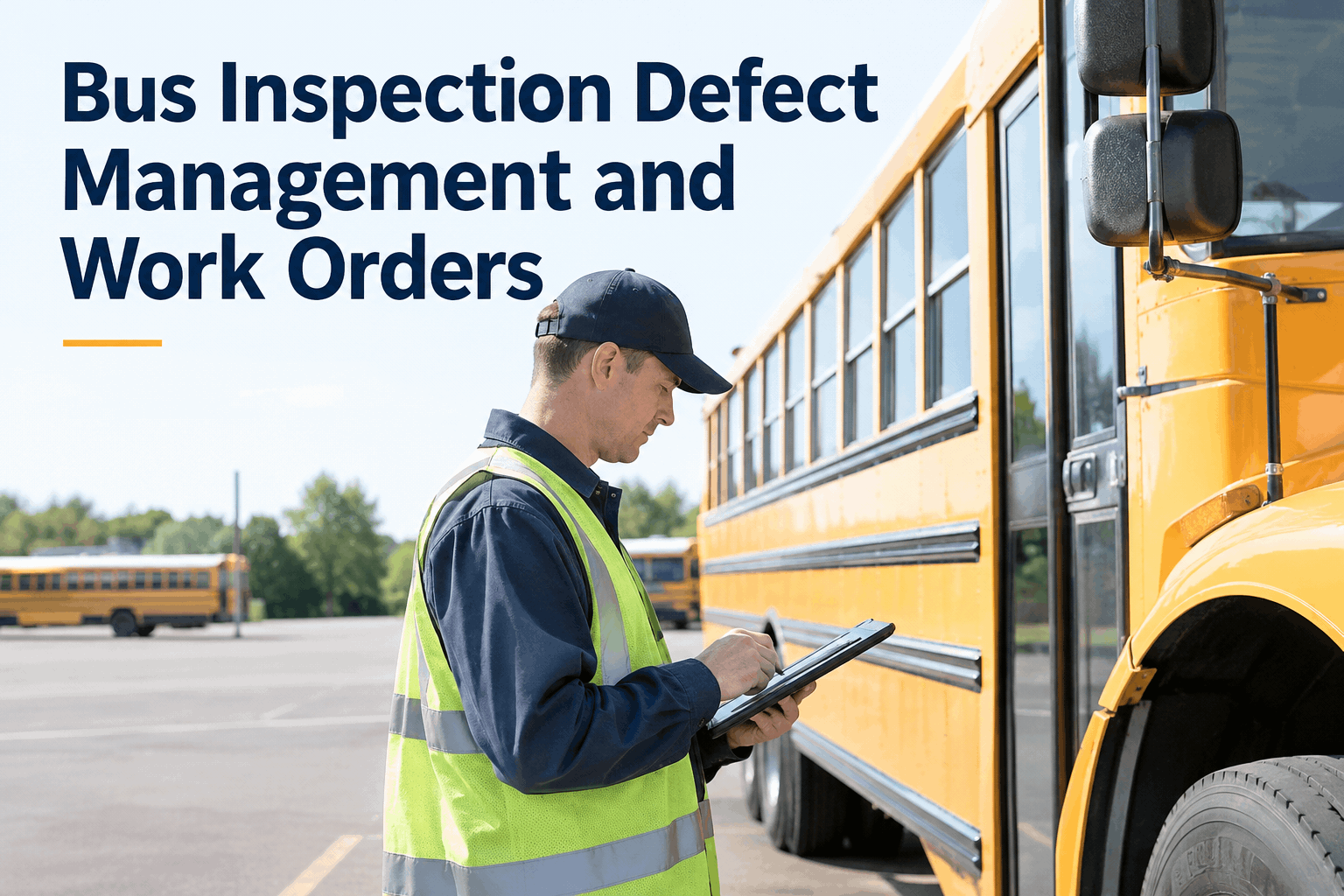
- DVIR & inspection status
- Maintenance history
- Incident report
Video alone leaves ambiguity; documentation alone leaves it to interpretation. Video plus a complete operational record is the strongest combination an adjuster can receive, because each piece verifies the other. The forward camera shows the light was red; the GPS shows the speed; the DVIR shows the brakes were in order that morning. Book a demo to see video events sitting next to GPS, DVIR and maintenance records on one bus.
What an Adjuster Actually Needs
Requirements vary by insurer and policy, so follow your carrier's instructions first. But across almost every bus claim, an adjuster is trying to answer the same questions, and a package that answers them up front moves without a back-and-forth. Give them these, and you have pre-empted most of the follow-up.
- Date, time & locationWhen and where, corroborated against the footage timestamp.
- Bus / unit number & routeThe exact vehicle and trip, plus direction of travel.
- Relevant camera channelsWhich cameras captured the event, with footage before and after.
- Incident descriptionA factual account of what happened, kept separate from conclusions.
- Driver & inspection statusWho was driving and whether the bus passed its checks.
- Maintenance & witnessesRelevant service history and any witness information.
Notice how much of that is not video. The clip is the centerpiece, but the adjuster's confidence comes from the surrounding record that makes the clip verifiable and complete. A fleet that submits the video with the unit number, the GPS trace and the morning's DVIR attached is handing over a claim that is hard to dispute. Book a demo to see an adjuster-ready package assembled from one bus record.
Preserve the Footage Immediately
This is the step that decides whether you have a claim at all. Most bus camera systems record on a rolling loop and overwrite old footage automatically, sometimes within a day or two. Event-lock features that save a clip on impact help, but they are not foolproof: they can lock the wrong segment, capture only a few seconds, or fail to trigger. So the moment an incident is identified, preserve the relevant footage manually before anything overwrites it.
- 1Save the original before it loops
- 2Preserve the native file, unedited
- 3Record who preserved it and when
- 4Back it up to a second location
Preserving footage does not commit you to anything or admit anything; it simply stops the clock so the evidence still exists when the claim develops. Do not rely on the camera to hold it for you, and do not wait for the insurer to ask, because by the time the request arrives the loop may already have erased it. Book a demo to see a one-click preservation hold on an incident trip.
How Much Video to Keep: Context Beats the Impact Frame
The instinct is to save the collision and nothing else. That instinct loses claims. An impact-only clip invites the exact question you cannot then answer: what happened in the seconds before, and what did you cut out? The footage before and after the event is where speed, traffic conditions, signal state, driver actions and passenger context all live, and those are what an adjuster uses to establish fault.
The right move is not to trim the video down, it is to preserve the full original clip and separately note the timestamp where the key moment occurs. That gives the adjuster context and a fast path to the important part, without you ever cutting the evidence. Book a demo to see full-context clips preserved with an event timestamp marked.
Timestamp, GPS and Vehicle Data
A video is far stronger when its timestamp lines up with independent data. Adjusters and investigators check authenticity by cross-referencing the footage against GPS coordinates, speed, route, vehicle assignment, telematics and inspection records. When those all agree, the video is hard to dispute. When the camera clock is off by ten minutes and nothing corroborates it, the whole timeline gets questioned.
Chain of Custody: Preserve the Original, Review a Copy
This is the principle that keeps evidence admissible: the original recording stays untouched, and anyone who needs to review or share it works from a copy. Courts and insurers view any editing of the original, however minor, with suspicion, and if there is doubt the footage was altered after the incident, it can be challenged or thrown out entirely. The fix is simple to state and easy to get wrong.
Preserved in its native format, never edited, trimmed or re-encoded. This is the evidence.
A copy you can clip, annotate or share for review. The original stays intact behind it.
- Document every export and who made it
- Log who accessed the footage and when
- Avoid unnecessary editing of any kind
- Keep a clear chronology from capture to submission
That access and export log is the documented, unbroken trail investigators call chain of custody, and it is what turns "trust us" into a record. A system that records who viewed or exported footage builds that trail automatically, which is far more defensible than a shared drive nobody tracks. Book a demo to see automatic access and export logging on every clip.
Privacy and Student Information
School bus footage almost always shows students, and other people, who are not part of the claim. Before footage leaves an authorized process, consider applicable privacy requirements, your district or company policy, and state law. This is not a reason to withhold evidence from your insurer, it is a reason to route it correctly rather than emailing a raw clip around.
The practical safeguard is the same as for any sensitive footage: preserve the original the moment the incident is identified, then decide disclosure through the correct process, so the evidence still exists whichever way the claim and privacy questions resolve. Book a demo to see school footage preserved with role-based access and a view log.
When the Claim Involves Driver Behavior
Video can show what a driver did, and that is exactly why it has to be handled with discipline: separate the factual evidence from the conclusion. The footage shows a hard brake and a lane change. Whether that was avoidable, reasonable or negligent is a judgment for the adjuster and the investigation, not a label you attach in the incident report.
There is also a second, quieter use for the same clip. An insurance event often reveals a coaching opportunity, and treating it that way, rather than assuming every claim is driver misconduct, is both fairer and more useful. The same footage that supports the claim can feed a driver coaching session you can see in a demo, closing the loop from incident to prevention. Keep the two tracks distinct: the claim gets facts, the safety program gets the lesson. Sign up free and keep incident evidence and coaching notes on one record.
Worked Example: A School Bus Sideswipe, Start to Package
A car clips the side of a bus on a morning run and drives off. The parent of a shaken student calls, and the other driver's insurer later disputes fault. Here is the same incident run through the workflow. Data is illustrative.
- 1
Incident identified
Driver reports a side contact on Route 5, AM run, near Oak & 3rd. Bus continues safely to school.
- 2
Footage preserved same morning
Side and forward channels saved before the loop overwrites. Native files, unedited, backed up.
- 3
Timestamp corroborated
Camera clock matches GPS: bus at 18 mph, in-lane, at the recorded time and location.
- 4
Records gathered
That day's DVIR (pass), recent brake service, driver assignment and the incident report pulled together.
- 5
Package assembled
Original preserved; working clip with the contact timestamp, GPS trace, unit and route, records attached.
- 6
Submitted & followed up
Sent per the insurer's instructions. The other side's fault dispute closes fast against the corroborated video.
The side footage plus the matching GPS speed did the work: the bus was in its lane at a documented speed, and the timeline held up. A fleet that had only the impact frame, or footage that had already overwritten, would have been negotiating instead. Book a demo to see an incident move from report to submitted package.
The Claim Submission Checklist
Use this as the last pass before anything goes to the insurer. It is not a substitute for your carrier's own requirements, it is what makes sure you have not left an obvious gap that turns a clean claim into a negotiation. Send only what is appropriate for the claim, and protect sensitive information.
- Incident details: date, time, location, direction
- Original footage preserved and backed up
- Camera channels and identifiers noted
- Timestamp verified against GPS and route
- Bus unit number and vehicle information
- Driver information and inspection status
- Incident report, factual and separate from conclusions
- Relevant maintenance records where applicable
- Witness information where appropriate
- Insurer-specific submission requirements met
The difference between a claim that clears and one that drags is usually right here: a complete, corroborated, well-organized package versus a lone clip sent days later. Book a demo to see this checklist auto-populate from one bus record, or sign up free and build your next claim package from a single bus record.
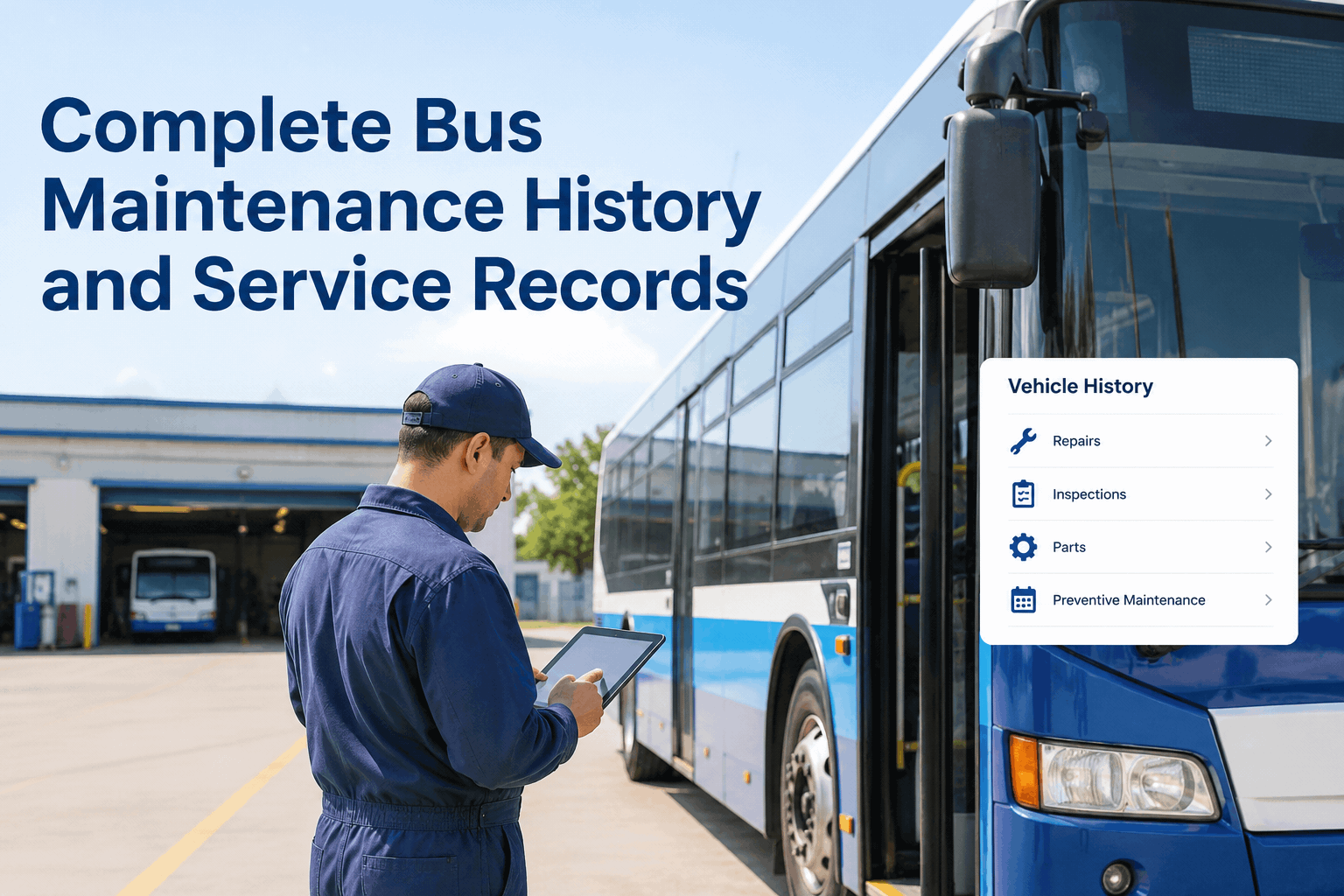
Connect the Video to Maintenance Records
When an incident involves vehicle condition, an investigation gets stronger, and faster, when the inspection, defect and maintenance history sits alongside the footage. If a claim turns on whether the brakes worked, the DVIRs, defect logs, work orders and parts records are the operational context that answers it. To be clear, no federal regulation requires video evidence for an insurance claim; this is about giving the reviewer a complete chronological picture, not meeting a mandate.
- DVIRsThe driver's daily checks around the incident date.
- Defects & work ordersWhat was flagged, and whether it was repaired.
- Parts & service historyRecent work on the systems the claim touches.
- Video event timelineThe footage placed in the bus's full operational history.
The point is not to hand the insurer everything; it is that when the question is "was the bus in proper working order," you can answer it in minutes with records instead of scrambling to reconstruct a service history from paper. Book a demo to see a camera event on the same timeline as DVIRs and work orders.
AI Triage and Using Video After the Claim
AI video detection is useful at the front of this process for one thing: finding the event fast. It can flag potential collisions, harsh braking, unsafe maneuvers and pedestrian-proximity events for a human to review, which is exactly the speed you need against the overwrite clock. What it must not do is decide fault. AI assists evidence discovery and prioritization; it does not determine insurance liability, and every flagged event still gets human review.
After the claim closes, the validated incident data has a second life. Without touching the preserved original, a fleet can use what it learned to spot recurring safety risks, feed driver coaching you can preview in a demo, review problem routes and tighten preventive maintenance. The incident that cost you a claim becomes the data that prevents the next one, as long as the original evidence stays untouched. Book a demo to see AI-flagged events feed both the claim and the safety review.
Turn Every Incident Into a Claim You Can Win
A shared drive and a camera portal work while a fleet is small and incidents are rare. They stop working when the clip lives in the vendor's cloud, the GPS in the telematics tool, the DVIR in a binder and the incident report in email, so that assembling one claim means chasing four systems against a clock that is erasing the evidence.
- Video eventsPreserved & timestamped
- GPS & routeCorroborates the clip
- DVIRs & work ordersProves vehicle condition
- Access & export logChain of custody, built in
That is the BusCMMS difference. In BusCMMS, a camera event lands on the same chronological record as the bus's inspections, defects, repairs and GPS history, and every photo and clip carries time, date, location and device metadata, with access and exports logged. Authorized staff reconstruct an incident and assemble supporting documentation without chasing separate systems. BusCMMS does not determine coverage, liability or claim outcomes, those stay with your insurer, but it puts the evidence in one defensible place. Industry research cited by BusCMMS finds 91% of fleet managers have used dash cam footage to exonerate a driver, and a single exonerated not-at-fault claim commonly saves $5,000 to $25,000.
Bus insurance video evidence wins claims when the original is preserved fast and intact, the footage carries enough context to tell the whole story, the timestamp is corroborated, and the package arrives complete. Build that as a repeatable workflow rather than a scramble, and the incident that could have become a costly dispute becomes a claim that clears. Sign up free and preserve your next incident as a complete evidence package, or book a demo to see the full incident-to-submission workflow on your fleet.
What video evidence is needed for a bus insurance claim?
Preserve the original footage from the relevant cameras, forward-facing, interior, and side or rear channels as applicable, with enough footage before and after the event to show context. Pair it with corroborating operational data: GPS location and speed, route and vehicle assignment, the timestamp, the driver and inspection status, relevant maintenance records, a factual incident report and any witness information. Exact requirements vary by insurer and policy, so follow your carrier's claim instructions, but video plus a complete operational record is the strongest combination.
How long should bus camera footage be preserved after an accident?
Preserve it immediately, do not wait. Most bus camera systems record on a rolling loop and overwrite old footage automatically, sometimes within a day or two, so relevant footage can be lost within days if nobody saves it. Event-lock features help but are not foolproof. As soon as an incident is identified, save the original file before it overwrites, back it up, and record who preserved it and when. Keep the preserved evidence at least as long as your policy, retention rules and any active claim or litigation require.
Can bus camera footage be used for an insurance claim?
Yes, and it is often the most persuasive evidence because it is objective. Its value depends on preservation and integrity: keep the original unedited, retain enough before-and-after context, corroborate the timestamp with GPS and route data, and document who accessed or exported it. Editing the original, even trimming to the impact, can invite challenges to authenticity. On school footage, also handle student-privacy requirements through authorized channels. Follow your insurer's submission instructions for format and delivery.
What should be included in a school bus insurance claim?
A complete package typically includes an incident summary, the preserved original footage and a working clip with the event timestamp noted, the bus unit number and route, location and direction of travel, timestamp verification against GPS, driver information and inspection status, relevant maintenance history, a factual incident report kept separate from conclusions, and witness information where appropriate. Send only what is appropriate for the claim, protect sensitive and student information, and meet your insurer's specific submission requirements.
How do you preserve bus video evidence and maintain chain of custody?
Preserve the original recording in its native format and never edit it. If you need to clip or annotate for review, work from a copy so the original stays intact. Document every export and who made it, log who accessed the footage and when, avoid unnecessary editing, and keep a clear chronology from capture through submission. That documented, unbroken trail is the chain of custody, and it is what lets an insurer or court trust the footage is authentic and unaltered. A system that logs access and exports automatically makes this far more defensible than an untracked shared drive.