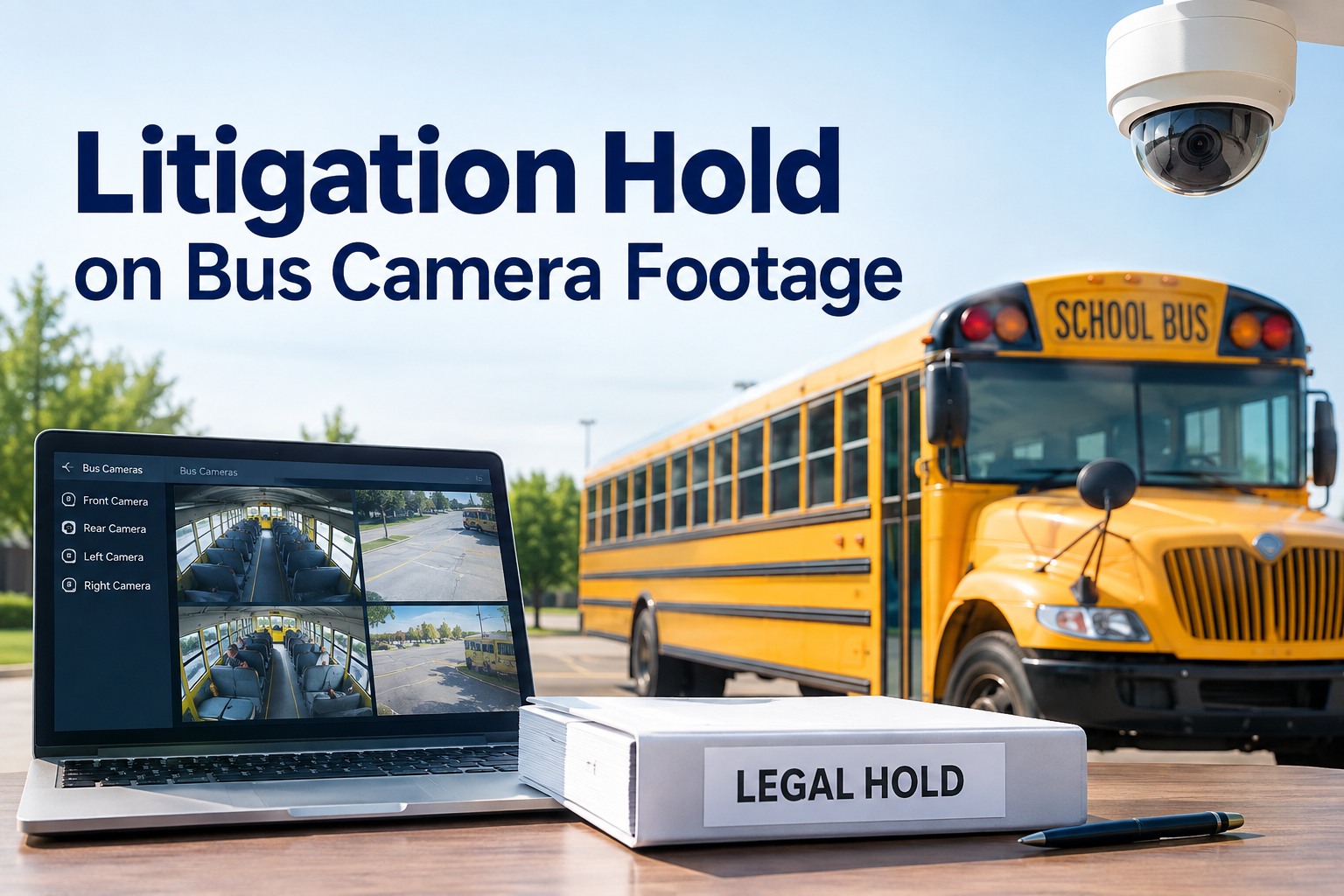
The moment a district reasonably anticipates litigation involving a bus, the clock is already running — because most camera systems overwrite footage automatically on a fixed cycle. A litigation hold stops that clip from being deleted before it becomes evidence. Miss the window and the lost footage can expose the district to spoliation claims. Here's how a litigation hold on bus video works and how to preserve footage the right way.
Litigation Holds on Bus Camera Footage
Preserve relevant bus video before automatic deletion, navigate FERPA and public-records duties, and reduce spoliation risk — with footage held to the right bus record in BusCMMS.
- ClockRetention vs. the hold
- 6 stepHold checklist
- PreserveBefore overwrite
What a Litigation Hold Is — and Why Timing Is Everything
A litigation hold (or legal hold) is a directive to preserve potentially relevant information once litigation is reasonably anticipated — suspending the routine deletion that would otherwise destroy it. For bus video, that "routine deletion" is the automatic overwrite cycle every camera system runs, which makes footage uniquely time-sensitive.
That's the problem in one sentence: the evidence deletes itself on a schedule. A paper record sits in a file until someone shreds it; a bus clip vanishes on its own, often within days or weeks. So the moment a district anticipates a claim — an injury, an incident, a complaint — preserving the relevant footage becomes urgent. See how footage is preserved against a bus record in a walkthrough of evidence preservation.
Spoliation: The Risk of Getting It Wrong
Spoliation is the loss or destruction of relevant evidence when you had a duty to preserve it. With bus video, it usually isn't malicious — it's a clip that overwrote on schedule because nobody placed a hold in time. But the consequences can land the same either way.
Adverse inferences
A court may allow the jury to assume lost footage would have hurt the district's case — the missing clip becomes evidence against you.
Sanctions & cost
Spoliation can bring court sanctions and added legal expense, turning a manageable matter into a far more damaging one.
Credibility damage
Losing evidence you were obligated to keep undermines the district's credibility with the court, the board, and the public.
"We didn't mean to" isn't a defence
Automatic overwrite is foreseeable. Once a duty to preserve attaches, letting the system delete on schedule is generally not an excuse.
The takeaway isn't to panic — it's to act fast and document it. The districts that get burned are the ones whose footage quietly overwrote while a hold sat un-issued. A system that lets you preserve a specific clip the instant a matter arises is the practical defence against that, and it's exactly what starting free to see clip preservation demonstrates.
The Litigation-Hold Checklist for Bus Video
When a matter arises, a clear sequence protects the footage and the district. Work these steps with your counsel — the order matters because the clock is running.
Identify the trigger
Recognise when litigation is reasonably anticipated — an injury, a serious incident, a claim or complaint — and treat that as the moment the duty may attach.
Act before the overwrite
Because footage auto-deletes, preserving the relevant clip is the first practical move — before the retention cycle reaches it.
Scope the footage
Identify which bus, which date and time, which cameras and channels — so you preserve everything relevant, not just the obvious angle.
Preserve to a safe copy
Copy the footage out of the overwrite cycle to a preserved store — a live glance or an expiring link isn't preservation.
Document the chain
Record when the clip was captured, preserved, and accessed, and by whom — the handling record that supports the footage's integrity.
Notify & coordinate
Loop in counsel and records staff, and ensure the hold covers everyone who could otherwise let the footage lapse.
The single most important step is number two. Everything else can be organised at a reasonable pace, but the preservation of the clip is a race against a system that deletes on its own. A platform that lets you flag and preserve a specific bus's footage in seconds is what makes the rest of the checklist possible — and it's what a demo shows on your own fleet.
Competing Duties: Preserve, FERPA, and Public Records
Bus video sits at the intersection of three obligations that can pull in different directions. A good process holds all three at once — you don't get to ignore one because another is urgent.
Duty to preserve
Once litigation is anticipated, relevant footage must be protected from the overwrite cycle. This is the urgent, time-sensitive one.
FERPA, where it applies
If footage constitutes a student education record, FERPA (20 U.S.C. 1232g) considerations shape who may access it and how it's disclosed — preservation doesn't override privacy rules.
Public-records & state law
State public-records and privacy laws govern requests, disclosure, and retention. What must be produced — and what's protected — varies by state.
The tension is real: you may need to preserve a clip for litigation while protecting the students in it under FERPA and responding to a public-records request — all under rules that differ by jurisdiction. That's why this is a counsel-led process, and why the platform's job is to make footage preservable and access-controlled, not to make legal calls. No single federal rule resolves all three; your legal team decides how they interact.
Retention Schedules: Your First Line of Defence
Most preservation failures trace back to one thing: nobody knew when the footage was going to overwrite. A clear, documented retention schedule — and a system that respects it — is what turns a frantic scramble into a controlled response.
Know your overwrite window
Document exactly how long footage lives before deletion, per system. You can't beat a clock you can't see.
Set a written policy
A retention schedule your legal team signs off on — consistent, defensible, and applied the same way every time.
Preserve overrides delete
When a clip is flagged for a hold, it must be exempt from the overwrite cycle until released — preservation has to beat automation.
Track access
Log who viewed or exported preserved footage, so the chain of custody and privacy compliance both hold up.
A retention schedule isn't bureaucracy — it's the framework that makes a litigation hold executable. When you know the overwrite window, apply the policy consistently, and can flag a clip to override deletion, a legal hold becomes a routine action instead of an emergency.
How BusCMMS Supports Evidence Preservation
BusCMMS isn't legal counsel — it's the operational layer that makes preservation possible and defensible. When a matter arises, the tooling should help you act before the clock runs out. Here's how it fits.
Preserve against overwrite
Flag a specific bus's footage so it's held out of the routine overwrite cycle until released — preservation that beats automation.
Tied to the bus record
Footage, the incident, and its context sit on one bus record — so scoping the right clip by bus, date, and camera is fast, not a hunt.
Access & retention control
Role-based access and a defined retention schedule help you apply your policy and support chain-of-custody and privacy compliance.
Hardware-agnostic
Works with the cameras and MDVRs you already run, so preservation fits your existing setup without a hardware swap.
That's the role BusCMMS plays. The AI-native, hardware-agnostic platform keeps camera events tied to the bus record, lets you preserve a specific clip against the overwrite cycle, and supports access control and retention — so when a matter arises, the footage survives while counsel makes the legal decisions. It's an operational tool, not legal advice, and your counsel and records team lead every actual hold. To see preservation on your fleet, book a walkthrough of evidence preservation.
The Bottom Line on Litigation Holds for Bus Video
Bus footage is unique evidence because it deletes itself. The moment litigation is reasonably anticipated, a litigation hold has to beat the retention cycle to the clip — and failing to preserve relevant footage can expose the district to spoliation, adverse inferences, and sanctions. Speed and documentation are everything.
Know your overwrite window, follow a clear hold checklist, hold FERPA and public-records duties alongside the duty to preserve, and use a system that can flag a clip out of the delete cycle in seconds. That's how you protect both the evidence and the district — and it's what BusCMMS is built to support. To make preservation routine instead of a scramble, start free, and work every actual matter with your district counsel and records team.
What is a litigation hold on bus camera footage?
A litigation hold, also called a legal hold, is a directive to preserve potentially relevant information once litigation is reasonably anticipated, suspending the routine deletion that would otherwise destroy it. For bus video this is uniquely urgent because camera systems overwrite footage automatically on a fixed retention cycle, often within days or weeks. So the moment a district reasonably anticipates a claim, preserving the relevant clip becomes time-sensitive rather than routine. This is general information, not legal advice; work with your district counsel on any actual matter.
What is spoliation and why does it matter for bus video?
Spoliation is the loss or destruction of relevant evidence when you had a duty to preserve it. With bus video it usually isn't malicious; it's a clip that overwrote on its normal schedule because nobody placed a hold in time. The consequences can still be serious: a court may allow adverse inferences (letting a jury assume the lost footage would have hurt your case), impose sanctions and added cost, and the loss can damage the district's credibility. Because automatic overwrite is foreseeable, letting the system delete on schedule after a duty to preserve attaches is generally not a defence.
How do you preserve bus footage before it auto-deletes?
Act on the trigger fast and follow a clear sequence: recognise when litigation is reasonably anticipated, preserve the relevant clip before the overwrite cycle reaches it, scope which bus, date, time, and cameras are involved, copy the footage to a preserved store out of the delete cycle, document the chain of custody (when it was captured, preserved, and accessed, and by whom), and notify counsel and records staff. The most important step is preserving the clip early, because it is a race against a system that deletes on its own. A platform that can flag a specific bus's footage out of the overwrite cycle in seconds makes this executable.
How do FERPA and public-records laws affect preserving bus video?
Bus video can sit at the intersection of three duties. The duty to preserve requires protecting relevant footage from overwrite once litigation is anticipated. FERPA (20 U.S.C. 1232g) may apply where footage constitutes a student education record, shaping who can access it and how it is disclosed, so preservation does not override student-privacy rules. And state public-records and privacy laws govern what must be produced and what is protected, varying by state. These can pull in different directions at once, which is why it is a counsel-led process; there is no single federal rule that resolves all three, so your legal team decides how they interact for your matter.
How does BusCMMS help with litigation holds?
BusCMMS is an operational tool, not legal counsel. It keeps camera events tied to the bus record so you can scope the right clip by bus, date, and camera quickly, lets you flag a specific bus's footage so it is held out of the routine overwrite cycle until released, and supports role-based access and a defined retention schedule that help with chain of custody and privacy compliance. Because it is hardware-agnostic, it works with the cameras and MDVRs you already run. It does not make legal decisions; your district counsel and records team lead every actual hold, while the platform helps ensure the footage survives while they do.