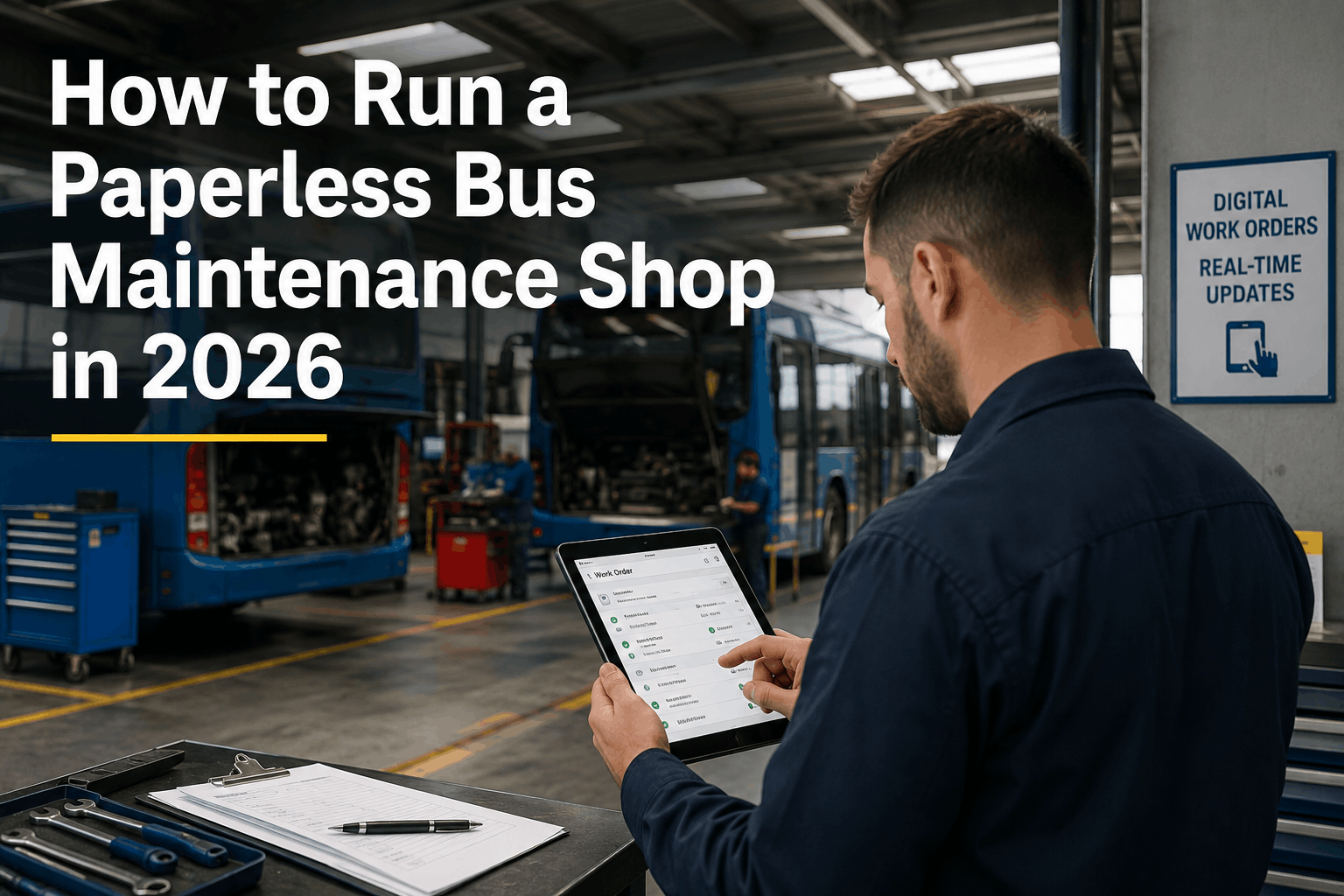
The bus maintenance shop clipboard is one of the last places in fleet operations where the year 2026 still looks like 1996. Paper work orders get handed to technicians who write what they can read, file what they remember, and lose what slips behind the bench. Parts requests go to the counter verbally and get forgotten. PM checklists get initialed without being completed. Supervisors spend the first thirty minutes of every shift finding out where jobs stand. The cost of this is not just inefficiency -- it is compounding risk: missed repairs, broken compliance trails, and a team that cannot collaborate because nobody can see what anyone else is doing. Going paperless is not about replacing paper with a digital version of the same broken process. It is about building a shop workflow where work orders assign themselves from inspections, technicians carry their entire job queue on a phone, parts requests trigger from the shop floor, and supervisors see real-time job status without asking. BusCMMS is built specifically for bus fleet maintenance teams. From digital work order generation from driver DVIRs to mobile technician sign-off with photo capture, every paperless workflow in this guide is live in BusCMMS on day one. This is the complete 2026 guide to running a fully paperless bus maintenance shop -- including the change management steps that get resistant technicians on board without a fight.
How to Run a Fully Paperless Bus Maintenance Shop in 2026
Digital work order assignment, mobile technician workflows, real-time team visibility, and the change management approach that converts resistant techs into paperless champions. Built around BusCMMS features available on day one.
Most bus shops that attempt to go paperless fail not because the technology is hard but because they try to digitize everything at once. The right approach: sequence the five core systems in order of payback. Each one solved makes the next one easier. BusCMMS ships every one of these as a pre-configured module on day one -- no custom development, no integration projects, no IT department needed. Schedule a demo to see all five running on a sample fleet in under 20 minutes.
Work Order Creation and Assignment
The paper work order handoff is the single biggest collaboration bottleneck in any bus shop. BusCMMS generates work orders automatically from driver DVIR defect reports with one click, assigns them to the next available qualified technician, sends a push notification to that technician's phone, and creates a timestamped job record before a single piece of paper exists. Supervisors see every open work order on a live dashboard without making a single phone call.
Mobile Technician Sign-Off and Job Closure
A work order that is completed but not closed is invisible to every downstream process -- parts inventory, cost tracking, compliance documentation, and the next driver who needs to know the repair is certified. BusCMMS mobile app allows technicians to update job status, log labor time, record parts used, capture photos of completed repairs, and digitally sign closure certification from their phone. The job is closed the moment the wrench is put down, not the next morning when paper finally makes it to the office.
PM Scheduling and Completion Tracking
Paper PM schedules posted on the wall or maintained in spreadsheets have no mechanism for enforcement. BusCMMS auto-generates PM work orders when a vehicle reaches its mileage, engine-hour, or calendar trigger -- assigns them to the correct technician, sends reminders 7 days before due, and escalates to the supervisor if not completed on schedule. Fleets that reach 80-85% planned maintenance through software spend 25-35% less than reactive operations and experience 40% fewer breakdowns, according to BusCMMS fleet data.
Parts Request and Inventory from the Shop Floor
Walking to the parts counter, writing a parts request on a sticky note, and waiting for parts to materialize is a workflow from 1985 that still runs in most bus shops. BusCMMS allows technicians to request parts from within the work order on their phone -- the parts request routes directly to the parts manager, links to the correct vehicle and job record, and updates inventory the moment parts are pulled. No verbal requests, no sticky notes, no mystery around what was used on which bus.
Supervisor Dashboard and Real-Time Team Visibility
The morning status meeting exists because nobody knows where jobs stand without asking. BusCMMS gives supervisors a real-time dashboard showing every open work order by technician, every bus currently in service vs. in the shop, every part on order, and every PM due in the next 30 days -- updated continuously as technicians work. According to BusCMMS analytics, teams using the supervisor dashboard reduce status meeting time by making the information available before anyone enters the room.
The most common reason bus shops fail at going paperless is not technology -- it is the person who has been filling out the same paper form for 22 years and sees no reason to stop. As BusCMMS puts it: "The best test of a CMMS is how it feels in the hands of the person least excited about using it. If your most change-resistant technician can complete a work order faster than they can fill out a paper form, adoption will take care of itself." These are the change management practices that work for bus shop technicians specifically.
Start with the smallest possible change
Do not ask a resistant technician to learn an entire CMMS in week one. Start with one thing: closing a work order on the phone instead of a paper form. Run the old paper system in parallel for 30 days. Most technicians convert on their own when they realize the phone workflow is faster -- they stop using paper before you ask them to.
Choose the most tech-comfortable technician as your champion
Every shop has one. Put them through BusCMMS training first and give them a week to explore. When a resistant coworker sees a peer -- not a manager -- using the app casually and faster than paper, the resistance softens. Peer demonstration is the most effective change management tool in a maintenance shop environment.
Print the mobile workflow on a laminated reference card
The irony of a paperless shop: the best onboarding tool for mobile adoption is a laminated paper card on each workstation showing the 5 steps to close a work order in BusCMMS. Technicians who cannot find the right screen in the app stop using it. Remove the friction by making the reference instant and physical until the workflow becomes muscle memory. Most technicians stop needing the card within two weeks.
Show technicians their own data after 30 days
BusCMMS tracks work order completion time, jobs closed per shift, and parts accuracy per technician. After 30 days, show each technician their personal metrics. Most are faster than they thought. Some see a gap and want to improve. Metrics make performance visible in both directions -- and visibility is almost always motivating once technicians trust the data is fair. BusCMMS analytics allow supervisors to analyze work order status by technician to support this conversation.
Make the paper version harder than the digital version
Paper persists when it is easier than digital. If paper forms are still accessible, resistant technicians will default to them. Once BusCMMS is live and your team has had 30 days of training, remove the paper forms from the shop floor. When the path of least resistance is the phone, adoption happens without enforcement. BusCMMS is designed to be the fastest path to a completed work order -- faster than any paper alternative for every routine shop task.
Address the "what if the system goes down" objection directly
Every resistant technician raises this. BusCMMS supports offline operation -- work orders can be viewed and updated without internet connectivity, syncing automatically when connection is restored. Address this objection in your first training session with a live demonstration. Once technicians see that offline function works reliably, the system-down objection disappears and you can move the conversation to workflow.
A paperless bus maintenance shop does not eliminate the work order -- it eliminates every non-value-adding step that paper creates between the driver reporting a defect and the technician certifying its repair. In BusCMMS, the entire lifecycle from DVIR defect report to closed and certified work order runs without a single piece of paper changing hands. Here is the exact flow. Sign up free to run this workflow on your fleet from day one.
Driver completes DVIR on phone
Driver opens BusCMMS app, selects their assigned bus, and completes the guided pre or post-trip inspection. Any defect noted (brake noise, AC not cooling, check engine light) is entered with photo capture and a description. The DVIR is signed digitally and submitted. Total time: 2-5 minutes per inspection. FMCSA-compliant under FMCSA-2025-0115 (effective March 23, 2026).
Work order auto-creates from defect with one click
From the supervisor view, any defect flagged in a DVIR becomes a work order in one click -- vehicle ID, defect description, photo, driver notes, and vehicle service history pre-populated. No transcription, no re-entry, no phone call to find out what the driver meant. The work order exists in the system the moment the defect is reported.
Work order assigned to technician -- push notification to their phone
The supervisor assigns the work order to a technician -- or configures BusCMMS to auto-assign based on availability and skill level. The assigned technician receives a push notification on their phone with the work order details, the vehicle's full service history, the defect photo, and any notes from the driver or supervisor. The technician knows what to fix and why before they walk to the bus.
Technician works, logs parts and labor in real time
As the technician works, they log parts used directly in the BusCMMS work order -- parts inventory updates automatically, the job cost accumulates in real time, and the supervisor sees job status without asking. If the technician needs additional parts or discovers a related defect, they can add to the work order from their phone rather than starting a separate paper form.
Technician closes with digital sign-off -- dispatch hold releases automatically
When the repair is complete, the technician certifies the work order closed with a digital signature in BusCMMS. For defect-noted DVIRs, this certification is the mechanic's step in the FMCSA 3-signature chain (driver, mechanic, next driver). The dispatch hold on the bus releases automatically when the work order is certified. The next driver sees the closed repair record in their pre-service DVIR. The entire loop closes without a single paper form -- and every step is permanently documented with timestamps for DOT audit.
Bus shop communication runs on three legacy channels that every paperless transition must replace: the wall whiteboard showing job status, the phone call asking if a part arrived, and the text thread updating the supervisor on what was found during disassembly. Each of these creates an information gap -- data that exists in one person's head or one conversation thread but nowhere anyone else can see it. BusCMMS replaces all three with a shared, real-time information layer visible to the entire team.
Live Fleet Status Dashboard
Every bus in the fleet shows its current status on the BusCMMS dashboard: in service, in shop, waiting for parts, or available. Every open work order shows its assigned technician, job age, and current status. Supervisors see the complete picture from any screen without walking the shop floor. The morning status meeting becomes a 5-minute exception review of the two or three items flagged, not a 30-minute information gathering exercise.
Parts Status Visibility
When a technician flags a parts-on-order hold in BusCMMS, the work order status changes to "waiting for parts" visible to everyone. When the parts manager receives and logs the incoming part against the purchase order in BusCMMS, the status updates automatically and the technician gets a notification that their parts arrived. No phone call needed. No sticky note. No "I thought someone told you the part was in." The information flow is automatic.
In-Work-Order Notes and Photos
When a technician finds something unexpected during disassembly -- a cracked frame bracket behind the transmission, a second hydraulic leak not in the original scope -- they add a note and photo directly to the work order in BusCMMS. The supervisor sees the update in the work order, not in a text thread that exists on one phone. The note is part of the permanent vehicle record. Three years from now, when the same vehicle comes in for a similar repair, the prior finding is visible to whoever is doing the work.
Shift Handoff Through Open Work Orders
A bus shop runs across multiple shifts, and the paper handoff between shifts is where jobs get dropped. The afternoon technician does not know where the morning technician left the engine rebuild. BusCMMS work orders carry all notes, photos, parts status, and job progress forward between shifts automatically. The technician starting a job in progress opens BusCMMS and sees exactly where the prior shift stopped, what was found, what parts were installed, and what is left to do.
"We had three technicians who flatly refused to use any app. After 30 days running BusCMMS in parallel with paper, two of them had already switched on their own because it was faster. The third came around after we showed him his job completion data compared to the rest of the team. Now our morning status meeting is 8 minutes. It used to be 40. The shop floor whiteboard has not been touched in six months."
BusCMMS customers are fully operational within 1-2 weeks per the BusCMMS onboarding process. The 30-day timeline below extends that into a phased rollout that minimizes resistance and ensures every team member -- technician, driver, parts manager, supervisor -- is confident before paper is removed. Sign up free and start Week 1 today.
System Setup and Champion Training
Import vehicle roster and driver list into BusCMMS via CSV. Configure work order categories and PM schedules. Train the maintenance supervisor and your most tech-comfortable technician. These two people will support all other training. Run BusCMMS in parallel with paper -- do not eliminate paper this week. Goal: supervisor and one technician are fully comfortable with every BusCMMS workflow before anyone else touches the system.
Driver DVIR Rollout and Work Order Generation
Install BusCMMS driver app on all driver phones. Run a 30-minute group training session covering app installation, guided walk-around, photo defect capture, and digital signature. All drivers complete digital DVIR from day 1 of Week 2. Supervisor generates work orders from DVIR defects digitally. Technicians still close jobs on paper this week -- keeping one change at a time.
Technician Mobile Sign-Off and Parts Requests
Train all technicians on mobile work order closure, parts logging, and photo capture. Run BusCMMS and paper in parallel for this week only. By end of Week 3, verify that every technician has closed at least 5 work orders in BusCMMS without assistance. Parts manager trained on purchase order and receiving workflow in BusCMMS. Goal: every team member has used every workflow they are responsible for at least once with support.
Paper Removal and Full Paperless Operation
Remove paper forms from the shop floor. Archive any outstanding paper work orders -- close them in BusCMMS if still open. All new work from this point forward is digital only. Run the first simulated audit readiness check: pull 30 days of work orders and verify every open item has been addressed. Schedule a 30-day debrief at Week 8 to review adoption metrics, identify any workflow gaps, and confirm no team member is reverting to paper workarounds. BusCMMS support is available throughout the transition -- 24/7 via phone, email, and live chat.
General CMMS platforms designed for multi-asset industrial operations can create digital work orders and track PM schedules. What they cannot do is generate a DVIR-to-work-order workflow that meets FMCSA 49 CFR 396.11 requirements, enforce the 3-signature chain for defect-noted inspections, apply dispatch holds that integrate with bus route scheduling, or surface ADA lift inspection results in the same compliance trail as routine PM. BusCMMS is built around the specific workflows of bus fleet maintenance teams -- not generic maintenance operations. A paperless bus shop built on a general CMMS requires configuring every bus-specific workflow from scratch, with no validation that the configuration meets federal regulations. BusCMMS ships with every bus-specific workflow pre-configured. Going paperless in a bus shop should take two weeks, not six months of custom development.
Running a paperless bus maintenance shop in 2026 is not a technology challenge. It is a workflow and change management challenge that BusCMMS solves with a mobile-first platform built specifically for bus fleet teams. The five core systems -- work order creation, technician sign-off, PM scheduling, parts tracking, and supervisor visibility -- are all live in BusCMMS from day one. The 30-day transition timeline works with resistant technicians rather than against them. And the result is a shop where information flows automatically, compliance documentation creates itself, and the morning status meeting drops from 40 minutes to 8. BusCMMS offers a free trial with full access to every paperless workflow from your first day.
Your Shop's Clipboard Era Ends This Week.
Mobile technician app. One-click DVIR-to-work-order. Real-time supervisor dashboard. 30-day paperless transition timeline. Role-specific training included. 500+ fleet owners already running paperless on BusCMMS.







