The afternoon routes are finished, buses are returning to the yard, and a driver reports that the rear child-check alarm never sounded. Was it a missed activation, a faulty switch or an alarm that needs repair? A school bus child check system inspection log should make that answer traceable before the next route. With BusCMMS, districts can connect digital inspection findings to maintenance work orders instead of losing the problem between a paper checklist and the shop.
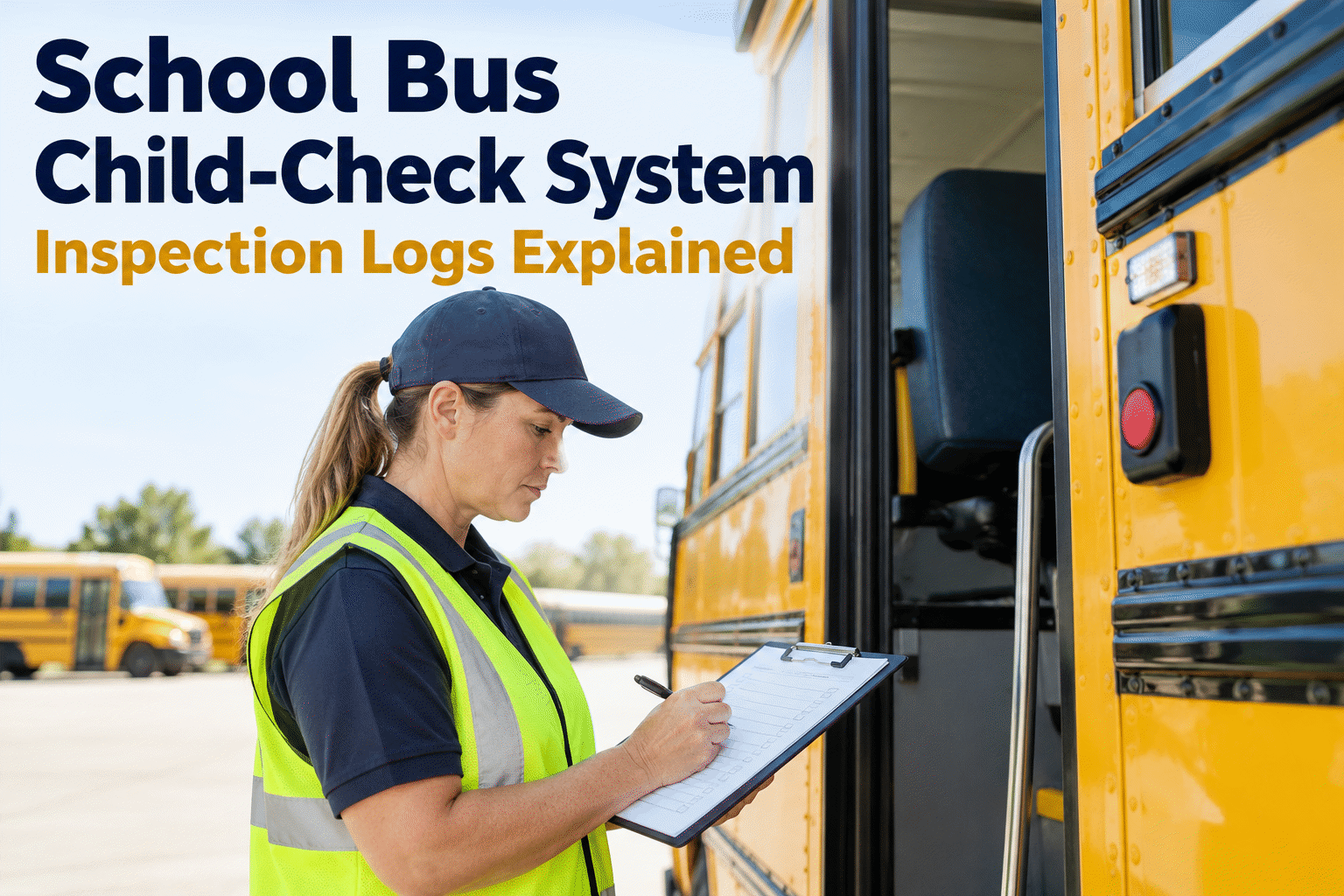
School Bus Child-Check System Inspection Logs Explained
A practical guide to checking child-reminder alarms, recording results, reporting failures, and proving that repairs were retested—without confusing an electronic alarm with the driver's physical bus sweep.
What a School Bus Child Check System Actually Verifies
A child-check or child-reminder system is intended to prompt the driver to inspect the passenger compartment after a route. Many systems use an ignition-related sequence and a rear-mounted cancel switch; others use different triggers, warnings, or electronic monitoring. An alarm sounding does not itself prove that every seat was checked, and pressing a rear switch is not the same as looking for a sleeping student.
Physical child sweep
After unloading, walk the full passenger compartment and visually check every row, seat, floor area and hidden space according to district policy. An alarm reset alone cannot prove this happened.
Outcome: passenger area checkedChild-check alarm test
Follow the installed manufacturer's activation and reset instructions. Record what the reminder actually did, including missing alerts, intermittent operation and faults requiring maintenance.
Outcome: equipment status documentedThese are two separate controls that support one safety objective. School bus safety procedures and child-check equipment requirements can differ by state, district, and installed system. Your inspection log should reflect the rules that apply to your district rather than assuming one universal alarm-test interval. For a closer look at setting up the digital record, book a demo of BusCMMS inspection tracking.
School Bus Child Check Inspection Log: Fields Worth Recording
A useful log answers four questions: which bus was tested, who performed the test, what actually happened, and what followed a failure. A checkbox marked “OK” is difficult to investigate when a driver reports the same problem the next morning.
For each test, capture the vehicle ID, route or shift, date and time, inspector, installed system or model, test steps, observed result, defect description, and corrective action. Where your workflow permits, add photos or supporting notes. Keep the driver’s physical sweep confirmation distinct from the alarm's functional status. You can sign up free to begin organizing bus inspection records rather than reconstructing them from clipboards.
Child Check Alarm Testing: From End-of-Route Sweep to Repair
The process below separates the safety action from the maintenance action. It is an operational model, not a substitute for your district's written procedures or the alarm manufacturer's test instructions.
- 01
Complete the passenger-compartment sweep
Follow the approved end-of-route process and confirm no student remains on board. Do not rely on the electronic reminder to find a child.
- 02
Run the correct alarm-function test
Check the activation and warning sequence for that particular child-reminder device. Different systems can use different ignition, door, timing, and rear-switch logic.
- 03
Record the observed result
Log pass, fail, or not tested with a reason. Capture the symptom rather than simply writing “broken alarm.” Include the bus ID and the person who performed the check.
- 04
Escalate a failure before the next assignment
Notify dispatch and maintenance. Apply the district's safety and dispatch policy; a CMMS record alone does not authorize a bus to remain in service with a failed device.
- 05
Repair, retest, and document release
Link the corrective work order to the original failed inspection, record what was fixed, and verify the device works before closing the issue under the applicable procedure.
This is where BusCMMS's digital DVIR and work-order workflow is useful: a failed bus-specific inspection item can move into the maintenance queue with its original context. To evaluate the process against your own routes, book a demo of child-check defect follow-up.
Common Child-Check Alarm Failures and What the Log Should Show
| Observed issue | What to document | Next action |
|---|---|---|
| Alarm does not sound | Exact test sequence, power state, expected versus actual warning | Report failure; qualified technician checks system |
| Rear switch does not reset | Switch response, alarm behavior, fault indicators | Inspect switch, wiring and control logic |
| Intermittent warning | When it occurs, frequency, conditions, affected bus | Open repeat-defect investigation |
| System bypassed or disabled | Observed condition and who was notified | Escalate immediately under district policy |
| Repair completed | Work order, parts/action, technician, functional retest | Document approval before return to service |
When the same bus fails repeatedly, review earlier inspection entries and work orders together. That history helps a technician distinguish a one-time setup mistake from an intermittent electrical fault. If your current process relies on separate sheets and verbal handoffs, book a BusCMMS demo to see linked inspections and repairs.
How BusCMMS Helps Maintain an Inspection and Defect History
Bus-specific inspection records
Use digital inspection workflows designed around school-bus safety equipment, including child-check systems, rather than relying on a generic vehicle checklist.
Defect-to-work-order connection
Failed inspection items can generate maintenance work orders so the shop sees what was reported and which bus needs attention.
Preventive maintenance planning
Schedule technician checks based on your district's maintenance plan and manufacturer guidance, alongside other school-bus safety-device tasks.
Searchable maintenance context
Keep inspection findings and repair activity associated with the vehicle, making repeat issues and review preparation easier to manage.
“A completed checklist tells me someone submitted a form. What I need to know is whether the alarm worked, whether a failure reached the shop, and who confirmed the repair before the bus went back out.”
BusCMMS is maintenance and inspection software, not an occupant-detection sensor. It should support your district's human safety procedures and installed alarm equipment—not replace either. Sign up free to organize your school-bus inspection workflow and review which checklist fields need to be configured for your fleet.
School Bus Child Check System Logs: Key Takeaways
Separate the checks. The physical rear sweep verifies the passenger area; the functional test verifies the reminder equipment.
Record observations. A test result should include who, when, which bus, which device, and what the alarm actually did.
Close the repair loop. Failed tests need documented escalation, corrective work, retesting, and authorized disposition.
A reliable school bus child check system program depends on trained people, a working reminder device, and records that do not disappear between dispatch and maintenance. Digital logs help make the last part easier to manage, while your district remains responsible for the physical inspection and safety decisions.
School Bus Child-Check Inspection Log FAQs
What is a school bus child-check system inspection log?
It is a record of tests performed on a bus's child-reminder or child-check alarm. A useful entry identifies the bus, inspector, test date, installed device, observed result, and any defect or follow-up work. It complements, rather than replaces, the required physical passenger-compartment sweep.
How often should a school bus child-check alarm be tested?
Follow the applicable state and district requirements and the device manufacturer's instructions. Testing schedules can differ by jurisdiction and equipment. A district may also include the device in daily inspections and planned technician checks; do not assume one universal federal testing frequency.
What should happen when a child-check alarm fails?
Record the failure, notify the appropriate transportation and maintenance staff, and follow district policy for taking the vehicle out of service or otherwise restricting its use. Have qualified personnel correct the fault, retest the system, and document the decision before returning the bus to normal assignment.
Does pressing the rear alarm button prove the bus is empty?
No. Pressing a rear button may satisfy part of a device's reset sequence, but it cannot establish that the driver actually inspected every seating area. The physical sweep must be performed according to the district's safety procedure.
Can BusCMMS track child-check defects and repairs?
BusCMMS supports school-bus digital inspections, defect reporting, maintenance work orders, and vehicle maintenance history. A district can use those capabilities to document child-check inspection results and follow repair activity, with checklist details configured to match its installed systems and procedures.