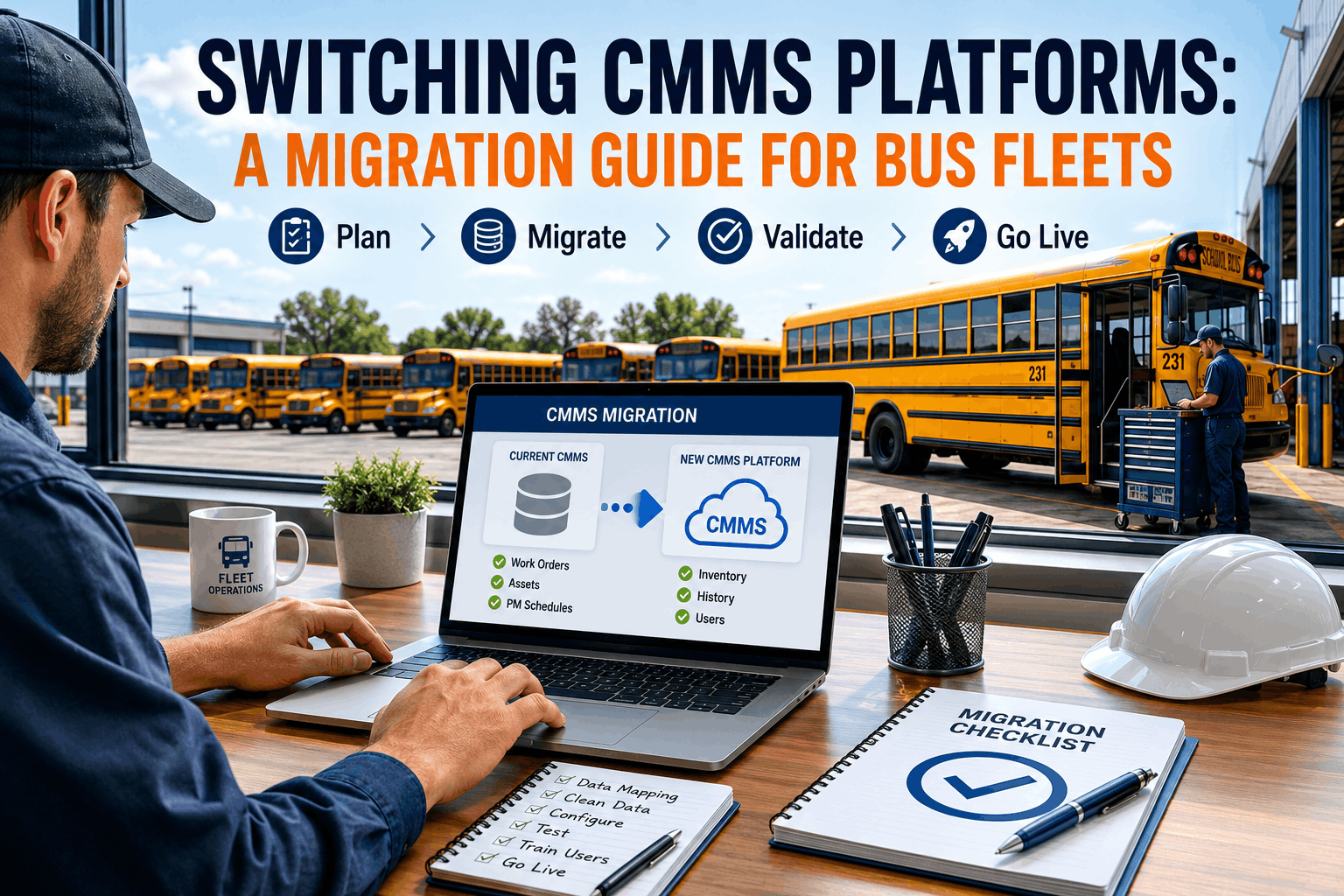
A fleet manager realizes their CMMS system is no longer meeting needs. The interface is outdated, features are limiting, reporting is weak, mobile access is poor, and support is declining. Switching to a better platform is the obvious answer. But the thought of migrating years of maintenance data, retraining staff on new software, and disrupting operations during transition creates anxiety. Many fleet managers remain with inadequate systems rather than face migration complexity. Yet the cost of staying with a poor CMMS often exceeds the cost of migrating: lost efficiency from fighting the software, staff frustration reducing productivity, compliance gaps from inadequate reporting, and missed opportunities from lack of mobile and predictive capabilities. A well-planned CMMS migration can be smooth, preserving data integrity while minimizing operational disruption. Here's a comprehensive guide to migrating from one CMMS platform to another for bus fleets, covering preparation, data migration, staff transition, and post-migration validation.
Outgrown your CMMS? Learn how to migrate platforms without losing data or downtime, with a step-by-step plan built for bus fleets.
Current system assessment: Document your current CMMS thoroughly: what data it contains, how many vehicles and assets are tracked, how many years of historical data, custom fields, users, roles, integrations, and reports.
Data inventory and quality audit: Before migrating, audit current data quality. Identify incomplete records, duplicate entries, inconsistent formatting, or outdated information.
Requirements definition: Create a detailed requirements document listing what capabilities you need from the new CMMS: maintenance tracking, mobile access, reporting, integrations, compliance reporting, asset tracking, parts inventory, fuel tracking, and eDVIR support.
User role analysis: Document who uses the current system and for what purpose: mechanics, supervisors, administrative staff, managers, and compliance teams.
Integration mapping: Identify all systems currently integrated with your CMMS, including accounting, payroll, GPS, telematics, fuel cards, and parts supplier systems.
Timeline and resource planning: Estimate migration timeline and assign staff resources for project management, IT support, testing, data preparation, and user training.
Budget and ROI analysis: Migration costs may include software licensing, implementation support, data migration services, staff training, temporary dual-system operation, and productivity loss during transition.
Vendor evaluation criteria: Create evaluation criteria based on core functionality, fleet-specific features, scalability, ease of use, vendor stability, cost, implementation support, training, and support quality.
RFP process: Develop an RFP documenting your requirements, fleet characteristics, current system features, and evaluation criteria. Send it to multiple vendors for comparison.
Vendor demonstrations and references: Request live demonstrations showing your specific workflows, including work orders, compliance reports, mobile completion, and integrations.
Implementation and migration plan review: Evaluate each vendor's proposed data migration approach, testing procedures, training plan, cutover strategy, and support duration.
Contract negotiation: Negotiate pricing, implementation costs, data migration support, training, post-implementation support, service levels, data ownership, and export rights.
Final selection decision: Select the vendor that best meets your requirements, budget, and operational needs. Include key stakeholders in the final decision.
Data export from current system: Export all data from the current CMMS in a neutral format such as CSV, Excel, XML, or database format.
Data cleaning and standardization: Review exported data for duplicate records, inconsistent formats, incorrect dates, outdated records, and inconsistent part or vehicle naming.
Data mapping and transformation: Map data from the old system structure to the new CMMS fields. Document how old fields connect to new fields.
Historical data consolidation: If migrating from multiple systems or locations, combine records into a unified structure with consistent vehicle IDs, maintenance categories, and historical records.
Pilot data migration: Perform a small test migration before moving all data. Use a subset of vehicles, work orders, parts, and users to identify issues early.
Full data migration and validation: After the pilot succeeds, migrate the full dataset and validate record counts, vehicle history, reports, and integrations.
Data backup and archival: Before cutover, back up all data from the old system and archive it securely for long-term reference.
System configuration: Configure vehicle types, maintenance categories, templates, user roles, permissions, custom fields, report templates, and integrations.
User account setup: Create accounts for mechanics, supervisors, administrative staff, and managers with the correct access levels.
Integration testing: Test accounting, GPS, telematics, fuel card, and other connected systems before production cutover.
Report testing and customization: Test reports for compliance, DOT audits, costs, downtime, and management review. Customize report formats where needed.
Mobile testing: Test mobile work order completion, parts ordering, inspection workflows, and vehicle history lookup on actual devices.
User acceptance testing: Have real users test realistic workflows such as creating work orders, closing repairs, searching history, and generating compliance reports.
Performance testing: Test system speed with multiple users, large datasets, and complex reports.
Contingency planning: Prepare a rollback plan, emergency support contacts, and procedures for critical issues during cutover.
Training plan development: Create training by role. Mechanics need work order training, supervisors need scheduling, and administrators need reporting and parts workflows.
Training materials and documentation: Build quick-start guides, videos, FAQs, and written procedures with clear steps and screenshots.
Live training sessions: Conduct small-group sessions with hands-on practice using realistic scenarios.
Train-the-trainer approach: Identify power users and train them deeply so they can support their departments after go-live.
Post-training support and office hours: Offer support sessions after formal training so users can ask questions once they begin using the system.
Training feedback and adjustment: Collect feedback and update training materials based on user confusion, repeated questions, or missing workflow coverage.
Final preparation and sign-off: Confirm data migration, testing, integrations, training, and contingency plans are complete before cutover.
Cutover timing and communication: Schedule cutover during a low-activity period and communicate the timeline clearly to all staff.
Final old system data cutoff: Define the exact time after which no new data is entered into the old CMMS.
System cutover and data validation: Bring the new system online, validate migrated records, and confirm critical workflows operate correctly.
Monitoring and support during initial operation: Monitor usage closely during the first few days and keep support available for urgent issues.
Issue documentation and resolution: Log issues, categorize severity, assign owners, and resolve critical blockers first.
Extended support period: Plan vendor and internal support for the first few months after cutover while users become comfortable.
Performance optimization: Monitor system speed, report performance, and workflow efficiency after launch.
User feedback and refinement: Gather feedback from mechanics, supervisors, administrators, and managers to refine workflows.
Advanced features and training: Roll out advanced reporting, predictive maintenance, mobile optimization, and integrations after users master basics.
Knowledge transfer completion: Make sure internal power users understand the system deeply and can support daily operations.
Success metrics measurement: Measure efficiency, downtime, compliance, user satisfaction, and cost improvements after migration.







