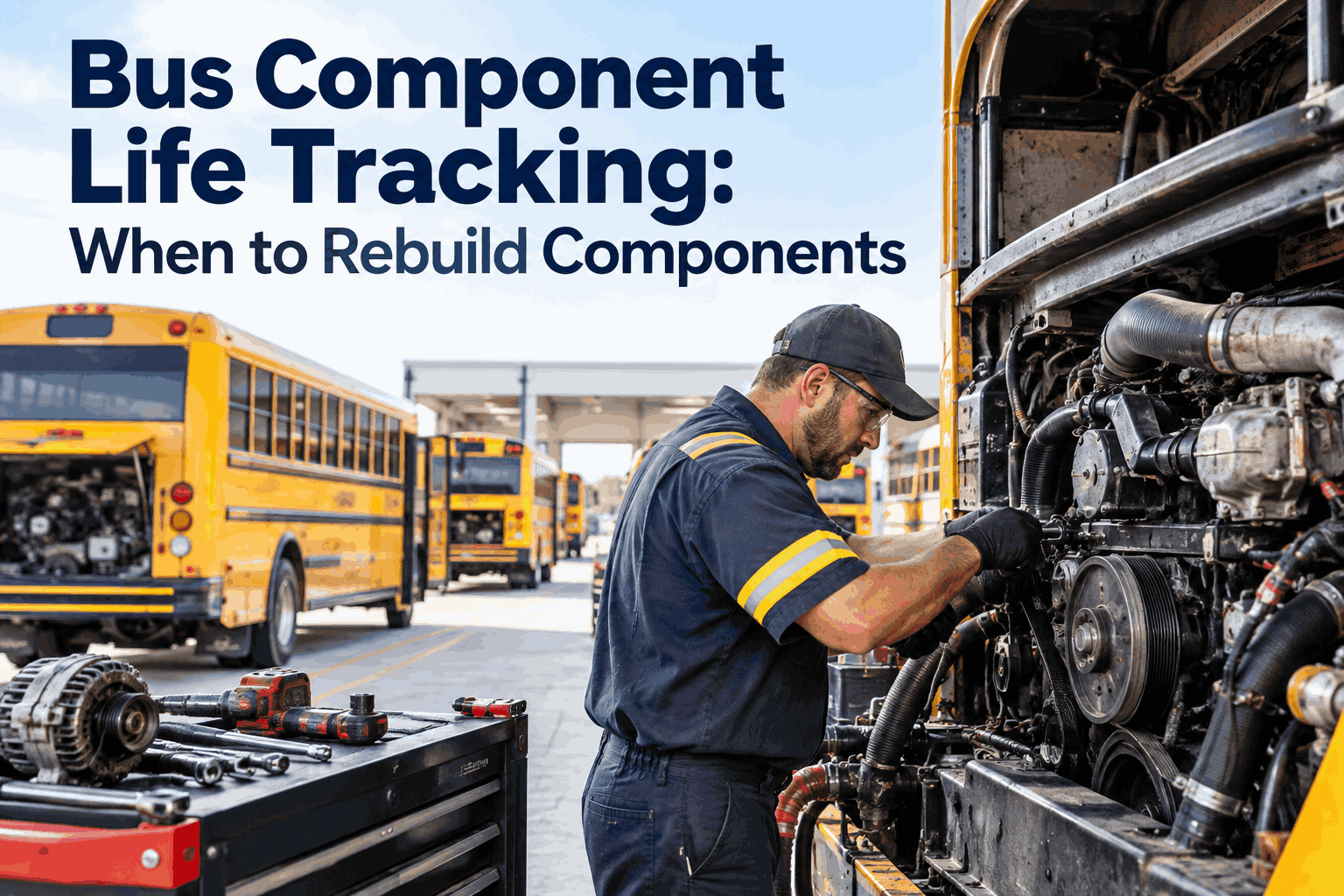
Bus Component Life Tracking: When to Rebuild Components
Rebuild a bus engine too early and you throw away tens of thousands of good miles you already paid for. Wait too long and it lets go on a route, taking out related parts and a day of service with it. Bus component life tracking is how you find the window in between — the point where a major component has given most of its economical life but hasn't yet crossed into failure territory. And that window only shows up in the data.
ANALYTICS + PM · REBUILD TIMING
Bus Component Life Tracking: When to Rebuild Components
Rebuild too early and you waste good life; too late and it fails on route. Tracking each component's mileage, engine hours, and failure history finds the window in between.
3zones: too early, the sweet spot, too late
Per-partlife tracked, not one fixed bus interval
Datafinds the window a calendar can't
THE REBUILD WINDOW
Too earlygood life wasted
Sweet spotrebuild here ✓
Too latecatastrophic failure risk
component life →
Why Fixed Intervals Miss the Rebuild Window
Most fleets rebuild on a round number — "engines at 300k" — because it's simple. But a fixed interval treats every component as identical when they're not, and that's how you end up rebuilding good units and running failing ones.
FIXED INTERVAL
Triggera round mileage number for all
Ignoresduty cycle, route, engine hours
Ignoresthe component's own failure signs
Resultsome too early, some too late
TRACKED LIFE
Triggerreal wear + rising failure signal
Reflectshow that unit was actually run
Reflectsits own symptom & repair history
Resultrebuild in the sweet spot
The same engine at 300k miles can be worn out on a hilly stop-and-go route or barely broken in on a flat highway run. Engine hours and duty cycle tell the truth that odometer alone hides.
Rebuild timing gets sharp when you track four signals per component. Together they show not just how much life is used, but whether the component is starting to warn you.
Accumulated mileage
Miles on the component itself — which resets when it's rebuilt or replaced, not the bus's odometer.
Engine / operating hours
Idle time and stop-and-go add hours without miles — often the truer measure of wear than distance.
Failure & repair history
Small repairs clustering on one component is the early warning that it's entering the "too late" zone.
Rising cost to keep running
When patch repairs start costing more than a planned rebuild would, the data is telling you it's time.
The signal that matters most is the cluster: when a component that used to run clean starts generating repeat small repairs, its failure curve is bending upward — rebuild before the big one.
Here's how tracked life reads across a few major components on one bus. Each bar is how much of its expected life is used — and where it sits in the rebuild window.
Enginerebuild soon
Transmissionwatch
Differentialhealthy
Air compressorrebuild now
healthywatchwindow
The read: bundle the engine and air compressor into one shop visit while the bus is already down — one teardown, two rebuilds, half the lost service. That's a call you can only make when you see all components at once.
Values here are illustrative — the point is seeing every component's life on one screen so you can time and bundle rebuilds instead of chasing them one failure at a time.
Setting Up Component Life Tracking in Four Steps
You don't need new hardware to start — you need each major component set up as its own tracked item. Four steps get you from bus-level records to component-level timing.
1
List Your Rebuildable Components
Engine, transmission, differential, air compressor, and other major assemblies worth rebuilding rather than running to failure. These get their own life record.
2
Track Life Against the Component
Count mileage and engine hours on the component itself, and reset the counter at each rebuild — so you always know the life of what's actually installed, not the bus.
3
Log Every Repair to the Component
Attach each work order to the specific component so the failure history builds automatically — that's the cluster signal that flags the window.
4
Set Rebuild-Window Alerts
Alert when a component nears its life target or its repair rate rises, so the window comes to you — and you can plan the shop time instead of reacting to a breakdown.
Step 2 is what makes it real: tracking life against the component, not the bus, means a rebuilt engine starts fresh at zero — so your data reflects the part in the bus today, not the one you replaced.
The BusCMMS Analytics Behind Bus Component Life Tracking
Component-level rebuild timing is a data problem: you need life and failure history tied to each assembly, not buried in the bus's record. BusCMMS tracks it per component and surfaces the window automatically.
Per-Component Life Counters
Track mileage and engine hours on each major assembly, resetting at rebuild, so you always know the life of what's installed.
life on the part
Component Failure History
Every work order links to its component, so the repair cluster that signals the rebuild window builds itself.
catch the cluster
Rebuild-Window Alerts
Get flagged as a component nears its life target or its repair rate rises, so the window comes to you.
planned, not reactive
Component Dashboard
See every rebuildable component's life at once, so you can bundle rebuilds into one shop visit and cut lost service.
bundle the work
Rebuild-vs-Run Cost View
Compare the rising cost of patch repairs against a planned rebuild, so the timing call rests on dollars.
decide on cost
Rebuild Forecast & Budget
Project upcoming rebuilds across the fleet, so shop time and capital are planned, not sprung on you.
plan ahead
A generic tool tracks the bus; a bus-built platform tracks the parts inside it and tells you when each is due — BusCMMS is typically live in 2–4 weeks. Book a demo to see component tracking on your fleet.
A Maintenance Director's Take
Key Takeaways on Bus Component Life Tracking
The right rebuild time is a window, and only component-level data finds it. Five things to act on.
Bus component life tracking is the practice of monitoring each major rebuildable assembly — engine, transmission, differential, air compressor, and similar — by its own accumulated mileage, engine or operating hours, and failure history, rather than tracking only the bus as a whole. The goal is to time a rebuild in the window where the component has given most of its economical life but hasn't yet crossed into failure territory. That window matters because getting it wrong is expensive in both directions: rebuild too early and you throw away good life you already paid for, while rebuilding too late risks a catastrophic in-service failure that can damage related parts and cost a day of service. A fixed mileage interval can't find that window because it treats every component identically, ignoring how hard a given unit was actually run. Component life tracking replaces the round number with real per-component data — life used plus a rising-failure signal — so the rebuild is a planned event at the right moment, not a guess or a reaction.
When should you rebuild a bus engine or major component?+
In the window where the component has used most of its economical life and is starting to show early failure signs, but before a major breakdown. Rather than a single mileage number, look at four signals together. First, the component's own accumulated mileage, tracked on the part itself and reset at each rebuild. Second, engine or operating hours, which capture idle and stop-and-go wear that the odometer misses — often the truer measure. Third, and most telling, the failure and repair history: when a component that used to run clean starts generating repeat small repairs, its failure curve is bending upward and the big one is coming. Fourth, the rising cost to keep it running — once patch repairs start approaching what a planned rebuild would cost, the economics say rebuild. The strongest signal is the repair cluster, because it shows up weeks before a catastrophic failure. The practical answer is to let tracked data flag the window and then schedule the rebuild proactively, ideally bundled with other planned shop time.
Why track by engine hours instead of just mileage?+
Because mileage alone can badly misrepresent how worn a component actually is. Two engines can hit the same odometer reading in completely different states of wear depending on how those miles were accumulated. An engine on a flat highway route running steady cruise puts far less stress per mile than one on a hilly, stop-and-go urban route with constant acceleration and braking. And critically, idle time adds engine hours and wear without adding a single mile — a bus that idles heavily can rack up substantial engine wear that the odometer never reflects. That's why engine or operating hours are often the truer measure of a component's remaining life than distance. Tracking both gives you the complete picture: mileage for the distance-related wear and hours for the time-and-load-related wear. A component approaching its life limit on hours but still low on miles — or vice versa — is exactly the kind of unit a mileage-only interval gets wrong. Duty cycle is the missing variable, and hours are how you capture it.
How do you know a component is heading for failure?+
The clearest early warning is a cluster of small repairs. A healthy major component runs for long stretches with little attention. When one that used to be trouble-free starts generating repeat minor jobs — small leaks, sensor faults, recurring adjustments — that clustering is its failure curve bending upward, and it typically shows up weeks before a catastrophic failure. That's why logging every repair against the specific component matters: the pattern builds automatically and becomes a reliable pre-failure signal. Alongside the repair cluster, watch the component's life used against its expected target (in both miles and hours) and the trend in what it costs to keep running. When life used is high, small repairs are clustering, and cost-to-run is rising together, the component is squarely in the rebuild window. The mistake fleets make is treating each small repair as an isolated fix rather than a data point — individually they look minor, but as a trend they're the system telling you to plan the rebuild before the part strands a bus on route.
How does BusCMMS track component life?+
BusCMMS tracks each major assembly as its own item with its own life, rather than burying component data in the bus's record. Per-component life counters track mileage and engine hours on each assembly and reset at rebuild, so you always know the life of what's actually installed today. Component failure history links every work order to its specific component, so the repair cluster that signals the rebuild window builds itself automatically. Rebuild-window alerts flag you when a component nears its life target or its repair rate rises, so the window comes to you instead of being discovered by a breakdown. A component dashboard shows every rebuildable assembly's life at once, so you can bundle rebuilds that are all near due into a single shop visit and cut lost service. A rebuild-versus-run cost view compares rising patch-repair costs against a planned rebuild so the timing call rests on dollars. And a rebuild forecast projects upcoming rebuilds across the fleet so shop time and capital are planned rather than sprung on you. Because it's purpose-built for bus fleets, component-level tracking is built in rather than a spreadsheet workaround, and most fleets are live in two to four weeks.