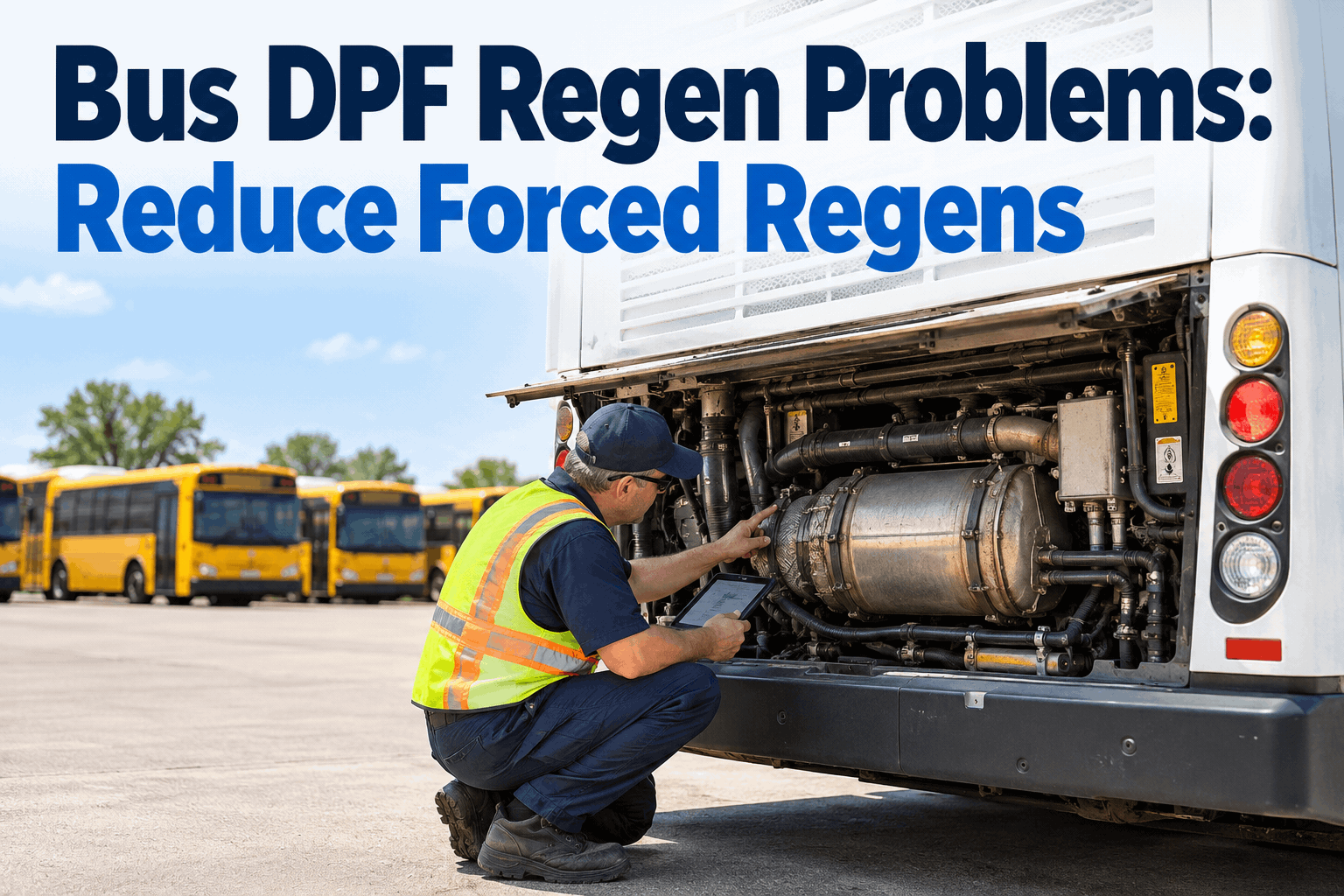
You know the bus. It failed inspection last quarter for the same brake issue it failed for the quarter before, and the one before that. The defect gets "fixed" every time, yet it keeps coming back. Repeat bus inspection failures are almost never a careless tech or an unlucky bus — they're a loop that never got closed: the symptom gets patched, the root cause and the PM gap behind it never do.
ANALYTICS + PM · REPEAT FAILURES
Why Buses Fail Inspections Repeatedly: Ending Repeat Bus Inspection Failures
The same bus failing the same item isn't bad luck — it's an unclosed loop. Here's why defects recur, and how fleet data breaks the cycle for good.
Loopsymptom fixed, root cause never is
Samebus, same defect, every cycle
Dataexposes the pattern behind the repeat
THE REPEAT-FAILURE LOOP
1Defect found at inspection
↓
2Symptom patched, not root cause
↓
3Underlying issue keeps working
↓
4Same defect fails again ↻
Why Repeat Bus Inspection Failures Actually Happen
A defect that keeps returning is telling you something the last repair didn't address. Four causes drive almost every recurring failure — and none of them is "the tech didn't try."
Symptom-only fix
The obvious part gets replaced, but the underlying cause — a leak feeding it, a misalignment, a worn upstream part — keeps working on the new one.
No verification
The repair is marked done but never re-checked against the defect, so a fix that didn't fully take rolls straight into the next inspection.
PM gap behind it
The defect is a symptom of a maintenance interval that's too long or missing — fix the part all you want, the schedule keeps re-creating it.
Lost history
Nobody knows this bus failed the same item twice before, because the record lives on paper or in someone's memory — so the pattern is invisible.
The quiet killer is lost history. If no one can see that a bus failed the same defect three inspections running, every repair starts from scratch and the loop is invisible — you can't break a pattern you can't see.
The difference between a defect that returns and one that's gone for good is whether the repair chased the symptom or the cause. Same defect, two very different outcomes.
SYMPTOM FIX
Actionreplace the failed part, move on
Asks"what failed?"
Checks historyno — treats it as first-time
Outcomefails again next cycle
ROOT-CAUSE FIX
Actionfix the part + what caused it
Asks"why did it fail — again?"
Checks historyyes — sees the repeat pattern
Outcomedefect stays gone
The tell is the question. A symptom fix asks what failed; a root-cause fix asks why it failed again. That second word — "again" — only gets asked when the repeat history is visible on the work order.
Recurring failures hide until you count them. Rank your defects by how often the same item fails on the same bus, and the loops you've been living with jump off the page.
Defect on Bus 214FailsStatus
Brake adjustment4×root-cause it
Air leak, rear3×root-cause it
Marker light2×watch
Wiper blade1×one-off
The read: a brake adjustment failing four times on one bus isn't a brake problem — it's a signal something upstream (or a too-long PM interval) keeps re-creating it. That's where a root-cause investigation pays off.
Values here are illustrative — the power is ranking real defects by repeat count so the loops surface instead of hiding across separate inspection reports — the tell you can finally act on.
How to Break the Repeat-Failure Loop
Ending recurring failures is four moves, and each closes one of the gaps that keep the loop alive. Do them in order and the same defect stops coming back.
1
Make Defect History Visible
Keep every defect against the bus and the specific item, so a tech opening a work order instantly sees "this failed twice before." Visibility is what makes the loop stoppable.
2
Flag the Repeat, Trigger a Root Cause
When the same item fails again, don't treat it as routine — flag it as a repeat and require a root-cause look, not just another part swap.
3
Verify Before You Close
Don't mark a repeat defect fixed until it's re-checked against the original failure. A verification step stops half-fixes from rolling into the next inspection.
4
Close the PM Gap
If a defect keeps recurring, tighten the PM interval or add the check that would catch it early — so the schedule stops re-creating the failure.
Step 4 is what makes it permanent: a repeat defect is usually a PM signal in disguise. Feed recurring failures back into the maintenance schedule and you fix the cause of the cause.
Breaking the loop is a data-and-workflow problem: you need defect history visible, repeats flagged, and repairs verified. BusCMMS connects inspections, work orders, and PM so recurring failures get caught and killed.
Per-Bus Defect History
Every defect kept against the bus and the item, so a tech sees the full failure record the moment a work order opens.
history at hand
Repeat-Defect Flagging
When the same item fails again, it's flagged as a repeat — so it triggers a root-cause look instead of a routine re-fix.
catch the repeat
Verify-Before-Close
A repair links back to the defect and can require re-check before closing, so half-fixes don't reach the next inspection.
no half-fixes
Recurring-Defect Reports
Rank defects by repeat count across the fleet, so your worst loops surface instead of hiding in separate reports.
see the loops
PM Feedback Loop
Feed recurring defects back into the PM schedule, so a too-long interval that keeps causing failures gets tightened.
fix the cause
Audit-Ready Inspection Records
Digital DVIRs and repair records tie together, so your pass rate improves and the trail holds up in a DOT audit.
Why does the same bus keep failing inspection for the same thing?+
Almost always because the repair addressed the symptom, not the root cause. A recurring defect is a loop: the defect is found, the obvious failed part gets replaced, but the underlying issue that caused it — a leak feeding it, a misalignment, a worn upstream component, or a maintenance interval that's too long — keeps working on the new part until it fails again. Four things drive this. A symptom-only fix replaces the part without asking what caused it. No verification means the repair is marked done but never re-checked against the defect, so a fix that didn't fully take rolls into the next inspection. A PM gap behind the defect means the schedule itself keeps re-creating the failure. And lost history — the biggest culprit — means nobody can see the bus failed the same item before, so every repair starts from scratch and the pattern stays invisible. The fix isn't working harder; it's making the repeat visible so someone asks "why did this fail again?" instead of just swapping the part one more time.
How do I find recurring defects across my fleet?+
By counting them — ranking defects by how often the same item fails on the same bus. This is nearly impossible with paper inspections or disconnected records, because each inspection sits in its own report and the repeat never gets tallied. The pattern only appears when defect history is kept against each bus and each specific item, so you can produce a recurring-defect report: this bus, this defect, four times this year. Once you can see it ranked, the priorities are obvious — a brake adjustment failing four times on one unit is a flashing signal that something upstream or a too-long PM interval keeps re-creating it, while a one-off is just a one-off. The distinction matters because it tells you where a root-cause investigation will actually pay off versus where a normal repair is fine. A digital system that links inspections to work orders builds this history automatically, turning scattered failures into a ranked list of the loops worth breaking. Without that count, repeat offenders hide in plain sight, absorbed as "just routine failures."
What's the difference between a symptom fix and a root-cause fix?+
A symptom fix repairs what failed; a root-cause fix repairs why it failed. The distinction shows up in the question the tech asks. A symptom fix asks "what failed?" — sees the broken part, replaces it, closes the job, and treats it as a first-time event because it doesn't check history. The defect returns next cycle because whatever caused it is still active. A root-cause fix asks "why did this fail — again?" That word "again" is only possible when the repeat history is visible on the work order. It fixes the failed part and the thing that caused it: the leak feeding the component, the alignment that keeps wearing it, or the PM interval that's too long to catch it in time. The outcome is the defect stays gone. In practice, the way you force root-cause fixes on repeat defects is to flag the repeat, require a root-cause look rather than a routine swap, and verify the fix against the original defect before closing the work order. That workflow is what converts a recurring failure into a permanent one.
How does preventive maintenance connect to repeat inspection failures?+
Very directly — a defect that keeps recurring is often a PM signal in disguise. If a particular item fails inspection over and over on the same bus even after competent repairs, the most likely explanation is that the preventive maintenance schedule isn't catching or preventing it: the interval is too long, or the relevant check isn't on the PM at all. You can replace the failed part perfectly every time, but if the schedule keeps letting the underlying condition develop, the failure will keep returning on the fresh part. That's why the permanent fix for a repeat defect usually lives in the PM program, not the repair bay. When you see a recurring failure, the move is to feed it back into the schedule: tighten the interval for that component, or add the inspection point that would catch the condition early. This closes the "cause of the cause." It's also why tracking recurring defects and adjusting PM based on them is a loop worth building deliberately — your inspection failures become the data that continuously sharpens your maintenance schedule, driving the repeat rate down over time.
How does BusCMMS help stop repeat inspection failures?+
BusCMMS breaks the repeat-failure loop by connecting inspections, work orders, and preventive maintenance so recurring defects get caught and killed instead of re-patched. Per-bus defect history keeps every defect against the bus and the specific item, so a technician sees the full failure record the moment a work order opens — no more fixing something "for the first time" that's actually failed three times. Repeat-defect flagging marks it when the same item fails again, so it triggers a root-cause look rather than a routine re-fix. Verify-before-close links the repair back to the defect and can require a re-check before the job closes, so half-fixes don't reach the next inspection. Recurring-defect reports rank defects by repeat count across the fleet, surfacing your worst loops instead of letting them hide in separate reports. A PM feedback loop lets you feed recurring defects back into the maintenance schedule, so a too-long interval that keeps causing failures gets tightened. And audit-ready digital inspection and repair records tie together, lifting your pass rate while keeping a trail that holds up in a DOT audit. Most fleets are live in two to four weeks.