Your shop has eight bays and six technicians, and on paper that should be plenty of capacity. But buses are still backing up in the queue, PM is slipping, and nobody can say exactly why. The usual answer is "we need more bays" or "we need more techs." Often the real answer is simpler and cheaper to fix: a bay isn't idle because there's no work — it's idle because the bus in it is waiting on something. See how shops find their real bottleneck in a live demo.
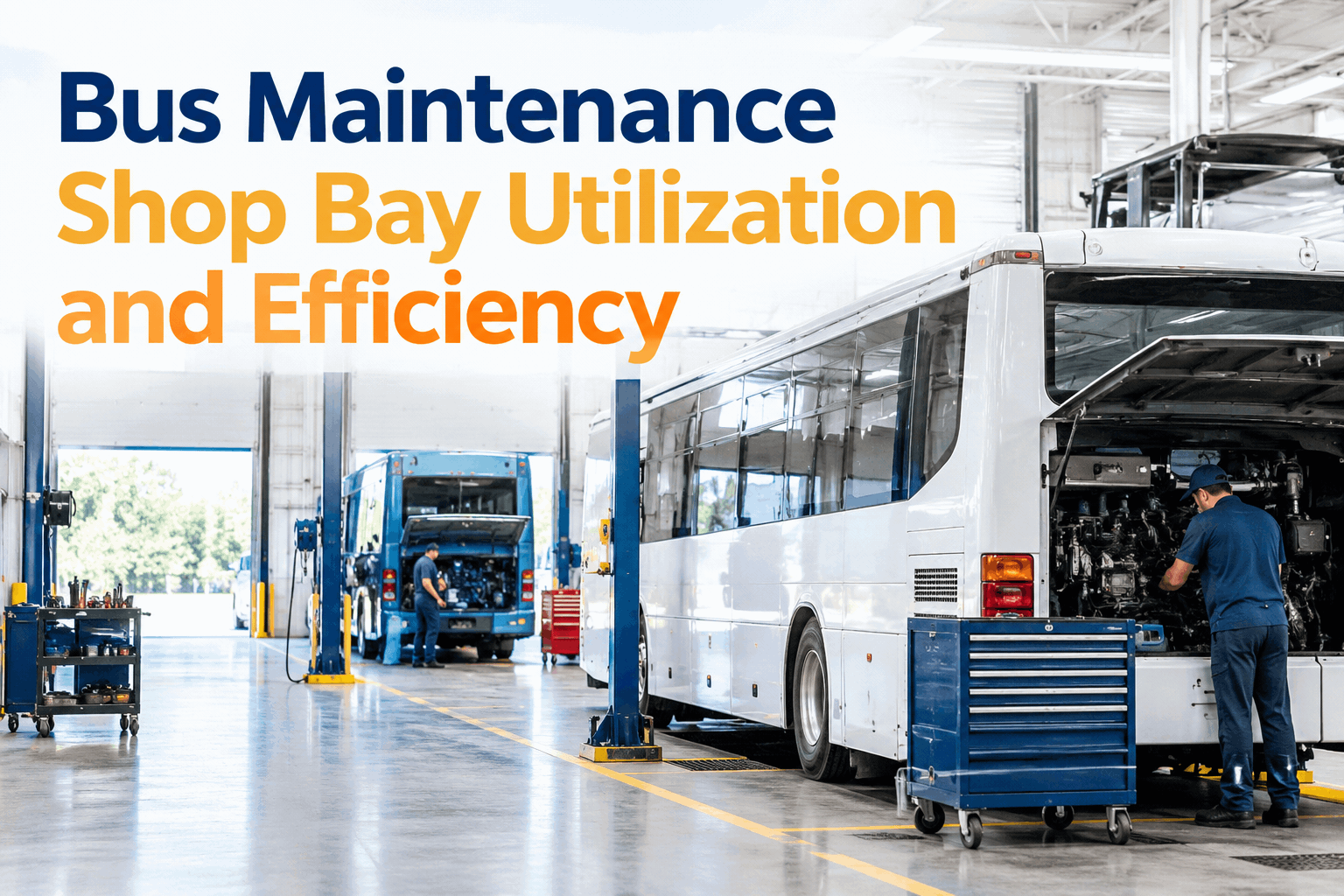
Bus Maintenance Shop Bay Utilization and Efficiency
Improve bus workshop efficiency by tracking repair queues, work orders, bay availability, and maintenance turnaround times. Manage fleet maintenance with BusCMMS.
Where Bay Hours Actually Go
In most shops without time tracking, wrench time — actual hands-on repair work — is a smaller slice of the bay's day than anyone assumes. The rest is waiting, and waiting is invisible unless you measure it.
That's a typical breakdown for a shop running on paper or spreadsheets. Best-in-class shops push wrench time well above 70% — not by working faster, but by cutting the three waiting categories down.
The Four Causes of Bay Downtime
Parts Wait
A tech starts a job, finds the part isn't in stock or isn't where the system says it is, and the bus sits until it arrives — still occupying the bay.
Diagnostic Wait
A fault doesn't have an obvious cause, and the tech loses time chasing it without the vehicle's fault history or past repairs to narrow it down.
Queue & Dispatch Wait
A bus is ready for the next step, but the next available tech or supervisor sign-off hasn't been assigned yet, so it just sits.
Rework
A repair didn't hold, or a defect wasn't fully resolved, and the same bus is back in a bay for a job that should have been closed already.
Audit Your Shop: Is Bay Time Being Wasted?
Three or more "no" answers means your shop is likely losing more bay hours to waiting than to the repairs themselves — and you can't fix what you can't see.
Matching the Cause to the Fix
Sign up free and start matching your shop's bottlenecks to a fix this week.
Expert Review: Guessing at Bottlenecks vs. Diagnosing Them With Data
Adding a bay or a technician is expensive. Finding out your real constraint was parts staging or dispatch delay is free, once you can see it.
Guessing at Bottlenecks
- "We need more bays" based on a feeling, not a number
- No visibility into how much bay time is waiting vs. working
- Parts shortages discovered mid-repair, every time
- The same bottleneck resurfaces because the real cause was never found
Diagnosing With Data
- Wrench time vs. waiting time measured per bay, per week
- The real constraint — parts, diagnosis, or dispatch — is identified before you spend on capacity
- Parts are checked and staged before a job starts
- A fixed cause stays fixed, because it's tracked going forward
Book a demo to see this diagnostic breakdown run on your own shop.
The Bottom Line
A bay that looks "full" isn't the same as a bay that's productive. Before adding bays, technicians, or overtime, find out how much of your shop's capacity is actually being lost to parts wait, diagnostic wait, and dispatch delay — because that capacity is often sitting right there, unused, in plain sight.