Your telematics dashboard shows "SPN 110 FMI 0 SA 0" on Bus #33. Your mechanic says "coolant temp is high." Your dispatcher says "is it safe to run?" You don't know — because nobody in your shop speaks J1939. So the bus runs the afternoon route. Three days later, the head gasket fails: $6,800 repair, $850 tow, 2 days of downtime. That fault code was screaming "coolant temperature dangerously above normal — most severe." It wasn't a suggestion. It was a countdown to catastrophic failure. Your bus generates 2,000+ data points per second across engine, transmission, brakes, and aftertreatment. Every one of those data points speaks J1939 or J1708. If your CMMS doesn't translate them into plain English and auto-create work orders, you're sitting on a goldmine of predictive maintenance data that nobody reads .
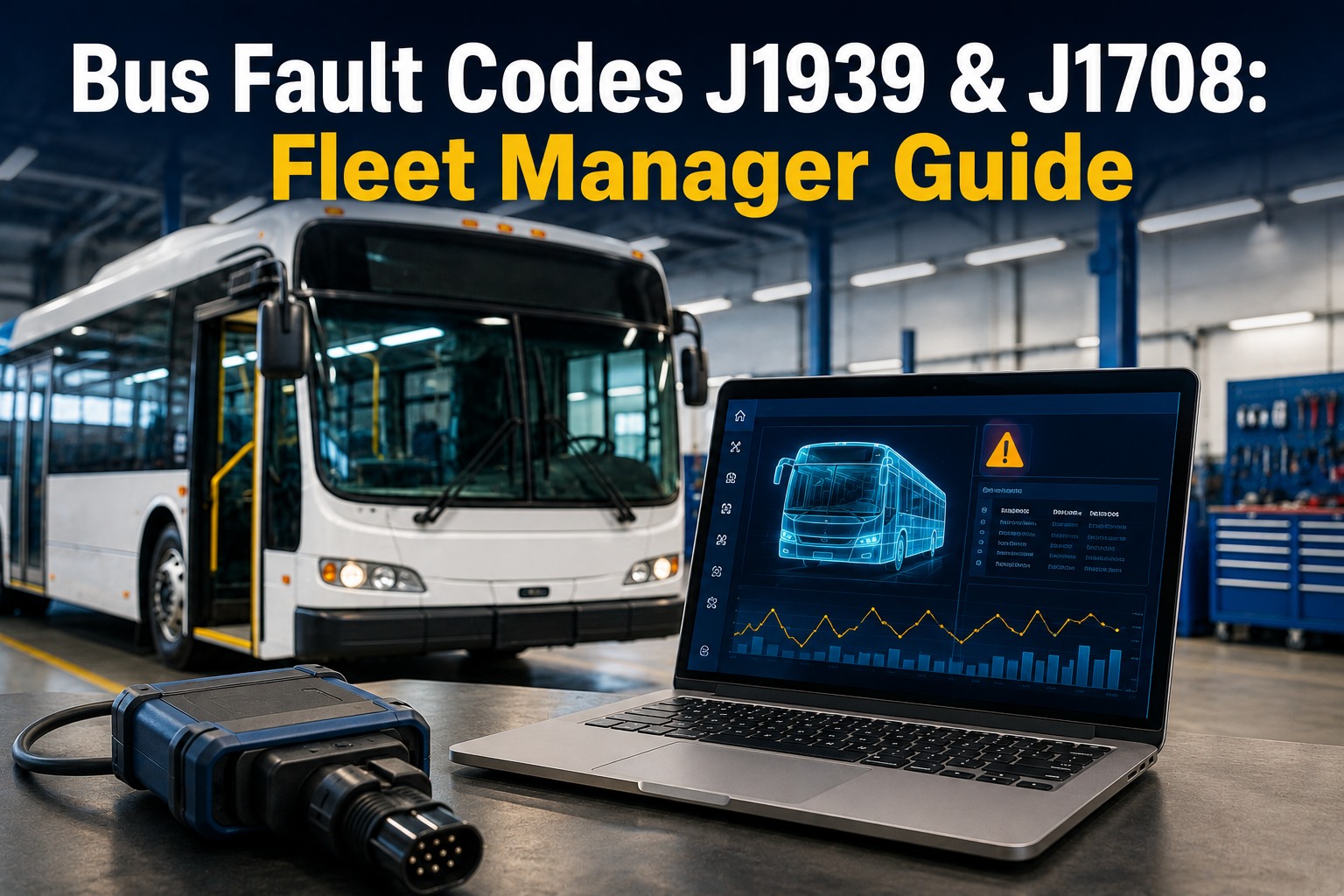
Bus Fault Codes J1939 & J1708: Fleet Manager Guide
SPN, FMI, MID, SA — decoded in plain English. The 15 fault codes that ground buses most often. And how to turn every code into an automatic work order before it becomes a breakdown.
Anatomy of a Fault Code
SPN 110 · FMI 0 · SA 0
= "Engine is overheating. Immediate attention required."
The Rosetta Stone: J1939 vs J1708 in Plain English
Your bus fleet likely has both protocols — J1939 on buses built after ~2007 and J1708/J1587 on older models. They speak different languages but report the same types of problems. Here's how to read both:
J1939 (Modern — Post 2007)
250 Kbps · 9-pin Deutsch connector
J1708/J1587 (Legacy — Pre 2007)
9.6 Kbps · 6-pin connector
The key insight: FMI codes are shared between both protocols. FMI 0 always means "dangerously above normal." FMI 3 always means "voltage too high." Once you learn the 32 FMI codes, you can read fault severity on any bus in your fleet regardless of age. BusCMMS translates both J1939 and J1708 codes automatically through native Samsara and Geotab integration — your telematics device captures the raw code, BusCMMS displays the plain-English description, and critical faults auto-create prioritized work orders. Your mechanic sees "Coolant temp dangerously high — stop engine" instead of "SPN 110 FMI 0."
See fault codes translated and auto-routed to work orders — book a demo
The FMI Decoder: 12 Failure Modes You'll See Most Often
Every fault code includes an FMI that tells you HOW the component failed. Learn these 12 and you can assess severity on any code, any bus, any protocol:
FMI
Failure Mode
What It Means
Severity
0
Data above normal — severe
Reading dangerously high. Could cause engine damage.
STOP
1
Data below normal — severe
Reading dangerously low. Oil pressure, fuel pressure.
STOP
2
Intermittent / erratic
Signal jumping randomly. Loose connection or failing sensor.
SCHEDULE
3
Voltage above normal
Short to power. Wiring issue or sensor failure.
SCHEDULE
4
Voltage below normal
Short to ground or open circuit. Common in corroded connectors.
SCHEDULE
5
Current below normal
Open circuit. Sensor disconnected or wire broken.
SCHEDULE
7
Mechanical failure
Component physically stuck or broken. Not electrical.
STOP
9
Abnormal update rate
ECU stopped sending data. Communication bus issue.
SCHEDULE
12
Bad device / component
Component itself has failed. Replacement needed.
STOP
14
Special instructions
OEM-specific. Check manufacturer service manual.
RESEARCH
16
Above normal — moderate
High but not yet dangerous. Will become FMI 0 if ignored.
SCHEDULE
18
Below normal — moderate
Low but not yet dangerous. Will become FMI 1 if ignored.
SCHEDULE
The critical pattern: FMI 0, 1, 7, and 12 are "stop the bus" codes. FMI 16 and 18 are "schedule it this week" codes that become 0 and 1 if ignored. FMI 2, 3, 4, 5, and 9 are sensor/wiring issues that need diagnosis before the next trip. BusCMMS color-codes every incoming fault: red (stop — auto-creates emergency work order), amber (schedule — adds to priority queue), green (informational — logged for trending). Your dispatcher sees the color, not the code number.
Get color-coded fault alerts on your dashboard — sign up now
The 10 Fault Codes That Ground Buses Most Often
These are the codes your telematics system will show most frequently. Know them and you can make dispatch decisions in 10 seconds instead of 10 minutes.
SPN 110 FMI 0
Coolant temp dangerously high
STOP engine. Tow if needed. Check thermostat, water pump, fan clutch, radiator.
SPN 100 FMI 1
Oil pressure dangerously low
STOP immediately. Running with low oil pressure destroys bearings in minutes.
SPN 157 FMI 18
Fuel rail pressure below normal
Low power, possible stall. Check fuel filter, lift pump, injector leak-back.
SPN 102 FMI 16
Boost pressure above moderate
Turbo overboost. Check wastegate, boost sensor, intake restriction.
SPN 3251 FMI 16
DPF soot loading high
Needs regen. If ignored → forced regen → derate → $5,000 DPF replacement.
SPN 3226 FMI 4
NOx sensor signal too low
SCR system fault. May cause engine derate. Check sensor wiring first.
SPN 641 FMI 7
VGT actuator mechanical failure
Turbo control lost. Low power, possible derate. Check soot and wiring.
SPN 520372 FMI 4
DEF tank level signal low
DEF sensor or wiring issue. May cause speed-limit derate within 4 hours.
SPN 84 FMI 2
Vehicle speed signal erratic
Intermittent speed sensor. Affects cruise, ABS, and transmission shift logic.
SPN 611 FMI 9
ABS abnormal update rate
ABS ECU communication lost. ABS non-functional. Schedule immediately.
Every one of these codes flows into BusCMMS automatically through telematics integration. Red codes create emergency work orders assigned to your mechanic within seconds. Amber codes enter the priority queue with the bus flagged for service before next dispatch. Your mechanic opens the work order and sees the plain-English translation, the severity, and the likely repair — not just a number.
See live fault-to-work-order routing in a demo — book 20 minutes
SPN Quick-Reference: 30 Most Common Bus Fault Codes Decoded
Got a fault code on your dashboard right now? Find your SPN below for the plain-English translation. This is what BusCMMS does automatically for every code your telematics captures — except the system also creates the work order for you.
SPN
Component
System
100
Engine Oil Pressure
Engine
110
Coolant Temperature
Cooling
84
Vehicle Speed
Trans/ABS
91
Throttle Position
Engine
94
Fuel Delivery Pressure
Fuel
102
Boost Pressure
Turbo
105
Intake Manifold Temp
Engine
157
Fuel Rail Pressure
Fuel
158
Battery Voltage
Electrical
175
Engine Oil Temp
Engine
190
Engine RPM
Engine
411
EGR Valve Position
Emissions
611
ABS System
Brakes
627
Power Supply
Electrical
629
ECU Controller
ECU
636
CAN Bus Link
Network
641
VGT Actuator
Turbo
651–656
Injectors Cyl 1–6
Fuel
1231
ABS Warning Lamp
Brakes
1569
Engine Protection Derate
Engine
3031
DPF Intake Pressure
DPF
3226
NOx Sensor
SCR
3251
DPF Soot Loading
DPF
3361
DPF Regen Status
DPF
3464
DEF Dosing Unit
DEF
3490
DPF Differential Pressure
DPF
3720
DPF Ash Loading
DPF
5246
NOx Sensor (Outlet)
SCR
520372
DEF Tank Level
DEF
520484
DEF Quality
DEF
You just scrolled through 30 codes manually. BusCMMS decodes 10,000+ automatically.
Every fault code from your Samsara or Geotab telematics is translated to plain English, color-coded by severity, and routed to a work order — in seconds, not minutes of scrolling. The code you just looked up? BusCMMS would have turned it into a repair ticket before you finished reading this sentence.
Your Buses Are Talking. Is Anyone Listening?
BusCMMS translates J1939 and J1708 fault codes through native Samsara and Geotab integration. Red codes auto-create emergency work orders. Amber codes enter the priority queue. Your mechanic sees plain English and repair guidance — not SPN/FMI numbers. Every fault becomes a tracked work order before it becomes a $6,800 breakdown.
"Before BusCMMS, fault codes went into a Samsara dashboard that nobody checked until a bus broke down. We had 47 stored codes across our fleet that had been sitting there for weeks. After connecting BusCMMS, every fault code auto-created a work order with the plain-English description and severity level. Our mechanic started fixing SPN 3251 DPF warnings before they became forced regens. We prevented 3 turbo-related failures in the first 4 months — at $3,200 each, that's $9,600 saved from data we already had but weren't acting on."
Right now, your buses are generating fault codes your team isn't seeing. An FMI 16 "above normal moderate" today becomes an FMI 0 "dangerously above normal" in 2–3 weeks. Every code that sits unread in a telematics dashboard is a countdown timer to a breakdown your mechanic could have prevented. BusCMMS turns that data into action — automatically, immediately.
Fleet Expert Review
Most bus fleets already have telematics generating fault codes — Samsara, Geotab, Zonar, or Verizon Connect. The data exists. The problem is the last mile: turning a code into a repair. A fault code that sits in a telematics dashboard is just a number. A fault code that auto-creates a prioritized work order with plain-English description, severity level, likely cause, and parts needed is the beginning of predictive maintenance.
BusCMMS closes that last mile. The integration is the easy part — connect your telematics account, map your buses, and fault codes start flowing. The hard part without a CMMS is what happens after: who sees the code, who decides the priority, who assigns the repair, who tracks the parts, who closes the work order, and who verifies the fix. BusCMMS handles all of it — from code to work order to repair to sign-off — in one connected workflow. That's the difference between having data and using it.
The Bottom Line
Your buses generate thousands of fault codes. J1939 and J1708 protocols tell you exactly which component is failing and how severe it is — if you can read them. SPN identifies the component. FMI identifies the failure severity. SA/MID identifies which system reported it. BusCMMS translates all of it into plain English, color-codes by severity, and auto-creates work orders before the code becomes a breakdown. The data is already there. The question is whether you're using it.
Turn your fault code data into preventive action — book a demo
From Fault Code to Work Order in Seconds. Not Days.
Native Samsara + Geotab integration. J1939 and J1708 translation. Red/amber/green severity coding. Auto-created work orders. Plain-English descriptions. The bridge between your telematics data and your mechanic's wrench.
Frequently Asked Questions
What's the difference between J1939 and J1708?
J1939 is the modern protocol (post-2007) running at 250 Kbps through a 9-pin Deutsch connector. It uses SPN (Suspect Parameter Number) to identify components and supports 10,000+ codes. J1708 is the legacy protocol (pre-2007) running at 9.6 Kbps through a 6-pin connector, using PID/SID to identify components (0–511 range). Both use FMI (Failure Mode Identifier) with the same 32 failure modes. BusCMMS supports both through telematics integration.
What do SPN and FMI mean?
SPN (Suspect Parameter Number) identifies WHAT component has the problem — there are over 10,000 standardized SPNs covering everything from coolant temperature to DEF tank level. FMI (Failure Mode Identifier) describes HOW the component failed — 32 standard modes like "voltage above normal" (FMI 3), "mechanical failure" (FMI 7), or "dangerously above normal" (FMI 0). Together, SPN + FMI give you a complete diagnostic picture. BusCMMS translates both into plain English automatically.
Which fault codes require immediate action?
FMI 0 (data above normal, severe), FMI 1 (data below normal, severe), FMI 7 (mechanical failure), and FMI 12 (bad device/component) are "stop the bus" codes. FMI 16 and 18 are "schedule this week" — they're moderate warnings that will escalate to FMI 0 or 1 if ignored. BusCMMS color-codes these automatically: red = stop, amber = schedule, green = informational.
Can BusCMMS auto-create work orders from fault codes?
Yes — through native Samsara and Geotab integration. When a fault code fires, BusCMMS receives it in real time, translates it to plain English, assigns a severity color (red/amber/green), and auto-creates a prioritized work order for critical faults. The work order includes the code, plain-English description, severity, likely cause, and is assigned to the available mechanic. The bus is flagged on the dispatch dashboard. Zero manual intervention between code and work order.
Do I need special hardware to read bus fault codes?
If you already have Samsara or Geotab telematics installed, no additional hardware is needed — BusCMMS integrates natively and receives fault codes through your existing telematics device. If you don't have telematics, you need a J1939/J1708 compatible scanner or telematics device. Entry-level scanners start at $150–300. Professional telematics devices (Samsara, Geotab) install in the diagnostic port and transmit codes, GPS, and odometer data continuously.