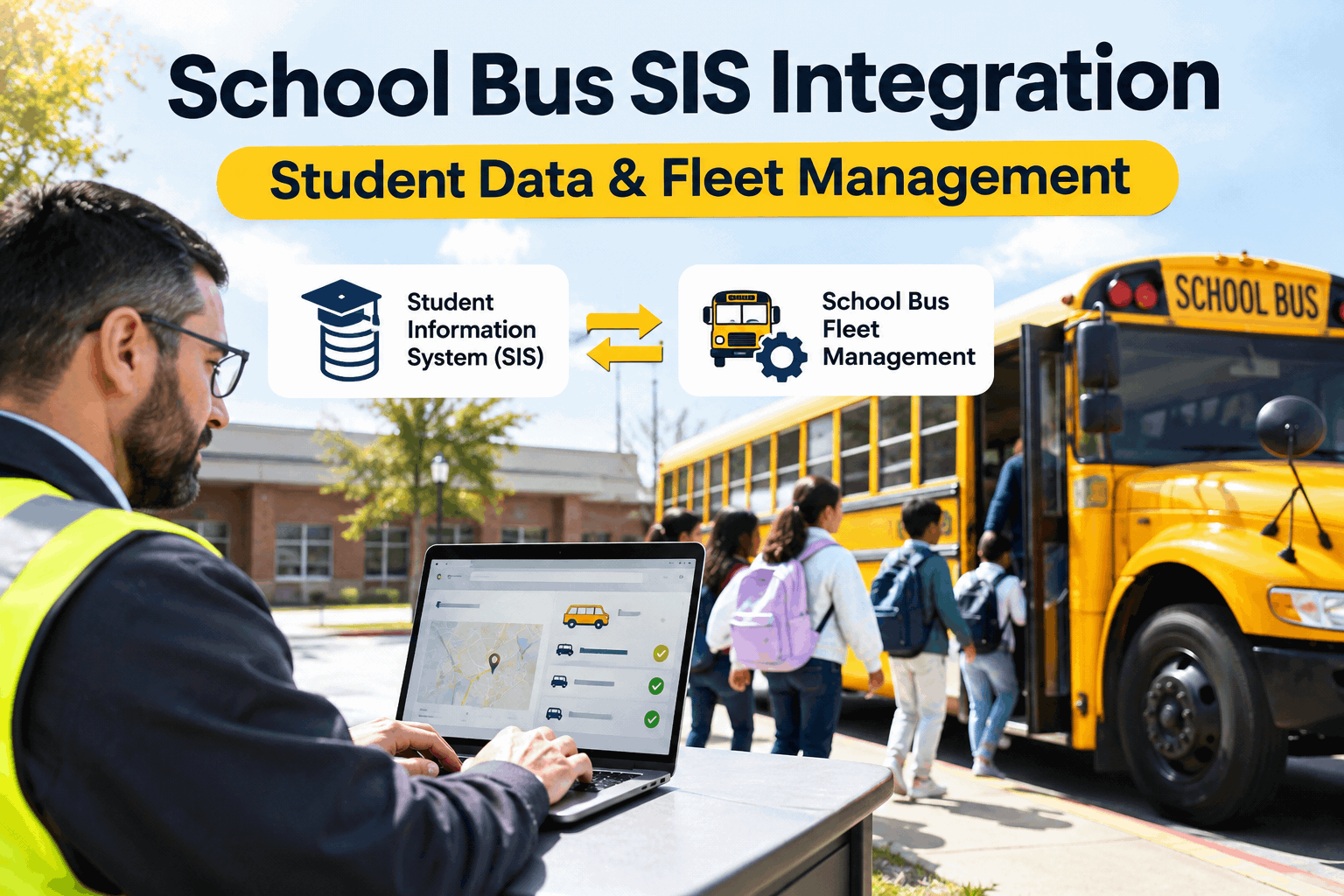
By 7 a.m., a transportation director is juggling four tabs — routing, GPS, ridership scans, and the student information system — re-typing the same address change into each. School bus SIS integration is what ends that: student addresses, enrollment, and eligibility flow automatically from the SIS into transportation, with no manual re-entry. Here's how it works, where your fleet fits in the connected picture, and how to keep the buses behind it running in a demo.
School Bus SIS Integration: Student Data & Fleet Management
Student data flows from the SIS down through routing, ridership, and parent apps — and it all rides on buses your shop keeps available. Here's the connected stack, top to bottom.
What SIS Integration Actually Does
At its core, school bus SIS integration moves approved student data from your student information system into transportation — automatically, instead of by hand. Three things change.
No manual re-entry
Addresses, enrollment, and eligibility sync from the SIS to routing, so one change propagates everywhere instead of being typed into four systems.
Current routes & eligibility
A student moves or enrolls, and the route and eligibility update from the same synced source — no stale address sending a bus to the wrong stop.
Accountability & safety
With ridership tied to the SIS, you know which student boarded which bus — and parents and admins can be alerted when one doesn't.
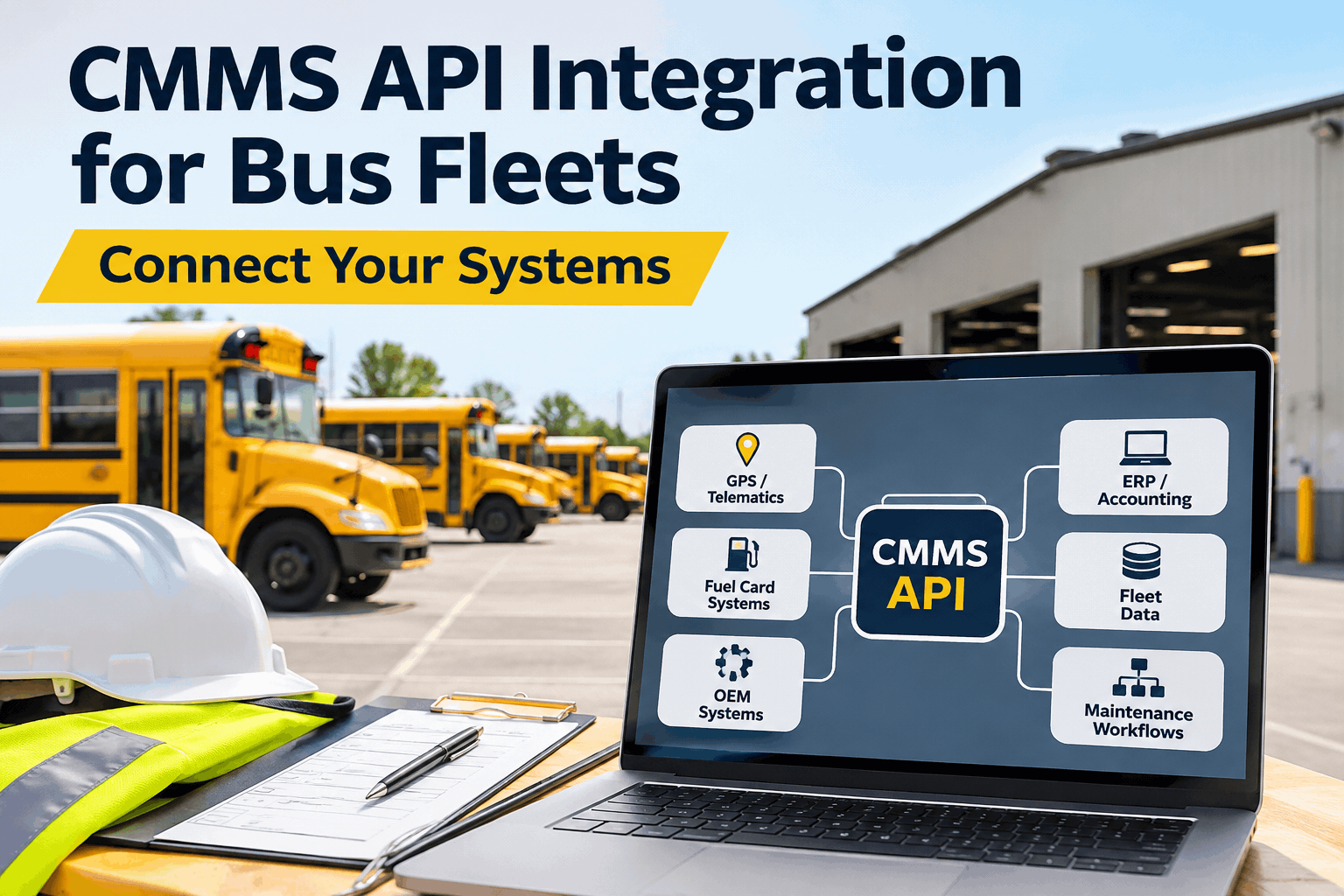
Districts run this through their routing platform — tools like PowerSchool, Infinite Campus, Skyward, and Tyler SIS on the data side, synced via SFTP or API. It's the student-data half of a connected operation.
Why Stale Data — and Stalled Buses — Cost You
Two kinds of gaps break a transportation morning. SIS integration closes the first; maintenance closes the second. You need both.
Stale student data
An address change that never reached routing sends a bus to an empty curb and misses a child two streets over. Of all a district's systems, transportation carries the highest risk from out-of-date enrollment data.
Closed by: SIS integrationA bus that's down
The route is perfect and the data is current — but the bus is in the shop with a missed PM. A flawless route on an unavailable bus still strands the same kids.
Closed by: fleet maintenanceA connected district tends to invest heavily in the data gap and quietly ignore the fleet gap — until a string of breakdowns makes the best routing software irrelevant. You can see how to close the fleet gap in a demo.
Where Maintenance Fits the Connected Stack
Let's be clear about roles: BusCMMS isn't a student information system and it doesn't build routes — your SIS and routing platform do that. BusCMMS is the layer underneath, the one that keeps the fleet those routes depend on actually running. Here's how it completes the picture.
Real-time fleet availability
Know at a glance how many buses are ready for the morning run, so dispatch plans against reality — not a roster that assumes every bus is good to go.
Preventive maintenance scheduling
Mileage- and calendar-based PM for diesel, CNG, and electric buses, so services happen on a plan instead of a bus dropping a route unexpectedly.
Bus-specific digital DVIRs
Pre-loaded inspections for stop arms, crossing gates, wheelchair lifts, and student mirrors — the safety items a school fleet lives on, logged every day.
Work orders from failed checks
A failed inspection item auto-generates a work order, so a defect becomes a scheduled fix — and a bus is pulled before, not during, a route.
Parts & inventory
Auto-reorder alerts and usage tracking keep the common parts on hand, so a backordered component isn't what parks a bus on a Monday.
Audit-ready compliance records
FMCSA, state DOT, and inspection documentation generated from daily work — the maintenance half of a district's connected record-keeping.
New to the category? Our complete guide to what a bus CMMS does covers the basics, and you can see how BusCMMS supports passenger and student transit operations. To fit it alongside your SIS and routing, book a demo and map your current stack.
Your Connected Transportation Checklist
A district runs smoothly when both halves are covered — the student data flowing, and the fleet ready to carry it. Run your operation against all six.
- SIS integrated with routingStudent data syncs automatically — handled by your routing platform.DATA
- Address & eligibility changes propagateOne update, everywhere — no re-entry, no stale stops.DATA
- Fleet availability tracked in real timeDispatch knows how many buses are actually ready to roll.FLEET
- Preventive maintenance on a scheduleBuses serviced on a plan, not pulled off a route by surprise.FLEET
- Daily digital inspections loggedStop arms, lifts, mirrors checked and recorded every morning.FLEET
- Maintenance & compliance records keptThe audit-ready half of a connected district's record-keeping.FLEET
The data items are your routing platform's job; the fleet items are BusCMMS's. You can sign up free and cover the fleet half of the checklist today.
A Few Numbers Worth Knowing
Context for a transportation director weighing a connected operation.
Great data and a reliable fleet pull in the same direction: students on the right bus, and the bus actually showing up. You can see the fleet side of that equation in a demo.
A Transportation Director's Take
Key Takeaways on School Bus SIS Integration
School bus SIS integration solves the student-data half of a connected operation — and the fleet half decides whether it delivers. Four things to carry forward.
SIS integration ends re-entry
Student data flows from one source into routing, ridership, and comms.
Stale data is a safety risk
Transportation carries the highest cost when enrollment data is out of date.
A route needs an available bus
The fleet layer is the foundation the whole integration rides on.
Cover both halves
Routing handles the data; a CMMS handles the fleet. You need each.
Treat your connected transportation operation as two halves of one job — keep the student data flowing through SIS integration, and keep the fleet available through disciplined maintenance — and the morning works end to end: the right student, on the right bus, that actually shows up. The data gets them assigned; the fleet gets them there.