Your telematics knows a bus threw a fault code. Your fuel card knows what it burned. Your accounting system knows what the repair cost. And none of them tell your maintenance software a thing — so someone re-types it all by hand. CMMS API integration is what connects those systems, so a fault becomes a work order and a repair cost posts itself. Here's what connects to what, and how to wire up your stack in a demo.
CMMS API Integration for Bus Fleets: Connect Your Systems
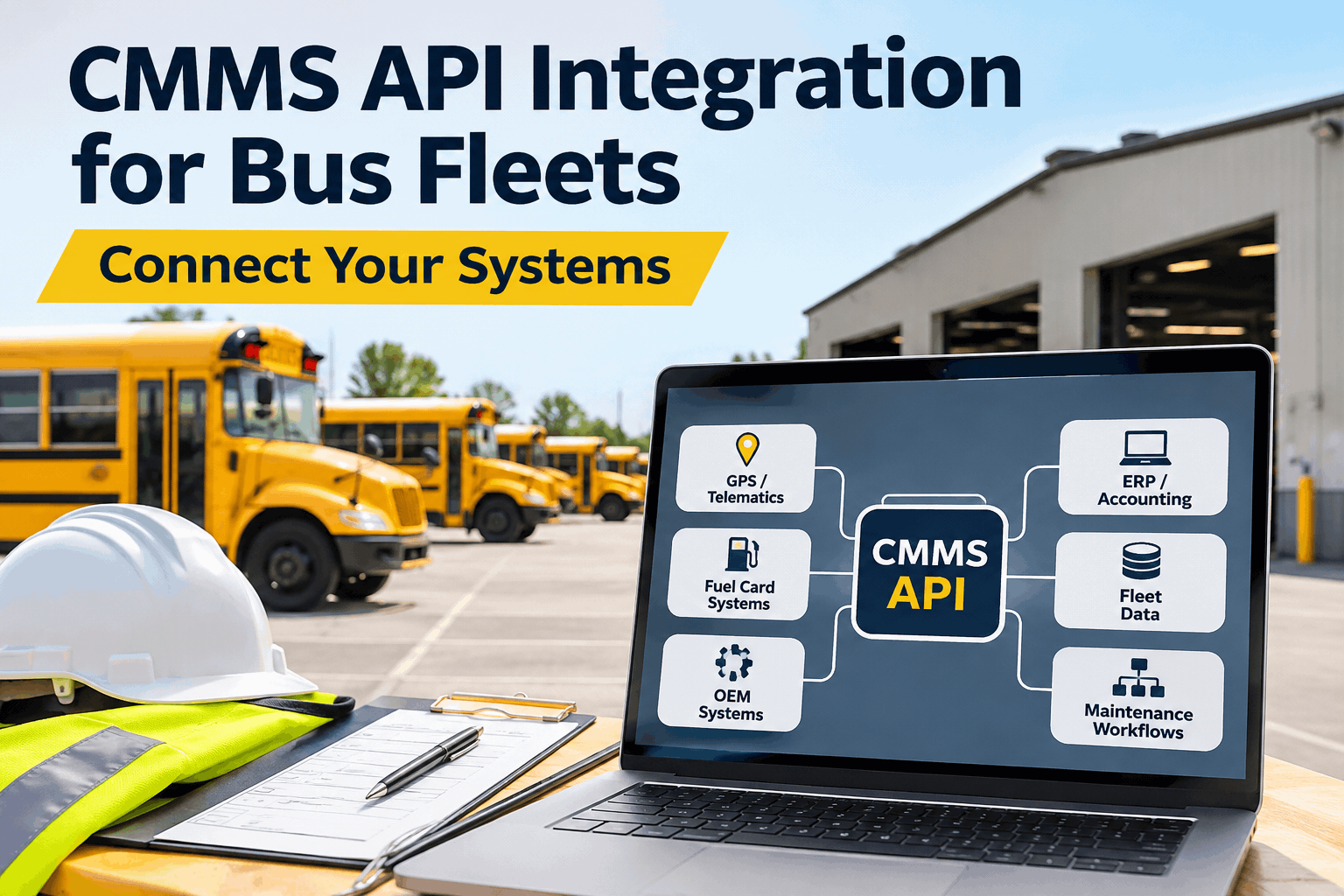
A connected CMMS sits at the center of your fleet data — pulling from telematics, fuel cards, and accounting so maintenance runs on live data, not re-typed spreadsheets.
What Each Integration Actually Automates
An integration is only worth it if it removes work. Here's the concrete task each connection takes off your team's plate.
Telematics → work orders & PM
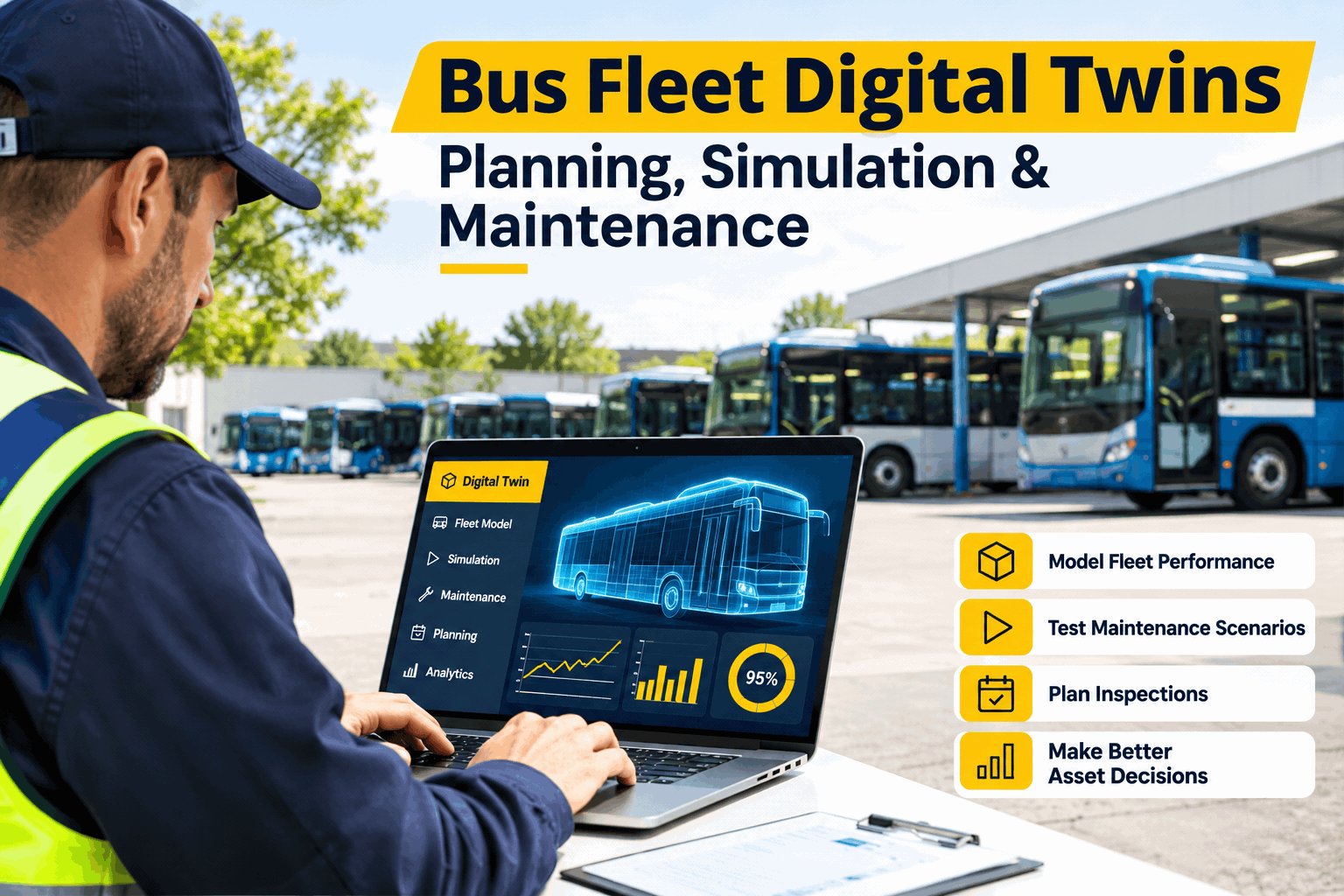
A fault code auto-creates a work order, and live odometer and engine hours trigger preventive maintenance — no one re-keying mileage or missing a PM.
Fuel cards → consumption & fraud
Every transaction flows in and cross-matches against the vehicle, so MPG drops surface automatically and off-pattern purchases get flagged, not buried in a statement.
Accounting → no double-entry
Labor, parts, and invoice costs post from the CMMS to the general ledger, so a closed work order becomes a booked expense — no re-typing into QuickBooks.
CAD/AVL & ERP → shared reality
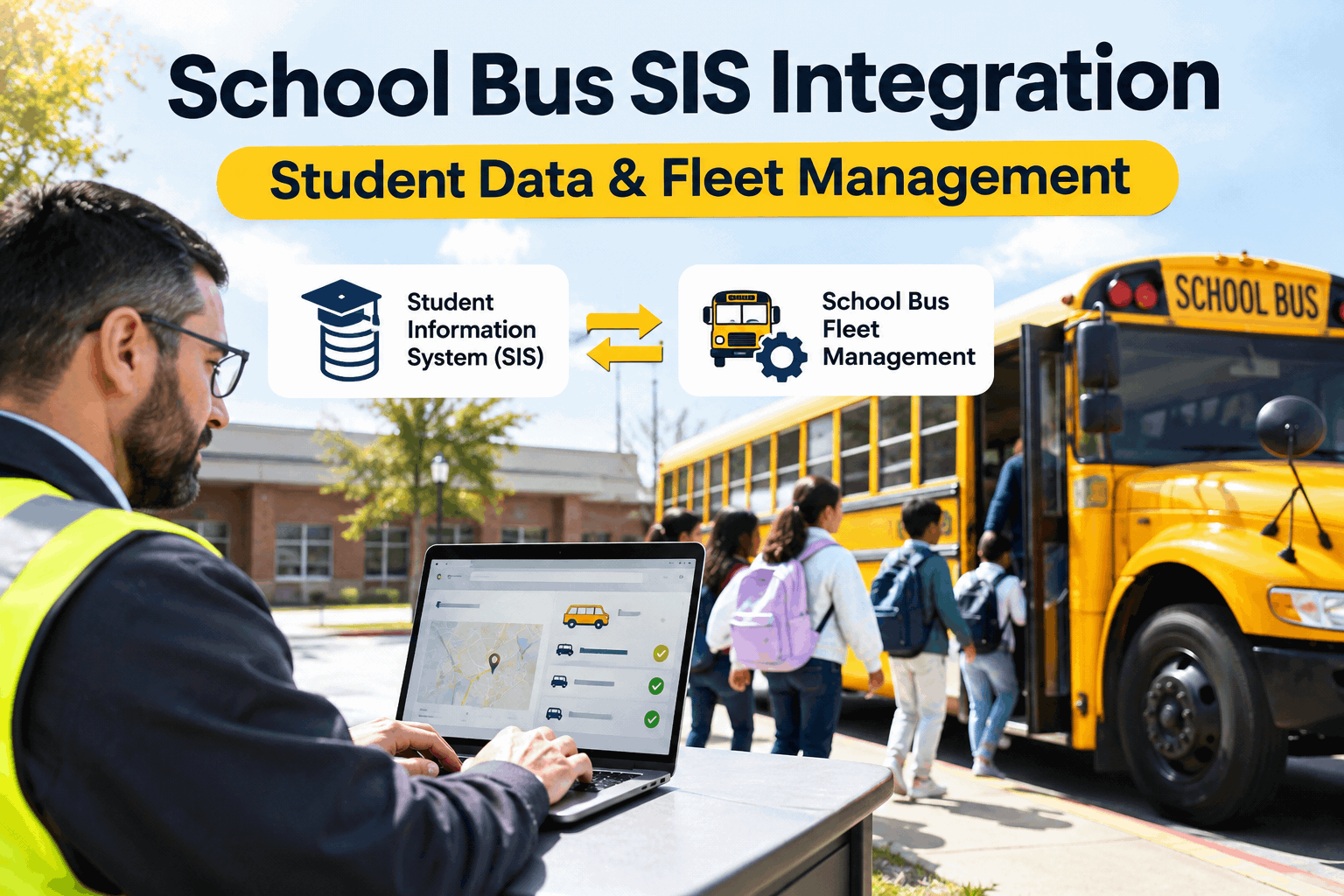
Dispatch sees which buses are actually available, and finance sees the real cost per vehicle — everyone working from one record instead of four exports.
Notice the pattern: every integration turns a report someone used to read and re-type into an action that happens on its own. You can see these automations running on a live fleet in a demo.
The Hidden Cost of Disconnected Systems
Most fleets didn't choose disconnection — they bought telematics for compliance, a fuel card from the bank, and a CMMS from the maintenance side, and nobody designed the connections between them. The result is a stack that can't talk.
Four systems, one bus, four names
Bus 47 is "Unit 0047" in the CMMS, "VEH-47-D" in telematics, and "47" on the fuel card. Every report is a manual lookup, and roughly four in ten fleet managers say their telematics data just sits unused.
One asset ID, one record
Map every system to a single asset ID and the joins happen automatically. Telematics, fuel, and cost all line up against the same bus — and the data finally earns its keep.
The fix isn't an endless IT project — it's a master asset ID and pre-built connectors. The first win is usually matching telematics faults to work orders, or fuel transactions to consumption. You can sign up free and start with your most painful reconciliation.
Your CMMS Integration-Readiness Checklist
Before you connect anything, run your operation against this. The first three make automated integration possible at all; the rest decide how much work it removes.
- One master asset ID across every systemThe same bus, the same ID — without it, nothing joins automatically.FOUNDATION
- Telematics connected: faults → work ordersEngine faults open a work order automatically, not after someone notices.FOUNDATION
- Odometer & engine hours trigger PMUsage-based PM from live data — no manual mileage entry.FOUNDATION
- Fuel card feed into the CMMSTransactions flow in and cross-match to the vehicle automatically.HIGH VALUE
- Accounting sync, no double-entryClosed work orders post costs to the GL without re-keying.HIGH VALUE
- Start with the most painful reconciliationSolve the worst manual join first — fastest, clearest payback.HIGH VALUE
Get the asset ID right and the connectors slot in — the hard part is data discipline, not the API. You can book a demo and map your integration plan.
How BusCMMS Connects to Your Stack
BusCMMS is built to be the hub, not another silo. Its pre-built integrations mean you connect the systems you already run instead of building from scratch — and the automations start the day they're live.
Pre-built telematics connectors
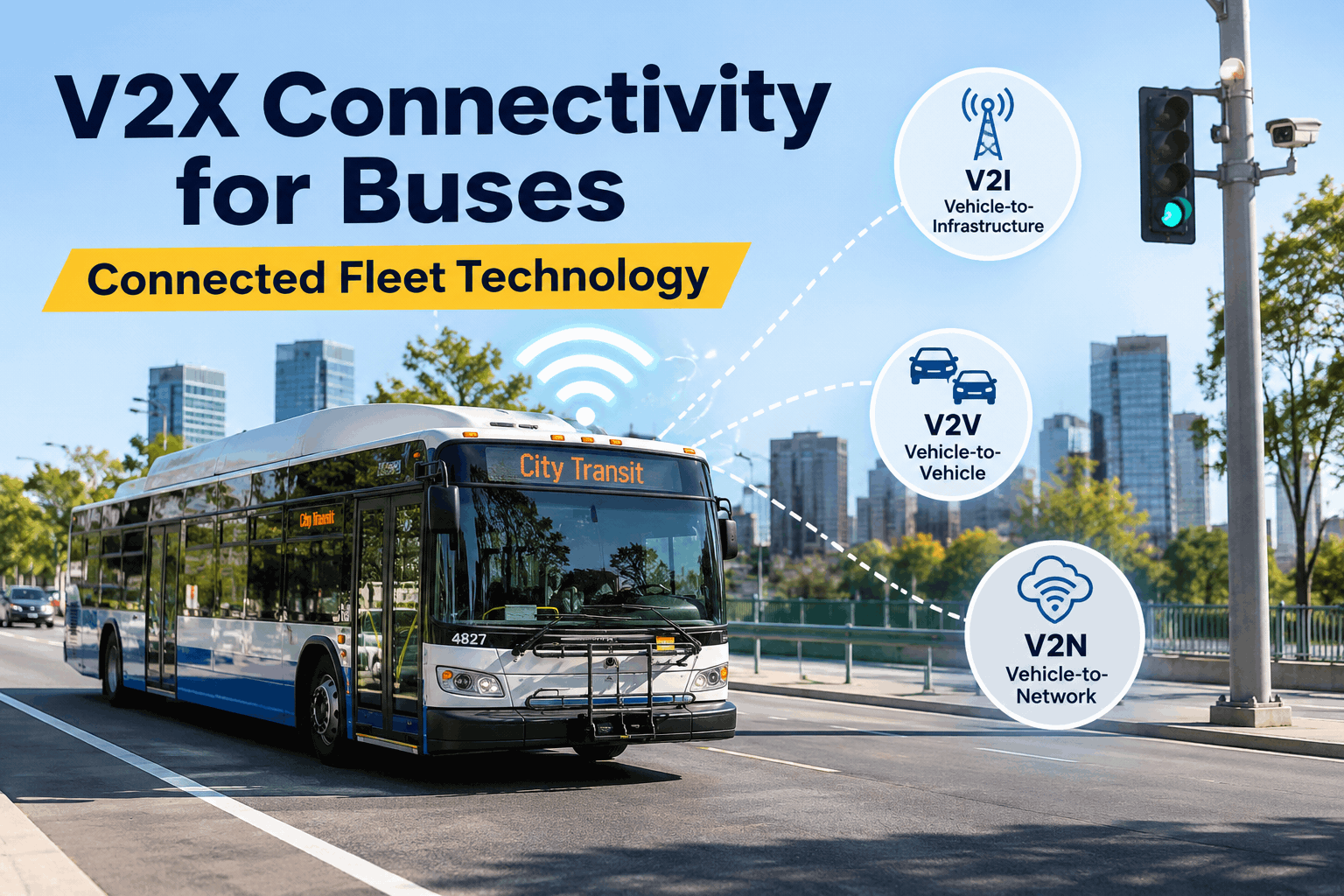
Ready-made links to providers like Samsara and Geotab, so GPS, mileage, engine hours, and fault codes flow in without custom development.
Fault codes become work orders
An incoming diagnostic trouble code auto-opens a work order with the vehicle and fault attached — the manual step disappears.
Odometer auto-triggers PM
Live mileage and engine hours fire the next preventive service automatically, so PM is usage-based and never rides on a manual reading.
Fuel card integration
Consumption per bus, driver, and route with MPG-drop alerts and fuel-card reconciliation, so fuel data lands next to the maintenance it relates to.
Accounting integration
Sync labor, parts, and repair costs to accounting software like QuickBooks, so maintenance spend reaches the books without double-entry.
CAD/AVL & open API
Connect dispatch and other systems so availability and status are shared — and reach anything else through the API when there's no pre-built link.
New to the category? Our complete guide to what a bus CMMS does covers the fundamentals, and transit agencies can see how BusCMMS supports passenger transit fleet operations. To connect your own stack, book a demo and bring your system list.
A Few Numbers Worth Knowing
Context for the case that integration pays for itself.
Duplicate data entry is the quiet tax on a disconnected fleet — integration is how you stop paying it.
A Fleet Manager's Take
Key Takeaways on CMMS API Integration
CMMS API integration turns a pile of disconnected tools into one operation that runs on live data. Four things to carry forward.
The CMMS is the hub
Telematics, fuel, and accounting all connect to one maintenance record.
Integration removes work
Faults become work orders, mileage drives PM, costs post themselves.
One asset ID is the foundation
Without a shared ID per bus, nothing joins automatically.
Start with the worst reconciliation
Solve the most painful manual join first for the fastest payback.
Treat CMMS API integration as the move that ends duplicate data entry — connect telematics, fuel, and accounting to one maintenance hub on a single asset ID, and your fleet finally runs on data that flows instead of data that's re-typed. The systems you already own become one; your team gets its time back.